Browse devices.
995 models, with their features and what you’ll need to use them.
Check my stuff ↗995 devices
All device pages (995)
No matching devices. Try another name or clear the filters.
Smart locks

Aqara
Aqara Smart Lock U50
Apple home key, PIN and NFC-card entry. Mechanical-key fallback.
- PIN entry
Enter a code on the documented keypad.
- Set an entry code using the manufacturer’s setup instructions.
- RFID or NFC card entry
Unlock with the compatible access card or tag.
- Enrol the supported card or tag using this model’s instructions.
- Apple Wallet NFC tap
- Use a compatible iPhone or Apple Watch.
- The exact phone or watch must support this wallet key.
- Add this exact lock and provision its key in the named wallet.

Aqara
Aqara Smart Lock B50
PIN, physical key and offline-password access. Four AA batteries and USB-C emergency power.
- PIN entry
Enter a code on the documented keypad.
- Set an entry code using the manufacturer’s setup instructions.
- Mechanical key entry
Use the documented mechanical key entry.
- PIN, physical key and offline-password access.
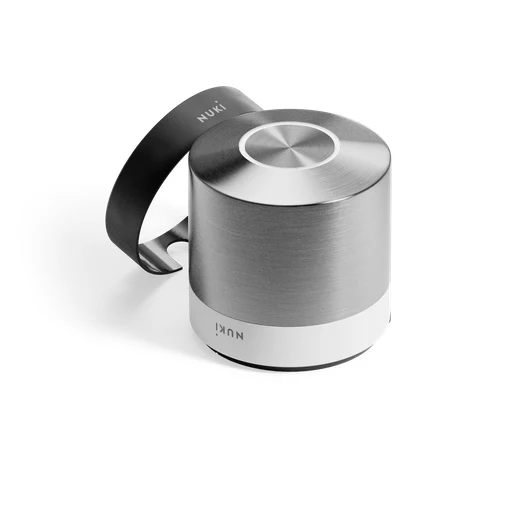
Nuki
Nuki Smart Lock Ultra
Supplied Universal Cylinder replaces existing cylinder. Built-in rechargeable battery and three locking speeds.
- Supplied Universal Cylinder replaces existing cylinder.
- Battery and power

Nuki
Nuki Smart Lock Go
Four AA batteries. Remote Access requires a separate one-time activation purchase.
- Remote lock control in the maker’s app
- Use a compatible phone for this app function.
- Add the exact device in the named app and enable this function.
- Four AA batteries

Schlage
Schlage Encode Smart WiFi Deadbolt (BE489)
Remote lock/unlock, custom codes and activity history.

Schlage
Schlage Encode Smart WiFi Lever (FE789)
Replaces a knob or lever on compatible single-bore doors. Remote locking and custom codes.
- Replaces a knob or lever on compatible single-bore doors.
- Remote locking and custom codes

Schlage
Schlage Arrive Smart WiFi Deadbolt (BE459)
Supports up to 250 access codes. Remote lock/unlock and status in Schlage Home.
- Supports up to 250 access codes
- Remote lock/unlock and status in Schlage Home.

Schlage
Schlage Sense Pro Smart Deadbolt
Hands-free approach entry, Apple home key tap entry and PIN access. Built-in Wi-Fi supports remote lock/unlock and access-code management through Schlage Home; Bluetooth app access remains available during Wi-Fi outages.
- PIN entry
Enter a code on the documented keypad.
- Set an entry code using the manufacturer’s setup instructions.
- Apple Wallet NFC tap
- Use a compatible iPhone or Apple Watch.
- The exact phone or watch must support this wallet key.
- Connect to the documented 2.4 GHz Wi-Fi network.
- No separate hub is required for Schlage Home remote management over built-in 2.4 GHz Wi-Fi. Apple Home/iPhone/Apple Watch pairing over Matter requires a Thread-enabled home hub. manufacturer lists Apple TV 4K, HomePod (2nd generation), or HomePod mini. The hub requirement is not universal to lock operation.
- Pair with the specified bridge: No separate hub is required for Schlage Home remote management over built-in 2.4 GHz Wi-Fi. Apple Home/iPhone/Apple Watch pairing over Matter requires a Thread-enabled home hub. manufacturer lists Apple TV 4K, HomePod (2nd generation), or HomePod mini. The hub requirement is not universal to lock operation.
- Add this exact lock and provision its key in the named wallet.
- Hands-free entry
- Use a phone supported by this hands-free entry method.
- Use a phone confirmed for this wallet’s hands-free entry.
- Enable the documented hands-free method and its location or nearby-device permissions.

Schlage
Schlage Connect Z-Wave Plus Smart Deadbolt
Up to 30 access codes. Alexa can lock door and check lock status through compatible hub.
- Up to 30 access codes
- Alexa can lock door and check lock status through compatible hub.

Yale
Yale Assure Lock 2 Key-Free Keypad with Wi-Fi (YRD430)
Key-free tactile push-button keypad; no mechanical keyway; emergency 9V battery contacts.
- PIN entry
Enter a code on the documented keypad.
- Set an entry code using the manufacturer’s setup instructions.
- Power supply

Yale
Yale Assure Lock 2 Touch with Wi-Fi, Keyed (YRD420-F)
Fingerprint and touchscreen PIN entry; keyed model with one backup key.
- Fingerprint entry
Unlock with an enrolled fingerprint.
- Register the authorised fingerprints on the lock or paired keypad.
- PIN entry
Enter a code on the documented keypad.
- Set an entry code using the manufacturer’s setup instructions.
- Mechanical key entry
Use the documented mechanical key entry.
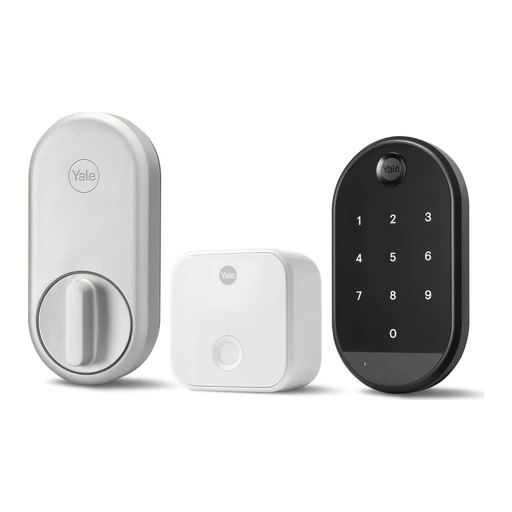
Yale
Yale Approach Lock with Wi-Fi
Retrofit retains exterior deadbolt hardware. Auto-lock, auto-unlock and DoorSense.
- Hands-free entry
- Use a phone supported by this hands-free entry method.
- Enable the documented hands-free method and its location or nearby-device permissions.
- Retrofit retains exterior deadbolt hardware.

Yale
Yale Unity Entrance Lock
Digital deadlocking of internal and external handles. Contactless key tag and app access; optional keypad PIN entry.
- PIN entry
Code entry uses the compatible optional keypad.
- Fit the specific optional keypad for this lock.
- Match the exact keypad generation and lock compatibility; a generic keypad cannot substitute.
- Set an entry code using the manufacturer’s setup instructions.
- RFID or NFC card entry
Unlock with the compatible access card or tag.
- Enrol the supported card or tag using this model’s instructions.
- Lock control in the maker’s app
- Use a compatible phone for this app function.
- Add the exact device in the named app and enable this function.

Yale
Yale Unity Security Screen Door Lock
App and contactless-tag entry. Digital deadlocking locks internal and external handles.
- RFID or NFC card entry
Unlock with the compatible access card or tag.
- Enrol the supported card or tag using this model’s instructions.
- Lock control in the maker’s app
- Use a compatible phone for this app function.
- Add the exact device in the named app and enable this function.
- Digital deadlocking locks internal and external handles.
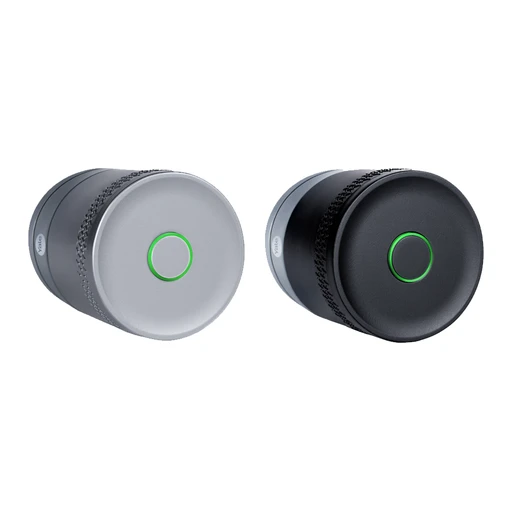
Yale
Yale Linus Smart Lock L2 Lite
Retrofit lock with KeySense press/delayed-lock button. Optional fingerprint keypad and Yale Dot access; not compatible with Yale key cards/tags.
- Fingerprint entry
Fingerprint entry uses the compatible optional keypad.
- Use the compatible existing lock, cylinder or intercom specified for this retrofit.
- Fit the specific optional keypad for this lock.
- Match the exact keypad generation and lock compatibility; a generic keypad cannot substitute.
- Register the authorised fingerprints on the lock or paired keypad.
- Retrofit lock with KeySense press/delayed-lock button.
- Optional fingerprint keypad and Yale Dot access; not compatible with Yale key cards/tags.
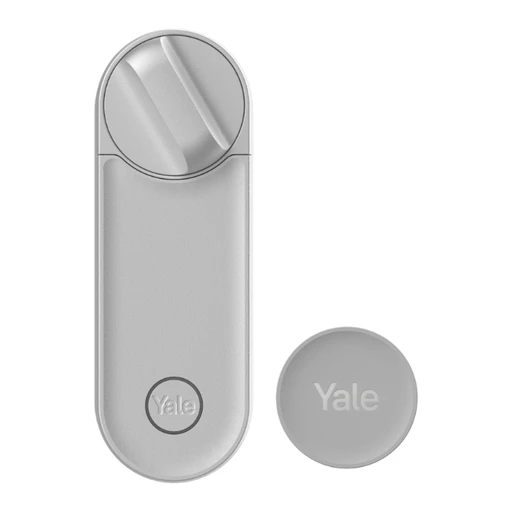
Yale
Yale Linus Smart Lock L2
App control and optional Yale Dot NFC trigger. Built-in Wi-Fi can be disabled to use a ConnectX bridge.
- Lock control in the maker’s app
- Use a compatible phone for this app function.
- Add the exact device in the named app and enable this function.
- Built-in Wi-Fi can be disabled to use a ConnectX bridge.
Yale
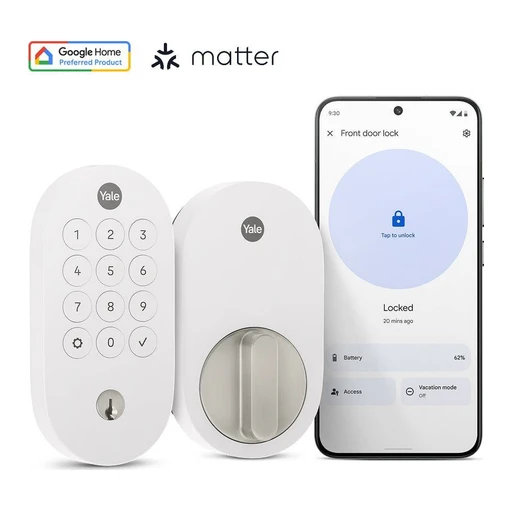
Yale Smart Lock with Matter (YRD510)
PIN entry and mechanical-key backup. After Matter enrollment, access-code management moves to chosen Matter app, where supported.
- PIN entry and mechanical-key backup

Level
Level Lock Pro
Apple home key and NFC fob access. Built-in open/closed door sensing.
- Apple Wallet NFC tap
- Use a compatible iPhone or Apple Watch.
- The exact phone or watch must support this wallet key.
- Add this exact lock and provision its key in the named wallet.
- Built-in open/closed door sensing

Level
Level Lock (Matter)
App and physical-key access; optional keypad.
- Mechanical key entry
Use the documented mechanical key entry.
- Lock control in the maker’s app
- Use a compatible phone for this app function.
- Add the exact device in the named app and enable this function.

Level
Level Bolt (Matter)
Retrofits inside compatible existing deadbolt, retaining exterior and keys.
- Mechanical key entry
Use the documented mechanical key entry.
- Use the compatible existing lock, cylinder or intercom specified for this retrofit.

SwitchBot
SwitchBot Lock Ultra
Retrofits existing lock. Auto-unlock uses GPS and Bluetooth; external keypad adds access methods.
- Hands-free entry
- Use a phone supported by this hands-free entry method.
- Enable the documented hands-free method and its location or nearby-device permissions.
- Retrofits existing lock

Wyze
Wyze Lock Bolt
Fingerprint reader and PIN keypad. Bluetooth-only standalone lock; app operations require Bluetooth range.
- Fingerprint entry
Unlock with an enrolled fingerprint.
- Register the authorised fingerprints on the lock or paired keypad.
- PIN entry
Enter a code on the documented keypad.
- Set an entry code using the manufacturer’s setup instructions.
- Lock control in the maker’s app
- Use a compatible phone for this app function.
- Add the exact device in the named app and enable this function.

Wyze
Wyze Lock Bolt v2
Fingerprint, PIN, app and mechanical-key access. Built-in Wi-Fi supports remote management; powered by eight AA batteries.
- Fingerprint entry
Unlock with an enrolled fingerprint.
- Register the authorised fingerprints on the lock or paired keypad.
- PIN entry
Enter a code on the documented keypad.
- Set an entry code using the manufacturer’s setup instructions.
- Mechanical key entry
Use the documented mechanical key entry.

Wyze
Wyze Palm Lock
Palm-vein unlock with biometric templates stored locally on the lock. Built-in Wi-Fi and rechargeable main/backup battery arrangement.
- Palm recognition
- Enrol the authorised person using the manufacturer’s instructions.
- Battery and power

igloohome
igloohome Deadbolt Go
Documented entry methods: Fingerprint, PIN codes, Digital Keys via Bluetooth, Mechanical keys. Manufacturer ingress rating: IP54.
- Fingerprint entry
Unlock with an enrolled fingerprint.
- Register the authorised fingerprints on the lock or paired keypad.
- PIN entry
Enter a code on the documented keypad.
- Set an entry code using the manufacturer’s setup instructions.
- Mechanical key entry
Use the documented mechanical key entry.

igloohome
igloohome Deadbolt 2E (IGB4E)
Fits wooden swing doors with 43–60 mm thickness. Manufacturer advises sheltered use despite its listed IP65 rating.
- Size and dimensions
- Manufacturer advises sheltered use despite its listed IP65 rating.
igloohome
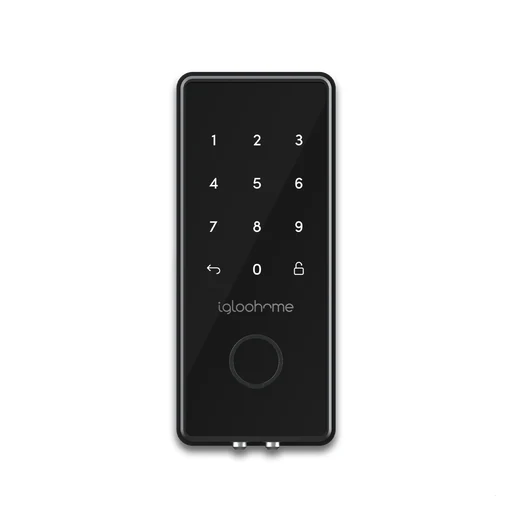
igloohome Deadbolt 2S (IGB4)
PIN, Bluetooth key, mechanical key and optional Key Fob access. Powered by four AA batteries; 9V emergency battery connection.
- PIN entry
Enter a code on the documented keypad.
- Set an entry code using the manufacturer’s setup instructions.
- Mechanical key entry
Use the documented mechanical key entry.
- PIN, Bluetooth key, mechanical key and optional Key Fob access.

igloohome
igloohome IoT Deadbolt (INB1)
Cellular protocols NB-IoT and LTE-M are listed in specifications. Fits wooden swing doors with 43–60 mm thickness.
- Cellular protocols NB-IoT and LTE-M are listed in specifications.
- Size and dimensions

igloohome
igloohome Glass Door Lock
Documented entry methods: PIN codes, Digital Keys via Bluetooth, RFID tags & stickers. Manufacturer battery-life claim: Up to 10 months; actual life depends on use.
- PIN entry
Enter a code on the documented keypad.
- Set an entry code using the manufacturer’s setup instructions.
- Documented entry methods: PIN codes, Digital Keys via Bluetooth, RFID tags & stickers.
- Battery and power

igloohome
igloohome Smart Lever Mortise
Documented entry methods: PIN codes, Digital Keys via Bluetooth, RFID tags & stickers. Manufacturer battery-life claim: Up to 18 months; actual life depends on use.
- PIN entry
Enter a code on the documented keypad.
- Set an entry code using the manufacturer’s setup instructions.
- Documented entry methods: PIN codes, Digital Keys via Bluetooth, RFID tags & stickers.
- Battery and power

igloohome
igloohome Mortise Touch
Documented entry methods: Fingerprint, PIN codes, Digital Keys via Bluetooth, RFID tags & stickers. Manufacturer battery-life claim: Up to 10 months; actual life depends on use.
- Fingerprint entry
Unlock with an enrolled fingerprint.
- Register the authorised fingerprints on the lock or paired keypad.
- PIN entry
Enter a code on the documented keypad.
- Set an entry code using the manufacturer’s setup instructions.
- Documented entry methods: Fingerprint, PIN codes, Digital Keys via Bluetooth, RFID tags & stickers.

igloohome
igloohome Deadbolt Dash
Supports PIN-code and Key Fob credentials for temporary or permanent access.
- PIN entry
Enter a code on the documented keypad.
- Set an entry code using the manufacturer’s setup instructions.

igloohome
igloohome Lever Lock
Supports PIN-code and Key Fob credentials for temporary or permanent access.
- PIN entry
Enter a code on the documented keypad.
- Set an entry code using the manufacturer’s setup instructions.

Lockly
Lockly Secure Pro Latch (latest built-in Wi-Fi version)
Fingerprint access and switchable PIN Genie/standard numeric keypad. Built-in Wi-Fi; remote control does not require a separate hub.
- Fingerprint entry
Unlock with an enrolled fingerprint.
- Register the authorised fingerprints on the lock or paired keypad.
- PIN entry
Enter a code on the documented keypad.
- Set an entry code using the manufacturer’s setup instructions.
- Remote lock control in the maker’s app
- Use a compatible phone for this app function.
- Add the exact device in the named app and enable this function.

Lockly
Lockly Vision Elite
Integrated HD video camera, infrared night vision and motion sensor. Built-in solar panel for battery charging.
- Integrated HD video camera, infrared night vision and motion sensor.
- Battery and power

Lockly
Lockly Vision Zeno Series
Combines a video intercom and deadbolt. Supports Apple home key entry.
- Apple Wallet NFC tap
- Use a compatible iPhone or Apple Watch.
- The exact phone or watch must support this wallet key.
- Add this exact lock and provision its key in the named wallet.
- Combines a video intercom and deadbolt

Lockly
Lockly Vision (original)
Integrated HD video doorbell, fingerprint reader and PIN keypad. App supports visitor conversation and remote unlocking.
- Fingerprint entry
Unlock with an enrolled fingerprint.
- Register the authorised fingerprints on the lock or paired keypad.
- PIN entry
Enter a code on the documented keypad.
- Set an entry code using the manufacturer’s setup instructions.
- Remote lock control in the maker’s app
- Use a compatible phone for this app function.
- Add the exact device in the named app and enable this function.

Lockly
Lockly Secure Pro Zeno Series
Fingerprint reader and PIN Genie keypad. Apple home key support and built-in Wi-Fi.
- Fingerprint entry
Unlock with an enrolled fingerprint.
- Register the authorised fingerprints on the lock or paired keypad.
- PIN entry
Enter a code on the documented keypad.
- Set an entry code using the manufacturer’s setup instructions.
- Apple Wallet NFC tap
- Use a compatible iPhone or Apple Watch.
- The exact phone or watch must support this wallet key.
- Add this exact lock and provision its key in the named wallet.

Lockly
Lockly PIN Genie Pro Zeno Series
PIN Genie keypad and Apple home key entry. Built-in Wi-Fi for remote control.
- PIN entry
Enter a code on the documented keypad.
- Set an entry code using the manufacturer’s setup instructions.
- Apple Wallet NFC tap
- Use a compatible iPhone or Apple Watch.
- The exact phone or watch must support this wallet key.
- Add this exact lock and provision its key in the named wallet.
- Remote lock control in the maker’s app
- Use a compatible phone for this app function.
- Add the exact device in the named app and enable this function.

Lockly
Lockly Secure Pro Deadbolt (latest built-in Wi-Fi version)
Fingerprint reader and PIN Genie keypad. Built-in Wi-Fi; separate hub not required.
- Fingerprint entry
Unlock with an enrolled fingerprint.
- Register the authorised fingerprints on the lock or paired keypad.
- PIN entry
Enter a code on the documented keypad.
- Set an entry code using the manufacturer’s setup instructions.
- Fingerprint reader and PIN Genie keypad

Lockly
Lockly Secure Pro (original, deadbolt)
Fingerprint reader and PIN Genie keypad. Included Secure Link Wi-Fi Hub and wired door sensor support remote management.
- Fingerprint entry
Unlock with an enrolled fingerprint.
- Register the authorised fingerprints on the lock or paired keypad.
- PIN entry
Enter a code on the documented keypad.
- Set an entry code using the manufacturer’s setup instructions.
- Fingerprint reader and PIN Genie keypad

Lockly
Lockly Secure ProHT Deadbolt
Eight-battery high-traffic variant with fingerprint and PIN entry. Included compact Secure Link Wi-Fi Hub and wired door sensor.
- Fingerprint entry
Unlock with an enrolled fingerprint.
- Register the authorised fingerprints on the lock or paired keypad.
- PIN entry
Enter a code on the documented keypad.
- Set an entry code using the manufacturer’s setup instructions.
- Battery and power

Lockly
Lockly Access Touch Pro Deadbolt
Fingerprint deadbolt. Includes Secure Link Wi-Fi Hub for remote access.
- Fingerprint entry
Unlock with an enrolled fingerprint.
- Register the authorised fingerprints on the lock or paired keypad.
- Remote lock control in the maker’s app
- Use a compatible phone for this app function.
- Add the exact device in the named app and enable this function.
- Fingerprint deadbolt

Lockly
Lockly Flex Touch Pro
Retrofitted to compatible existing single-cylinder deadbolts. Includes Secure Link Wi-Fi Hub for remote access.
- Remote lock control in the maker’s app
- Use the compatible existing lock, cylinder or intercom specified for this retrofit.
- Use a compatible phone for this app function.
- Add the exact device in the named app and enable this function.
- Retrofitted to compatible existing single-cylinder deadbolts.

Lockly
Lockly Secure Plus (deadbolt)
Fingerprint reader and randomized PIN Genie keypad. Offline access-code allocation is limited on the free tier; additional codes require LocklyOS.
- Fingerprint entry
Unlock with an enrolled fingerprint.
- Register the authorised fingerprints on the lock or paired keypad.
- PIN entry
Enter a code on the documented keypad.
- Set an entry code using the manufacturer’s setup instructions.
- Fingerprint reader and randomized PIN Genie keypad.

Lockly
Lockly Model 7S
Deadbolt with randomized PIN Genie keypad. App-based access management.
- PIN entry
Enter a code on the documented keypad.
- Set an entry code using the manufacturer’s setup instructions.
- Lock control in the maker’s app
- Use a compatible phone for this app function.
- Add the exact device in the named app and enable this function.
- Deadbolt with randomized PIN Genie keypad

Lockly
Lockly Model 6S
Lever/latch with randomized PIN Genie keypad. Reversible lever design.
- PIN entry
Enter a code on the documented keypad.
- Set an entry code using the manufacturer’s setup instructions.
- Lever/latch with randomized PIN Genie keypad.
- Reversible lever design

Lockly
Lockly Access Touch
Fingerprint retrofit for compatible existing deadbolts. Supports Lockly Home app control.
- Fingerprint entry
Unlock with an enrolled fingerprint.
- Use the compatible existing lock, cylinder or intercom specified for this retrofit.
- Register the authorised fingerprints on the lock or paired keypad.
- Lock control in the maker’s app
- Use the compatible existing lock, cylinder or intercom specified for this retrofit.
- Use a compatible phone for this app function.
- Add the exact device in the named app and enable this function.
- Fingerprint retrofit for compatible existing deadbolts.

Lockly
Lockly Secure Plus RFID Card Access (deadbolt)
PIN, fingerprint and RFID card access. Includes three RFID cards; card support is not an Apple home key claim.
- Fingerprint entry
Unlock with an enrolled fingerprint.
- Register the authorised fingerprints on the lock or paired keypad.
- PIN entry
Enter a code on the documented keypad.
- Set an entry code using the manufacturer’s setup instructions.
- RFID or NFC card entry
Unlock with the compatible access card or tag.
- Enrol the supported card or tag using this model’s instructions.

Lockly
Lockly Lyro Lasta WiFi Lock Deadbolt
Non-motorized thumbturn design with fingerprint, PIN and app access. Built-in Wi-Fi for status and access management.
- Fingerprint entry
Unlock with an enrolled fingerprint.
- Register the authorised fingerprints on the lock or paired keypad.
- PIN entry
Enter a code on the documented keypad.
- Set an entry code using the manufacturer’s setup instructions.
- Lock control in the maker’s app
- Use a compatible phone for this app function.
- Add the exact device in the named app and enable this function.

August
August Wi-Fi Smart Lock
Retrofit lock with Wi-Fi built into the lock.

August
August Smart Lock (3rd generation)
Official page presents the lock with a Connect Wi-Fi Bridge for remote access.
- Remote lock control in the maker’s app
- Use a compatible phone for this app function.
- Add the exact device in the named app and enable this function.
Kwikset
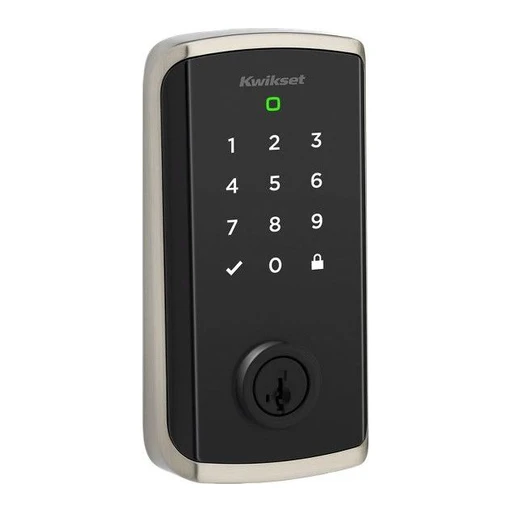
Kwikset Halo Select
Wi-Fi operation or native Matter-over-Thread mode.
Aqara
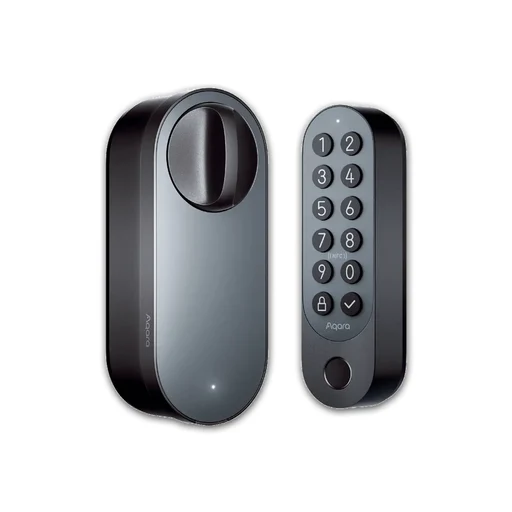
Aqara Smart Lock U200 (with keypad)
Retrofits a compatible deadbolt or Euro cylinder, with a separate keypad. Euro cylinders must work from outside with a key left inside.
- Aqara Home app nearby
Operate and configure the lock over Bluetooth without a hub.
- Use the phone app.
- iPhone or Android phone.
- Pair in Aqara Home within Bluetooth range.
- Apple Wallet tap
Tap an eligible iPhone or Apple Watch on the included keypad.
- Compatible iPhone or Apple Watch.
- Apple Home hub.
- Thread border router.
- iOS 17.1 or later.
- watchOS 10.1 or later.
- Add the lock to Apple Home and set up home keys.
- Apple family home keys
Share Apple home keys with family members through Apple Home.
- Compatible iPhone or Apple Watch.
- Apple Home hub.
- Thread border router.
- iOS 17.1 or later.
- watchOS 10.1 or later.
- Invite family members to the same Apple Home.
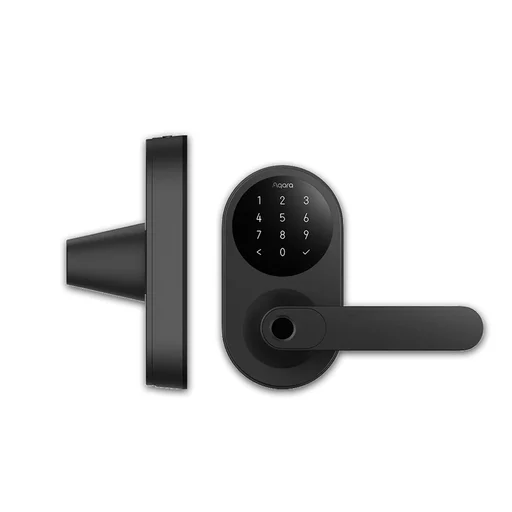
Aqara
Aqara Smart Lock U300
A replacement lever lock with Apple Wallet tapping, fingerprints and keypad codes.
- Aqara Home app setup
Pair and configure U300 with the Aqara Home phone app.
- Use the phone app.
- iPhone or Android phone.
- Stay near the lock with Bluetooth on; update its firmware during setup.
- Apple Wallet tap
Tap an eligible iPhone or Apple Watch after Apple Home setup.
- Compatible iPhone or Apple Watch.
- Apple Home hub.
- Thread border router.
- iOS 17.1 or later.
- watchOS 10.1 or later.
- Add U300 to Apple Home and set up home keys.
- Matter lock control
Control the lock through Apple Home, Google Home, Alexa, SmartThings or Home Assistant.
- Matter controller for your ecosystem.
- Thread border router.
- Pair in your ecosystem app; additional platforms use Matter sharing.
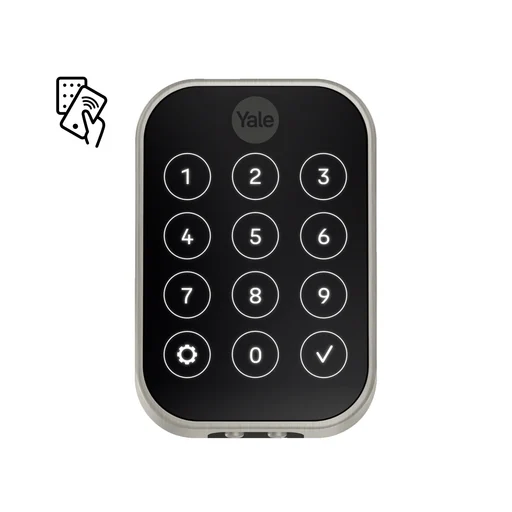
Yale
Yale Assure Lock 2 Plus (YRD450-N)
A keypad deadbolt with Apple Wallet tapping and Yale Access for iPhone and Android.
- Yale Access nearby
Lock, unlock and manage entry codes within Bluetooth range.
- Use the phone app.
- iPhone or Android phone.
- US model.
- Pair in Yale Access.
- Yale Access from away
A Yale Wi-Fi Smart Module adds remote app control.
- Use the phone app.
- iPhone or Android phone.
- US model.
- Yale Wi-Fi Smart Module.
- Install the module and connect the lock to its supported Wi-Fi network in Yale Access.
- 2.4 GHz Wi-Fi for the documented Yale setup.
- Apple Wallet tap
Home keys work with iPhone XS or later and Apple Watch Series 4 or later.
- Compatible iPhone or Apple Watch.
- iOS 15 or later.
- watchOS 8 or later.
- US model.
- Set up Yale Access, then Apple Home and home keys.
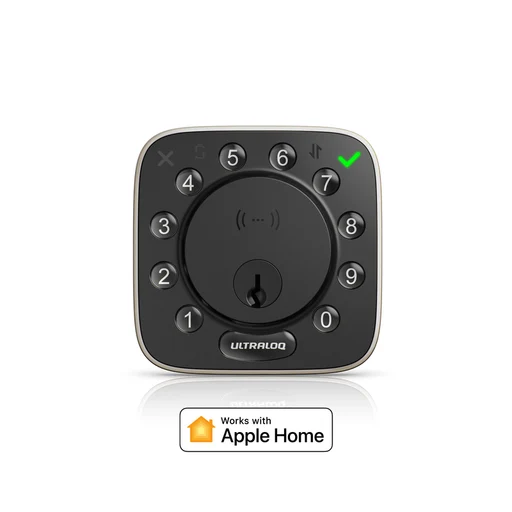
ULTRALOQ
ULTRALOQ Bolt NFC HomeKey (Apple + Android NFC)
A Wi-Fi deadbolt with Apple Wallet keys and a separate Android NFC credential.
- Xthings Home app
Use Xthings Home on iPhone or Android to operate the lock.
- Use the phone app.
- iPhone or Android phone.
- Pair the Bolt NFC HomeKey model in Xthings Home.
- Xthings Home from away
Built-in Wi-Fi allows remote unlocking and access management.
- Use the phone app.
- iPhone or Android phone.
- 2.4 GHz Wi-Fi and internet.
- Connect the lock to your Wi-Fi in Xthings Home.
- Apple Wallet tap
The HomeKey variant supports Apple home keys on iPhone and Apple Watch.
- Compatible iPhone or Apple Watch.
- Choose the Apple + Android NFC variant, then add it to Apple Home.
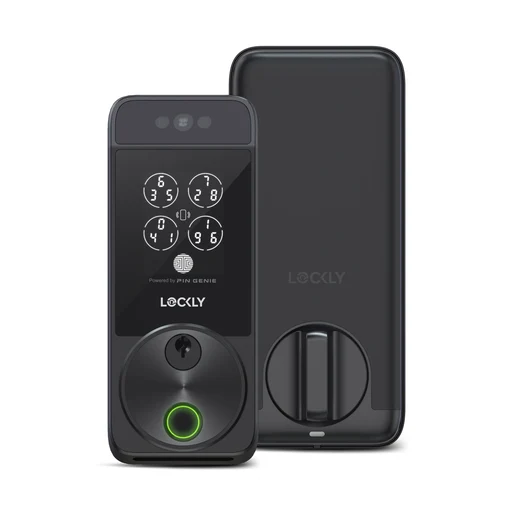
Lockly
Lockly Visage Zeno Series (PGK728WRHK)
A Wi-Fi deadbolt with facial recognition, Apple Wallet tapping and guest access.
- Lockly Home app
Operate the lock with Lockly Home on iPhone or Android.
- Use the phone app.
- iPhone or Android phone.
- Pair in Lockly Home using the lock's activation details.
- Lockly Home from away
Built-in Wi-Fi supports remote control and user management.
- Use the phone app.
- iPhone or Android phone.
- 2.4 GHz Wi-Fi and internet.
- Apple Wallet tap
Tap an eligible iPhone or Apple Watch with an Apple home key.
- Compatible iPhone or Apple Watch.
- Add the lock to Apple Home and set up home keys.

Nuki
Nuki Smart Lock Pro (5th Gen) + Keypad 2 NFC
A lock that fits over your existing cylinder, with phone tapping through a separate NFC keypad.
- Nuki App Mode tap
Unlock your phone, tap Keypad 2 NFC and follow the notification to open the door with Nuki App Mode.
- Use the phone app.
- Keypad 2 NFC is required.
- European model (UK/EU).
- iPhone or Android phone.
- Choose Nuki App Mode, enable NFC and grant the Nuki app access. This mode cannot run alongside Smart Home Mode.
- Apple Wallet NFC tap
Tap an eligible iPhone or Apple Watch on Keypad 2 NFC to unlock with an Apple home key.
- Compatible iPhone or Apple Watch.
- Keypad 2 NFC is required.
- European model (UK/EU).
- Nuki requires iOS 18.6 or later for this Smart Home Mode.
- Nuki requires watchOS 11.6 or later; Series 4 software evidence conflicts.
- Update lock/keypad firmware and select Apple Smart Home Mode. Invitations are Apple-only; Nuki App Mode cannot run alongside it.
- Use the same Wi-Fi network for the hub and phone during setup.
- Nuki-supported Apple hub: HomePod mini/2, Apple TV 4K 2nd Gen or 3rd Gen 128 GB.
- Samsung Wallet NFC tap
Tap a compatible Galaxy phone on Keypad 2 NFC to unlock with Samsung Wallet.
- Compatible Galaxy phone with Samsung Wallet.
- Keypad 2 NFC is required.
- European model (UK/EU).
- Android 14 or later.
- Update lock/keypad firmware, Samsung Wallet and SmartThings. Select Samsung Smart Home Mode; invitations are Samsung-only and Nuki App Mode cannot run alongside it.
- Use the same Wi-Fi network for the hub and phone during setup.
- Nuki-supported Samsung hub: SmartThings Hub v3, Station, Aeotec SmartThings Hub or Hub 2.
Schlage
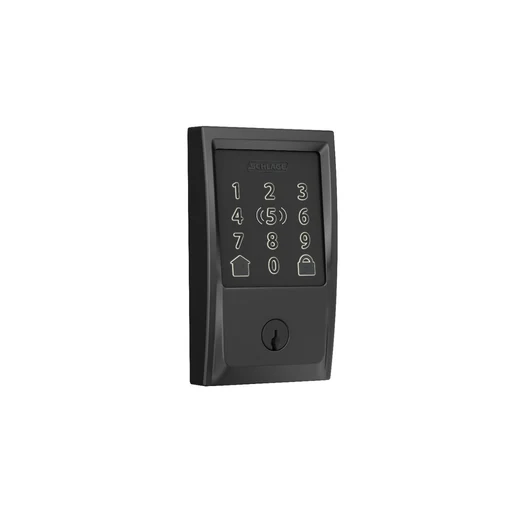
Schlage Encode Plus (BE499)
A Wi-Fi deadbolt with Apple Wallet tapping and app access for iPhone and Android.
- Schlage Home local app operation
Lock and unlock nearby using Schlage Home on iPhone or Android over Bluetooth.
- Use the phone app.
- US model.
- iPhone or Android phone.
- Pair in Schlage Home within Bluetooth range.
- Schlage Home remote operation
Lock, unlock and manage access remotely through the lock's Wi-Fi connection.
- Use the phone app.
- A compatible 2.4 GHz home Wi-Fi connection and internet access are required.
- US model.
- iPhone or Android phone.
- Connect the lock to 2.4 GHz Wi-Fi in Schlage Home.
- Apple Wallet NFC tap
Tap an eligible iPhone or Apple Watch to unlock. One person's home key works without an Apple Home hub.
- Compatible iPhone or Apple Watch.
- US model.
- iOS 15 or later.
- watchOS 8 or later.
- Add the lock to Apple Home and enrol home keys.

Aqara
Aqara Smart Lock U100
A deadbolt with Apple Wallet tapping, plus remote access through an Aqara hub.
- Aqara Home app setup
Set up and manage U100 in the Aqara Home phone app.
- Use the phone app.
- US model.
- iPhone or Android phone.
- Add U100 in Aqara Home.
- Apple Wallet NFC tap
Tap an eligible iPhone or Apple Watch to unlock with an Apple home key.
- Compatible iPhone or Apple Watch.
- US model.
- iOS 15 or later.
- watchOS 8 or later.
- Add U100 to Apple Home; its home key appears in Apple Wallet.
- Aqara Home remote operation
Unlock remotely and run Aqara automations with an Aqara Zigbee 3.0 hub.
- Use the phone app.
- A compatible Aqara Zigbee 3.0 hub is required.
- US model.
- iPhone or Android phone.
- Pair U100 with an Aqara Zigbee 3.0 hub in Aqara Home.
Aqara
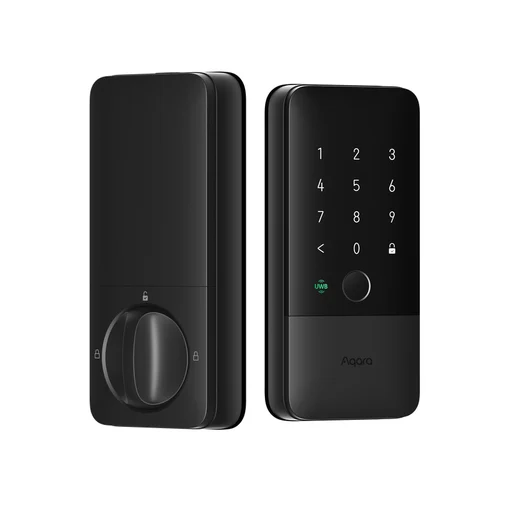
Aqara Smart Lock U400
A Thread deadbolt with Apple hands-free entry and separate phone-tap features.
- Apple Wallet NFC tap
Tap an eligible iPhone or Apple Watch to unlock with an Apple home key.
- Compatible iPhone or Apple Watch.
- US and Australian U400 model.
- iOS 17.1 or later.
- watchOS 10.1 or later.
- Pair in Apple Home using a Thread home hub/border router, or a supported Thread-enabled iPhone; then add the home key.
- Thread border router, or an eligible Thread-enabled iPhone running iOS 18+ for setup.
- Apple UWB hands-free
Unlock automatically as an eligible UWB iPhone or Apple Watch approaches from outside.
- Compatible UWB iPhone or Apple Watch.
- A compatible Apple Home hub is required.
- A compatible Thread border router is required.
- US and Australian U400 model.
- iOS 18.5 or later.
- watchOS 11.5 or later.
- Pair in Apple Home and enable Unlock on Approach in Apple Wallet.
- Samsung Wallet NFC tap
Tap a compatible Galaxy phone to unlock with a Samsung Wallet home key.
- Compatible Galaxy phone with Samsung Wallet.
- Compatible Samsung Matter gateway.
- A compatible Thread border router is required.
- U400 firmware v3104 and supported Samsung Wallet versions: Global 6.4.30 or Korea 5.9.02. A Samsung gateway is required.
- US and Australian U400 model.
Access keypads
Nuki
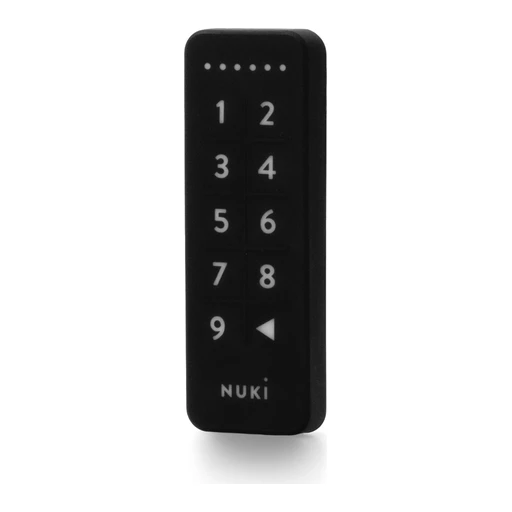
Nuki Keypad
PIN-code entry; compatible with all Nuki Smart Lock generations.
- PIN entry
Enter a code on the documented keypad.
- Set an entry code using the manufacturer’s setup instructions.
- PIN-code entry

Nuki
Nuki Keypad 2
Stores up to 20 fingerprints and 200 access codes.
- Fingerprint entry
Unlock with an enrolled fingerprint.
- Register the authorised fingerprints on the lock or paired keypad.

Nuki
Nuki Keypad 2 NFC
PIN, fingerprint and phone/watch tap entry. Nuki documents Apple home key for iPhone XS or later with iOS 18.6 or later. Exact Apple Watch eligibility is unresolved because its hardware and OS requirements conflict; see uncertainties.
- Fingerprint entry
Unlock with an enrolled fingerprint.
- Register the authorised fingerprints on the lock or paired keypad.
- PIN entry
Enter a code on the documented keypad.
- Set an entry code using the manufacturer’s setup instructions.
- Apple Wallet NFC tap
- Use a compatible iPhone or Apple Watch.
- The exact phone or watch must support this wallet key.
- Wallet mode requires compatible Matter-capable Nuki lock plus platform Matter hub. Nuki App Mode supports NFC without hub.
- Pair with the specified bridge: Wallet mode requires compatible Matter-capable Nuki lock plus platform Matter hub. Nuki App Mode supports NFC without hub.
- Add this exact lock and provision its key in the named wallet.

Yale
Yale Keypad Touch
Fingerprint and PIN entry.
- Fingerprint entry
Unlock with an enrolled fingerprint.
- Register the authorised fingerprints on the lock or paired keypad.
- PIN entry
Enter a code on the documented keypad.
- Set an entry code using the manufacturer’s setup instructions.

Yale
Yale Keypad
PIN entry and one-touch locking.
- PIN entry
Enter a code on the documented keypad.
- Set an entry code using the manufacturer’s setup instructions.

SwitchBot
SwitchBot Keypad Touch
Fingerprint, PIN and SwitchBot card entry.
- Fingerprint entry
Unlock with an enrolled fingerprint.
- Register the authorised fingerprints on the lock or paired keypad.
- PIN entry
Enter a code on the documented keypad.
- Set an entry code using the manufacturer’s setup instructions.
- RFID or NFC card entry
Unlock with the compatible access card or tag.
- Enrol the supported card or tag using this model’s instructions.

SwitchBot
SwitchBot Keypad Vision
3D face recognition, PIN and NFC-card entry. Manufacturer states facial data processed locally.
- PIN entry
Enter a code on the documented keypad.
- Set an entry code using the manufacturer’s setup instructions.
- Face recognition
- Enrol the authorised person using the manufacturer’s instructions.
- RFID or NFC card entry
Unlock with the compatible access card or tag.
- Enrol the supported card or tag using this model’s instructions.

SwitchBot
SwitchBot Keypad Vision Pro
Face, palm-vein, fingerprint, NFC card and PIN access listed in specifications. IP65 rating and rechargeable battery.
- Fingerprint entry
Unlock with an enrolled fingerprint.
- Register the authorised fingerprints on the lock or paired keypad.
- PIN entry
Enter a code on the documented keypad.
- Set an entry code using the manufacturer’s setup instructions.
- Palm recognition
- Enrol the authorised person using the manufacturer’s instructions.
Access controllers

igloohome
igloohome Switch
9–24V DC access-control switch with lock-control and request-to-exit connections. Pairs up to eight devices over Bluetooth, including Keypad, Key Fob and Bridge.
- Power supply
- Pairs up to eight devices over Bluetooth, including Keypad, Key Fob and Bridge.
Access accessories

igloohome
igloohome Key Fob (IEF1)
Can link to up to five locks. CR2032 battery; manufacturer claims up to two years.
- Can link to up to five locks
- Battery and power

igloohome
igloohome Keypad
Documented entry methods: PIN codes. Manufacturer battery-life claim: Up to 12 months; actual life depends on use.
- PIN entry
Enter a code on the documented keypad.
- Set an entry code using the manufacturer’s setup instructions.
- Documented entry methods: PIN codes
- Battery and power

igloohome
igloohome Keypad 2
Supports PIN-code and Key Fob credentials for temporary or permanent access.
- PIN entry
Enter a code on the documented keypad.
- Set an entry code using the manufacturer’s setup instructions.
Intercom controllers

Nuki
Nuki Opener
Retrofits supported intercom systems. Ring-to-open and up to 200 access permissions.
- Guest access
- Use the compatible existing lock, cylinder or intercom specified for this retrofit.
- Use the documented owner, guest and account roles; wallet and app sharing are separate.
- Use a compatible phone for this app function.
- Add the exact device in the named app and enable this function.
- Retrofits supported intercom systems
Ring
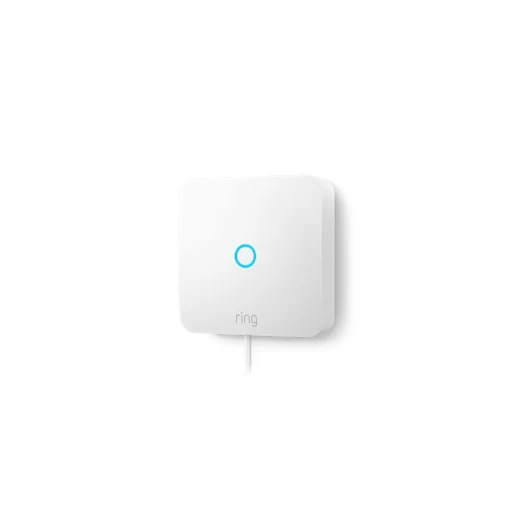
Ring Intercom Audio
Retrofits building-entry intercom for two-way talk and remote entry management through Ring app. Rechargeable Quick Release Battery Pack.
- Retrofits building-entry intercom for two-way talk and remote entry management through Ring app.
- Use a handset on Ring Intercom’s compatibility list; a Ring Alarm base is not required.
- Use a compatible phone for this app.
- Rechargeable Quick Release Battery Pack
Garage door controllers

Meross
Meross MSG150
Retrofit controller targeting Chamberlain, LiftMaster and Craftsman openers. Door state notifications and operation history.
- Garage-door control
- Use a supported garage-door opener.
- Match the exact opener model, wiring and required door sensor to the manufacturer’s list.
- Use a compatible phone for this app function.
- Add the exact device in the named app and enable this function.
- Garage-door alerts
- Use a supported garage-door opener.
- Match the exact opener model, wiring and required door sensor to the manufacturer’s list.
- Use a compatible phone for this app function.
- Add the exact device in the named app and enable this function.

Meross
Meross MSG100 (HomeKit version)
Remote door control and open/close history. Overtime and overnight open-door notifications.
- Garage-door control
- Use a supported garage-door opener.
- Match the exact opener model, wiring and required door sensor to the manufacturer’s list.
- Use a compatible phone for this app function.
- Add the exact device in the named app and enable this function.
- Garage-door alerts
- Use a supported garage-door opener.
- Match the exact opener model, wiring and required door sensor to the manufacturer’s list.
- Use a compatible phone for this app function.
- Add the exact device in the named app and enable this function.

Meross
Meross MSG200HK
Controls up to three garage doors; two sensor cables included. Closing warning sound and open-door notifications.
- Garage-door control
- Use a supported garage-door opener.
- Match the exact opener model, wiring and required door sensor to the manufacturer’s list.
- Use a compatible phone for this app function.
- Add the exact device in the named app and enable this function.
- Garage-door alerts
- Use a supported garage-door opener.
- Match the exact opener model, wiring and required door sensor to the manufacturer’s list.
- Use a compatible phone for this app function.
- Add the exact device in the named app and enable this function.

ismartgate
ismartgate LITE
Controls one door or gate. Remote status alerts and access-user management.
- Garage-door control
- Use a supported garage-door opener.
- Match the exact opener model, wiring and required door sensor to the manufacturer’s list.
- Use a compatible phone for this app function.
- Add the exact device in the named app and enable this function.
- Garage-door alerts
- Use a supported garage-door opener.
- Match the exact opener model, wiring and required door sensor to the manufacturer’s list.
- Use a compatible phone for this app function.
- Add the exact device in the named app and enable this function.

ismartgate
ismartgate PRO
Controls up to three doors or gates. Remote status alerts and access-user management.
- Garage-door control
- Use a supported garage-door opener.
- Match the exact opener model, wiring and required door sensor to the manufacturer’s list.
- Use a compatible phone for this app function.
- Add the exact device in the named app and enable this function.
- Garage-door alerts
- Use a supported garage-door opener.
- Match the exact opener model, wiring and required door sensor to the manufacturer’s list.
- Use a compatible phone for this app function.
- Add the exact device in the named app and enable this function.
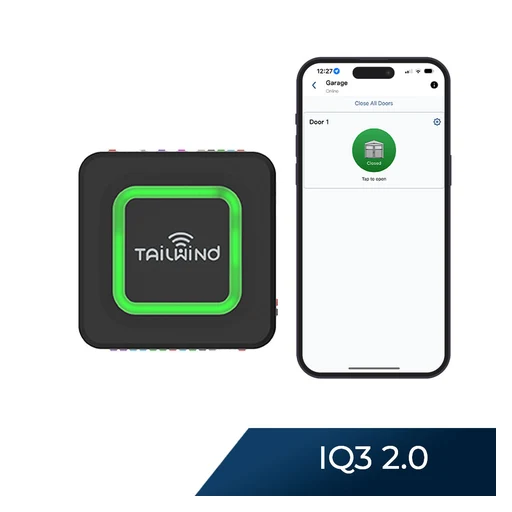
Tailwind
Tailwind iQ3 2.0 (2nd generation)
Controls one door. Local-network operation and local API documented.
- Controls one door
- Local-network operation and local API documented.
- Security+ 3.0 white-learn-button openers excluded; check SmartFit guide.
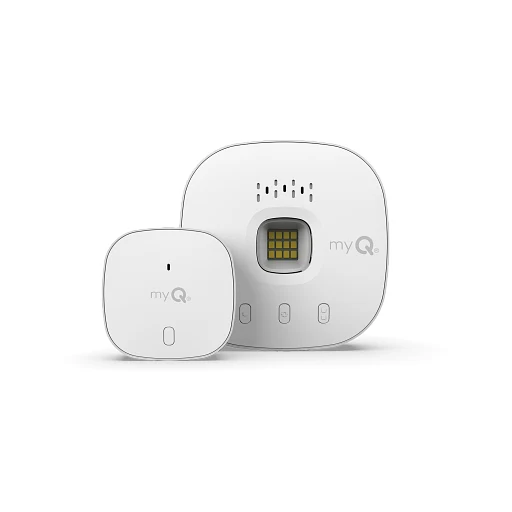
Chamberlain
Chamberlain myQ Smart Garage Control MYQ-G0401-ES
Remote open/close, activity alerts and close schedules. Second door needs additional sensor MYQ-G0402.
- Remote open/close, activity alerts and close schedules.
- Second door needs additional sensor MYQ-G0402.

Chamberlain
Chamberlain myQ Connectivity Kit C828AU774R
Remote garage control, alerts and close schedules. Manufacturer prohibits use with tilt doors; safety beams required for remote/scheduled operation.
- Remote garage control, alerts and close schedules.
- Manufacturer prohibits use with tilt doors
- AU/NZ support explicitly excludes Google Assistant, HomeKit and Amazon Key.
Key boxes

igloohome
igloohome Keybox 3 (IGK3)
Documented entry methods: PIN code, Bluetooth key. Manufacturer ingress rating: IP66 (water and dust resistant).
- PIN entry
Enter a code on the documented keypad.
- Set an entry code using the manufacturer’s setup instructions.
- Documented entry methods: PIN code, Bluetooth key.
- Weather resistance

igloohome
igloohome Lockbox
Documented entry methods: PIN codes (200), Digital Keys via Bluetooth. Manufacturer ingress rating: IP66.
- PIN entry
Enter a code on the documented keypad.
- Set an entry code using the manufacturer’s setup instructions.
- Documented entry methods: PIN codes (200), Digital Keys via Bluetooth.
- Weather resistance

igloohome
igloohome Keybox 3E
Documented entry methods: PIN code, Bluetooth key. Manufacturer ingress rating: IP66 (water and dust resistant).
- PIN entry
Enter a code on the documented keypad.
- Set an entry code using the manufacturer’s setup instructions.
- Documented entry methods: PIN code, Bluetooth key.
- Weather resistance
Padlocks

igloohome
igloohome Padlock 2 (SP2)
Documented entry methods: PIN codes, Digital Keys via Bluetooth. Manufacturer ingress rating: IPX7.
- PIN entry
Enter a code on the documented keypad.
- Set an entry code using the manufacturer’s setup instructions.
- Documented entry methods: PIN codes, Digital Keys via Bluetooth.
- Weather resistance

igloohome
igloohome Padlock Lite (SP3)
Documented entry methods: Fingerprints, Digital Keys via Bluetooth. Manufacturer ingress rating: IP66.
- Fingerprint entry
Unlock with an enrolled fingerprint.
- Register the authorised fingerprints on the lock or paired keypad.
- Documented entry methods: Fingerprints, Digital Keys via Bluetooth.
- Weather resistance

igloohome
igloohome Padlock 2E (SP2E)
Documented entry methods: PIN codes, Digital Keys via Bluetooth. Manufacturer ingress rating: IPX8.
- PIN entry
Enter a code on the documented keypad.
- Set an entry code using the manufacturer’s setup instructions.
- Documented entry methods: PIN codes, Digital Keys via Bluetooth.
- Weather resistance

igloohome
igloohome Padlock E (SP1E)
Documented entry methods: PIN code, Bluetooth key. Manufacturer ingress rating: IP66.
- PIN entry
Enter a code on the documented keypad.
- Set an entry code using the manufacturer’s setup instructions.
- Documented entry methods: PIN code, Bluetooth key.
- Weather resistance

igloohome
igloohome Padlock (IGP1)
Documented entry methods: PIN code, Bluetooth key. Manufacturer ingress rating: IP66.
- PIN entry
Enter a code on the documented keypad.
- Set an entry code using the manufacturer’s setup instructions.
- Documented entry methods: PIN code, Bluetooth key.
- Weather resistance
Safes

Lockly
Lockly Smart Safe
Fingerprint, code and smartphone entry. Duress-finger alert and twin-credential opening features.
- Fingerprint entry
Unlock with an enrolled fingerprint.
- Register the authorised fingerprints on the lock or paired keypad.
- Fingerprint, code and smartphone entry
- Duress-finger alert and twin-credential opening features.
Gate controllers
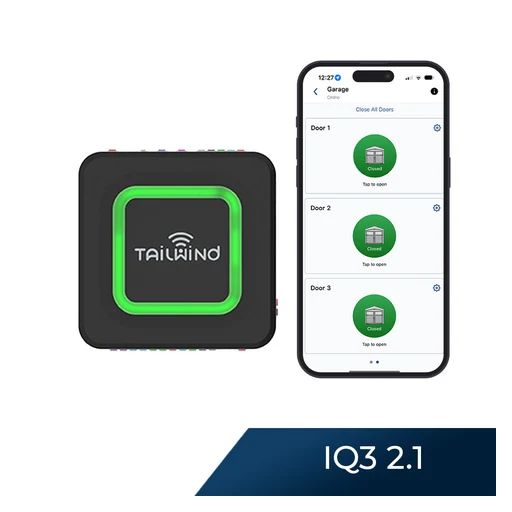
Tailwind
Tailwind iQ3 2.1 (2nd generation)
Up to three compatible dry-contact doors OR one digital opener OR one gate; cannot mix control modes. Local-network operation and local API documented.
- Up to three compatible dry-contact doors OR one digital opener OR one gate; cannot mix control modes.
- Local-network operation and local API documented.
- Security+ 3.0 white-learn-button openers excluded; check SmartFit guide.
Cameras

Google Nest
Google Nest Cam Indoor (wired, 3rd gen)
Indoor 2K HDR camera with live view, two-way talk and short event previews included.
- Watch live video
Open a live view in Google Home without a video-history plan.
- Use indoor mains power, Wi-Fi, Google Home and a Google Account.
- Talk through the camera
Full-duplex Talk & Listen works without a subscription.
- Use indoor mains power, Wi-Fi, Google Home and a Google Account.
- Allow microphone access for two-way talk.
- Get activity alerts
Person, animal, vehicle and motion alerts, plus activity zones, are included.
- Use indoor mains power, Wi-Fi, Google Home and a Google Account.
- Choose activity zones and allow Google Home notifications.

TP-Link Tapo
TP-Link Tapo C460
4K / 8MP video; Two-way audio
- Talk in the maker’s app
- Use a compatible phone for this app function.
- Open live view and allow the app to use the phone microphone.
- Night vision
Color night vision
- Object detection
Person detection

TP-Link Tapo
TP-Link Tapo C425
2560 × 1440 video; Two-way audio
- Talk in the maker’s app
- Use a compatible phone for this app function.
- Open live view and allow the app to use the phone microphone.
- Night vision
Color night vision
- Object detection
Person detection

TP-Link Tapo
TP-Link Tapo TC85
2560 × 1440 video; Two-way audio
- Talk in the maker’s app
- Use a compatible phone for this app function.
- Open live view and allow the app to use the phone microphone.
- Night vision
Color night vision
- Object detection
Person detection
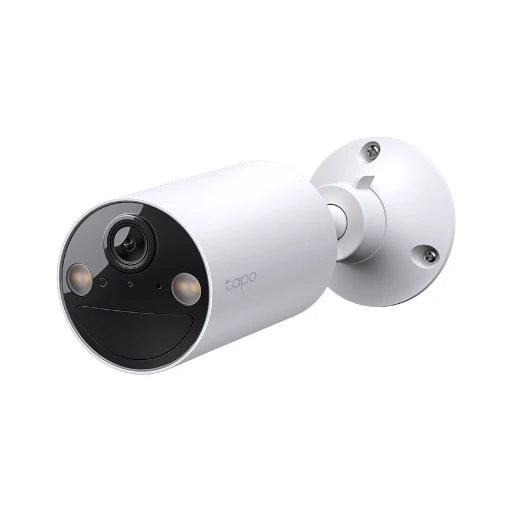
TP-Link Tapo
TP-Link Tapo TC82
2K video; Two-way audio
- Talk in the maker’s app
- Use a compatible phone for this app function.
- Open live view and allow the app to use the phone microphone.
- Night vision
Color night vision
- Object detection
Person detection

TP-Link Tapo
TP-Link Tapo C403
1080p video; Two-way audio
- Talk in the maker’s app
- Use a compatible phone for this app function.
- Open live view and allow the app to use the phone microphone.
- Night vision
Color night vision
- Object detection
Person detection

TP-Link Tapo
TP-Link Tapo C402
1080p video; Two-way audio
- Talk in the maker’s app
- Use a compatible phone for this app function.
- Open live view and allow the app to use the phone microphone.
- Night vision
Color night vision
- Object detection
Person detection

TP-Link Tapo
TP-Link Tapo C245D
Dual 2K lenses; Two-way audio
- Talk in the maker’s app
- Use a compatible phone for this app function.
- Open live view and allow the app to use the phone microphone.
- Record to a microSD card
Local microSD up to 512 GB; card sold separately
- Use a compatible microSD card. Local microSD up to 512 GB; card sold separately
- Fit and format the card, then choose event or continuous recording modes supported by this exact camera.
- Cloud recording in the maker’s app
Optional Tapo Care cloud recording requires subscription
- Optional Tapo Care cloud recording requires subscription
- Use a compatible phone for this app function.
- Add the exact device in the named app and enable this function.

TP-Link Tapo
TP-Link Tapo C246D
Dual 2K / 3MP lenses; Two-way audio
- Talk in the maker’s app
- Use a compatible phone for this app function.
- Open live view and allow the app to use the phone microphone.
- Night vision
Color night vision
- Record to a microSD card
Local microSD up to 512 GB; card sold separately
- Use a compatible microSD card. Local microSD up to 512 GB; card sold separately
- Fit and format the card, then choose event or continuous recording modes supported by this exact camera.

TP-Link Tapo
TP-Link Tapo C250
4K / 8MP video; Two-way audio
- Talk in the maker’s app
- Use a compatible phone for this app function.
- Open live view and allow the app to use the phone microphone.
- Record to a microSD card
Local microSD up to 512 GB; card sold separately
- Use a compatible microSD card. Local microSD up to 512 GB; card sold separately
- Fit and format the card, then choose event or continuous recording modes supported by this exact camera.
- Cloud recording in the maker’s app
Optional Tapo Care cloud recording requires subscription
- Optional Tapo Care cloud recording requires subscription
- Use a compatible phone for this app function.
- Add the exact device in the named app and enable this function.

TP-Link Tapo
TP-Link Tapo TCB72
2K / 4MP video; Two-way audio
- Talk in the maker’s app
- Use a compatible phone for this app function.
- Open live view and allow the app to use the phone microphone.
- Record to a microSD card
Local microSD up to 512 GB; card sold separately
- Use a compatible microSD card. Local microSD up to 512 GB; card sold separately
- Fit and format the card, then choose event or continuous recording modes supported by this exact camera.
- Cloud recording in the maker’s app
Optional Tapo Care cloud recording requires subscription
- Optional Tapo Care cloud recording requires subscription
- Use a compatible phone for this app function.
- Add the exact device in the named app and enable this function.

TP-Link Tapo
TP-Link Tapo C840
2K wide-angle and 1080p telephoto lenses; Two-way audio
- Talk in the maker’s app
- Use a compatible phone for this app function.
- Open live view and allow the app to use the phone microphone.
- Record to a microSD card
Local microSD up to 512 GB; card sold separately
- Use a compatible microSD card. Local microSD up to 512 GB; card sold separately
- Fit and format the card, then choose event or continuous recording modes supported by this exact camera.
- Cloud recording in the maker’s app
Optional Tapo Care cloud recording requires subscription
- Optional Tapo Care cloud recording requires subscription
- Use a compatible phone for this app function.
- Add the exact device in the named app and enable this function.

TP-Link Tapo
TP-Link Tapo C103
1080p video; Two-way audio
- Talk in the maker’s app
- Use a compatible phone for this app function.
- Open live view and allow the app to use the phone microphone.
- Night vision
Color night vision
- Record to a microSD card
Local microSD up to 512 GB; card sold separately
- Use a compatible microSD card. Local microSD up to 512 GB; card sold separately
- Fit and format the card, then choose event or continuous recording modes supported by this exact camera.

TP-Link Tapo
TP-Link Tapo TCW61
1080p video; Two-way audio
- Talk in the maker’s app
- Use a compatible phone for this app function.
- Open live view and allow the app to use the phone microphone.
- Night vision
Color night vision
- Record to a microSD card
Local microSD up to 512 GB; card sold separately
- Use a compatible microSD card. Local microSD up to 512 GB; card sold separately
- Fit and format the card, then choose event or continuous recording modes supported by this exact camera.

TP-Link Tapo
TP-Link Tapo C104
1080p video; Two-way audio
- Talk in the maker’s app
- Use a compatible phone for this app function.
- Open live view and allow the app to use the phone microphone.
- Night vision
Color night vision
- Record to a microSD card
Local microSD up to 512 GB; card sold separately
- Use a compatible microSD card. Local microSD up to 512 GB; card sold separately
- Fit and format the card, then choose event or continuous recording modes supported by this exact camera.

Ring
Ring Indoor Cam (2nd Gen, Plug-In)
1080p video; Two-way audio
- Talk in the maker’s app
- Use a compatible phone for this app function.
- Open live view and allow the app to use the phone microphone.
- Cloud recording in the maker’s app
Cloud video recording requires a Ring subscription; live viewing works without one
- Cloud video recording requires a Ring subscription; live viewing works without one
- Use a compatible phone for this app function.
- Add the exact device in the named app and enable this function.
- 1080p video

Ring
Ring Pan-Tilt Indoor Cam (Plug-In)
1080p video; Two-way audio
- Talk in the maker’s app
- Use a compatible phone for this app function.
- Open live view and allow the app to use the phone microphone.
- Cloud recording in the maker’s app
Cloud video recording requires a Ring subscription; live viewing works without one
- Cloud video recording requires a Ring subscription; live viewing works without one
- Use a compatible phone for this app function.
- Add the exact device in the named app and enable this function.
- 1080p video

Ring
Ring Outdoor Cam (Battery)
1080p video; Two-way audio
- Talk in the maker’s app
- Use a compatible phone for this app function.
- Open live view and allow the app to use the phone microphone.
- Cloud recording in the maker’s app
Cloud video recording requires a Ring subscription; live viewing works without one
- Cloud video recording requires a Ring subscription; live viewing works without one
- Use a compatible phone for this app function.
- Add the exact device in the named app and enable this function.
- 1080p video

Ring
Ring Outdoor Cam Plus (Battery)
2K video; Two-way audio
- Talk in the maker’s app
- Use a compatible phone for this app function.
- Open live view and allow the app to use the phone microphone.
- Cloud recording in the maker’s app
Cloud video recording requires a Ring subscription; live viewing works without one
- Cloud video recording requires a Ring subscription; live viewing works without one
- Use a compatible phone for this app function.
- Add the exact device in the named app and enable this function.
- Video quality

Ring
Ring Spotlight Cam Plus (Battery)
1080p video; Two-way audio
- Talk in the maker’s app
- Use a compatible phone for this app function.
- Open live view and allow the app to use the phone microphone.
- Cloud recording in the maker’s app
Cloud video recording requires a Ring subscription; live viewing works without one
- Cloud video recording requires a Ring subscription; live viewing works without one
- Use a compatible phone for this app function.
- Add the exact device in the named app and enable this function.
- 1080p video

Ring
Ring Floodlight Cam Plus (Wired)
1080p video; Two-way audio
- Talk in the maker’s app
- Use a compatible phone for this app function.
- Open live view and allow the app to use the phone microphone.
- Cloud recording in the maker’s app
Cloud video recording requires a Ring subscription; live viewing works without one
- Cloud video recording requires a Ring subscription; live viewing works without one
- Use a compatible phone for this app function.
- Add the exact device in the named app and enable this function.
- 1080p video

eufy
eufy SoloCam S220
2K video; Integrated solar charging
- Video quality
- Integrated solar charging
- IP67 rating

eufy
eufy Floodlight Camera E340
Dual 3K / 2K lenses; 360-degree coverage
- Video quality
- 360-degree coverage
- Light output
2000-lumen lighting

eufy
eufy Indoor Cam S350
4K wide-angle and 2K telephoto lenses; 8x hybrid zoom
- Video quality
- 8x hybrid zoom
- Pan/tilt

eufy
eufy SoloCam S340
3K wide-angle and 2K telephoto lenses; 8x zoom
- Video quality
- 8x zoom
- Pan/tilt

eufy
eufy Indoor Cam E220
2K video; Pan/tilt
- Night vision
Infrared night vision
- Record to a microSD card
Local microSD recording without subscription
- Use a compatible microSD card. Local microSD recording without subscription
- Fit and format the card, then choose event or continuous recording modes supported by this exact camera.
- Cloud recording in the maker’s app
Optional cloud storage
- Use a compatible phone for this app function.
- Add the exact device in the named app and enable this function.

eufy
eufy SoloCam E30
2K video; Pan/tilt
- Record to a microSD card
microSD up to 128 GB; no built-in storage
- Use a compatible microSD card. microSD up to 128 GB; no built-in storage
- Fit and format the card, then choose event or continuous recording modes supported by this exact camera.
- Video quality
- Pan/tilt

eufy
eufy Indoor Cam E30
4K video; Pan/tilt
- Record to a microSD card
microSD up to 128 GB; card not included
- Use a compatible microSD card. microSD up to 128 GB; card not included
- Fit and format the card, then choose event or continuous recording modes supported by this exact camera.
- Cloud recording in the maker’s app
Local recording without subscription; optional paid cloud backup
- Use a compatible phone for this app function.
- Add the exact device in the named app and enable this function.
- Video quality

Aqara
Aqara Camera Hub G5 Pro (Wi-Fi)
Color night vision; IP65 rating
- Night vision
- Cloud recording in the maker’s app
SMB NAS storage; cloud trial offered
- Use a compatible phone for this app function.
- Add the exact device in the named app and enable this function.
- IP65 rating

Aqara
Aqara Camera Hub G5 Pro (PoE)
Color night vision; IP65 rating
- Night vision
- Cloud recording in the maker’s app
SMB NAS storage; cloud trial offered
- Use a compatible phone for this app function.
- Add the exact device in the named app and enable this function.
- IP65 rating

Aqara
Aqara Camera G100
2304 × 1296 video; 140-degree diagonal field of view
- Record to a microSD card
microSD up to 512 GB; card not included
- Use a compatible microSD card. microSD up to 512 GB; card not included
- Fit and format the card, then choose event or continuous recording modes supported by this exact camera.
- 2304 × 1296 video
- 140-degree diagonal field of view

Aqara
Aqara Camera E1
2K video; Pan/tilt person tracking
- Record to a microSD card
microSD up to 512 GB SMB3 NAS backup requires microSD card
- Use a compatible microSD card. microSD up to 512 GB
- Fit and format the card, then choose event or continuous recording modes supported by this exact camera.
- Use a compatible microSD card. SMB3 NAS backup requires microSD card
- Video quality
- Pan/tilt person tracking

Google Nest
Google Nest Cam Outdoor (wired, 2nd gen)
2K HDR video; 152-degree diagonal field of view
- Video quality
- 152-degree diagonal field of view

Google Nest
Google Nest Cam (outdoor or indoor, battery)
1080p HDR video; Person, animal and vehicle alerts
- Cloud recording in the maker’s app
Longer cloud history requires Google Home Premium; continuous recording also requires wired power
- Use a compatible phone for this app function.
- Add the exact device in the named app and enable this function.
- 1080p HDR video
- Person, animal and vehicle alerts

Google Nest
Google Nest Cam with Floodlight
1080p HDR video; Integrated floodlights
- Night vision
- 1080p HDR video
- Integrated floodlights

Arlo
Arlo Essential 2K (3rd Gen, 2025)
2560 × 1440 video; 130-degree field of view
- Night vision
Color night vision
- 2560 × 1440 video
- 130-degree field of view

Arlo
Arlo Essential Pan Tilt Indoor 2K (2025)
2304 × 1296 video; 360-degree pan and 180-degree tilt viewing
- 2304 × 1296 video
- 360-degree pan and 180-degree tilt viewing
- Battery and power
Plug-in power; no battery

Arlo
Arlo Pro 6 (6th Gen, 2025)
2K HDR video; 160-degree field of view
- Night vision
Color night vision
- Record to the camera’s base station
Optional SmartHub supports local storage
- Optional SmartHub supports local storage
- Match the exact camera, station, firmware and storage media: Optional SmartHub supports local storage
- Pair the camera and configure the supported recording mode.
- Video quality

Reolink
Reolink Argus Track
4K wide-angle and telephoto dual lenses; Pan/tilt auto-zoom tracking
- Talk in the maker’s app
Two-way audio
- Use a compatible phone for this app function.
- Open live view and allow the app to use the phone microphone.
- Night vision
Color night vision
- Record to a microSD card
microSD up to 512 GB
- Use a compatible microSD card. microSD up to 512 GB
- Fit and format the card, then choose event or continuous recording modes supported by this exact camera.

Reolink
Reolink Argus Eco Ultra
4K video; Battery/solar power
- Night vision
Color night vision
- Record to a microSD card
microSD up to 512 GB
- Use a compatible microSD card. microSD up to 512 GB
- Fit and format the card, then choose event or continuous recording modes supported by this exact camera.
- Video quality

Wyze
Wyze Cam v4
2.5K (2560×1440) video; wired USB power. Local microSD recording up to 256 GB; cloud recording requires a subscription.
- Video quality
- Local microSD recording up to 256 GB

Wyze
Wyze Cam Pan v4
4K (3840×2160) pan/tilt camera. Outdoor use requires the separately sold outdoor power adapter.
- Video quality
- Outdoor use requires the separately sold outdoor power adapter.

Wyze
Wyze Duo Cam Pan
Two 2K cameras: moving upper lens and fixed lower lens. Local microSD recording up to 512 GB; Cam Plus adds cloud backup.
- Video quality
- Local microSD recording up to 512 GB

Wyze
Wyze Cam Pan v3
1080p camera with 360° pan and 180° tilt. Local microSD recording up to 256 GB; outdoor use requires the outdoor power adapter.
- 1080p camera with 360° pan and 180° tilt
- Local microSD recording up to 256 GB

Wyze
Wyze Cam OG (2025 WYZECGSD)
1080p camera with a built-in spotlight. Local microSD storage up to 256 GB; Cam Plus adds cloud backup.
- Night vision
- Local microSD storage up to 256 GB

Wyze
Wyze Battery Cam Pro
Battery-powered camera with 2.5K video. Local microSD recording up to 256 GB; Cam Plus adds cloud backup. Continuous recording substantially reduces battery life.
- Video quality
- Battery and power

Wyze
Wyze Cam Floodlight v2
2K (2304×1296) video with 2800-lumen lighting. 110–120V AC hardwiring; local microSD storage supported.
- Video quality
- Power supply

Wyze
Wyze Cam Floodlight Pro
2.5K (2560×1440) video with 3000-lumen lighting. 110–120V AC hardwiring; local microSD recording up to 256 GB.
- Video quality
- Power supply

Wyze
Wyze Bulb Cam
2K camera built into an 800-lumen light; 120V E26 socket required. Local microSD recording up to 256 GB; cloud storage requires a service subscription.
- Video quality
- Local microSD recording up to 256 GB

Wyze
Wyze Window Cam
1080p indoor camera designed to record through window glass. Local microSD storage up to 512 GB; infrared lights omitted to reduce window reflection.
- 1080p indoor camera designed to record through window glass.
- Local microSD storage up to 512 GB
Wyze
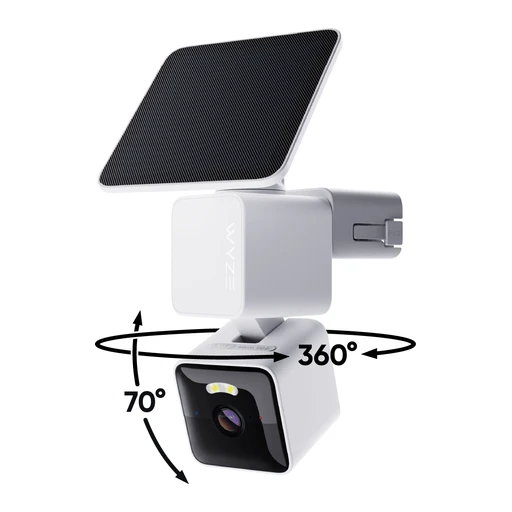
Wyze Solar Cam Pan 2K (WYZESCPWH3)
2K camera with integrated solar panel and 6400mAh battery. Local microSD storage up to 512 GB; cloud storage requires a service subscription.
- Video quality
- Local microSD storage up to 512 GB

Ubiquiti
Ubiquiti G6 Bullet
Video resolution: 4K. Ingress rating: IP66.
- Video quality
- Weather resistance
- Infrared night-vision specification: 30 m (98 ft).

Ubiquiti
Ubiquiti G6 Turret
Video resolution: 4K. Ingress rating: IP66.
- Video quality
- Weather resistance
- Infrared night-vision specification: 30 m (98 ft).

Ubiquiti
Ubiquiti G6 Instant
Video resolution: 4K. Infrared night-vision specification: 6 m (20 ft).
- Video quality
- Infrared night-vision specification: 6 m (20 ft).
- Recordings stay on the local console
Recordings stay on the local console; no default cloud backup.

Ubiquiti
Ubiquiti G5 Bullet
Video resolution: 2K. Ingress rating: IP55.
- Video quality
- Weather resistance
- Power method: PoE

Ubiquiti
Ubiquiti G5 Turret Ultra
Video resolution: 2K. Ingress rating: IP66.
- Video quality
- Weather resistance
- Power method: PoE

Ubiquiti
Ubiquiti G5 Dome Ultra
Video resolution: 2K. Power method: PoE.
- Video quality
- Power method: PoE
- Recordings stay on the local console
Recordings stay on the local console; no default cloud backup.

Ubiquiti
Ubiquiti G5 Flex
Video resolution: 2K. Power method: PoE.
- Video quality
- Power method: PoE
- Recordings stay on the local console
Recordings stay on the local console; no default cloud backup.

Ubiquiti
Ubiquiti G5 Pro
Video resolution: 4K. Ingress rating: IP65.
- Video quality
- Weather resistance
- Power method: PoE

Ubiquiti
Ubiquiti G5 PTZ
Video resolution: 2K. Ingress rating: IP66.
- Video quality
- Weather resistance
- Power method: PoE+

Ubiquiti
Ubiquiti G4 Instant
Video resolution: 2K. Recordings stay on the local console; no default cloud backup.
- Video quality
- Recordings stay on the local console

Ubiquiti
Ubiquiti AI Pro
Video resolution: 4K. Ingress rating: IP65.
- Video quality
- Weather resistance
- Power method: PoE

Ubiquiti
Ubiquiti AI Theta
Video resolution: 4k. Power method: PoE.
- Video quality
- Power method: PoE
- Recordings stay on the local console
Recordings stay on the local console; no default cloud backup.

Ubiquiti
Ubiquiti AI Theta Pro
Video resolution: 4k. Power method: PoE.
- Video quality
- Power method: PoE
- Recordings stay on the local console
Recordings stay on the local console; no default cloud backup.

Blink
Blink Mini 2
1080p plug-in camera with spotlight and two-way audio. Cloud clips require a Blink subscription; local storage uses Sync Module 2.
- Night vision
- Talk in the maker’s app
- Use a compatible phone for this app function.
- Open live view and allow the app to use the phone microphone.
- Cloud clips require a Blink subscription

Tapo
Tapo C225 (hardware v2, AU)
Indoor pan/tilt camera with a lens cover, card recording and optional cloud storage.
- Watch live video
View the camera in Tapo.
- Connect to 2.4 GHz Wi-Fi.
- This entry covers the Australian v2 model.
- Set up the camera in Tapo.
- Record to a memory card
Store recordings on a microSD card up to 512 GB.
- This entry covers the Australian v2 model.
- A compatible microSD card up to 512 GB.
- Insert the card and choose the recording settings in Tapo.
- Save clips in the cloud
Tapo Care provides a separate cloud-storage option.
- This entry covers the Australian v2 model.
- Choose a Tapo Care plan available for your account.
Aqara
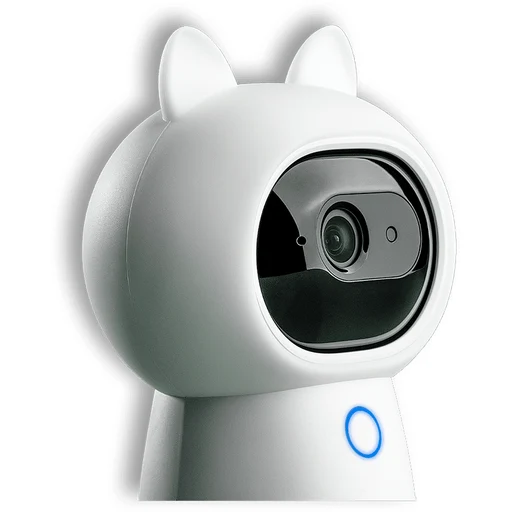
Aqara Camera Hub G3
An indoor camera that also acts as an Aqara Zigbee hub.
- Live video
Watch live camera video in Apple Home.
- Apple Home viewing needs a compatible Apple device; other household members are not covered by this path.
- A configured HomePod or Apple TV home hub is required for this path.
- Use current Apple software, add the camera to Home and choose viewing permissions.
- Event recording
Record HomeKit Secure Video event clips at 1080p.
- Apple Home viewing needs a compatible Apple device; other household members are not covered by this path.
- A configured HomePod or Apple TV home hub is required for this path.
- Use current Apple software, add the camera to Home and choose viewing permissions.
- An eligible iCloud+ recording plan is required; camera-count limits depend on the plan.
- Move the camera and follow movement
Pan and tilt manually, follow a person or pet, or use a saved patrol route.
- Choose manual movement, tracking or a patrol route in Aqara Home.

Eve
Eve Cam (dual-band Wi-Fi version)
An indoor camera for Apple Home, with video stored through iCloud.
- Live video
View through Home or Eve.
- Apple Home viewing needs a compatible Apple device; other household members are not covered by this path.
- A configured HomePod or Apple TV home hub is required for this path.
- Eve requires the latest iOS/iPadOS for this camera.
- Add the camera to Apple Home and choose who can view it.
- Event recording
Event clips are encrypted in iCloud; not a continuous local recorder.
- Apple Home viewing needs a compatible Apple device; other household members are not covered by this path.
- A configured HomePod or Apple TV home hub is required for this path.
- Eve requires the latest iOS/iPadOS for this camera.
- Add the camera to Apple Home and choose who can view it.
- An eligible iCloud+ recording plan is required; camera-count limits depend on the plan.
- Two-way audio
Built-in microphone and speaker support conversation.
- Apple Home viewing needs a compatible Apple device; other household members are not covered by this path.
- A configured HomePod or Apple TV home hub is required for this path.
- Eve requires the latest iOS/iPadOS for this camera.
- Add the camera to Apple Home and choose who can view it.
Doorbells
TP-Link Tapo
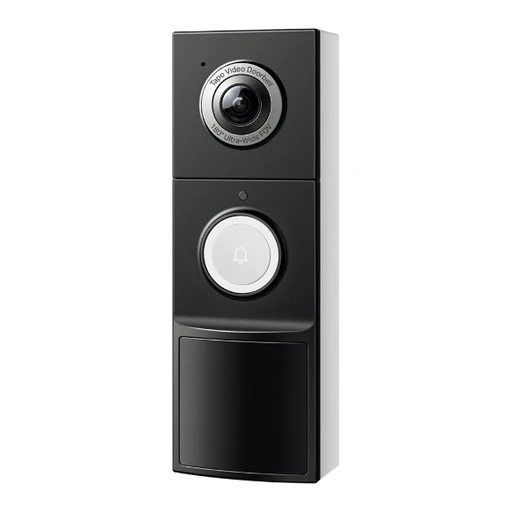
TP-Link Tapo TD25
2K / 5MP video; Two-way audio
- Talk in the maker’s app
- Use a compatible phone for this app function.
- Open live view and allow the app to use the phone microphone.
- Night vision
Color night vision
- Record to a microSD card
Local microSD up to 512 GB; card sold separately
- Use a compatible microSD card. Local microSD up to 512 GB; card sold separately
- Fit and format the card, then choose event or continuous recording modes supported by this exact camera.

TP-Link Tapo
TP-Link Tapo D235
2K video; Two-way audio
- Talk in the maker’s app
- Use a compatible phone for this app function.
- Open live view and allow the app to use the phone microphone.
- Night vision
Color night vision
- Record to a microSD card
Local microSD up to 512 GB; card sold separately
- Use a compatible microSD card. Local microSD up to 512 GB; card sold separately
- Fit and format the card, then choose event or continuous recording modes supported by this exact camera.

TP-Link Tapo
TP-Link Tapo D210
2K video; Two-way audio
- Talk in the maker’s app
- Use a compatible phone for this app function.
- Open live view and allow the app to use the phone microphone.
- Night vision
Color night vision
- Object detection
Person detection

TP-Link Tapo
TP-Link Tapo D205
2K video; Two-way audio
- Talk in the maker’s app
- Use a compatible phone for this app function.
- Open live view and allow the app to use the phone microphone.
- Object detection
Person detection
- Record to a microSD card
Local microSD up to 512 GB; card sold separately
- Use a compatible microSD card. Local microSD up to 512 GB; card sold separately
- Fit and format the card, then choose event or continuous recording modes supported by this exact camera.

TP-Link Tapo
TP-Link Tapo D230S1
2K / 5MP video; Two-way audio
- Talk in the maker’s app
- Use a compatible phone for this app function.
- Open live view and allow the app to use the phone microphone.
- Night vision
Color night vision
- Record to a microSD card
Hub-installed microSD up to 512 GB; card sold separately
- Use a compatible microSD card. Hub-installed microSD up to 512 GB; card sold separately
- Fit and format the card, then choose event or continuous recording modes supported by this exact camera.

TP-Link Tapo
TP-Link Tapo D130
2K / 5MP video; Two-way audio
- Talk in the maker’s app
- Use a compatible phone for this app function.
- Open live view and allow the app to use the phone microphone.
- Night vision
Color night vision
- Record to a microSD card
Local microSD up to 512 GB; card sold separately
- Use a compatible microSD card. Local microSD up to 512 GB; card sold separately
- Fit and format the card, then choose event or continuous recording modes supported by this exact camera.
TP-Link Tapo
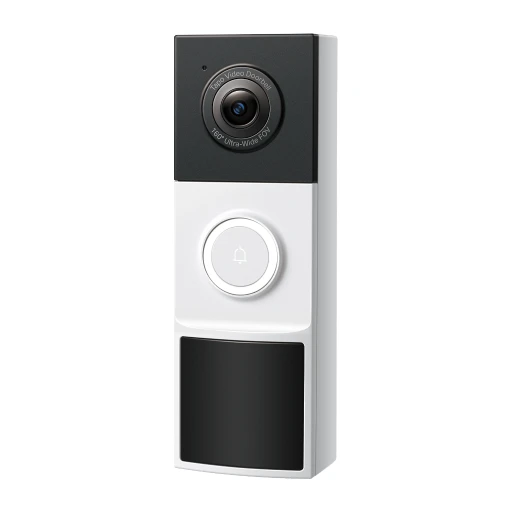
TP-Link Tapo TD21
2K video; Two-way audio
- Talk in the maker’s app
- Use a compatible phone for this app function.
- Open live view and allow the app to use the phone microphone.
- Night vision
Color night vision
- Object detection
Person detection

Ring
Ring Wired Doorbell 2K (2nd Gen)
2K video; Two-way audio
- Talk in the maker’s app
- Use a compatible phone for this app function.
- Open live view and allow the app to use the phone microphone.
- Cloud recording in the maker’s app
Cloud video recording requires a Ring subscription; live viewing works without one
- Cloud video recording requires a Ring subscription; live viewing works without one
- Use a compatible phone for this app function.
- Add the exact device in the named app and enable this function.
- Video quality

Ring
Ring Battery Doorbell 2K Plus (2nd Gen)
2K video; Two-way audio
- Talk in the maker’s app
- Use a compatible phone for this app function.
- Open live view and allow the app to use the phone microphone.
- Cloud recording in the maker’s app
Cloud video recording requires a Ring subscription; live viewing works without one
- Cloud video recording requires a Ring subscription; live viewing works without one
- Use a compatible phone for this app function.
- Add the exact device in the named app and enable this function.
- Video quality

eufy
eufy Video Doorbell E340 (Battery Powered)
Dual cameras; 2K video
- Night vision
Color night vision
- Dual cameras
- Video quality

Aqara
Aqara Doorbell Camera Hub G410
2K video; mmWave presence detection
- Record to a microSD card
microSD up to 512 GB
- Use a compatible microSD card. microSD up to 512 GB
- Fit and format the card, then choose event or continuous recording modes supported by this exact camera.
- Cloud recording in the maker’s app
Optional HomeGuardian subscription for cloud storage
- Optional HomeGuardian subscription for cloud storage
- Use a compatible phone for this app function.
- Add the exact device in the named app and enable this function.
- Video quality

Aqara
Aqara Doorbell Camera G400 (Wired)
2K video; 165-degree diagonal field of view
- Object detection
Local motion/person detection
- Chime optional. HomeKit Secure Video requires Apple home hub and iCloud+
- Pair with the specified bridge: Chime optional. HomeKit Secure Video requires Apple home hub and iCloud+
- Record to a microSD card
microSD up to 512 GB for continuous recording NAS backup requires microSD
- Use a compatible microSD card. microSD up to 512 GB for continuous recording
- Fit and format the card, then choose event or continuous recording modes supported by this exact camera.
- Use a compatible microSD card. NAS backup requires microSD
- Video quality

Google Nest
Google Nest Doorbell (battery)
960 × 1280 video; Person, parcel, animal and vehicle alerts
- 960 × 1280 video
- Person, parcel, animal and vehicle alerts

Wyze
Wyze Duo Cam Battery Doorbell
Front camera records 2048×1536; lower camera records 1920×1080. Battery or 10–24V AC power; local microSD storage up to 256 GB.
- Front camera records 2048×1536
- Power supply

Wyze
Wyze Video Doorbell v2
2K (2048×1536) wired doorbell; 16–24V AC supply. Local continuous microSD recording; full-length cloud event clips require a paid plan.
- Video quality
- Size and dimensions

Wyze
Wyze Video Doorbell Pro
Supports battery-powered or wired installation. Technical specifications list 1440×1440 video.
- Battery and power

Wyze
Wyze Battery Video Doorbell
1536×1536 video with rechargeable battery or wired power. Local microSD recording up to 256 GB; continuous local recording requires continuous wired power.
- Battery and power
- Local microSD recording up to 256 GB

Ubiquiti
Ubiquiti G4 Doorbell Pro
Power method: 16–24V AC, 1.25A. Recordings stay on the local console; no default cloud backup.
- Power supply
- Recordings stay on the local console

Reolink
Reolink Video Doorbell PoE (black, 5 MP)
Ethernet doorbell with local recording and a directly documented Home Assistant connection.
- Watch live video
The black PoE model is listed as directly tested with Home Assistant.
- Power the doorbell using IEEE 802.3af PoE or a compatible 12–24 V AC / 24 V DC supply.
- Use a current Home Assistant installation.
- Connect Ethernet and suitable power, then add the Reolink integration with the camera's local admin account.
- Record locally, including 24/7
Use a microSD card up to 256 GB or a compatible Reolink recorder; local recording needs no cloud plan.
- Power the doorbell using IEEE 802.3af PoE or a compatible 12–24 V AC / 24 V DC supply.
- Use a microSD card up to 256 GB or a compatible Reolink recorder.
- Connect Ethernet and choose the recording schedule in Reolink.
- Speak to a visitor
Two-way talk and saved spoken replies are available through Reolink.
- Power the doorbell using IEEE 802.3af PoE or a compatible 12–24 V AC / 24 V DC supply.
- Use Reolink's app and allow microphone access.

Aqara
Aqara Smart Video Doorbell G4
A video doorbell with an indoor chime and several ways to save recordings.
- Live video
HomeKit viewing is documented.
- Apple Home viewing needs a compatible Apple device; other household members are not covered by this path.
- A configured HomePod or Apple TV home hub is required for this path.
- Use current Apple software, add the camera to Home and choose viewing permissions.
- Event recording
HomeKit Secure Video uses a separate Apple recording service.
- Apple Home viewing needs a compatible Apple device; other household members are not covered by this path.
- A configured HomePod or Apple TV home hub is required for this path.
- Use current Apple software, add the camera to Home and choose viewing permissions.
- An eligible iCloud+ recording plan is required; camera-count limits depend on the plan.
- Live video
Aqara documents streaming to Nest displays.
- Use a compatible Google Nest display for video viewing.
- Link Aqara Home to the selected platform.
Sensors
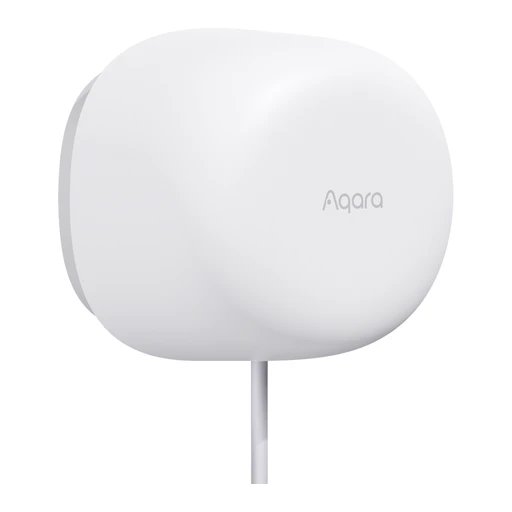
Aqara
Aqara Presence Sensor FP1E
60–61 GHz radar; USB-A 5 V power; models PS-S03D / PS-S03E.
- Power supply
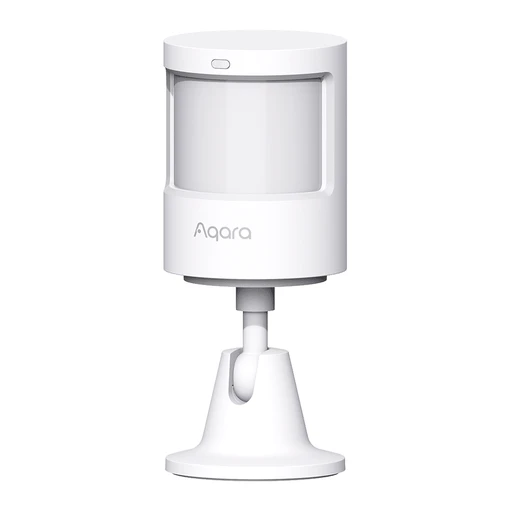
Aqara
Aqara Motion Sensor P1
Motion and built-in light sensor. Detection timeout configurable from 1 to 200 seconds in Aqara Home.
- Detect motion
- Requires Aqara Zigbee 3.0 hub.
- Use the hub’s documented exact-model integration; individual functions can differ.
- Measure ambient light
- Requires Aqara Zigbee 3.0 hub.
- Use the hub’s documented exact-model integration; individual functions can differ.
- Detection timeout configurable from 1 to 200 seconds in Aqara Home.

Aqara
Aqara Door and Window Sensor P2
Magnetic open/close sensing. Uses CR123A battery.
- Detect open and closed
- Matter controller and Thread border router required; Aqara Home needs compatible Aqara Thread hub such as M3.
- Use the specific Aqara hub model and mode named for this function.
- Use a Matter controller that supports this device type and function.
- Use the documented Thread border router.
- Battery and power
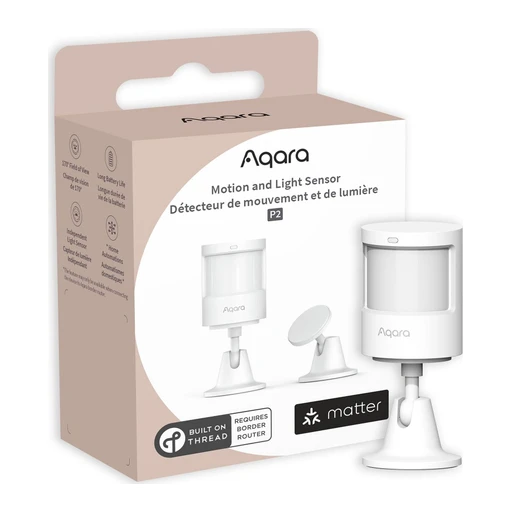
Aqara
Aqara Motion and Light Sensor P2
PIR motion plus independently usable illumination sensor.
- Detect motion
- Use a Matter controller that supports this device type and function.
- Use the documented Thread border router.
- Measure ambient light
- Use a Matter controller that supports this device type and function.
- Use the documented Thread border router.
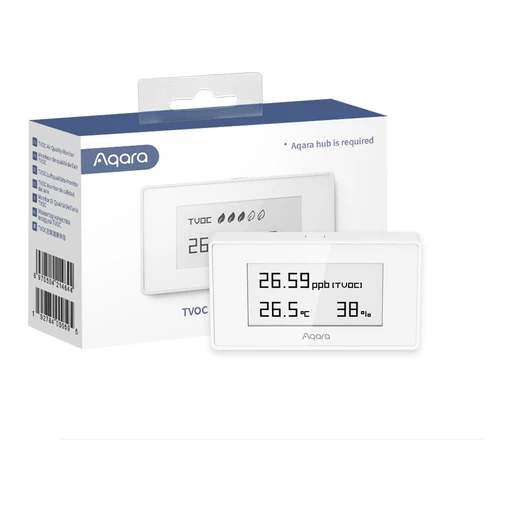
Aqara
Aqara TVOC Air Quality Monitor
Measures TVOC, temperature and humidity. E-ink display.
- Measure room conditions
- Compatible Aqara Zigbee 3.0 hub required.
- Use the specific Aqara hub model and mode named for this function.
- Measure air quality
- Compatible Aqara Zigbee 3.0 hub required.
- Use the specific Aqara hub model and mode named for this function.
- Read the built-in display

Aqara
Aqara Water Leak Sensor
Detects water leakage.
- Detect water leaks
- Requires Aqara hub.
- Use the specific Aqara hub model and mode named for this function.

Aqara
Aqara Water Leak Sensor T1
Reports water present and water cleared states.

Eve
Eve Motion (Matter version)
Motion and brightness sensing. IPX3; 120-degree field of view, stated range 9 m.
- Detect motion
- IPX3
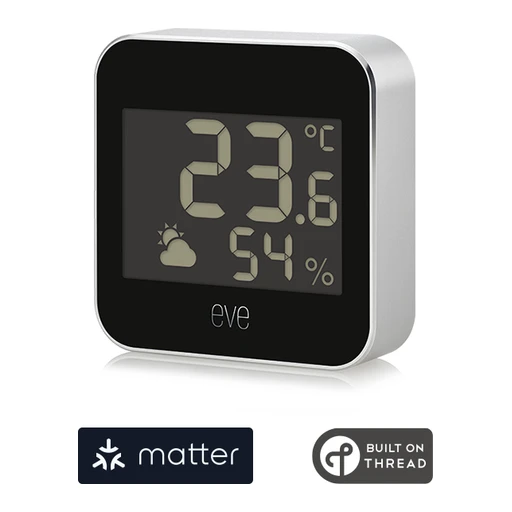
Eve
Eve Weather (Matter version)
Temperature, humidity and barometric pressure. IPX4 enclosure; weather trend shown on device.
- Measure room conditions
- Read the built-in display

Eve
Eve Water Guard (Thread version)
Mains-powered leak detector. Acts as Thread router node.
- Detect water leaks
- Acts as Thread router node

SONOFF
SONOFF SNZB-02P
Temperature and humidity sensing; CR2477 battery.
- Measure room conditions

SONOFF
SONOFF SNZB-03P
PIR motion sensing; 110-degree angle and 6 m specified range. Light sensing; CR2477 battery.
- Detect motion
- Measure ambient light

SONOFF
SONOFF SNZB-04P
Door/window contact sensing with tamper alarm. Installation gap below 20 mm.
- Detect open and closed
- Size and dimensions

SONOFF
SONOFF SNZB-05P
IP67 leak sensor; optional external detection cable. CR2477 battery.
- Detect water leaks
- Battery and power

SONOFF
SONOFF SNZB-06P
5.8 GHz microwave radar presence sensing. USB-C 5 V power; may appear as motion sensor in some gateways.
- Detect room presence
- Detect motion

SwitchBot
SwitchBot Meter Plus
Temperature/humidity sensor with 3-inch screen. CSV data export.
- Measure room conditions
- SwitchBot hub required for phone push alerts.
- Pair with the specified bridge: SwitchBot hub required for phone push alerts.
- CSV data export

SwitchBot
SwitchBot Meter Pro
Temperature/humidity display, clock and sound alerts.
- Measure room conditions
- hub required for weather forecast.
- Pair with the specified bridge: hub required for weather forecast.
- Read the built-in display

SwitchBot
SwitchBot Meter Pro (CO2 Monitor)
NDIR CO2 measurement plus temperature and humidity. USB-C or battery power.
- Measure room conditions
- Measure air quality
- Battery and power

SwitchBot
SwitchBot Water Leak Detector
Detects dripping/immersion/water levels. IP67 and remote notifications.
- Detects dripping/immersion/water levels
- IP67 and remote notifications

IKEA
IKEA MYGGSPRAY (306.246.95)
IP67 indoor/outdoor motion sensor. Can operate up to ten light sources together.
- Detect motion
- Can operate up to ten light sources together.
IKEA
IKEA KLIPPBOK (906.246.40)
Water-contact audible alarm. Hub enables phone notification.
- Water-contact audible alarm
- Hub enables phone notification
Zooz
Zooz ZSE42 800LR Water Leak XS Sensor
Leak sensor uses a CR2032 coin cell. Uses Z-Wave; Long Range requires an LR-capable controller/software.
- Detect water leaks
- Requires a compatible same-region Z-Wave controller; Long Range needs explicit controller support.
- Match the regional radio frequency and the controller’s exact model integration; Long Range needs explicit controller and software support.
- Uses Z-Wave
- Model details
Model identifier in the linked manual: ZSE42 800LR.

Zooz
Zooz ZSE11 800LR Q Sensor
Measures motion, temperature, humidity and light; supports battery or USB power. Uses Z-Wave; Long Range requires an LR-capable controller/software.
- Measure room conditions
- Requires a compatible same-region Z-Wave controller; Long Range needs explicit controller support.
- Match the regional radio frequency and the controller’s exact model integration; Long Range needs explicit controller and software support.
- Uses Z-Wave
- Model details
Model identifier in the linked manual: ZSE11 800LR.

Zooz
Zooz ZSE18 800LR S2 Motion Sensor
Motion detector supports over-the-air firmware updates and a magnetic adjustable mount. Uses Z-Wave; Long Range requires an LR-capable controller/software.
- Detect motion
- Requires a compatible same-region Z-Wave controller; Long Range needs explicit controller support.
- Match the regional radio frequency and the controller’s exact model integration; Long Range needs explicit controller and software support.
- Uses Z-Wave
- Model details
Model identifier in the linked manual: ZSE18 800LR.

Zooz
Zooz ZSE41 800LR Open | Close XS Sensor
Monitors door/window opening; outdoor installation requires a separate weatherproof case. Uses Z-Wave; Long Range requires an LR-capable controller/software.
- Weather resistance
- Uses Z-Wave
- Model details
Model identifier in the linked manual: ZSE41 800LR.
Zooz
Zooz ZSE44 800LR Temperature | Humidity XS Sensor
Measures temperature and humidity and uses a CR2450 cell. Uses Z-Wave; Long Range requires an LR-capable controller/software.
- Measure room conditions
- Requires a compatible same-region Z-Wave controller; Long Range needs explicit controller support.
- Match the regional radio frequency and the controller’s exact model integration; Long Range needs explicit controller and software support.
- Uses Z-Wave
- Model details
Model identifier in the linked manual: ZSE44 800LR.

Zooz
Zooz ZSE70 800LR Outdoor Motion Sensor
IP66 outdoor motion sensor also measures light and temperature; battery or 12–24 V power. Uses Z-Wave; Long Range requires an LR-capable controller/software.
- Detect motion
- Requires a compatible same-region Z-Wave controller; Long Range needs explicit controller support.
- Match the regional radio frequency and the controller’s exact model integration; Long Range needs explicit controller and software support.
- Measure room conditions
- Requires a compatible same-region Z-Wave controller; Long Range needs explicit controller support.
- Match the regional radio frequency and the controller’s exact model integration; Long Range needs explicit controller and software support.
- Uses Z-Wave

Third Reality
Third Reality Door and Window Sensor
Reports door/window open or closed state. The product-specific setup section documents the requirement for a compatible Zigbee hub or coordinator.
- Reports door/window open or closed state
- The product-specific setup section documents the requirement for a compatible Zigbee hub or coordinator.

Third Reality
Third Reality Motion Sensor R1 (without silicone case)
Motion detection sensitivity is manually adjustable; powered by three AA cells. Manufacturer explicitly says this is not a presence sensor. The product-specific setup section documents the requirement for a compatible Zigbee hub or coordinator.
- Detect motion
- Requires a compatible Zigbee hub/coordinator. bridge-mediated Matter is not native Matter support.
- Use the hub’s documented exact-model integration; individual functions can differ.
- The product-specific setup section documents the requirement for a compatible Zigbee hub or coordinator.
- Product-specific text lists SmartThings, Home Assistant and Hubitat integrations.

Third Reality
Third Reality Smart Air Quality Sensor (US adapter)
Measures CO2, VOC index, temperature and humidity; adapter powered. The product-specific setup section documents the requirement for a compatible Zigbee hub or coordinator.
- Measure room conditions
- Requires a compatible Zigbee hub/coordinator. bridge-mediated Matter is not native Matter support.
- Use the hub’s documented exact-model integration; individual functions can differ.
- Measure air quality
- Requires a compatible Zigbee hub/coordinator. bridge-mediated Matter is not native Matter support.
- Use the hub’s documented exact-model integration; individual functions can differ.
- The product-specific setup section documents the requirement for a compatible Zigbee hub or coordinator.

Aeotec
Aeotec MultiSensor 7 (ZWA024-A, US radio)
Motion, vibration, temperature, humidity, light and UV sensing. USB or two CR123A batteries; repeats Z-Wave only on USB power. Manufacturer product-code table identifies ZWA024-A as the US variant and lists V1.6.7; this is a published version reference, not verification of the delivered unit firmware.
- Detect motion
- Requires a compatible Z-Wave hub on the matching regional frequency. Other regional radios are not interchangeable.
- Pair with the specified bridge: Requires a compatible Z-Wave hub on the matching regional frequency. Other regional radios are not interchangeable.
- Measure room conditions
- Requires a compatible Z-Wave hub on the matching regional frequency. Other regional radios are not interchangeable.
- Pair with the specified bridge: Requires a compatible Z-Wave hub on the matching regional frequency. Other regional radios are not interchangeable.
- Manufacturer product-code table identifies ZWA024-A as the US variant and lists V1.6.7; this is a published version reference, not verification of the delivered unit firmware.

Aeotec
Aeotec MultiSensor 7 (ZWA024-B, AU radio)
Motion, vibration, temperature, humidity, light and UV sensing. USB or two CR123A batteries; repeats Z-Wave only on USB power. Manufacturer product-code table identifies ZWA024-B as the AU variant and lists V1.6.7; this is a published version reference, not verification of the delivered unit firmware.
- Detect motion
- Requires a compatible Z-Wave hub on the matching regional frequency. Other regional radios are not interchangeable.
- Pair with the specified bridge: Requires a compatible Z-Wave hub on the matching regional frequency. Other regional radios are not interchangeable.
- Measure room conditions
- Requires a compatible Z-Wave hub on the matching regional frequency. Other regional radios are not interchangeable.
- Pair with the specified bridge: Requires a compatible Z-Wave hub on the matching regional frequency. Other regional radios are not interchangeable.
- Manufacturer product-code table identifies ZWA024-B as the AU variant and lists V1.6.7; this is a published version reference, not verification of the delivered unit firmware.

Aeotec
Aeotec MultiSensor 7 (ZWA024-C, EU radio)
Motion, vibration, temperature, humidity, light and UV sensing. USB or two CR123A batteries; repeats Z-Wave only on USB power. Manufacturer product-code table identifies ZWA024-C as the EU variant and lists V1.6.7; this is a published version reference, not verification of the delivered unit firmware.
- Detect motion
- Requires a compatible Z-Wave hub on the matching regional frequency. Other regional radios are not interchangeable.
- Pair with the specified bridge: Requires a compatible Z-Wave hub on the matching regional frequency. Other regional radios are not interchangeable.
- Measure room conditions
- Requires a compatible Z-Wave hub on the matching regional frequency. Other regional radios are not interchangeable.
- Pair with the specified bridge: Requires a compatible Z-Wave hub on the matching regional frequency. Other regional radios are not interchangeable.
- Manufacturer product-code table identifies ZWA024-C as the EU variant and lists V1.6.7; this is a published version reference, not verification of the delivered unit firmware.

Aeotec
Aeotec TriSensor 8 (ZWA045-A, US radio)
Motion, temperature and ambient-light sensing; 800-series Z-Wave, S2 security, one CR123A battery and IP20 housing. Manufacturer product-code table identifies ZWA045-A as the US variant and lists V2.8.4; this is a published version reference, not verification of the delivered unit firmware.
- Detect motion
- Requires a compatible Z-Wave hub on the matching regional frequency. Other regional radios are not interchangeable.
- Pair with the specified bridge: Requires a compatible Z-Wave hub on the matching regional frequency. Other regional radios are not interchangeable.
- Measure room conditions
- Requires a compatible Z-Wave hub on the matching regional frequency. Other regional radios are not interchangeable.
- Pair with the specified bridge: Requires a compatible Z-Wave hub on the matching regional frequency. Other regional radios are not interchangeable.
- Measure ambient light
- Requires a compatible Z-Wave hub on the matching regional frequency. Other regional radios are not interchangeable.
- Pair with the specified bridge: Requires a compatible Z-Wave hub on the matching regional frequency. Other regional radios are not interchangeable.

Aeotec
Aeotec TriSensor 8 (ZWA045-B, AU radio)
Motion, temperature and ambient-light sensing; 800-series Z-Wave, S2 security, one CR123A battery and IP20 housing. Manufacturer product-code table identifies ZWA045-B as the AU variant and lists V2.8.4; this is a published version reference, not verification of the delivered unit firmware.
- Detect motion
- Requires a compatible Z-Wave hub on the matching regional frequency. Other regional radios are not interchangeable.
- Pair with the specified bridge: Requires a compatible Z-Wave hub on the matching regional frequency. Other regional radios are not interchangeable.
- Measure room conditions
- Requires a compatible Z-Wave hub on the matching regional frequency. Other regional radios are not interchangeable.
- Pair with the specified bridge: Requires a compatible Z-Wave hub on the matching regional frequency. Other regional radios are not interchangeable.
- Measure ambient light
- Requires a compatible Z-Wave hub on the matching regional frequency. Other regional radios are not interchangeable.
- Pair with the specified bridge: Requires a compatible Z-Wave hub on the matching regional frequency. Other regional radios are not interchangeable.

Aeotec
Aeotec TriSensor 8 (ZWA045-C, EU radio)
Motion, temperature and ambient-light sensing; 800-series Z-Wave, S2 security, one CR123A battery and IP20 housing. Manufacturer product-code table identifies ZWA045-C as the EU variant and lists V2.8.4; this is a published version reference, not verification of the delivered unit firmware.
- Detect motion
- Requires a compatible Z-Wave hub on the matching regional frequency. Other regional radios are not interchangeable.
- Pair with the specified bridge: Requires a compatible Z-Wave hub on the matching regional frequency. Other regional radios are not interchangeable.
- Measure room conditions
- Requires a compatible Z-Wave hub on the matching regional frequency. Other regional radios are not interchangeable.
- Pair with the specified bridge: Requires a compatible Z-Wave hub on the matching regional frequency. Other regional radios are not interchangeable.
- Measure ambient light
- Requires a compatible Z-Wave hub on the matching regional frequency. Other regional radios are not interchangeable.
- Pair with the specified bridge: Requires a compatible Z-Wave hub on the matching regional frequency. Other regional radios are not interchangeable.

Aeotec
Aeotec Recessed Door Sensor 7 (ZW187-A, US radio)
Recessed magnetic door sensor with Z-Wave Plus, S2 and SmartStart; indoor dry use. Manufacturer product-code table identifies ZW187-A as the US variant and lists V1.05; this is a published version reference, not verification of the delivered unit firmware.
- Detect open and closed
- Requires a compatible Z-Wave hub on the matching regional frequency. Other regional radios are not interchangeable.
- Pair with the specified bridge: Requires a compatible Z-Wave hub on the matching regional frequency. Other regional radios are not interchangeable.
- Manufacturer product-code table identifies ZW187-A as the US variant and lists V1.05; this is a published version reference, not verification of the delivered unit firmware.

Aeotec
Aeotec Recessed Door Sensor 7 (ZW187-B, AU radio)
Recessed magnetic door sensor with Z-Wave Plus, S2 and SmartStart; indoor dry use. Manufacturer product-code table identifies ZW187-B as the AU variant and lists V1.05; this is a published version reference, not verification of the delivered unit firmware.
- Detect open and closed
- Requires a compatible Z-Wave hub on the matching regional frequency. Other regional radios are not interchangeable.
- Pair with the specified bridge: Requires a compatible Z-Wave hub on the matching regional frequency. Other regional radios are not interchangeable.
- Manufacturer product-code table identifies ZW187-B as the AU variant and lists V1.05; this is a published version reference, not verification of the delivered unit firmware.

Aeotec
Aeotec Recessed Door Sensor 7 (ZW187-C, EU radio)
Recessed magnetic door sensor with Z-Wave Plus, S2 and SmartStart; indoor dry use. Manufacturer product-code table identifies ZW187-C as the EU variant and lists V1.05; this is a published version reference, not verification of the delivered unit firmware.
- Detect open and closed
- Requires a compatible Z-Wave hub on the matching regional frequency. Other regional radios are not interchangeable.
- Pair with the specified bridge: Requires a compatible Z-Wave hub on the matching regional frequency. Other regional radios are not interchangeable.
- Manufacturer product-code table identifies ZW187-C as the EU variant and lists V1.05; this is a published version reference, not verification of the delivered unit firmware.

Sensibo
Sensibo Elements
Indoor air-quality monitor with app readings. Specification identifies CO2 equivalent rather than a direct CO2 sensor.
- Measure air quality
- Indoor air-quality monitor with app readings.

Sensibo
Sensibo Door and Window Sensor
Detects open doors or windows with a magnetic contact. Can pause AC operation while an opening is detected.
- Detect open and closed
- Can pause AC operation while an opening is detected.

Sensibo
Sensibo Room Sensor
Optional battery-powered room sensor for Sensibo Air. Room sensing can guide AC operation through the Sensibo system.
- Battery and power
- Room sensing can guide AC operation through the Sensibo system.

WiZ
WiZ Contact Sensor (046677605520)
Published supply rating: 3 V. Ingress rating: IP20.
- Power supply
- Weather resistance
- Battery and power
Battery type: CR123A.

WiZ
WiZ Motion Sensor (8718699788209A)
Published supply rating: 3 V. Ingress rating: IP20.
- Power supply
- Weather resistance
- Battery and power
Battery type: AA (LR6).

Netatmo
Netatmo Additional Smart Indoor Module
Temperature, humidity and air-quality readings with remote history and alerts. Up to three additional rooms; AAA batteries.
- Weather readings
- This accessory needs a compatible Netatmo Weather Station for its readings, history and alerts.
- Up to three additional rooms

Aqara
Aqara Presence Sensor FP2
A powered Wi-Fi presence sensor with room zones for different activities.
- See presence in room zones
Apple Home receives separate presence sensors for configured zones.
- View through Apple Home on a compatible iPhone.
- Wall-mount and power FP2, set up 2.4 GHz Wi-Fi and zones, then pair Apple Home.
- Use presence in room zones
Aqara lists multi-zone presence for Google Home.
- Wall-mount and power FP2, configure Wi-Fi and zones in Aqara Home, then link Google Home.
- Use presence in room zones
Aqara lists multi-zone presence for Alexa.
- Wall-mount and power FP2, configure Wi-Fi and zones in Aqara Home, then link Alexa.

Eve
Eve Door & Window (Matter version)
A small Thread sensor that tells your app when a door or window opens.
- Open / closed status
Eve lists this platform for the Matter sensor.
- Use the selected platform's Matter controller.
- A compatible Thread border router is required.
- For this Matter version, add its setup code in the chosen platform; use sharing mode to add another platform.
- Eve requires the latest iOS/iPadOS for this Apple app path.
- Open / closed status
Eve lists this platform for the Matter sensor.
- Use the selected platform's Matter controller.
- A compatible Thread border router is required.
- For this Matter version, add its setup code in the chosen platform; use sharing mode to add another platform.
- Eve specifies current iOS/iPadOS or Android 8.1 or later for its mobile setup and apps.
- Open / closed status
Eve lists this platform for the Matter sensor.
- Use the selected platform's Matter controller.
- A compatible Thread border router is required.
- For this Matter version, add its setup code in the chosen platform; use sharing mode to add another platform.
- Eve specifies current iOS/iPadOS or Android 8.1 or later for its mobile setup and apps.
Alarm interfaces

Zooz
Zooz ZEN55 LR DC Signal Sensor
Monitors compatible interconnected smoke/CO alarm signals; includes an optional 120 V relay. Not a smoke/CO detector itself. Uses Z-Wave; Long Range requires an LR-capable controller/software.
- Read connected alarm signals
- Requires a compatible same-region Z-Wave controller; Long Range needs explicit controller support.
- Match the regional radio frequency and the controller’s exact model integration; Long Range needs explicit controller and software support.
- Match the exact alarm interconnect, voltage and installation to this interface’s manual.
- Uses Z-Wave
- Model details
Model identifier in the linked manual: ZEN55 LR.

Abode
Abode Smoke Alarm Monitor
Listener, not a smoke detector and not a replacement for a certified alarm. Documents UL217 T-3 tone detection, CR123A battery and app notifications.
- Documents UL217 T-3 tone detection, CR123A battery and app notifications.
- Compatible Abode hub
- Use an existing compatible smoke alarm; this device only listens for its alarm.
- Use a compatible phone for this app.
- Professional monitoring
Professional monitoring response needs an applicable service plan.
- Use the eligible regional paid service for professional monitoring. Professional monitoring response needs an applicable service plan.
- Enroll this system with the supported monitoring service; equipment ownership does not enroll it automatically.
Sirens
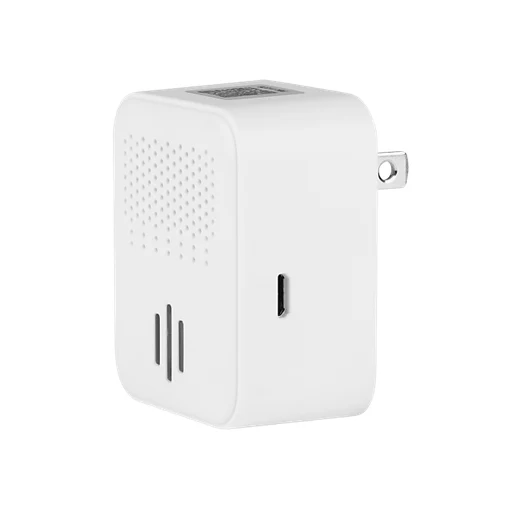
Zooz
Zooz ZSE50 800LR Siren & Chime
Siren and chime supports LED alerts and user-supplied MP3/WAV audio files. Uses Z-Wave; Long Range requires an LR-capable controller/software.
- Sound the siren or chime
- Requires a compatible same-region Z-Wave controller; Long Range needs explicit controller support.
- Match the regional radio frequency and the controller’s exact model integration; Long Range needs explicit controller and software support.
- Use the tones, files and event commands supported by this exact controller integration.
- Uses Z-Wave
- Model details
Model identifier in the linked manual: ZSE50 800LR.

Aeotec
Aeotec Siren 6 (ZW164-A, US radio)
Z-Wave Plus siren/doorbell sounder with S2 security and 30 preloaded tones; indoor dry use. Manufacturer product-code table identifies ZW164-A as the US variant and lists V1.09; this is a published version reference, not verification of the delivered unit firmware.
- Sound the siren or chime
- Requires a compatible Z-Wave hub on the matching regional frequency. Other regional radios are not interchangeable.
- Pair with the specified bridge: Requires a compatible Z-Wave hub on the matching regional frequency. Other regional radios are not interchangeable.
- Use the tones, files and event commands supported by this exact controller integration.
- Manufacturer product-code table identifies ZW164-A as the US variant and lists V1.09; this is a published version reference, not verification of the delivered unit firmware.

Aeotec
Aeotec Siren 6 (ZW164-B, AU radio)
Z-Wave Plus siren/doorbell sounder with S2 security and 30 preloaded tones; indoor dry use. Manufacturer product-code table identifies ZW164-B as the AU variant and lists V1.09; this is a published version reference, not verification of the delivered unit firmware.
- Sound the siren or chime
- Requires a compatible Z-Wave hub on the matching regional frequency. Other regional radios are not interchangeable.
- Pair with the specified bridge: Requires a compatible Z-Wave hub on the matching regional frequency. Other regional radios are not interchangeable.
- Use the tones, files and event commands supported by this exact controller integration.
- Manufacturer product-code table identifies ZW164-B as the AU variant and lists V1.09; this is a published version reference, not verification of the delivered unit firmware.

Aeotec
Aeotec Siren 6 (ZW164-C, EU radio)
Z-Wave Plus siren/doorbell sounder with S2 security and 30 preloaded tones; indoor dry use. Manufacturer product-code table identifies ZW164-C as the EU variant and lists V1.09; this is a published version reference, not verification of the delivered unit firmware.
- Sound the siren or chime
- Requires a compatible Z-Wave hub on the matching regional frequency. Other regional radios are not interchangeable.
- Pair with the specified bridge: Requires a compatible Z-Wave hub on the matching regional frequency. Other regional radios are not interchangeable.
- Use the tones, files and event commands supported by this exact controller integration.
- Manufacturer product-code table identifies ZW164-C as the EU variant and lists V1.09; this is a published version reference, not verification of the delivered unit firmware.
Smoke and CO alarms

First Alert
First Alert SC5 Battery SMCO600NV
Battery-powered combined smoke and carbon monoxide alarm. App notifications and compatible-alarm interconnection are documented.
- Detect the documented smoke or CO event
- Install, test and maintain the alarm as its exact manual directs.
- App notifications and compatible-alarm interconnection are documented.

First Alert
First Alert SC5 Hardwire SMCO600NV-AC
Hardwired combined smoke and carbon monoxide alarm. App notifications and compatible-alarm interconnection are documented.
- Detect the documented smoke or CO event
- Install, test and maintain the alarm as its exact manual directs.
- App notifications and compatible-alarm interconnection are documented.

Kidde
Kidde Ring Smart Smoke and CO RGCUDR-RW
AA-battery smoke and CO alarm sends alerts through Ring. Optional professional monitoring requires an eligible Ring subscription and US service address.
- Detect the documented smoke or CO event
- Install, test and maintain the alarm as its exact manual directs.
- Optional professional monitoring requires an eligible Ring subscription and US service address.
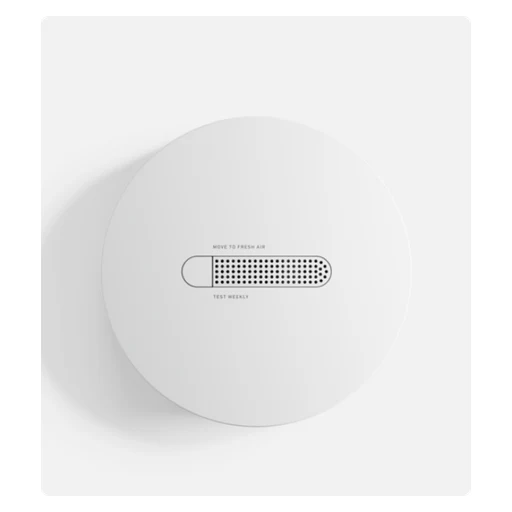
SimpliSafe
SimpliSafe Smoke & Carbon Monoxide Detector (Gen 3 system)
Detects smoke and CO; local siren plus connected Base Station notification. Monitoring-center response depends on a professional-monitoring plan.
- Smoke detection
- Monitoring-center response depends on a professional-monitoring plan.
- Uses proprietary RF, not interchangeable Zigbee/Z-Wave.
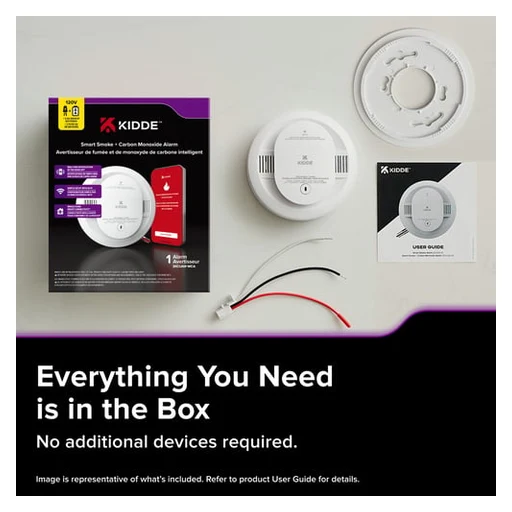
Kidde
Kidde 30CUAR-WCA
Smoke, CO and low-battery app alerts; hardwired power with two AA backup cells.
 Retail packaging
First Alert
First Alert SMCO410
Photoelectric smoke and electrochemical CO sensing; sealed 10-year lithium battery. 85 dB sounder at 10 ft.
- Smoke detection
- Local alarm sound
- Abode compatibility list identifies SMCO410 as requiring beta firmware on supported hubs.
Alarm hubs

Ring
Ring Alarm Pro Base Station
Built-in eero Wi-Fi 6 router and 104 dB siren measured at 1 ft. Up to 24-hour internal battery backup in low-power mode; only some security functions remain.
- Local alarm sound
- Remote app control, cellular backup and professional monitoring require eligible paid plans; monitoring enrollment is separate.
- Use a compatible phone for this app.
- Remote app control, cellular backup and professional monitoring require eligible paid plans; monitoring enrollment is separate.
- Cellular backup
Remote app control, cellular backup and professional monitoring require eligible paid plans; monitoring enrollment is separate.
- Use the eligible regional paid service for cellular backup. Remote app control, cellular backup and professional monitoring require eligible paid plans; monitoring enrollment is separate.

Ring
Ring Alarm Base Station Gen 2
Built-in 104 dB siren at 1 ft and up-to-24-hour battery backup. Ring app remote control and cellular backup depend on compatible paid subscription; professional monitoring is a separate service enrollment.
- Local alarm sound
- Ring app remote control and cellular backup depend on compatible paid subscription; professional monitoring is a separate service enrollment.
- Use a compatible phone for this app.
- Ring app remote control and cellular backup depend on compatible paid subscription; professional monitoring is a separate service enrollment.
- Cellular backup
- Use the eligible regional paid service for cellular backup. Ring app remote control and cellular backup depend on compatible paid subscription; professional monitoring is a separate service enrollment.

Abode
Abode Smart Security Hub
93 dB siren and battery backup. Supports HomeKit and tested third-party Zigbee/Z-Wave devices; not universal device compatibility.
- Local alarm sound
- Self-monitoring in the Abode app; paid monitoring and cellular backup are separate.
- Use a permanent Ethernet connection to the router; this is not a Wi-Fi uplink.
- Use a compatible phone for this app.
- Cellular backup
Optional paid professional monitoring and cellular-backup plans are separate from app use.
- Use the eligible regional paid service for cellular backup. Optional paid professional monitoring and cellular-backup plans are separate from app use.

SimpliSafe
SimpliSafe Base Station (Gen 3)
100 dB siren and up to 24-hour battery backup. Professional monitoring is optional and requires subscription; manufacturer documents ability to decline monitoring.
- Local alarm sound
- Professional monitoring
- Use the eligible regional paid service for professional monitoring. Professional monitoring is optional and requires subscription; manufacturer documents ability to decline monitoring.
- Enroll this system with the supported monitoring service; equipment ownership does not enroll it automatically.

Yale
Yale Smart Alarm Hub AL-HUB-1A-W-CN
Yale Home app, four independently controlled security areas and up to 100 accessories. Cellular connection, automated calls and third-party professional monitoring are subscription features, not standard local siren features.
- Yale Home app, four independently controlled security areas and up to 100 accessories.
- Use a compatible phone for this app.
- Cellular backup
- Use the eligible regional paid service for cellular backup. Cellular connection, automated calls and third-party professional monitoring are subscription features, not standard local siren features.
- Professional monitoring
- Use the eligible regional paid service for professional monitoring. Cellular connection, automated calls and third-party professional monitoring are subscription features, not standard local siren features.
- Enroll this system with the supported monitoring service; equipment ownership does not enroll it automatically.
Alarm kits

Abode
Abode iota All-In-One Security Kit
Includes iota hub, mini door/window sensor and keyfob; no bundle-size variants counted. Hub has HD camera, motion sensor and 93 dB siren.
- Local alarm sound
- Self-monitoring in the Abode app; paid monitoring and cellular backup are separate.
- Use a compatible phone for this app.
- Cellular backup
Self-monitoring app and optional paid professional monitoring are separate; cellular backup requires a plan.
- Use the eligible regional paid service for cellular backup. Self-monitoring app and optional paid professional monitoring are separate; cellular backup requires a plan.
Abode
Abode Security Kit (Security Hub)
93 dB hub siren and battery backup. Free app self-monitoring; professional monitoring, cellular backup and CUE access have paid plan requirements.
- Local alarm sound
- Self-monitoring in the Abode app; paid monitoring and cellular backup are separate.
- Use a compatible phone for this app.
- Cellular backup
Free app self-monitoring; professional monitoring, cellular backup and CUE access have paid plan requirements. Security Kit Hub explicitly does not support HomeKit, direct Zigbee or direct Z-Wave; 4G backup requires compatible paid service plan.
- Use the eligible regional paid service for cellular backup. Free app self-monitoring; professional monitoring, cellular backup and CUE access have paid plan requirements. Security Kit Hub explicitly does not support HomeKit, direct Zigbee or direct Z-Wave; 4G backup requires compatible paid service plan.
Alarm gateways

FireAngel
FireAngel FP1000W2-R Pro Connected Smart Gateway
FireAngel Connected app and email notifications; requires wired Ethernet broadband connection. Local alarm network continues operating when internet fails, but remote alerts stop.
- FireAngel Connected app and email notifications; requires wired Ethernet broadband connection.
- Use a compatible phone for this app.
- Local alarm network continues operating when internet fails, but remote alerts stop.
- Manufacturer explicitly states incompatibility with DrayTek routers.
Smoke alarms

Netatmo
Netatmo Smart Smoke Alarm
Standalone smoke alarm with smartphone alerts and built-in 10-year battery. Smoke-only model; it does not detect CO.
- Smoke detection
- Standalone smoke alarm with smartphone alerts and built-in 10-year battery.

FireAngel
FireAngel FP1640W2-R Pro Connected Smart Smoke Alarm
Mains-powered smoke alarm; does not detect CO. Wireless interlink supports compatible FireAngel alarm network; local alarms continue without internet.
- Smoke detection
- Wireless interlink supports compatible FireAngel alarm network; local alarms continue without internet.
Brooks
Brooks EIB650iRF
Photoelectric smoke sensing; 10-year lithium battery and RadioLINK+ interconnection. AudioLINK app extracts alarm data acoustically; not Wi-Fi remote push monitoring.
- Smoke detection
- AudioLINK app extracts alarm data acoustically; not Wi-Fi remote push monitoring.
- Use a compatible phone for this app.

Brooks
Brooks EIB3016
230 V mains photoelectric smoke alarm with rechargeable lithium backup. Hardwired interconnection or optional EIB3000MRF wireless module; up to 12 devices.
- Smoke detection
- AudioLINK app extracts alarm data acoustically; not Wi-Fi remote push monitoring.
- Use a compatible phone for this app.
- Hardwired interconnection or optional EIB3000MRF wireless module; up to 12 devices.
 App shown
Kidde
Kidde 20SAR-WCA
Smoke and low-battery app alerts; hardwired power with two AA backup cells.
Carbon monoxide alarms

Netatmo
Netatmo Smart Carbon Monoxide Alarm
CO detection, smartphone alerts and automatic self-tests. Home + Security app is separate from HomeKit and Google Assistant integration.
- Carbon monoxide detection
- Home + Security app is separate from HomeKit and Google Assistant integration.
Smoke and heat alarms

Aico
Aico Ei3024
Optical smoke and thermistor heat sensing. 230 V mains with rechargeable lithium backup and 85 dB(A) sounder at 3 m.
- Smoke detection
- Local alarm sound
- AudioLINK+ app data extraction is acoustic/local, not itself always-on remote monitoring.
- Use a compatible phone for this app.
Brooks
Brooks EIB660iRF
Photoelectric smoke and heat sensors; sealed 10-year battery. Preinstalled EIB600MRF RadioLINK+ module, up to 12 compatible interconnected devices.
- Smoke detection
- AudioLINK app extracts alarm data acoustically; not Wi-Fi remote push monitoring.
- Use a compatible phone for this app.
- Preinstalled EIB600MRF RadioLINK+ module, up to 12 compatible interconnected devices.
Heat and carbon monoxide alarms

Aico
Aico Ei3028
Thermistor heat and electrochemical CO sensing; not a smoke alarm. Mains powered with 10-year rechargeable lithium backup.
- Carbon monoxide detection
- AudioLINK+ app data extraction is acoustic/local, not itself always-on remote monitoring.
- Use a compatible phone for this app.
- Mains powered with 10-year rechargeable lithium backup.
Heat alarms
Brooks
Brooks EIB630iRF
Heat alarm with sealed 10-year lithium battery and included EIB600MRF module. Manufacturer requires interconnection with other smoke/heat alarms in the dwelling; not a smoke-alarm substitute.
- Heat detection
- AudioLINK app extracts alarm data acoustically; not Wi-Fi remote push monitoring.
- Use a compatible phone for this app.
- Heat alarm with sealed 10-year lithium battery and included EIB600MRF module.
Water leak sensors

Phyn
Phyn Sense Smart Water Sensor
Water-contact alarm plus app/SMS alerts; customizable humidity/low-temperature alerts. Can trigger Phyn Plus shutoff when configured in the Phyn app.
- Water-contact alarm plus app/SMS alerts; customizable humidity/low-temperature alerts.
- Use a compatible phone for this app.
- Water valve control
- Use a compatible phone for this app.

StreamLabs
StreamLabs Scout
Standalone app leak alerts, or add to an existing Monitor/Control location. When paired with a Control location, water detection can trigger valve closure.
- Standalone app leak alerts, or add to an existing Monitor/Control location. Free Standard app plan includes push alerts. Optional StreamPlus adds email/SMS alerts and more locations; paid subscription is not mandatory for basic use.
- Use a compatible phone for this app.
- Standalone app leak alerts, or add to an existing Monitor/Control location.
- When paired with a Control location, water detection can trigger valve closure.

Abode
Abode Water Leak Sensor
Water detection, local 85 dB siren and Abode app alerts. Does not detect freezing temperatures or humidity.
- Local alarm sound
- Compatible Abode hub
- Use a compatible phone for this app.
- Water valve control
Water valve automation requires a separate compatible valve/controller.

Kidde
Kidde 60WLDR-WCA
Water leak and approaching-freezing detection; two AA batteries. 85 dB audible alert at 1.2 m; no interconnection.
- Local alarm sound
- Water leak and approaching-freezing detection; two AA batteries.
Weather stations

Holman
Holman Zephyr WS5092W
Twelve weather data points and live indoor display. Weather-based automations through Holman Home.
- Weather readings
- Weather-based automations through Holman Home.
 App shown
Netatmo
Netatmo Weather Station ORIGINAL 2nd generation – Sand
Remote environment readings and history in app; personalized alerts. Supports rain gauge, anemometer and additional indoor modules.
- Weather readings
- Use a compatible phone for this app.
- Supports rain gauge, anemometer and additional indoor modules.

WeatherFlow Tempest
WeatherFlow Tempest Tempest Weather Station
Solar-powered sensor; wind, rain, temperature, humidity, pressure, UV and lightning observations. App history and alerts; included hub uploads observations.
- Weather readings
- App history and alerts; included hub uploads observations.
- Set up the supplied Tempest Wi-Fi hub.
- Use a compatible phone for this app.
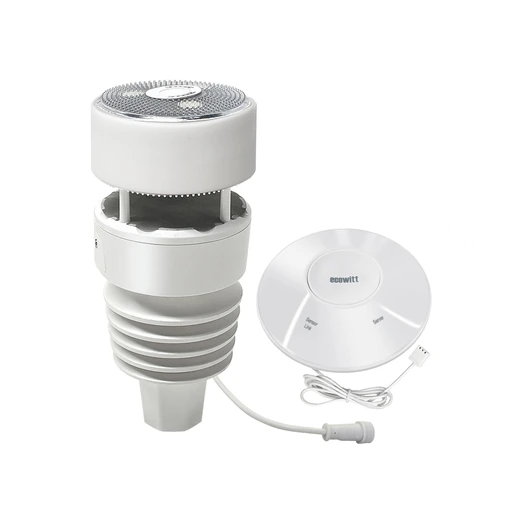 System illustration
Ecowitt
Ecowitt Wittboy GW2001 (915 MHz)
Compact weather station with ultrasonic wind sensing, piezoelectric rain sensing and network upload.
- Measure wind and rain
WS90 measures wind speed/direction using ultrasound and rain using a piezoelectric sensor.
- Measure outdoor conditions and UV
Measures outdoor temperature, humidity, light intensity and UV index.
- Use the included GW2000 gateway
Included GW2000 adds indoor temperature, humidity and pressure plus Wi-Fi/Ethernet networking.
 Shared appearance
Davis Instruments
Davis Vantage Vue with WeatherLink Console 6242
Weather station with an indoor touchscreen, local history and optional cloud access.
- Measure weather conditions
Measures temperature, humidity, wind speed/direction, rainfall and barometric pressure.
- See readings, graphs and alarms locally
WeatherLink Console displays current readings, historical graphs and configurable alarms.
- Upload to WeatherLink Cloud
Wi-Fi upload to WeatherLink Cloud for remote access.
- Use Wi-Fi and a WeatherLink account. Expanded analysis may require Pro or Pro+; this result covers upload and remote access.
Weather station accessories
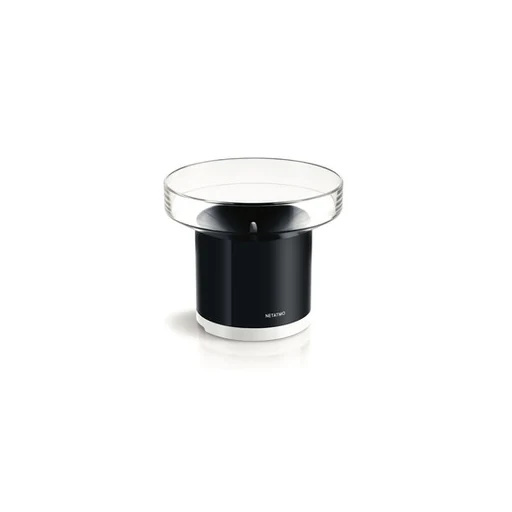
Netatmo
Netatmo Smart Rain Gauge
Rainfall measurements, history and alerts through station/app. AAA battery powered; not a standalone Wi-Fi product.
- Weather readings
- This accessory needs a compatible Netatmo Weather Station for its readings, history and alerts.
- Use a compatible phone for this app.
- AAA battery powered

Netatmo
Netatmo Smart Anemometer
Measures wind speed, direction and gusts; AA battery powered. One anemometer per station.
- Weather readings
- This accessory needs a compatible Netatmo Weather Station for its readings, history and alerts.
- One anemometer per station
Soil moisture sensors
 Installed example
Holman
Holman WXMS Smart Moisture Sensor
Measures soil moisture and soil temperature; five moisture-sensitivity levels. IP67; 3 AAA batteries.
- Weather readings
- IP67

GARDENA
GARDENA smart Sensor 19040-20
Soil moisture and ground temperature measurement; 2 AA batteries. Supports sensor-informed watering in GARDENA smart system.
- Weather readings
- Supports sensor-informed watering in GARDENA smart system.

Netro
Netro Whisperer Gen2
Measures moisture, sunlight and ground temperature; solar recharge plus USB. Pairs with Netro Sprite, Spark and Pixie to inform watering.
- Measures moisture, sunlight and ground temperature; solar recharge plus USB.
- Pairs with Netro Sprite, Spark and Pixie to inform watering.

Ecowitt
Ecowitt WH51 Soil Moisture Sensor (915 MHz)
Wireless soil-moisture probe that reports through a compatible Ecowitt gateway.
- Measure relative soil moisture
Measures relative soil moisture from 0 to 100%, with 1% resolution.
- See live readings through a gateway
Live readings in WSView Plus through a compatible GW1100/GW2000 gateway.
- Use a compatible same-frequency Ecowitt gateway and firmware.
- Use cloud graphs and history
Ecowitt cloud provides graphs and downloadable history.
- Use a compatible same-frequency Ecowitt gateway and firmware.
- Configure the network and Ecowitt cloud upload.
Lights

TP-Link Tapo
TP-Link Tapo L530E
E27 base; up to 806 lm and adjustable colour.
- Colour lighting

TP-Link Tapo
TP-Link Tapo L610
GU10 base; 350 lm and 2700 K warm white. Brightness adjustment from 1% to 100%.
- Adjust brightness
- Fitting

TP-Link Tapo
TP-Link Tapo L900-5
Cuttable multicolour light strip with schedules.
- Colour lighting
- Schedules in the maker’s app
- Use a compatible phone for this app function.
- Add the exact device in the named app and enable this function.

TP-Link Tapo
TP-Link Tapo L630
GU10 base; 350 lm, colours and 2200–6500 K white.
- Colour lighting
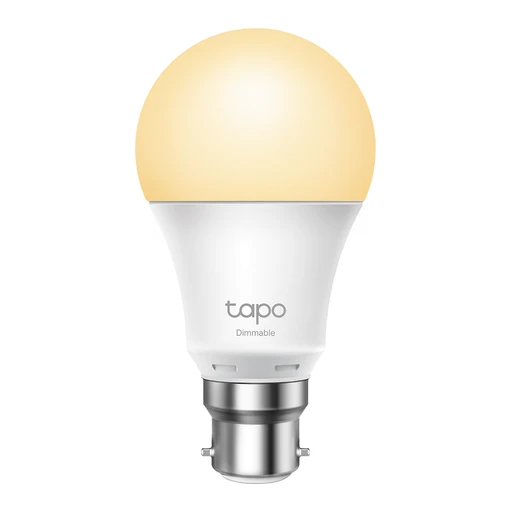
TP-Link Tapo
TP-Link Tapo L510B
B22 base with adjustable brightness and scheduled switching.
- Schedules in the maker’s app
- Use a compatible phone for this app function.
- Add the exact device in the named app and enable this function.
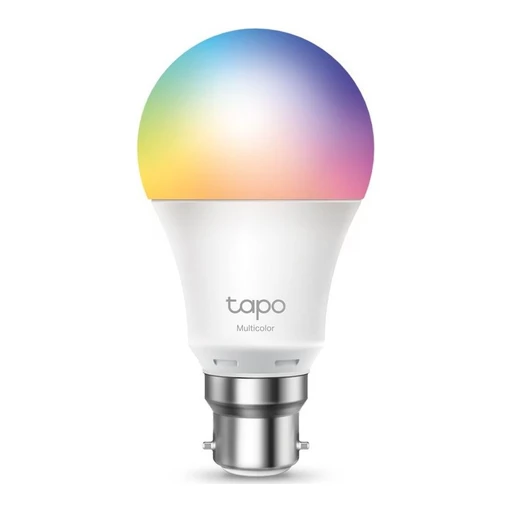
TP-Link Tapo
TP-Link Tapo L530B
B22 base; up to 806 lm and adjustable colour.
- Colour lighting

TP-Link Tapo
TP-Link Tapo L920-5
Five-metre strip with 50 separately controlled colour zones.

TP-Link Tapo
TP-Link Tapo L535E
E27 base; up to 1055 lm and adjustable colour. Energy information is available in the Tapo app.
- Colour lighting
- Power readings in the maker’s app
- Use a compatible phone for this app function.
- Add the exact device in the named app and enable this function.

TP-Link Tapo
TP-Link Tapo L930-5
Five-metre strip with 50 colour zones and additional white LEDs. Supports music-responsive effects.
- Colour lighting
- Supports music-responsive effects

TP-Link Tapo
TP-Link Tapo L510E
E27 base with adjustable brightness and scheduled switching.
- Schedules in the maker’s app
- Use a compatible phone for this app function.
- Add the exact device in the named app and enable this function.

TP-Link Tapo
TP-Link Tapo L430C
Adjustable colours and 2500–6500 K white. Music-linked effects use the Tapo app.
- Colour lighting
- Music-linked effects use the Tapo app
Nanoleaf
Nanoleaf Smart Floor Lamp — Black
Colour and 2200–6500 K white lighting. Integrated microphone supports music-reactive lighting.
- Colour lighting
- Integrated microphone supports music-reactive lighting.
Nanoleaf
Nanoleaf Smart Ceiling Light — 220–240 V
Hardwired 32 cm ceiling fixture with front lighting and rear halo. Up to 2600 lm; 28 addressable colour zones.
- Size and dimensions
- Light output

Nanoleaf
Nanoleaf Smart Multicolor Lightstrip Standard 5 m
Five-metre trimmable strip with 50 colour zones. Adjustable white from 2700–6500 K.
- Five-metre trimmable strip with 50 colour zones.
- Adjustable white from 2700–6500 K

Nanoleaf
Nanoleaf Smart Rope Light 5 m
Flexible five-metre rope light with 70 colour zones.

Nanoleaf
Nanoleaf Lines 60° Starter Kit — White 9 Lines
Nine backlit light bars, controller and power supply in the selected starter kit. Supports music-reactive lighting and screen mirroring.
- Nine backlit light bars, controller and power supply in the selected starter kit.
- Supports music-reactive lighting and screen mirroring.

Nanoleaf
Nanoleaf Elements Hexagons Starter Kit — 7 Panels
Birchwood veneer panels with 1500–4000 K white lighting. Selected kit includes seven panels, controller and power supply.
- Birchwood veneer panels with 1500–4000 K white lighting.
- Selected kit includes seven panels, controller and power supply.

Nanoleaf
Nanoleaf Shapes Hexagons Starter Kit — White 9 Panels
Touch-responsive light panels with colours and adjustable white. Selected starter kit includes nine hexagonal panels.
- Colour lighting
- Selected starter kit includes nine hexagonal panels.

Philips Hue
Philips Hue White Ambiance A19 E26 1100
E26 bulb; adjustable white with output up to 1100 lm. 110–130 V input.
- Light output
- Power supply

Philips Hue
Philips Hue White and Color Ambiance A19 E26 1100
E26 colour and adjustable-white bulb; output up to 1100 lm. 110–130 V input.
- Colour lighting
- Maker’s bridge: Hue Bridge required for expanded features and listed voice integrations; Bluetooth basic control where supported.
- Pair through the bridge model named in the manufacturer’s instructions.
- Power supply

Philips Hue
Philips Hue White and Color Ambiance A21 E26 1600
E26 colour and adjustable-white bulb; output up to 1600 lm. 110–130 V input.
- Colour lighting
- Maker’s bridge: Hue Bridge required for expanded features and listed voice integrations; Bluetooth basic control where supported.
- Pair through the bridge model named in the manufacturer’s instructions.
- Power supply

Philips Hue
Philips Hue White and Color Ambiance B39 E12 Candle
E12 candle bulb with colours and adjustable white; up to 470 lm. 110–130 V input.
- Colour lighting
- Maker’s bridge: Hue Bridge required for expanded features and listed voice integrations; Bluetooth basic control where supported.
- Pair through the bridge model named in the manufacturer’s instructions.
- Power supply

Philips Hue
Philips Hue White and Color Ambiance BR30 E26
BR30 colour and adjustable-white bulb with E26 fitting. 110–130 V input.
- Colour lighting
- Maker’s bridge: Hue Bridge required for expanded features and listed voice integrations; Bluetooth basic control where supported.
- Pair through the bridge model named in the manufacturer’s instructions.
- Power supply

LIFX
LIFX SuperColour E27 1600 lm
E27 fitting with up to 1600 lm output. White temperature range of 1500–9000 K.
- Fitting
- White temperature range of 1500–9000 K

LIFX
LIFX Indoor Neon Flex 2 m
Two-metre flexible colour rope light. Includes Wi-Fi controller, indoor power supply and mounting clips.
- Two-metre flexible colour rope light
- Includes Wi-Fi controller, indoor power supply and mounting clips.

Third Reality
Third Reality Multi-Function Night Light (US plug, Zigbee)
Combines motion sensing, light sensing and dimmable RGB lighting; also acts as a Zigbee repeater. The product-specific setup section documents the requirement for a compatible Zigbee hub or coordinator.
- Adjust brightness
- Requires a compatible Zigbee hub/coordinator. bridge-mediated Matter is not native Matter support.
- Use the hub’s documented exact-model integration; individual functions can differ.
- Colour lighting
- Requires a compatible Zigbee hub/coordinator. bridge-mediated Matter is not native Matter support.
- Use the hub’s documented exact-model integration; individual functions can differ.
- The product-specific setup section documents the requirement for a compatible Zigbee hub or coordinator.

Third Reality
Third Reality Smart Color Bulb ZL1 (A19 E26, 100–130 V)
RGB and tunable-white bulb, 2700–6500 K and 800 lumens; for 100–130 VAC only. The product-specific setup section documents the requirement for a compatible Zigbee hub or coordinator.
- Colour lighting
- Requires a compatible Zigbee hub/coordinator. bridge-mediated Matter is not native Matter support.
- Use the hub’s documented exact-model integration; individual functions can differ.
- The product-specific setup section documents the requirement for a compatible Zigbee hub or coordinator.
- Product-specific text lists SmartThings, Home Assistant and Hubitat integrations.

LIFX
LIFX SuperColour B22 950 lm
B22-base bulb producing up to 950 lm, with 1500–9000 K whites.
- Fitting

LIFX
LIFX SuperColour B22 1600 lm
B22-base bulb producing up to 1600 lm, with 1500–9000 K whites.
- Fitting

LIFX
LIFX White A60 B22
Dimmable white-light A60 bulb with B22 base.
- Adjust brightness

LIFX
LIFX Polychrome Tube E27
Tube-shaped opal diffuser; 104 LEDs form 52 controllable zones.
- Tube-shaped opal diffuser

LIFX
LIFX Luna
1000 lm lamp with independent uplight and 31 addressable downlight zones.
- Light output

LIFX
LIFX Ceiling 38 cm
2850 lm ceiling fixture with 56 downlight zones and separate uplight.
- Light output

LIFX
LIFX Recessed Downlight
Recessed colour downlight with interchangeable magnetic black and white trims.
- Colour lighting

LIFX
LIFX PAR38 Flood E27
E27 PAR38 colour floodlight; manufacturer specifies IP65.
- Fitting

LIFX
LIFX Outdoor Neon Flex 5 m
Five-metre outdoor rope light; power supply included; manufacturer specifies IP67.
- Five-metre outdoor rope light

LIFX
LIFX Outdoor Spot
Colour landscape spotlight; separate power supply required; manufacturer specifies IP66.
- Colour landscape spotlight

LIFX
LIFX Outdoor Path Round
Path light with six colour zones and 800 lm; separate power supply required.
- Light output

LIFX
LIFX Outdoor String Lights 7.3 m
Outdoor colour string lights; manufacturer specifies IP66.
- Outdoor colour string lights

LIFX
LIFX Flush Downlight MTDCWAU
Flush-fitting colour downlight with scheduling and app control.

LIFX
LIFX White to Warm A60 B22
B22 white-light bulb supports scheduled changes in white tone.
- Schedules in the maker’s app
- Use a compatible phone for this app function.
- Add the exact device in the named app and enable this function.

LIFX
LIFX Candle White to Warm E14
E14 candle bulb with adjustable 2200–6500 K white light.
- Fitting

LIFX
LIFX Lightstrip 1 m Starter Kit
One-metre starter kit with eight addressable colour zones per metre.

LIFX
LIFX Polychrome Candle Colour E14
E14 candle bulb with multicolour animated lighting.
- Colour lighting

LIFX
LIFX Colour A60 1000 lm E27
Compact colour A60 bulb with 1000 lm output.
- Light output

LIFX
LIFX Nightvision B22
Colour bulb also supplies infrared illumination for camera night vision.

LIFX
LIFX Colour A60 1200 lm E27
Colour A60 bulb with up to 1200 lm output.
- Light output

LIFX
LIFX Beam 6pc Kit
Six-piece decorative colour light-bar kit.

LIFX
LIFX Everyday Permanent Lights 100 ft
Permanent exterior lighting kit with four 25-foot sections and up to 3000 lm.
- Light output

LIFX
LIFX SuperColor Ceiling 13 inch
Flush-mount colour ceiling fixture with up to 2300 lm.
- Light output

LIFX
LIFX A19 HomeKit 1100 lm
A19 colour bulb with 1100 lm output; original HomeKit version.
- Light output

LIFX
LIFX Everyday Lightstrip 20 ft
24-zone strip; incompatible with the SuperColor Lightstrip family.
- 24-zone strip

LIFX
LIFX SuperColor Downlight 6 inch Canless
Canless 1200 lm downlight rated at 14.6 W.
- Light output

LIFX
LIFX SuperColor Downlight 6 inch Retrofit
1200 lm retrofit downlight includes an E26 adapter.
- Light output

LIFX
LIFX SuperColor Downlight 4 inch Canless
Canless 850 lm downlight rated at 10.3 W.
- Light output

LIFX
LIFX SuperColor Downlight 4 inch Retrofit
850 lm retrofit downlight rated at 10.3 W.
- Light output

LIFX
LIFX Everyday A19 800 lm
800 lm colour bulb; offered in a two-pack, not a separate per-pack model.
- Light output

LIFX
LIFX SuperColor Ceiling 26 inch
Large colour ceiling fixture with up to 5200 lm.
- Light output

LIFX
LIFX SuperColor Candle E26
E26 candle bulb with 26 LEDs and animated colour effects.

LIFX
LIFX Outdoor Path Square
Square landscape path light rated at 500 lm.
- Light output

LIFX
LIFX SuperColor Candle E12
E12 candle bulb with 130 lm output.
- Light output

Meross
Meross MSL120HK E26
E26 colour bulb variant specified for 90–125 V; 2700–6500 K white adjustment.
- Colour lighting

Meross
Meross MSL320HK
Indoor RGB strip supports local Meross app control when internet is unavailable.
- Colour lighting

Meross
Meross MSL320PHK UK
Five-metre RGBWW strip with 2700–6500 K whites; controller not suitable for longer strips.
- Colour lighting

Meross
Meross MSL430HK UK
Touch-controlled table lamp supports colour and 2700–6500 K white adjustment.
- Colour lighting

Govee
Govee H70B6 Curtain Lights Pro
Curtain lighting with 960 LEDs and layered custom imagery.

Govee
Govee H16C0 Floor Lamp 3 Lite
Floor lamp with adjustable 2700–6500 K white light.

Govee
Govee H1630 Lantern Floor Lamp
Lantern-style floor lamp with 1000–10000 K white adjustment.

Govee
Govee B7075 Outdoor Wall Light — 2-Pack
Outdoor wall fixture with 1500 lm output and IP65 rating. Selected official offer: 2-Pack.
- Light output
- Selected official offer: 2-Pack

Govee
Govee H7037 Smart Outdoor String Lights 2
Outdoor string lighting with RGBICW colour effects.
- Colour lighting

Govee
Govee H16B0 Floor Lamp 3
Floor lamp with 1000–10000 K whites and a 170-degree light spread.
Govee
Govee H6020 Table Lamp 2 Pro x Sound by JBL
Table lamp combines 210 LEDs with music synchronisation and a rechargeable battery.
- Battery and power

Govee
Govee H60B0 Uplighter Floor Lamp
Three independently controlled lighting zones with ripple and nebula effects.

Govee
Govee H605C Envisual TV Backlight T2
TV backlight uses a dual-camera sensing system.

Govee
Govee H607C Floor Lamp 2
Colour floor lamp with music-responsive modes and adjustable white lighting.
- Colour lighting

Govee
Govee H705E Permanent Outdoor Lights 2 — 100ft
Permanent exterior lighting supports multiple colours and preset scenes. Selected official offer: White / 100ft.
- Permanent exterior lighting supports multiple colours and preset scenes.
- Selected official offer: White / 100ft

Govee
Govee H706C Permanent Outdoor Lights Pro — 200ft
Cuttable permanent outdoor lighting with triangular RGBIC effects. Selected official offer: White / 200ft (60m).
- Colour lighting
- Selected official offer: White / 200ft (60m).

Govee
Govee H6076 RGBICW Smart Floor Lamp Basic
Slim floor lamp with RGBICW colour lighting.
- Colour lighting

Govee
Govee H60A1 12 Inch RGBWW + RGBIC Smart Ceiling Light
12-inch colour ceiling fixture with up to 2400 lm.
- Light output

Govee
Govee H600A Smart RGBWW Light Bulb 1200 lm
Colour bulb with adjustable warm/cool whites and up to 1200 lm. Selected official offer: 4-Pack.
- Colour lighting
- Selected official offer: 4-Pack

Govee
Govee H6099 TV Backlight 3 Lite
Camera-based television backlight with letterbox detection and fisheye correction.

WiZ
WiZ Spot 120W PAR38 E26 (046677603892)
Published supply rating: 120 V. Colour temperature: 2200-6500 K.
- Power supply
- Colour temperature: 2200-6500 K
- Matter compatibility is hardware/firmware conditional
Matter support depends on the hardware and firmware version.

WiZ
WiZ Bulb 60W A19 E26 (046677604264)
Published supply rating: 120 V. Colour temperature: 2700-6500 K.
- Power supply
- Colour temperature: 2700-6500 K
- Matter compatibility is hardware/firmware conditional
Matter support depends on the hardware and firmware version.

WiZ
WiZ Candle 40W B12 E12 (046677603526)
Published supply rating: 120 V. Colour temperature: 2200-6500 K.
- Power supply
- Colour temperature: 2200-6500 K
- Matter compatibility is hardware/firmware conditional
Matter support depends on the hardware and firmware version.

WiZ
WiZ Candle 40W C37 E14 (8718699787073)
Published supply rating: 220-240 V. Colour temperature: 2700-6500 K.
- Power supply
- Colour temperature: 2700-6500 K
- Matter compatibility is hardware/firmware conditional
Matter support depends on the hardware and firmware version.

WiZ
WiZ Bulb 150W A80 E27 (8719514554634)
Published supply rating: 220-240 V. Colour temperature: 2200-6500 K.
- Power supply
- Colour temperature: 2200-6500 K
- Matter compatibility is hardware/firmware conditional
Matter support depends on the hardware and firmware version.

WiZ
WiZ Bulb 60W A60 B22 (8720169072312)
Published supply rating: 220-240 V. Colour temperature: 2200-6500 K.
- Power supply
- Colour temperature: 2200-6500 K
- Matter compatibility is hardware/firmware conditional
Matter support depends on the hardware and firmware version.

WiZ
WiZ Spot 50W PAR16 GU10 (8720169076761)
Published supply rating: AC 220-240 V. Colour temperature: 2200-6500 K.
- Power supply
- Colour temperature: 2200-6500 K
- Matter compatibility is hardware/firmware conditional
Matter support depends on the hardware and firmware version.

Sengled
Sengled Element Tunable White E27 (Z01-A60EAE27)
220–240 V AC, 50 Hz; E27 fitting. 9.8 W, 806 lm; adjustable 2700–6500 K white.
- Power supply
- Light output

WiZ
WiZ Gradient Floor Light (046677640040)
Published supply rating: 100-240 V. Included LED power: 9 W.
- Colour lighting
Light output type: Gradient coloured light (RGBIC).
- Connect to the documented 2.4 GHz Wi-Fi network.
- Power supply
- Electrical limits

WiZ
WiZ Squire Table Lamp (046677604240)
Published supply rating: 100-240 V. Included LED power: 9 W.
- Colour lighting
Light output type: Coloured and white light (RGBW).
- Connect to the documented 2.4 GHz Wi-Fi network.
- Power supply
- Electrical limits

WiZ
WiZ Mobile Portable Light (046677604356)
Published supply rating: 100-120 V. Included LED power: 13.5 W.
- Colour lighting
Light output type: Coloured and white light (RGBW).
- Connect to the documented 2.4 GHz Wi-Fi network.
- Power supply
- Electrical limits

WiZ
WiZ Hero Table Lamp (046677604080)
Published supply rating: 100-240 V. Included LED power: 9 W.
- Colour lighting
Light output type: Coloured and white light (RGBW).
- Connect to the documented 2.4 GHz Wi-Fi network.
- Power supply
- Electrical limits

WiZ
WiZ Fairy Light 65.6ft (046677605506)
Published supply rating: 100-120 V. Included LED power: 15 W.
- Colour lighting
Light output type: Gradient coloured light (RGBIC).
- Connect to the documented 2.4 GHz Wi-Fi network.
- Power supply
- Electrical limits

WiZ
WiZ String Lights (046677604363)
Published supply rating: 100-120 V. Included LED power: 12 W.
- Colour lighting
Light output type: Coloured and white light (RGBW).
- Connect to the documented 2.4 GHz Wi-Fi network.
- Power supply
- Electrical limits

WiZ
WiZ Wall Light Classic (046677605308)
Published supply rating: 100-120 V. Included LED power: 9.5 W.
- Colour lighting
Light output type: Coloured and white light (RGBW).
- Connect to the documented 2.4 GHz Wi-Fi network.
- Power supply
- Electrical limits

WiZ
WiZ Outdoor LED Strip 16.4ft (046677604738)
Published supply rating: 100-120 V. Included LED power: 24 W.
- Colour lighting
Light output type: Coloured and white light (RGBW).
- Connect to the documented 2.4 GHz Wi-Fi network.
- Power supply
- Electrical limits

WiZ
WiZ Bollard Starter Kit (046677604639)
Published supply rating: 100-120 V. Included LED power: 4.8 W.
- Colour lighting
Light output type: Coloured and white light (RGBW).
- Connect to the documented 2.4 GHz Wi-Fi network.
- Power supply
- Electrical limits

WiZ
WiZ 5/6 inch Retrofit Downlight 12.5W (046677604295)
Published supply rating: 120 V. Included LED power: 12.5 W.
- Colour lighting
Light output type: Coloured and white light (RGBW).
- Connect to the documented 2.4 GHz Wi-Fi network.
- Power supply
- Electrical limits

WiZ
WiZ 6 inch Slim Recessed Downlight 12W (046677604721)
Published supply rating: 120 V. Included LED power: 12 W.
- Colour lighting
Light output type: Coloured and white light (RGBW).
- Connect to the documented 2.4 GHz Wi-Fi network.
- Power supply
- Electrical limits

WiZ
WiZ Superslim Ceiling 32W (8720169071018A)
Published supply rating: 220-240 V. Included LED power: 32 W.
- Power supply
- Electrical limits
- Light output
Fixture output: 3800 lm.

WiZ
WiZ Bar linear light (8719514554252A)
Published supply rating: 220-240 V. Included LED power: 10.5 W.
- Colour lighting
Light output type: Coloured and white light (RGBW).
- Connect to the documented 2.4 GHz Wi-Fi network.
- Power supply
- Electrical limits

WiZ
WiZ Gradient Light Bars (8719514865358)
Published supply rating: 220-240 V. Included LED power: 8.2 W.
- Colour lighting
Light output type: Gradient coloured light (RGBIC).
- Connect to the documented 2.4 GHz Wi-Fi network.
- Power supply
- Electrical limits

WiZ
WiZ Portrait Desk Lamp (8720169072695)
Published supply rating: 5 V. Included LED power: 10 W.
- Power supply
- Electrical limits
- Light output
Fixture output: 600 lm.

WiZ
WiZ Rune Ceiling 21 W (8719514554276A)
Published supply rating: 220-240 V. Included LED power: 21 W.
- Colour lighting
Light output type: Coloured and white light (RGBW).
- Connect to the documented 2.4 GHz Wi-Fi network.
- Power supply
- Electrical limits

WiZ
WiZ Up and Down Wall Spotlight (8719514554610A)
Published supply rating: 220-240 V. Included LED power: 5 W.
- Colour lighting
Light output type: Coloured and white light (RGBW).
- Connect to the documented 2.4 GHz Wi-Fi network.
- Power supply
- Electrical limits

WiZ
WiZ IMAGEO 2x adjustable spotlight (8719514551893B)
Published supply rating: 220-240 V. Included LED power: 5 W.
- Colour lighting
Light output type: Coloured and white light (RGBW).
- Connect to the documented 2.4 GHz Wi-Fi network.
- Power supply
- Electrical limits

WiZ
WiZ Ground Spot Starter Kit (046677604561)
Published supply rating: 100-120 V. Included LED power: 10 W.
- Colour lighting
Light output type: Coloured and white light (RGBW).
- Connect to the documented 2.4 GHz Wi-Fi network.
- Power supply
- Electrical limits
Tapo
Tapo L535B (B22, AU)
A 220–240 V bayonet bulb with colour control in Tapo and a documented Apple Home setup path.
- Choose colours and brightness
Adjust colour, white temperature and dimming in Tapo.
- This entry covers the Australian B22 bulb.
- Connect to 2.4 GHz Wi-Fi.
- Fit a B22 socket with a regular switch and set up Tapo.
- Schedule lights
Tapo schedules can turn the bulb on or off with chosen light settings.
- This entry covers the Australian B22 bulb.
- Set the schedule in Tapo and leave the wall switch on.
- Switch the light in Apple Home
TP-Link names Apple Home as a setup app for this bulb.
- This entry covers the Australian B22 bulb.
- Use Apple Home on a compatible iPhone.
- Use an Apple Home Matter controller.
- Connect the bulb to 2.4 GHz Wi-Fi.
- Add the bulb's Matter code to Apple Home.

Philips Hue
Philips Hue A60 E27 1100 (8720169364066)
A colour-changing E27 bulb, with more app options through a Hue Bridge.
- Choose colours, white tones and brightness
Use the Hue app to adjust this colour bulb, including very low dimming.
- Use the Hue app on a compatible phone.
- Use a compatible Hue Bridge for this reviewed control path.
- This exact E27 electrical SKU is the UK model.
- Hue on iPhone requires iOS 16 or later.
- Hue on Android requires Android 10 or later.
- Hue on a Samsung phone requires Android 10 or later.
- Fit the E27 bulb and add it to Hue.
- Light control
Manufacturer lists Apple Home compatibility.
- A compatible Hue Bridge is required.
- This exact electrical SKU was investigated for the UK.
- Light control
Manufacturer lists Google Assistant compatibility.
- A compatible Hue Bridge is required.
- Link Hue with Google.
- Only this UK electrical SKU was investigated.
Wireless switches

TP-Link Tapo
TP-Link Tapo S200D
Single tap, double tap and rotation can trigger actions. Battery-powered remote; not a mains dimmer.
- Button and scene actions
- Choose target devices and actions supported by this exact controller and integration.
- Assign the supported button or dial actions.
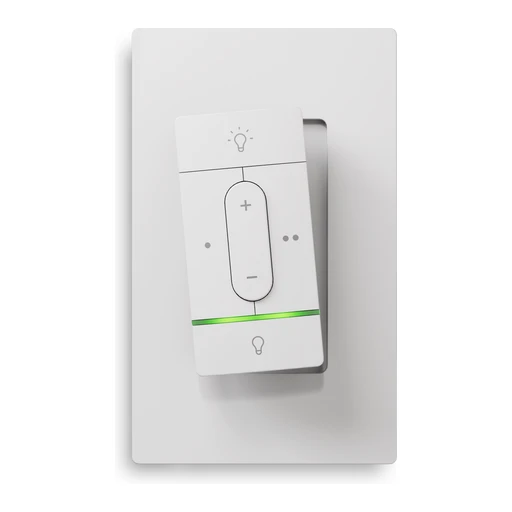
Nanoleaf
Nanoleaf Sense+ Smart Wireless Switch
Battery-powered wireless lighting control. Includes motion and ambient-light sensing.
- Battery and power
- Includes motion and ambient-light sensing

Philips Hue
Philips Hue Dimmer Switch v2
Battery-powered lighting remote with scene and brightness control.
- Adjust brightness
- Maker’s bridge: Hue Bridge required for Hue setup and customization.
- Pair through the bridge model named in the manufacturer’s instructions.

Philips Hue
Philips Hue Tap Dial Switch — Black
Battery-operated remote with four buttons and a rotary brightness control.
- Adjust brightness
- Maker’s bridge: Hue Bridge required for Hue setup and customization.
- Pair through the bridge model named in the manufacturer’s instructions.

Philips Hue
Philips Hue Smart Button — 45 mm
Battery-powered button with long-press dimming and automation triggering.
- Adjust brightness
- Maker’s bridge: Hue Bridge required for Hue setup and customization.
- Pair through the bridge model named in the manufacturer’s instructions.
- Button and scene actions
- Maker’s bridge: Hue Bridge required for Hue setup and customization.
- Pair through the bridge model named in the manufacturer’s instructions.
- Maker’s bridge: Hue Bridge required for Hue setup and customization. Matter controller: Matter integration via Hue Bridge where supported; not native Matter assumed.
- Assign the supported button or dial actions.
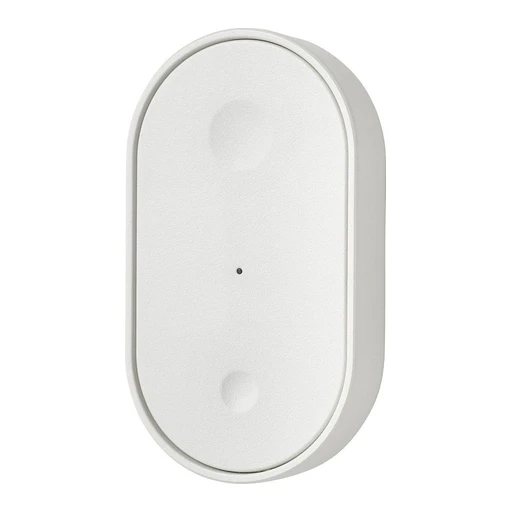
IKEA
IKEA BILRESA Dual-button Remote
Two-button remote for lights, groups and scenes. Uses two AAA batteries, sold separately.
- Two-button remote for lights, groups and scenes.
- Uses two AAA batteries, sold separately
Wall switches

TP-Link Kasa
TP-Link Kasa HS200
On/off switching with schedules and away mode. 100–120 VAC; neutral wire required.
- Switch the connected load
- Match the installation to this model: 100–120 VAC; neutral wire required.
- A neutral conductor is required at the installation.
- Schedules in the maker’s app
- Match the installation to this model: 100–120 VAC; neutral wire required.
- A neutral conductor is required at the installation.
- Use a compatible phone for this app function.
- Add the exact device in the named app and enable this function.
- Electrical limits

TP-Link Kasa
TP-Link Kasa HS210
Controls lights wired in a three-way circuit. 100–120 VAC input.
- Switch the connected load
- Match the installation to this model: 100–120 VAC input.
- 100–120 VAC input

TP-Link Kasa
TP-Link Kasa KS205
On/off switching, schedules and auto-off timer. 100–120 V input; neutral wire required.
- Switch the connected load
- Match the installation to this model: 100–120 V input; neutral wire required.
- A neutral conductor is required at the installation.
- Schedules in the maker’s app
- Match the installation to this model: 100–120 V input; neutral wire required.
- A neutral conductor is required at the installation.
- Use a compatible phone for this app function.
- Add the exact device in the named app and enable this function.
- Power supply

Eve
Eve Light Switch (Matter, 120 V)
On/off wall switch, not a dimmer. 120 VAC; neutral wire required; supports single-pole and three-way installations.
- Switch the connected load
- Match the installation to this model: 120 VAC; neutral wire required; supports single-pole and three-way installations.
- A neutral conductor is required at the installation.
- Electrical limits

LIFX
LIFX Smart Switch 4 Button AU
Four-button in-wall control for LIFX and conventional lights; professional installation specified.

LIFX
LIFX Smart Switch 2 Button
Two-button smart wall switch in a plastic enclosure.

Meross
Meross MSS550HK
Three-way switch controls one load from two locations; neutral required.
- Electrical limits

Meross
Meross MSS510HK
Single-pole switch requires neutral; not for three-way wiring.
- Electrical limits

Leviton
Leviton D215S-1BW
15 A wall switch from the second-generation Decora Smart Wi-Fi range. Matter support is available through a firmware update; update and platform pairing must be verified.
- Model details
- Matter support is available through a firmware update; update and platform pairing must be verified.
Switches

Zooz
Zooz ZEN30 800LR Double Switch
Combines a lighting dimmer and a separate relay in a stacked-switch layout. Uses Z-Wave; Long Range requires an LR-capable controller/software.
- Adjust brightness
- Requires a compatible same-region Z-Wave controller; Long Range needs explicit controller support.
- Match the regional radio frequency and the controller’s exact model integration; Long Range needs explicit controller and software support.
- Uses Z-Wave
- Model details
Model identifier in the linked manual: ZEN30 800LR.

Zooz
Zooz ZEN71 800LR On | Off Switch
On/off wall switch supports scene triggers and disabling relay control for smart bulbs. Uses Z-Wave; Long Range requires an LR-capable controller/software.
- Switch the connected load
- Requires a compatible same-region Z-Wave controller; Long Range needs explicit controller support.
- Match the regional radio frequency and the controller’s exact model integration; Long Range needs explicit controller and software support.
- Uses Z-Wave
- Model details
Model identifier in the linked manual: ZEN71 800LR.
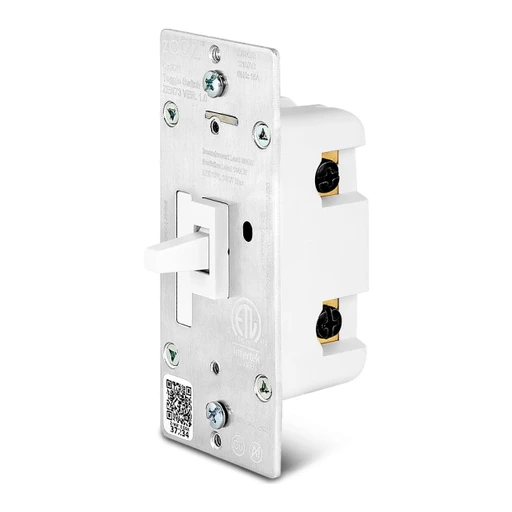
Zooz
Zooz ZEN73 800LR S2 Toggle Switch
Toggle switch supports multi-tap scenes and smart-bulb mode. Uses Z-Wave; Long Range requires an LR-capable controller/software.
- Toggle switch supports multi-tap scenes and smart-bulb mode.
- Uses Z-Wave
- Model details
Model identifier in the linked manual: ZEN73 800LR.

Zooz
Zooz ZEN75 800LR Heavy Duty Wall Switch
Heavy-duty wall switch offers multi-tap scene triggers and direct three-way wiring. Uses Z-Wave; Long Range requires an LR-capable controller/software.
- Heavy-duty wall switch offers multi-tap scene triggers and direct three-way wiring.
- Uses Z-Wave
- Model details
Model identifier in the linked manual: ZEN75 800LR.

Zooz
Zooz ZEN76 800LR S2 On/Off Switch
On/off wall switch includes multi-tap scene control and a network range-test mode. Uses Z-Wave; Long Range requires an LR-capable controller/software.
- Switch the connected load
- Requires a compatible same-region Z-Wave controller; Long Range needs explicit controller support.
- Match the regional radio frequency and the controller’s exact model integration; Long Range needs explicit controller and software support.
- Uses Z-Wave
- Model details
Model identifier in the linked manual: ZEN76 800LR.

Inovelli
Inovelli VZM30-SN Blue Series On/Off Switch
Includes humidity sensing; neutral wire required. Supports 120 V or 277 V AC at 60 Hz. Manufacturer identifies VZM30-SN with Zigbee 3.0 connectivity.
- Power supply
- Manufacturer identifies VZM30-SN with Zigbee 3.0 connectivity.
- Manufacturer explicitly lists SmartThings, Hubitat and Home Assistant; advanced feature support depends on the listed integration.
Switch modules

TP-Link Tapo
TP-Link Tapo S110E
Supports dry-contact and wet-contact applications. Tracks energy use and detects current direction.
- Switch the connected load
- Measure energy use
- Manufacturer requires installation by a licensed electrician.

Shelly
Shelly 1PM Gen4
Retrofit relay module with remote on/off control. Reports connected-load power consumption.
- Switch the connected load
- Match the installation to this model: Reports connected-load power consumption.
- Measure energy use
- Match the installation to this model: Reports connected-load power consumption.

Shelly
Shelly 1 Gen4
Retrofit relay module with remote on/off control. Provides a potential-free relay output.
- Switch the connected load
- Retrofit relay module with remote on/off control.
- Provides a potential-free relay output

Shelly
Shelly 1 Mini Gen4
Retrofit relay module with remote on/off control.
- Switch the connected load

Shelly
Shelly 2PM Gen4
Retrofit relay module with remote on/off control. Reports connected-load power consumption.
- Switch the connected load
- Match the installation to this model: Reports connected-load power consumption.
- Measure energy use
Reports connected-load power consumption. Two independently controlled outputs with per-channel energy measurement.
- Match the installation to this model: Reports connected-load power consumption.
- Electrical limits

Shelly
Shelly 1PM Mini Gen4
Retrofit relay module with remote on/off control. Reports connected-load power consumption.
- Switch the connected load
- Match the installation to this model: Reports connected-load power consumption.
- Measure energy use
- Match the installation to this model: Reports connected-load power consumption.

Meross
Meross MSS715MA US
Retrofit DIY switch with energy monitoring; manufacturer lists 16 A maximum.
- Switch the connected load
- Match the installation to this model: Retrofit DIY switch with energy monitoring; manufacturer lists 16 A maximum.
- Measure energy use
- Match the installation to this model: Retrofit DIY switch with energy monitoring; manufacturer lists 16 A maximum.

Meross
Meross MSS815MA US
Behind-switch module requires neutral and 2.4 GHz Wi-Fi.
- Electrical limits
Dimmers

Shelly
Shelly Dimmer Gen4
Controls brightness of compatible dimmable lights.
- Adjust brightness
- Match the installation to this model: Controls brightness of compatible dimmable lights.
- Use a dimmable lighting load within this model’s rating.

TP-Link Kasa
TP-Link Kasa KS225
Brightness control with fade on/off. 120 V, neutral wire required; 150 W LED or 300 W incandescent.
- Adjust brightness
- Match the installation to this model: 120 V, neutral wire required; 150 W LED or 300 W incandescent.
- A neutral conductor is required at the installation.
- Switch the connected load
- Match the installation to this model: 120 V, neutral wire required; 150 W LED or 300 W incandescent.
- A neutral conductor is required at the installation.
- Power supply

TP-Link Kasa
TP-Link Kasa HS220
Leading-edge dimming; neutral wire required. Rated 150 W LED, 300 W incandescent or 150 W CFL.
- Adjust brightness
- Match the installation to this model: Leading-edge dimming; neutral wire required. Rated 150 W LED, 300 W incandescent or 150 W CFL.
- A neutral conductor is required at the installation.
- Electrical limits

Zooz
Zooz ZEN12 800-series LR Motion Dimmer
Combines a dimmer, motion detector and ambient-light sensor. Uses Z-Wave; Long Range requires an LR-capable controller/software.
- Combines a dimmer, motion detector and ambient-light sensor.
- Uses Z-Wave

Zooz
Zooz ZEN54 LR 0-10 V Dimmer
Controls 0–10 V LED drivers and includes a shut-off relay. Uses Z-Wave; Long Range requires an LR-capable controller/software.
- Power supply
- Uses Z-Wave
- Model details
Model identifier in the linked manual: ZEN54 LR.

Zooz
Zooz ZEN72 800LR Dimmer
Supports configurable ramp rate, minimum brightness and manual dimming speed. Uses Z-Wave; Long Range requires an LR-capable controller/software.
- Adjust brightness
- Requires a compatible same-region Z-Wave controller; Long Range needs explicit controller support.
- Match the regional radio frequency and the controller’s exact model integration; Long Range needs explicit controller and software support.
- Uses Z-Wave
- Model details
Model identifier in the linked manual: ZEN72 800LR.
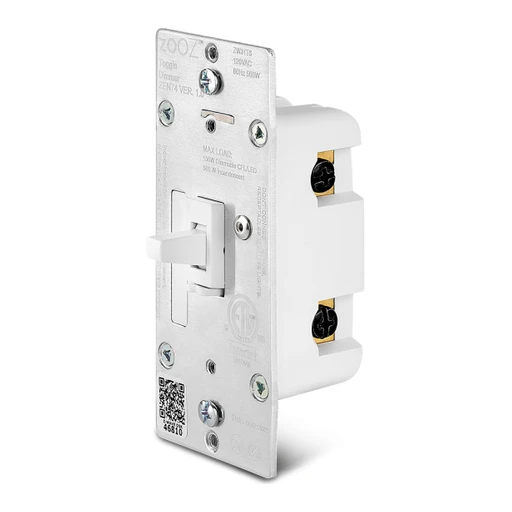
Zooz
Zooz ZEN74 800LR S2 Toggle Dimmer
Toggle dimmer supports hold-to-dim and a low-brightness night-light mode. Uses Z-Wave; Long Range requires an LR-capable controller/software.
- Adjust brightness
- Requires a compatible same-region Z-Wave controller; Long Range needs explicit controller support.
- Match the regional radio frequency and the controller’s exact model integration; Long Range needs explicit controller and software support.
- Uses Z-Wave
- Model details
Model identifier in the linked manual: ZEN74 800LR.

Zooz
Zooz ZEN77 800LR S2 Dimmer
Wall dimmer offers multi-tap scene control and direct three-way installation. Uses Z-Wave; Long Range requires an LR-capable controller/software.
- Wall dimmer offers multi-tap scene control and direct three-way installation.
- Uses Z-Wave
- Model details
Model identifier in the linked manual: ZEN77 800LR.

Zooz
Zooz ZEN35 800LR Dimmer & Scene Controller
Combines a main-button dimmer with a scene controller supporting up to 35 actions. Uses Z-Wave; Long Range requires an LR-capable controller/software.
- Combines a main-button dimmer with a scene controller supporting up to 35 actions.
- Uses Z-Wave
- Model details
Model identifier in the linked manual: ZEN35 800LR.

Inovelli
Inovelli VZM31-SN Blue Series Smart Dimmer
Dimmable lighting control, energy monitoring and smart-bulb mode. Non-neutral wiring requires a separate bypass. Manufacturer identifies VZM31-SN with Zigbee 3.0 connectivity.
- Adjust brightness
- Match the installation to this model: Dimmable lighting control, energy monitoring and smart-bulb mode. Non-neutral wiring requires a separate bypass.
- Requires a compatible Zigbee hub and model-specific integration. advanced features vary by hub.
- Use the hub’s documented exact-model integration; individual functions can differ.
- Measure energy use
- Match the installation to this model: Dimmable lighting control, energy monitoring and smart-bulb mode. Non-neutral wiring requires a separate bypass.
- Requires a compatible Zigbee hub and model-specific integration. advanced features vary by hub.
- Use the hub’s documented exact-model integration; individual functions can differ.
- Manufacturer identifies VZM31-SN with Zigbee 3.0 connectivity.

Inovelli
Inovelli VZM32-SN Blue Series Presence Sensing Dimmer
Combines mmWave presence detection, lux sensing and dimming. Energy monitoring is unavailable in non-neutral installations. Manufacturer identifies VZM32-SN with Zigbee 3.0 connectivity.
- Adjust brightness
- Match the installation to this model: Combines mmWave presence detection, lux sensing and dimming. Energy monitoring is unavailable in non-neutral installations.
- Requires a compatible Zigbee hub and model-specific integration. advanced features vary by hub.
- Use the hub’s documented exact-model integration; individual functions can differ.
- Measure energy use
- Match the installation to this model: Combines mmWave presence detection, lux sensing and dimming. Energy monitoring is unavailable in non-neutral installations.
- Requires a compatible Zigbee hub and model-specific integration. advanced features vary by hub.
- Use the hub’s documented exact-model integration; individual functions can differ.
- Manufacturer identifies VZM32-SN with Zigbee 3.0 connectivity.

Inovelli
Inovelli VZW31-SN Red Series Smart Dimmer
Lighting dimmer with energy monitoring, scenes and smart-bulb mode; non-neutral installations require a bypass. Manufacturer identifies VZW31-SN with Z-Wave 800 connectivity.
- Adjust brightness
- Match the installation to this model: Lighting dimmer with energy monitoring, scenes and smart-bulb mode; non-neutral installations require a bypass.
- Requires a compatible same-region Z-Wave hub and model-specific integration. advanced features vary by hub.
- Pair with the specified bridge: Requires a compatible same-region Z-Wave hub and model-specific integration. advanced features vary by hub.
- Measure energy use
- Match the installation to this model: Lighting dimmer with energy monitoring, scenes and smart-bulb mode; non-neutral installations require a bypass.
- Requires a compatible same-region Z-Wave hub and model-specific integration. advanced features vary by hub.
- Pair with the specified bridge: Requires a compatible same-region Z-Wave hub and model-specific integration. advanced features vary by hub.
- Manufacturer identifies VZW31-SN with Z-Wave 800 connectivity.

Inovelli
Inovelli VZW32-SN Red Series Presence Sensing Dimmer
Combines mmWave presence detection, lux sensing and dimming; energy monitoring is unavailable without neutral. Manufacturer identifies VZW32-SN with Z-Wave 800 connectivity.
- Adjust brightness
- Match the installation to this model: Combines mmWave presence detection, lux sensing and dimming; energy monitoring is unavailable without neutral.
- Requires a compatible same-region Z-Wave hub and model-specific integration. advanced features vary by hub.
- Pair with the specified bridge: Requires a compatible same-region Z-Wave hub and model-specific integration. advanced features vary by hub.
- Measure energy use
- Match the installation to this model: Combines mmWave presence detection, lux sensing and dimming; energy monitoring is unavailable without neutral.
- Requires a compatible same-region Z-Wave hub and model-specific integration. advanced features vary by hub.
- Pair with the specified bridge: Requires a compatible same-region Z-Wave hub and model-specific integration. advanced features vary by hub.
- Manufacturer identifies VZW32-SN with Z-Wave 800 connectivity.
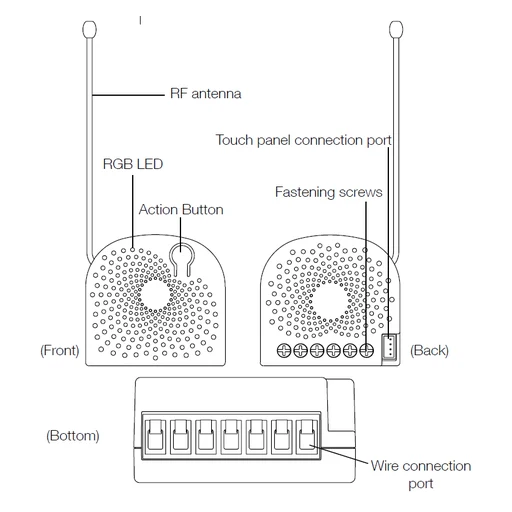
Aeotec
Aeotec Nano Dimmer (ZW111-A, US radio)
In-wall dimmer rated for 120–240 VAC, 50/60 Hz, with S0 security; supports neutral or qualified no-neutral installations. Manufacturer product-code table identifies ZW111-A as the US variant and lists V2.03; this is a published version reference, not verification of the delivered unit firmware.
- Adjust brightness
- Match the installation to this model: In-wall dimmer rated for 120–240 VAC, 50/60 Hz, with S0 security; supports neutral or qualified no-neutral installations.
- Requires a compatible Z-Wave hub on the matching regional frequency. Other regional radios are not interchangeable.
- Pair with the specified bridge: Requires a compatible Z-Wave hub on the matching regional frequency. Other regional radios are not interchangeable.
- Manufacturer product-code table identifies ZW111-A as the US variant and lists V2.03; this is a published version reference, not verification of the delivered unit firmware.
- Manufacturer support categorizes Nano Dimmer under discontinued products.

Aeotec
Aeotec Nano Dimmer (ZW111-B, AU radio)
In-wall dimmer rated for 120–240 VAC, 50/60 Hz, with S0 security; supports neutral or qualified no-neutral installations. Manufacturer product-code table identifies ZW111-B as the AU variant and lists V2.03; this is a published version reference, not verification of the delivered unit firmware.
- Adjust brightness
- Match the installation to this model: In-wall dimmer rated for 120–240 VAC, 50/60 Hz, with S0 security; supports neutral or qualified no-neutral installations.
- Requires a compatible Z-Wave hub on the matching regional frequency. Other regional radios are not interchangeable.
- Pair with the specified bridge: Requires a compatible Z-Wave hub on the matching regional frequency. Other regional radios are not interchangeable.
- Manufacturer product-code table identifies ZW111-B as the AU variant and lists V2.03; this is a published version reference, not verification of the delivered unit firmware.
- Manufacturer support categorizes Nano Dimmer under discontinued products.

Aeotec
Aeotec Nano Dimmer (ZW111-C, EU radio)
In-wall dimmer rated for 120–240 VAC, 50/60 Hz, with S0 security; supports neutral or qualified no-neutral installations. Manufacturer product-code table identifies ZW111-C as the EU variant and lists V2.03; this is a published version reference, not verification of the delivered unit firmware.
- Adjust brightness
- Match the installation to this model: In-wall dimmer rated for 120–240 VAC, 50/60 Hz, with S0 security; supports neutral or qualified no-neutral installations.
- Requires a compatible Z-Wave hub on the matching regional frequency. Other regional radios are not interchangeable.
- Pair with the specified bridge: Requires a compatible Z-Wave hub on the matching regional frequency. Other regional radios are not interchangeable.
- Manufacturer product-code table identifies ZW111-C as the EU variant and lists V2.03; this is a published version reference, not verification of the delivered unit firmware.
- Manufacturer support categorizes Nano Dimmer under discontinued products.
Wall dimmers

LIFX
LIFX Smart Dimmer 4 Button
In-wall dimmer for LIFX and conventional lamps; eight-zone gradient status bar.
- Adjust brightness
- Use a dimmable lighting load within this model’s rating.

Meross
Meross MSS560XHK
Single-pole dimmer requires a neutral; not for three-way circuits.
- Adjust brightness
- Match the installation to this model: Single-pole dimmer requires a neutral; not for three-way circuits.
- A neutral conductor is required at the installation.

Meross
Meross MSS570HK
Three-way dimmer kit includes master and add-on switches; neutral required.
- Electrical limits

Leviton
Leviton D26HD-1BW
Second-generation Wi-Fi dimmer; model family listed as a 600 W dimmer. Matter support is available through a firmware update; update and platform pairing must be verified.
- Electrical limits
- Matter support is available through a firmware update; update and platform pairing must be verified.

Leviton
Leviton D2MSD-1BW
Wi-Fi wall dimmer includes motion detection. Matter support is available through a firmware update; update and platform pairing must be verified.
- Wi-Fi wall dimmer includes motion detection.
- Matter support is available through a firmware update; update and platform pairing must be verified.

Leviton
Leviton D2ELV-1BW
Phase-selectable ELV/LED dimmer requires neutral wiring.
- Adjust brightness
- Match the installation to this model: Phase-selectable ELV/LED dimmer requires neutral wiring.
- A neutral conductor is required at the installation.
Smart switches
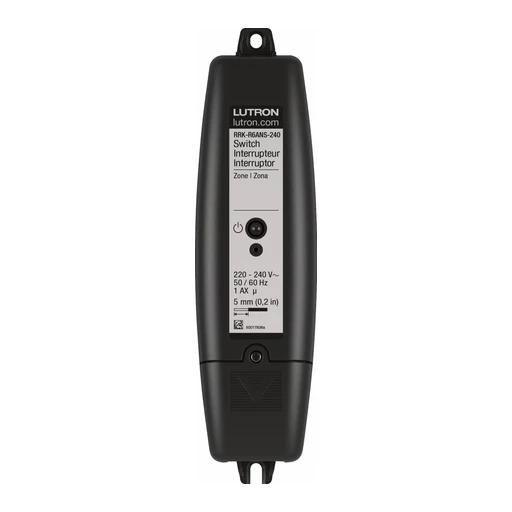
Lutron
Lutron RA2 Select In-Line Switch (RRK-R6ANS-240)
UK/Europe 868 MHz version. Switch limits: 6 AX general lighting, 2 A / 0.5 HP motor.
- Switch the connected load
- Match the installation to this model: Switch limits: 6 AX general lighting, 2 A / 0.5 HP motor. 220–240 V AC; no dimming.
- Pico direct control; RA2 Select main repeater required for app/scenes/schedules.
- Model details
Smart dimmers

Lutron
Lutron RA2 Select In-Line Dimmer (RRK-R25NE-240)
UK/Europe 868 MHz version; not the 434 MHz RRQ regional radio. Reverse-phase load limits: 250 W incandescent/halogen/ELV, or 150 W LED with 1 A limit.
- Model details
- Electrical limits
- Power supply
220–240 V AC; professional installation and model load compatibility check required.
Switches and dimmers

Lutron
Lutron Claro Smart Switch (DVRF-5NS)
Neutral required. Switching limits: 5 A lighting and 3 A fan. No dimming. 120 V AC; do not substitute into 230/240 V installations.
- Switch the connected load
- Match the installation to this model: Neutral required. Switching limits: 5 A lighting and 3 A fan. No dimming. 120 V AC; do not substitute into 230/240 V installations.
- A neutral conductor is required at the installation.
- Power supply

Lutron
Lutron Diva Smart Dimmer (DVRF-6L)
No neutral required; supports 150 W dimmable LED or 600 W incandescent/halogen before installation derating. 120 V AC; do not substitute into 230/240 V installations.
- Adjust brightness
- Match the installation to this model: No neutral required; supports 150 W dimmable LED or 600 W incandescent/halogen before installation derating. 120 V AC; do not substitute into 230/240 V installations.
- Power supply

Lutron
Lutron Diva Smart ELV+ Dimmer (DVRF-5NE)
Neutral required; phase-selectable dimming, up to 250 W LED. Consult load-specific and ganging limits. 120 V AC; do not substitute into 230/240 V installations.
- Adjust brightness
- Match the installation to this model: Neutral required; phase-selectable dimming, up to 250 W LED. Consult load-specific and ganging limits. 120 V AC; do not substitute into 230/240 V installations.
- A neutral conductor is required at the installation.
- Use a dimmable lighting load within this model’s rating.
- Power supply

Lutron
Lutron Original Smart Dimmer (PD-6WCL)
No neutral required; 150 W dimmable LED or 600 W incandescent/halogen before installation derating. 120 V AC; do not substitute into 230/240 V installations.
- Adjust brightness
- Match the installation to this model: No neutral required; 150 W dimmable LED or 600 W incandescent/halogen before installation derating. 120 V AC; do not substitute into 230/240 V installations.
- Power supply

Lutron
Lutron Original Smart ELV+ Dimmer (PD-5NE)
Neutral required; phase-selectable dimming with a favourite button, up to 250 W LED. 120 V AC; do not substitute into 230/240 V installations.
- Adjust brightness
- Match the installation to this model: Neutral required; phase-selectable dimming with a favourite button, up to 250 W LED. 120 V AC; do not substitute into 230/240 V installations.
- A neutral conductor is required at the installation.
- Power supply

Lutron
Lutron Original Smart Switch (PD-6ANS)
Neutral required. On/off control, not dimming. 120 V AC; do not substitute into 230/240 V installations.
- Switch the connected load
- Match the installation to this model: Neutral required. On/off control, not dimming. 120 V AC; do not substitute into 230/240 V installations.
- A neutral conductor is required at the installation.
- Power supply
Wired accessory switches

Lutron
Lutron Claro Accessory Switch (DVRF-AS)
Wired accessory for Diva/Claro multi-location circuits; not an independent load control. Up to 10 wired locations. 120 V AC; do not substitute into 230/240 V installations.
- Button and scene actions
- Match the installation to this model: Wired accessory for Diva/Claro multi-location circuits; not an independent load control. Up to 10 wired locations. 120 V AC; do not substitute into 230/240 V installations.
- Requires compatible Diva/Claro primary control; no independent radio.
- Assign the supported button or dial actions.
- Power supply
Remotes

Zooz
Zooz ZEN34 800LR Remote Switch
Wireless paddle-style remote supports up to 14 scene actions. Uses Z-Wave; Long Range requires an LR-capable controller/software.
- Button and scene actions
- Requires a compatible same-region Z-Wave controller; Long Range needs explicit controller support.
- Match the regional radio frequency and the controller’s exact model integration; Long Range needs explicit controller and software support.
- Requires a compatible same-region Z-Wave controller; Long Range needs explicit controller support.
- Assign the supported button or dial actions.
- Uses Z-Wave
- Model details
Model identifier in the linked manual: ZEN34 800LR.

Zooz
Zooz ZEN37 800LR Wall Remote
Four-button wall remote supports up to six actions per button. Uses Z-Wave; Long Range requires an LR-capable controller/software.
- Four-button wall remote supports up to six actions per button.
- Uses Z-Wave
- Model details
Model identifier in the linked manual: ZEN37 800LR.

Third Reality
Third Reality Smart Button ZB2
Three buttons each support press, double-press and hold, for nine possible actions. The product-specific setup section documents the requirement for a compatible Zigbee hub or coordinator.
- Three buttons each support press, double-press and hold, for nine possible actions.
- The product-specific setup section documents the requirement for a compatible Zigbee hub or coordinator.
- Product-specific text lists SmartThings, Home Assistant and Hubitat integrations.
Remote controls

SwitchBot
SwitchBot Bot
Mechanical actuator presses compatible buttons or rocker switches. Physical switch shape and travel determine compatibility.
- Press a physical button or switch
- Match the button or switch shape, force and mounting clearance to this actuator.
- Physical switch shape and travel determine compatibility.

SwitchBot
SwitchBot Bot Rechargeable
Rechargeable version of the button-press actuator. Physical fit must be checked; not an electrical relay.
- Battery and power
- Physical fit must be checked

SwitchBot
SwitchBot Universal Remote
Handheld remote for supported infrared appliances and SwitchBot devices. Controls depend on the appliance infrared code library.
- Handheld remote for supported infrared appliances and SwitchBot devices.
- Controls depend on the appliance infrared code library.

WiZ
WiZ Smart Dial Switch (8720169077027)
Published supply rating: 5 V. Ingress rating: IP20.
- Power supply
- Weather resistance
- Battery and power
Battery type: LP402030.

WiZ
WiZ Smart Button (8719514554795A)
Published supply rating: 3Vdc V. Ingress rating: IP20.
- Power supply
- Weather resistance
- Battery and power
Battery type: AAA (LR03).
Scene controllers

Zooz
Zooz ZEN32 800LR Scene Controller
Five-button wall controller supports up to 35 scene actions and configurable LED indicators. Uses Z-Wave; Long Range requires an LR-capable controller/software.
- Button and scene actions
- Requires a compatible same-region Z-Wave controller; Long Range needs explicit controller support.
- Match the regional radio frequency and the controller’s exact model integration; Long Range needs explicit controller and software support.
- Requires a compatible same-region Z-Wave controller; Long Range needs explicit controller support.
- Assign the supported button or dial actions.
- Uses Z-Wave
- Model details
Model identifier in the linked manual: ZEN32 800LR.

Leviton
Leviton D2SCS-1BW
Wi-Fi scene controller with switched load; neutral connection required. Matter support is available through a firmware update; update and platform pairing must be verified.
- Electrical limits
- Matter support is available through a firmware update; update and platform pairing must be verified.
Lighting controllers

Philips Hue
Philips Hue Wall Light Module for Nanoleaf panels
Adds supported Nanoleaf triangle, mini-triangle and hexagon panels to Hue. Not a conventional behind-switch relay module.
- Adds supported Nanoleaf triangle, mini-triangle and hexagon panels to Hue.
- Not a conventional behind-switch relay module.
LED controllers

Zooz
Zooz ZEN56 800-series LR RGBW DIMMER
Controls 12–24 V RGBW LED strips and accepts a momentary wall-switch input. Uses Z-Wave; Long Range requires an LR-capable controller/software.
- Colour lighting
- Requires a compatible same-region Z-Wave controller; Long Range needs explicit controller support.
- Match the regional radio frequency and the controller’s exact model integration; Long Range needs explicit controller and software support.
- Uses Z-Wave
Plug-in dimmers

Leviton
Leviton D23LP-1BW
Compact plug-in dimmer in the second-generation Wi-Fi range. Matter support is available through a firmware update; update and platform pairing must be verified.
- Model details
- Matter support is available through a firmware update; update and platform pairing must be verified.
Outdoor dimmers

TP-Link Kasa
TP-Link Kasa KP405
Outdoor dimmer for compatible lighting only, not other appliances. 125 V, rated 300 W incandescent or 150 W dimmable LED; GFCI required outdoors.
- Adjust brightness
- Match the installation to this model: 125 V, rated 300 W incandescent or 150 W dimmable LED; GFCI required outdoors.
- Use a dimmable lighting load within this model’s rating.
- Outdoor dimmer for compatible lighting only, not other appliances.
- Power supply
Mirrors

LIFX
LIFX Smart Mirror 1200 lm
Vanity mirror with front/back lighting, anti-fog and physical controls.
Kohler
Kohler Verdera Voice K-99571-VLAN-NA
Lighted bathroom mirror with built-in Alexa, stereo speakers and proximity night lighting.
- Use built-in Alexa
Built-in Alexa for voice requests and supported smart-home commands.
- Set up an Alexa account, network and locally supported services.
- Control task lights and sound by voice
Voice control of task lighting on/off, brightness and sound volume.
- Set up an Alexa account, network and locally supported services.
- Play Bluetooth audio through the speakers
Integrated stereo speakers and Bluetooth audio.
Plugs

TP-Link Tapo
TP-Link Tapo P300
Three AC outlets can be switched individually. USB charging ports remain on and cannot be switched through the app.
- Switch the connected load

TP-Link Tapo
TP-Link Tapo P100
App-controlled switching, scheduling and away mode.
- Schedules in the maker’s app
- Use a compatible phone for this app function.
- Add the exact device in the named app and enable this function.

TP-Link Tapo
TP-Link Tapo P110M
Measures connected-device energy use in the Tapo app. Supports schedules and an automatic shutoff timer.
- Power readings in the maker’s app
- Use a compatible phone for this app function.
- Add the exact device in the named app and enable this function.
- Schedules in the maker’s app
- Use a compatible phone for this app function.
- Add the exact device in the named app and enable this function.

Shelly
Shelly Plus Plug UK
App-controlled plug for connected electrical loads.

Shelly
Shelly Plug S MTR Gen3 White
App-controlled plug for connected electrical loads. Reports connected-load power consumption.
- Measure energy use
- Match the installation to this model: Reports connected-load power consumption.
- App-controlled plug for connected electrical loads.

TP-Link Kasa
TP-Link Kasa KP125M
Energy monitoring and scheduled switching. 100–120 V, 15 A maximum for the stated resistive/general-use load.
- Schedules in the maker’s app
- Match the installation to this model: 100–120 V, 15 A maximum for the stated resistive/general-use load.
- Use a compatible phone for this app function.
- Add the exact device in the named app and enable this function.
- Measure energy use
- Match the installation to this model: 100–120 V, 15 A maximum for the stated resistive/general-use load.
- Power supply

TP-Link Kasa
TP-Link Kasa KP303
Three independently switched AC outlets; two always-on USB ports. US Type B plug; 125 VAC.
- Three independently switched AC outlets
- US Type B plug
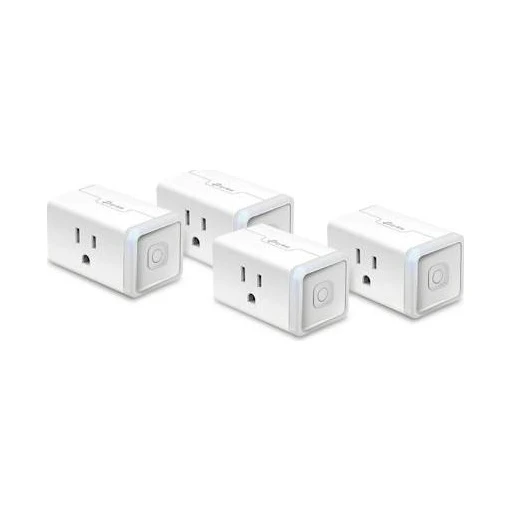
TP-Link Kasa
TP-Link Kasa EP25
Monitors real-time and historical consumption in Kasa. Rated for 100–120 VAC; maximum 15 A.
- Monitors real-time and historical consumption in Kasa.
- Rated for 100–120 VAC

TP-Link Kasa
TP-Link Kasa KP400
Two separately controlled outlets. IP64; unused sockets must be covered.
- Two separately controlled outlets
- IP64

TP-Link Kasa
TP-Link Kasa HS300
Six individually switched AC outlets and three USB ports. Per-outlet energy monitoring in Kasa.
- Power readings in the maker’s app
- Use a compatible phone for this app function.
- Add the exact device in the named app and enable this function.
- Six individually switched AC outlets and three USB ports.

TP-Link Kasa
TP-Link Kasa KP200
Two individually controlled in-wall outlets. Neutral wire required; 125 V AC input.
- Two individually controlled in-wall outlets.
- Power supply
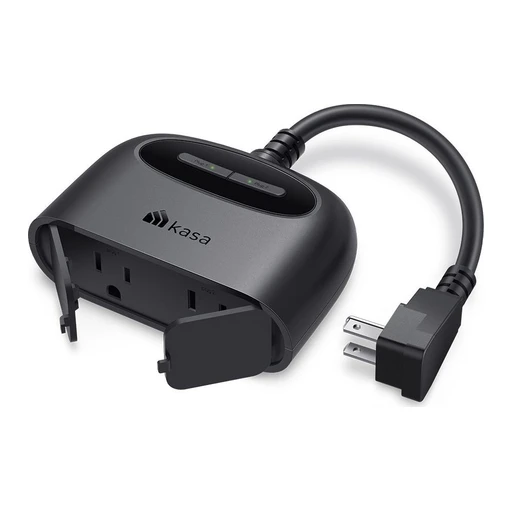
TP-Link Kasa
TP-Link Kasa EP40M
Two individually scheduled outlets; IP64. 125 V, 15 A total; GFCI required in outdoor or wet locations.
- Schedules in the maker’s app
- Match the installation to this model: 125 V, 15 A total; GFCI required in outdoor or wet locations.
- Use a compatible phone for this app function.
- Add the exact device in the named app and enable this function.
- Power supply

Philips Hue
Philips Hue Smart Plug
Switches a connected light via Bluetooth or Hue Bridge. Canadian listing specifies 100–120 V.
- Switches a connected light via Bluetooth or Hue Bridge.
- Power supply

Eve
Eve Energy Outlet
Two outlets can be switched individually; energy consumption is measured as a combined value. Manufacturer specifies US and Canada use at 120 V, 60 Hz; neutral and ground are required.
- Switch the connected load
- Match the installation to this model: Manufacturer specifies US and Canada use at 120 V, 60 Hz; neutral and ground are required.
- Measure energy use
- Match the installation to this model: Manufacturer specifies US and Canada use at 120 V, 60 Hz; neutral and ground are required.
- Power supply

IKEA
IKEA GRILLPLATS Plug
Switches a connected appliance and provides power-use tracking. Can be paired directly with an IKEA remote or motion sensor.
- Switches a connected appliance and provides power-use tracking.
- Can be paired directly with an IKEA remote or motion sensor.

Zooz
Zooz ZEN04 800LR Smart Plug
On/off plug with energy monitoring. Uses Z-Wave; Long Range requires an LR-capable controller/software.
- Switch the connected load
- Requires a compatible same-region Z-Wave controller; Long Range needs explicit controller support.
- Match the regional radio frequency and the controller’s exact model integration; Long Range needs explicit controller and software support.
- Measure energy use
- Requires a compatible same-region Z-Wave controller; Long Range needs explicit controller support.
- Match the regional radio frequency and the controller’s exact model integration; Long Range needs explicit controller and software support.
- Uses Z-Wave

Zooz
Zooz ZEN05 800LR Outdoor Smart Plug
Outdoor plug with IP65 housing and an outlet cover. Uses Z-Wave; Long Range requires an LR-capable controller/software.
- Outdoor plug with IP65 housing and an outlet cover.
- Uses Z-Wave
- Model details
Model identifier in the linked manual: ZEN05 800LR.

Zooz
Zooz ZEN14 800LR Double Outdoor Plug
Two outdoor outlets can be switched independently; IP65 housing. Uses Z-Wave; Long Range requires an LR-capable controller/software.
- Switch the connected load
- Requires a compatible same-region Z-Wave controller; Long Range needs explicit controller support.
- Match the regional radio frequency and the controller’s exact model integration; Long Range needs explicit controller and software support.
- Uses Z-Wave
- Model details
Model identifier in the linked manual: ZEN14 800LR.

Zooz
Zooz ZEN15 800LR Power Switch
Plug monitors power consumption and controls loads up to 15 A; load type limits still apply. Uses Z-Wave; Long Range requires an LR-capable controller/software.
- Power readings in the maker’s app
- Match the installation to this model: Plug monitors power consumption and controls loads up to 15 A; load type limits still apply.
- Requires a compatible same-region Z-Wave controller; Long Range needs explicit controller support.
- Match the regional radio frequency and the controller’s exact model integration; Long Range needs explicit controller and software support.
- Use a compatible phone for this app function.
- Add the exact device in the named app and enable this function.
- Uses Z-Wave
- Model details
Model identifier in the linked manual: ZEN15 800LR.

Zooz
Zooz ZEN20 800LR Power Strip
Five independently switched AC outlets; power monitoring and two USB ports with charging-status monitoring. Uses Z-Wave; Long Range requires an LR-capable controller/software.
- Five independently switched AC outlets
- Uses Z-Wave
- Model details
Model identifier in the linked manual: ZEN20 800LR.

Meross
Meross MSS425FHK UK
Four individually switched AC outlets; four USB ports switched as one group.
- Switch the connected load

Meross
Meross MSP844 EU
Power strip includes 30 W USB-C PD and 18 W USB-A charging.
- Electrical limits

Meross
Meross MSS110HK
Compact plug supports schedules and sunrise/sunset switching.
- Schedules in the maker’s app
- Use a compatible phone for this app function.
- Add the exact device in the named app and enable this function.

Meross
Meross MSS425FHK US
Four independently switched AC outlets and grouped USB switching.

Meross
Meross MSS315MA AU
Plug reports current and historical energy use in the Meross app.
- Power readings in the maker’s app
- Use a compatible phone for this app function.
- Add the exact device in the named app and enable this function.

Meross
Meross MOP320MA EU
Two separately switched outlets with per-outlet energy readings in Meross app.
- Power readings in the maker’s app
- Use a compatible phone for this app function.
- Add the exact device in the named app and enable this function.

Meross
Meross MSS315 US
Energy-monitoring plug requires a compatible Matter controller for the selected platform.
- Measure energy use
- Matter controller: required for selected Matter platform; exact controller pending.
- Use the selected ecosystem’s exact supported controller and device type.
- Use a Matter controller that supports this device type and function.

Meross
Meross MPD100HK
Outdoor dimmer supports dimmable lamps; not intended for pumps.
- Adjust brightness
- Use a dimmable lighting load within this model’s rating.

Meross
Meross MSS315MA UK
Energy-monitoring plug requires an existing 2.4 GHz Wi-Fi network.
- Measure energy use
- Connect to the documented 2.4 GHz Wi-Fi network.

Meross
Meross MSS115
Compact Matter plug with multi-admin pairing; 2.4 GHz Wi-Fi required.
- Model details

Meross
Meross MSS620BHK
Two independently switched outlets; IP44 housing; manufacturer excludes pump use.
- Two independently switched outlets

Leviton
Leviton D215P-1BW
Compact plug-in on/off switch in the second-generation Wi-Fi range. Matter support is available through a firmware update; update and platform pairing must be verified.
- Switch the connected load
- Matter support is available through a firmware update; update and platform pairing must be verified.

Leviton
Leviton D215R-1BW
Wi-Fi tamper-resistant wall outlet. Matter support is available through a firmware update; update and platform pairing must be verified.
- Wi-Fi tamper-resistant wall outlet
- Matter support is available through a firmware update; update and platform pairing must be verified.
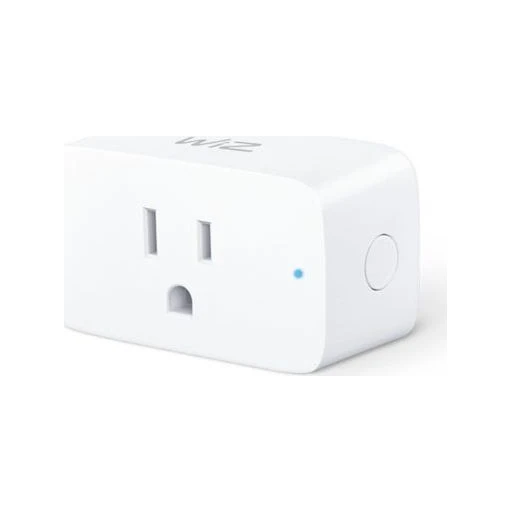
WiZ
WiZ Smart Plug Gen 2 (046677605452)
Published supply rating: 125 V. Matter support depends on the hardware and firmware version.
- Power supply
- Matter compatibility is hardware/firmware conditional

WiZ
WiZ Smart Plug (8719514553002)
Published supply rating: 240 V. Ingress rating: IP20.
- Power supply
- Weather resistance
- Matter compatibility is hardware/firmware conditional
Matter support depends on the hardware and firmware version.

WiZ
WiZ Smart Plug (8719514552982)
Published supply rating: 240 V. Ingress rating: IP20.
- Power supply
- Weather resistance
- Matter compatibility is hardware/firmware conditional
Matter support depends on the hardware and firmware version.

Lutron
Lutron Lamp Dimming Smart Plug (PD-3PCL)
Controls two lamps together; maximum 100 W LED or 300 W incandescent/halogen. Not a general appliance outlet. 120 V AC; do not substitute into 230/240 V installations.
- Electrical limits
- Power supply

Lutron
Lutron Outdoor Smart Plug (PD-15OUT)
On/off outdoor outlet; 15 A lighting, 0.5 HP motor or 1200 VA/8 A MLV. Use a GFCI outlet; current page specifies IP66. 120 V AC; do not substitute into 230/240 V installations.
- Switch the connected load
- Match the installation to this model: On/off outdoor outlet; 15 A lighting, 0.5 HP motor or 1200 VA/8 A MLV. Use a GFCI outlet; current page specifies IP66. 120 V AC; do not substitute into 230/240 V installations.
- Power supply
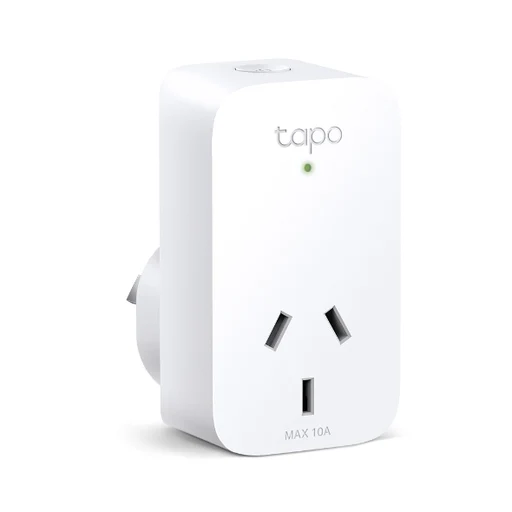
Tapo
Tapo P110 (hardware v1, AU)
An Australian Wi-Fi plug with app control, schedules and power-use readings.
- Switch the socket in Tapo
Turn a connected appliance on or off in Tapo.
- Use the Australian v1 plug.
- Connect to 2.4 GHz Wi-Fi.
- Set up Tapo; stay within the AU plug's 10 A rating.
- Schedule the socket
Tapo provides schedules, countdowns and away mode.
- Use the Australian v1 plug.
- Set the schedule or timer in Tapo.
- See power use
Tapo shows real-time power use and estimated energy cost.
- Use the Australian v1 plug.
- Use Tapo's energy view and enter your electricity rate for cost estimates.
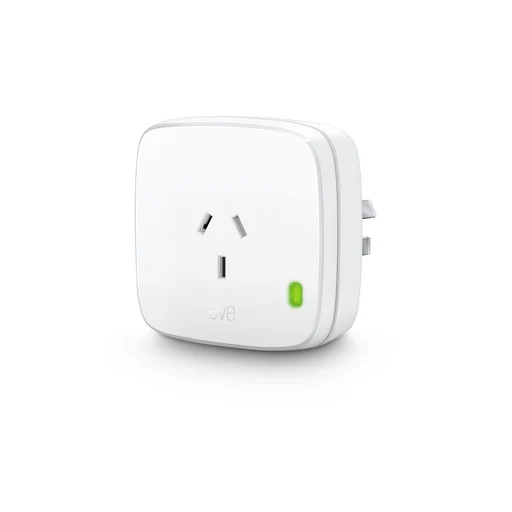
Eve
Eve Energy (Matter, Australia plug)
A Matter smart plug for switching appliances through a Thread network.
- Socket on / off
Eve names this platform for current Matter models.
- Use a controller for the selected ecosystem.
- A compatible Thread border router is required.
- This entry is the Australian electrical variant.
- For this Matter version, add its setup code in the chosen platform; use sharing mode to add another platform.
- Eve requires the latest iOS/iPadOS for this Apple app path.
- Socket on / off
Eve names this platform for current Matter models.
- Use a controller for the selected ecosystem.
- A compatible Thread border router is required.
- This entry is the Australian electrical variant.
- For this Matter version, add its setup code in the chosen platform; use sharing mode to add another platform.
- Eve specifies current iOS/iPadOS or Android 8.1 or later for its mobile setup and apps.
- Socket on / off
Eve names this platform for current Matter models.
- Use a controller for the selected ecosystem.
- A compatible Thread border router is required.
- This entry is the Australian electrical variant.
- For this Matter version, add its setup code in the chosen platform; use sharing mode to add another platform.
- Eve specifies current iOS/iPadOS or Android 8.1 or later for its mobile setup and apps.
Energy monitors

Shelly
Shelly EM Gen4
Measures electrical energy use with local and cloud operation. Reports connected-load power consumption.
- Power readings in the maker’s app
- Match the installation to this model: Reports connected-load power consumption.
- Use a compatible phone for this app function.
- Add the exact device in the named app and enable this function.
- Measure energy use
- Match the installation to this model: Reports connected-load power consumption.

Meross
Meross EM06P
Six monitoring channels, each specified up to 120 A; CSV export available.

Meross
Meross EM01P
Magnetic reading head for compatible SML/IEC62056 meters; meter PIN may be needed.

Meross
Meross EM16P
Monitors up to 18 circuits; consumption data export and native Home Assistant integration.
- Monitors up to 18 circuits

Fronius
Fronius Smart Meter IP 5kA-3
Energy metering component commissioned through compatible inverter and Solar.web.
Energy controllers

Sinopé
Sinopé Calypso V2 RM3510WF
Wi-Fi controller for supported electric storage water heaters. Manufacturer page displays Available soon; do not mark as currently purchasable.
- Wi-Fi controller for supported electric storage water heaters.
- Manufacturer page displays Available soon

Tesla
Tesla Backup Gateway 2 (Powerwall 3 AU design)
Powerwall 3 design documentation names Backup Gateway 2 and Tesla Remote Meter; third-party substitutes are not supported.
 Product range photo
Enphase
Enphase IQ System Controller 3 / 3G (North America)
Detects grid loss and isolates backed-up loads; provides neutral-forming function for North American loads.

Enphase
Enphase IQ System Controller 3 INT
Required system component for IQ Battery 5P outage backup in the Australian owner guide.
 Shared appearance · Example CT kit
Enphase
Enphase IQ Gateway Metered (UK / INT)
Production/consumption CT metering and Enphase Cloud communication; installer app commissioning.
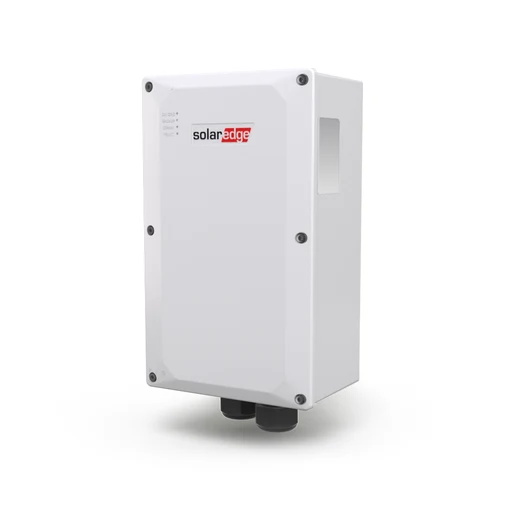
SolarEdge
SolarEdge Home Backup Interface (regional family)
Enables full or partial backup with matched inverter/battery system.
- Energy storage
- Correct regional and phase-specific interface, matched SolarEdge inverter/battery and installer-designed loads.

EcoFlow
EcoFlow Smart Home Panel 2 (US)
Automatic backup switching and circuit-priority control with supported EcoFlow battery systems.
- Energy storage
- Professional panel installation; exact supported DELTA combinations must be followed.
 Shared appearance
FranklinWH
FranklinWH aGate 1.3 (AGT-R1V3-US)
Energy management, distribution and communications controller; optional smart-circuit and generator modules.
Relays

Zooz
Zooz ZEN16 800LR MultiRelay
Provides three dry-contact relays. Uses Z-Wave; Long Range requires an LR-capable controller/software.
- Switch the connected load
- Requires a compatible same-region Z-Wave controller; Long Range needs explicit controller support.
- Match the regional radio frequency and the controller’s exact model integration; Long Range needs explicit controller and software support.
- Uses Z-Wave
- Model details
Model identifier in the linked manual: ZEN16 800LR.

Zooz
Zooz ZEN17 800LR Universal Relay
Accepts wired sensor inputs and can be powered by USB-C or a 12–24 V supply. Uses Z-Wave; Long Range requires an LR-capable controller/software.
- Power supply
- Uses Z-Wave
- Model details
Model identifier in the linked manual: ZEN17 800LR.
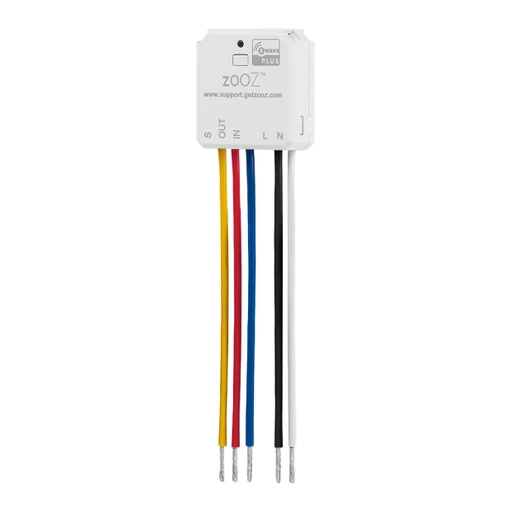
Zooz
Zooz ZEN51 LR Dry Contact Relay
Dry-contact relay installs behind a switch or at a fixture. Uses Z-Wave; Long Range requires an LR-capable controller/software.
- Switch the connected load
- Requires a compatible same-region Z-Wave controller; Long Range needs explicit controller support.
- Match the regional radio frequency and the controller’s exact model integration; Long Range needs explicit controller and software support.
- Uses Z-Wave
- Model details
Model identifier in the linked manual: ZEN51 LR.

Zooz
Zooz ZEN52 LR Double Relay
Controls two 120 V loads independently. Uses Z-Wave; Long Range requires an LR-capable controller/software.
- Power supply
- Uses Z-Wave
- Model details
Model identifier in the linked manual: ZEN52 LR.

Zooz
Zooz ZEN57 800LR XS Relay
Compact in-wall relay supports 100–240 VAC, 50/60 Hz installations. Uses Z-Wave; Long Range requires an LR-capable controller/software.
- Compact in-wall relay supports 100–240 VAC, 50/60 Hz installations.
- Uses Z-Wave
- Model details
Model identifier in the linked manual: ZEN57 800LR.

Zooz
Zooz ZEN58 800LR Low Voltage XS Relay
Low-voltage-powered relay offers dry-contact switching for 0–240 V loads below 3 A. Uses Z-Wave; Long Range requires an LR-capable controller/software.
- Switch the connected load
- Match the installation to this model: Low-voltage-powered relay offers dry-contact switching for 0–240 V loads below 3 A.
- Requires a compatible same-region Z-Wave controller; Long Range needs explicit controller support.
- Match the regional radio frequency and the controller’s exact model integration; Long Range needs explicit controller and software support.
- Uses Z-Wave
- Model details
Model identifier in the linked manual: ZEN58 800LR.

Zooz
Zooz ZEN78 800LR High Power Relay
High-power relay switches 240 V loads up to 40 A and measures power and energy. Uses Z-Wave; Long Range requires an LR-capable controller/software.
- Measure energy use
- Match the installation to this model: High-power relay switches 240 V loads up to 40 A and measures power and energy.
- Requires a compatible same-region Z-Wave controller; Long Range needs explicit controller support.
- Match the regional radio frequency and the controller’s exact model integration; Long Range needs explicit controller and software support.
- Uses Z-Wave
- Model details
Model identifier in the linked manual: ZEN78 800LR.
Controller adapters

Zooz
Zooz ZAC93 LR GPIO Module
GPIO Z-Wave adapter for Raspberry Pi or Home Assistant Yellow; requires host software. Uses Z-Wave; Long Range requires an LR-capable controller/software.
- Add a controller radio to a host
- Use the exact supported host hardware.
- Controller radio, not a standalone hub; needs host hardware and compatible Z-Wave software. Long Range depends on software support.
- Uses Z-Wave
- Model details
Model identifier in the linked manual: ZAC93 LR.

Zooz
Zooz ZST39 LR 800 LR Stick
USB Z-Wave adapter requires a host computer and compatible automation software. Uses Z-Wave; Long Range requires an LR-capable controller/software.
- Add a controller radio to a host
- Use the exact supported host hardware.
- Controller radio, not a standalone hub; needs host hardware and compatible Z-Wave software. Long Range depends on software support.
- Uses Z-Wave
- Model details
Model identifier in the linked manual: ZST39 LR.
Range extenders

Zooz
Zooz ZAC38 Range Extender
Repeats Z-Wave mesh signals; backup battery allows power-outage reporting with a compatible hub. Uses Z-Wave.
- Extend the Z-Wave mesh
- Requires a compatible same-region Z-Wave controller.
- Match the regional radio frequency and the controller’s exact model integration; Long Range needs explicit controller and software support.
- Include the extender in the matching regional Z-Wave network.
- Uses Z-Wave
- Model details
Model identifier in the linked manual: ZAC38.
EV chargers
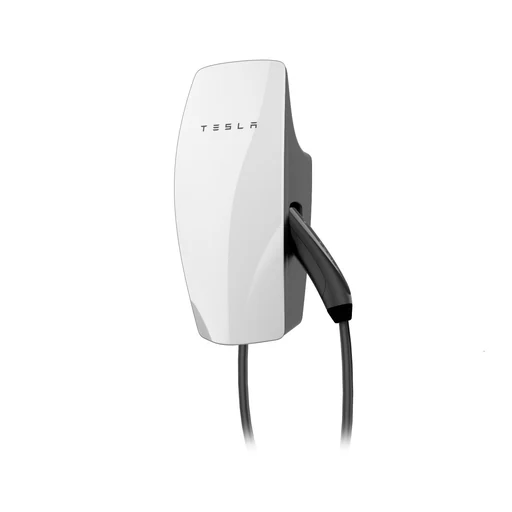
Tesla
Tesla Wall Connector Gen 3 (North America, NACS)
NACS connector; hardwired home AC charger. Tesla app charging schedules and monitoring.
- EV charging
- Match this exact charger’s connector, electrical rating and installed circuit to the manufacturer’s specifications.
- Use a compatible phone for this app.
- Charging load management
Dynamic management supports one Gen 3 charger only; group sharing supports up to six Gen 3 units, not third-party chargers.
- Dynamic Power Management needs separately installed Tesla-approved meter; no internet needed for power-management operation.
- NACS connector
Tesla
Tesla Universal Wall Connector (North America)
NACS cable with integrated docking J1772 adapter. Tesla app charging schedules and monitoring.
- EV charging
- Use a compatible phone for this app.
- Match this exact charger’s connector, electrical rating and installed circuit to the manufacturer’s specifications.
- Charging load management
Dynamic management supports one Gen 3 charger only; group sharing supports up to six Gen 3 units, not third-party chargers.
- Dynamic Power Management needs separately installed Tesla-approved meter; no internet needed for power-management operation.
- NACS cable with integrated docking J1772 adapter.

Tesla
Tesla Wall Connector Gen 3 (Australia, Type 2)
Type 2 tethered connector. Australian support table lists 7.4 kW single-phase and 11 kW three-phase charging; vehicle limits apply.
- EV charging
- Match this exact charger’s connector, electrical rating and installed circuit to the manufacturer’s specifications.
- Australian support table lists 7.4 kW single-phase and 11 kW three-phase charging; vehicle limits apply.
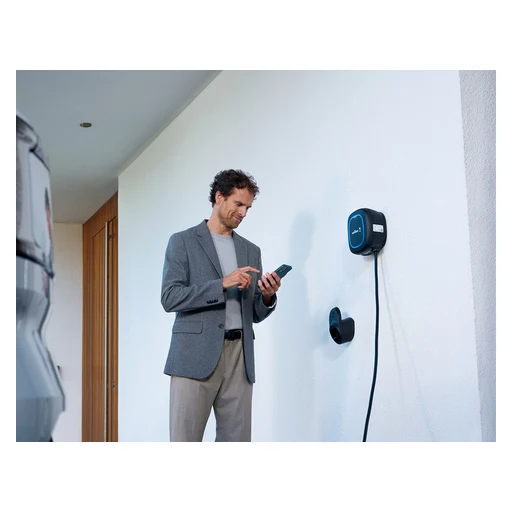
Wallbox
Wallbox Pulsar Plus (North America)
J1772 or NACS connector options; 25-foot cable. 40 A plug-in variant and 48 A variant are not separate functional models. App scheduling; dynamic load management and surplus-solar charging with meter.
- EV charging
- Match this exact charger’s connector, electrical rating and installed circuit to the manufacturer’s specifications.
- Charging load management
- Use a compatible phone for this app.
- Manufacturer states solar charging is incompatible with multi-charger installations and OCPP.
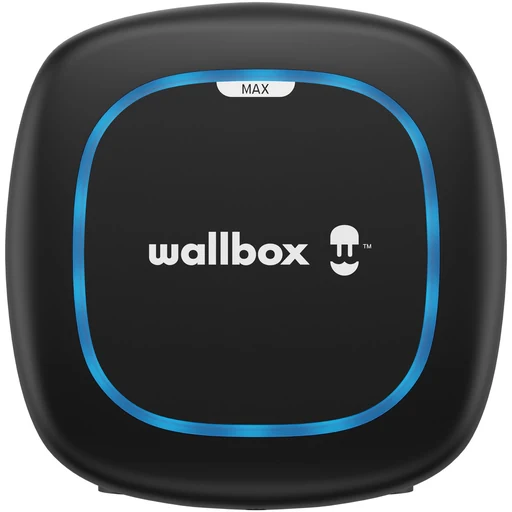 Product range photo
Wallbox
Wallbox Pulsar Max PLP2 (UK, original generation)
Original PLP2: 220–240 V 1-phase or 380–400 V 3-phase; select Type 2 connector for this record. Power Sharing included; Power Boost, Dynamic Power Sharing and Eco-Smart optional.
- EV charging
- Match this exact charger’s connector, electrical rating and installed circuit to the manufacturer’s specifications.
- Power Sharing included
- New RFID/Ethernet Pulsar Max is announced for progressive European rollout from November 2026; not merged with PLP2.
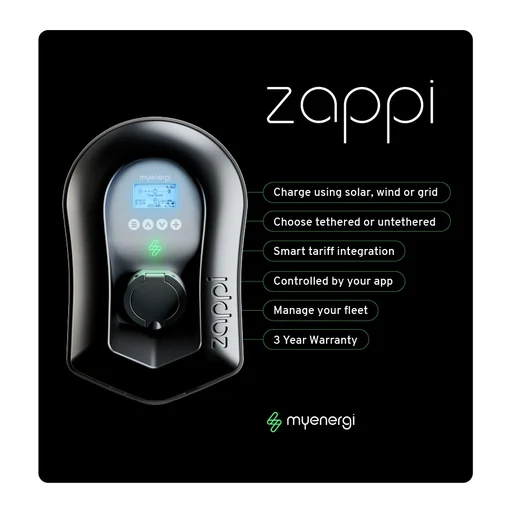
myenergi
myenergi zappi v2.1
Type 2 tethered or untethered versions; 7 kW single-phase and 22 kW three-phase families. ECO/ECO+ adjust charging to measured generation/household consumption; FAST provides ordinary charging.
- Type 2 tethered or untethered versions
- ECO/ECO+ adjust charging to measured generation/household consumption; FAST provides ordinary charging.

myenergi
myenergi zappi GLO
Single-phase up to 7 kW; Type 2 tethered 6.5 m cable or socket variant. Screen-free app control with RFID access; manufacturer lists solar/battery and tariff integration.
- Feeding functions
- Use a compatible phone for this app.
- Single-phase up to 7 kW

Ohme
Ohme Home Pro (UK)
Tethered Type 2, standard 5 m cable; LCD and buttons. 230 V AC, 7.4 kW / 32 A; UK home-charging model.
- EV charging
Tariff-aware charging, solar compatibility and home power balancing are listed.
- Match this exact charger’s connector, electrical rating and installed circuit to the manufacturer’s specifications.
- Tethered Type 2, standard 5 m cable
- 230 V AC, 7.4 kW / 32 A

Ohme
Ohme ePod OHMEX1GB003 (UK)
Untethered Type 2 socket; use matching separate vehicle cable. 230 V AC, 7.4 kW / 32 A; UK home-charging model.
- EV charging
Tariff-aware charging, solar compatibility and home power balancing are listed.
- Match this exact charger’s connector, electrical rating and installed circuit to the manufacturer’s specifications.
- Untethered Type 2 socket
- 230 V AC, 7.4 kW / 32 A

Hypervolt
Hypervolt Home 3 Pro
230 V single-phase, 7.4 kW; Type 2 tethered (Type 1 option also documented). Boost, Eco mixed solar/grid, Super Eco solar-only; automatic load management, scheduling and locking.
- Charging load management
- 230 V single-phase, 7.4 kW
- Installation uses CT measurement for solar/load functions.

ChargePoint
ChargePoint Home Flex
J1772 or NACS; hardwired up to 50 A, plug-in NEMA 6-50/14-50 up to 40 A on suitable 240 V supply. Electrician must match circuit and charger configuration.
- J1772 or NACS
- Electrician must match circuit and charger configuration.
- Canada FAQ explicitly says Alexa skills are not supported there.

Emporia
Emporia Classic Level 2 EV Charger
J1772 or NACS options; 48 A hardwired or 40 A NEMA 14-50 configurations. North American split-phase residential supply; installer selects proper 240 V circuit.
- J1772 or NACS options
- North American split-phase residential supply; installer selects proper 240 V circuit.
- Time-of-use scheduling
Time-of-use scheduling; solar and dynamic-load features have different bundle/upgrade prerequisites.

Emporia
Emporia Pro EV Charger EMC2
J1772 or NACS options; 48 A hardwired or 40 A NEMA 14-50 configurations. North American split-phase residential supply; installer selects proper 240 V circuit.
- J1772 or NACS options
- North American split-phase residential supply; installer selects proper 240 V circuit.
- Time-of-use scheduling
Time-of-use scheduling; solar and dynamic-load features have different bundle/upgrade prerequisites.
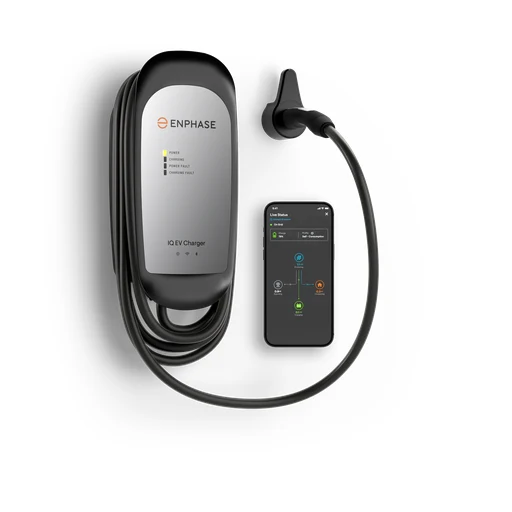
Enphase
Enphase IQ 60 EV Charger NACS (IQ-EVSE-NA-1060-0101-0100)
208/240 V AC single-phase, 48 A/11.5 kW, hardwired; 25-foot NACS cable. Solar self-consumption, schedules, remote start/stop and Storm Guard documented.
- 208/240 V AC single-phase, 48 A/11.5 kW, hardwired; 25-foot NACS cable.
- Solar self-consumption, schedules, remote start/stop and Storm Guard documented.
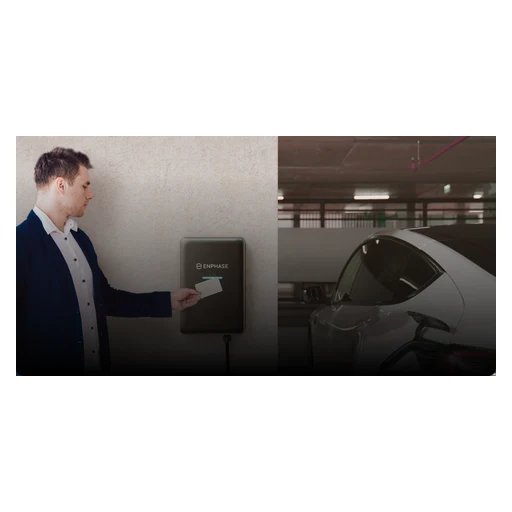
Enphase
Enphase IQ EV Charger 2 (North America)
J1772/NACS options; 208/240 V AC family, some 277 V configurations; hardwired or NEMA 14-50 variants. Real-time solar tracking and dynamic load balancing; protocol/API integration for energy management/CSMS.
- Charging load management
- J1772/NACS options
- ISO 15118/V2X-ready is hardware readiness, not evidence of enabled home backup.
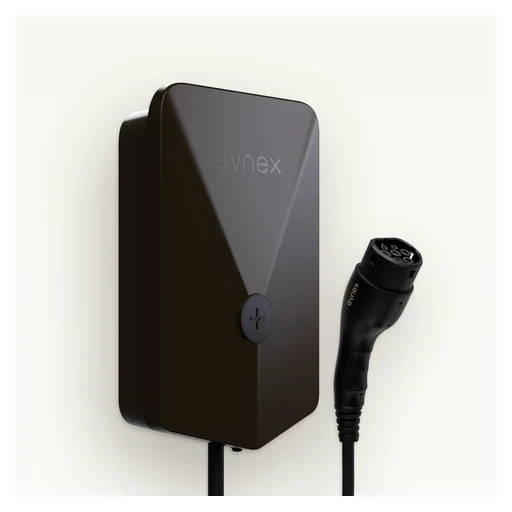
Evnex
Evnex E2 Core (Australia)
7.4 kW single-phase; tethered Type 2 cable (5 m). Solar charging and household overload protection with power sensing; Evnex app.
- EV charging
- Use a compatible phone for this app.
- Match this exact charger’s connector, electrical rating and installed circuit to the manufacturer’s specifications.
- 7.4 kW single-phase
- More than 28 days offline removes some smart scheduling/solar capabilities; basic plug-and-play charging continues.

Evnex
Evnex E2 Plus (Australia)
7.4 kW single-phase; tethered Type 2 cable (8 m). Solar charging and household overload protection with power sensing; Evnex app.
- EV charging
- Use a compatible phone for this app.
- Match this exact charger’s connector, electrical rating and installed circuit to the manufacturer’s specifications.
- 7.4 kW single-phase
- After more than 28 days offline, some smart scheduling/solar functions stop; basic charging continues.

Evnex
Evnex X22 (Australia)
22 kW three-phase; Type 2 tethered or socket options. Solar charging and household overload protection with power sensing; Evnex app.
- EV charging
- Use a compatible phone for this app.
- Match this exact charger’s connector, electrical rating and installed circuit to the manufacturer’s specifications.
- 22 kW three-phase
- More than 28 days offline removes some smart scheduling/solar capabilities; basic plug-and-play charging continues.

Zaptec
Zaptec Go 2 (UK)
Type 2 socket; 230/400 V, up to 7.4 kW one-phase or 22 kW three-phase on TN networks. MID meter/display and phase switching; V2G-ready is not enabled bidirectional charging.
- Type 2 socket
- MID meter/display and phase switching

Easee
Easee One (UK)
Single-phase up to 7.4 kW; Type 2 socket, optionally cable-locked. Up to three units with local/offline load balancing; manufacturer documents local Wi-Fi interface and open API.
- Charging load management
- Single-phase up to 7.4 kW
- UK configurator describes optional accessory for surplus solar and household balancing.
EV load managers

RVE
RVE DCC-12 Gen 3 100 A
Switches charger supply off when measured household load exceeds configured threshold; not continuously modulated EV charging. Current-generation 100 A load version; NEMA 3R; no internal intermediary breaker.
- Switches charger supply off when measured household load exceeds configured threshold; not continuously modulated EV charging.
- Current-generation 100 A load version
- 208/240 V AC single-phase
208/240 V AC single-phase; dry-contact input/output supports external energy-management load shedding.
 Product range photo
RVE
RVE DCC-9 Gen 3
Switches charger supply off when measured household load exceeds configured threshold; not continuously modulated EV charging. Feeder-connected controller for residential/condo EV charging; exact breaker/enclosure configuration must be selected.
- Switches charger supply off when measured household load exceeds configured threshold; not continuously modulated EV charging.
- Feeder-connected controller for residential/condo EV charging; exact breaker/enclosure configuration must be selected.
- 208/240 V AC single-phase
208/240 V AC single-phase; dry-contact input/output supports external energy-management load shedding.
Home batteries
 Product range photo
Tesla
Tesla Powerwall 3 (regional system family)
Integrated solar inverter and battery system; owner monitoring through Tesla app.
- Energy storage
- Installer-selected Tesla backup/isolation equipment and metering; exact regional design required.
- Use a compatible phone for this app.

Enphase
Enphase IQ Battery 5P (North America, 240 V / 60 Hz)
AC battery with embedded microinverters; supports owner app monitoring and backup/self-consumption/time-of-use operation.

Enphase
Enphase IQ Battery 5P with FlexPhase (INT)
Single- or three-phase AC battery configuration with wired control and remote firmware updates.
- IQBATTERY-5P-3P-INT datasheet
IQBATTERY-5P-3P-INT datasheet: nominal 230 V line-neutral for single phase; 230 V line-neutral / 400 V line-line for three phase, 50 Hz. Regional commissioning limits remain applicable.

SolarEdge
SolarEdge Home Battery 400V (UK)
DC-coupled storage with SolarEdge ONE battery modes; designed for single-phase Home Hub/Wave inverters.
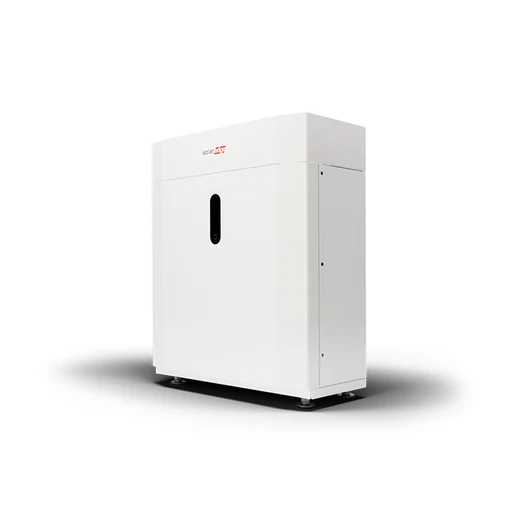
SolarEdge
SolarEdge Home Battery 48V (UK)
DC-coupled storage with SolarEdge ONE battery modes; designed for three-phase Home Hub/Wave inverters.

sonnen
sonnen sonnenBatterie Evo
Integrated AC-coupled home battery/inverter with backup capability; sonnen app shows energy flows and battery status.
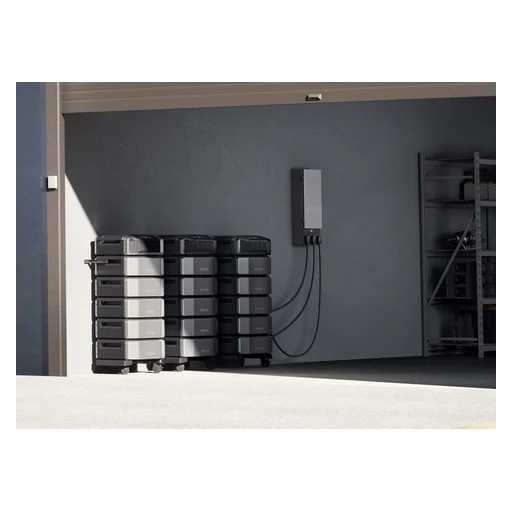
EcoFlow
EcoFlow DELTA Pro Ultra (US)
Expandable inverter/battery home energy system with Smart Home Panel 2 integration.
 Product range photo
Anker SOLIX
Anker SOLIX X1 Energy Storage System (AU family)
Modular home storage system with Anker app energy monitoring.
- Energy readings
- Exact regional power module, battery modules and installer-designed backup/isolation equipment; Power Dock Pro only where specified.
- Use a compatible phone for this app.
 Product range photo · Installed example
Anker SOLIX
Anker SOLIX X1 Energy Storage System (UK family)
Modular home storage system with Anker app energy monitoring.
- Energy readings
- Exact regional power module, battery modules and installer-designed backup/isolation equipment; Power Dock Pro only where specified.
- Use a compatible phone for this app.
 System illustration
BLUETTI
BLUETTI EP900 + B500 (US)
Home energy storage inverter system with BLUETTI app monitoring/control and separate B500 battery modules.
- Energy storage
- Supported B500 battery configuration and professionally designed electrical integration.
- Use a compatible phone for this app.
 System illustration
BLUETTI
BLUETTI EP800 + B500 (US)
Home energy storage inverter system with BLUETTI app monitoring/control and separate B500 battery modules.
- Energy storage
- Supported B500 battery configuration and professionally designed electrical integration.
- Use a compatible phone for this app.
 Shared appearance
FranklinWH
FranklinWH aPower 2 (APR-10K15V2-US)
AC-coupled battery with integrated inverter; FranklinWH app monitors and controls the complete system.
Solar inverters

SolarEdge
SolarEdge Home Hub Inverter (US family)
Solar and storage management through mySolarEdge; backup requires battery and Backup Interface.
 Product range photo · Single-phase example
SolarEdge
SolarEdge Home Hub Inverter — Single / Three Phase (UK family)
Single- and three-phase versions manage PV, storage and backup; SetApp commissioning.
 Shared appearance
Fronius
Fronius Primo GEN24 3.6 (Australia)
Single-phase solar inverter with PV Point basic backup and integrated energy monitoring.
- Energy readings
- Solar.web internet connection; battery/full backup needs eligible Plus upgrade and additional system equipment.
- Exact Primo GEN24 3.6 AU technical page
Exact Primo GEN24 3.6 AU technical page: nominal AC output 3680 W; single-phase 220/230 V grid connection; 50/60 Hz. This is not a blanket specification for the GEN24 family.
 Shared appearance
Fronius
Fronius Symo GEN24 5.0 Plus (UK)
Exact Symo GEN24 5.0 Plus: three-phase hybrid inverter; this 5.0 Plus model does not support Full Backup. PV Point basic backup is separate. Three-phase hybrid inverter; Full Backup is explicitly unavailable on 3.0–5.0 Plus models.
- Three-phase hybrid inverter
- Exact Symo GEN24 5.0 Plus UK technical page: nominal AC output 5000 W; three-phase 230/400 V or 220/380 V grid connection; 50/60 Hz. Full Backup unavailable on this exact model.
Energy displays
EcoFlow
EcoFlow PowerInsight (first generation)
Home energy dashboard for supported EcoFlow systems. UK device list states PowerInsight has been updated for Matter accessories: lights, plugs/outlets and thermostats/HVAC controllers.
- Energy readings
- EcoFlow app/account and supported energy equipment; verify installed PowerInsight firmware/software, regional account rollout and current device list before relying on accessory control. Minimum firmware version not established.
- Supported Matter accessories
- EcoFlow app/account and supported energy equipment; verify installed PowerInsight firmware/software, regional account rollout and current device list before relying on accessory control. Minimum firmware version not established.
- UK device list states PowerInsight has been updated for Matter accessories: lights, plugs/outlets and thermostats/HVAC controllers.
Water-use monitors

Flume
Flume 2 Smart Home Water Monitor
Meter-mounted sensor sends consumption/leak alerts to app; no pipe cutting. Optional YoLink valve integration requires separate YoLink hub and valve; selected leak rules can trigger shutoff.
- Meter-mounted sensor sends consumption/leak alerts to app; no pipe cutting.
- Flume Bridge
- Supported utility water meter
- Use a compatible phone for this app.
- Water valve control
- Flume Bridge
- Supported utility water meter
- Current help says ordinary Flume use has no recurring subscription fee; certain insurance programs may charge annually.
StreamLabs
StreamLabs Monitor
Ultrasonic non-invasive monitoring and leak alerts, not a shutoff valve. Indoor use; 3/4-inch or 1-inch CTS copper M/L, PEX or CPVC pipes.
- Free Standard app plan includes push alerts. Optional StreamPlus adds email/SMS alerts and more locations; paid subscription is not mandatory for basic use.
- Use a compatible phone for this app.
- Indoor use
- Manufacturer FAQ lists Google Home
Manufacturer FAQ lists Google Home; Alexa and HomeKit are described as future integrations, not current support.

Bluebot
Bluebot Hero 100-W
Clamp-on ultrasonic water meter with app usage history and optional live-flow alerts.
- Measure flow without cutting the pipe
Reads flow from outside the pipe without cutting into the plumbing.
- Fit supported pipe sizes and materials
Standard model fits 3/4–2-inch supported pipe sizes and materials.
- Use the standard model only with its supported ¾–2-inch pipe sizes and materials.
- Connect to Bluebot and FloDash
2.4 GHz Wi-Fi connection to Bluebot app and FloDash.
Thermostats

tado
tado Smart Thermostat X (1st gen)
Hardwired room thermostat. Measures temperature/humidity and stores heating schedules locally.
- Measure room conditions
- Use the documented Thread border router.
- Heating schedules stored locally
- Configure the supported heating schedule.
- Hardwired room thermostat

tado
tado Smart Thermostat X (2nd gen)
Hardwired room thermostat with LED display and interactive control ring. Measures temperature/humidity and stores heating schedules locally.
- Control the heating or cooling system
- Use the documented Thread border router.
- Compatible Thread border router required.
- Measure room conditions
- Use the documented Thread border router.
- Heating schedules stored locally
- Configure the supported heating schedule.
Radiator thermostats
Eve
Eve Thermo (5th generation)
M30 x 1.5 valve connection; Danfoss adapters included. Schedules stored on device; configuring schedules requires supported Eve app platform.
- Heating schedules stored locally
- Match the installation to this model: M30 x 1.5 valve connection; Danfoss adapters included.
- Configure the supported heating schedule.
- Climate control in the maker’s app
- Match the installation to this model: M30 x 1.5 valve connection; Danfoss adapters included.
- Use a Matter controller that supports this device type and function.
- Use the documented Thread border router.
- Use a compatible phone for this app function.
- Add the exact device in the named app and enable this function.
- M30 x 1.5 valve connection

SONOFF
SONOFF TRVZB
Radiator valve with rotary control, child lock and open-window detection.

tado
tado Smart Radiator Thermostat X
Replaces compatible TRV heads; touchscreen and dial. Measures temperature/humidity and stores heating schedules locally.
- Measure room conditions
- Use the documented Thread border router.
- Heating schedules stored locally
- Configure the supported heating schedule.
- Replaces compatible TRV heads
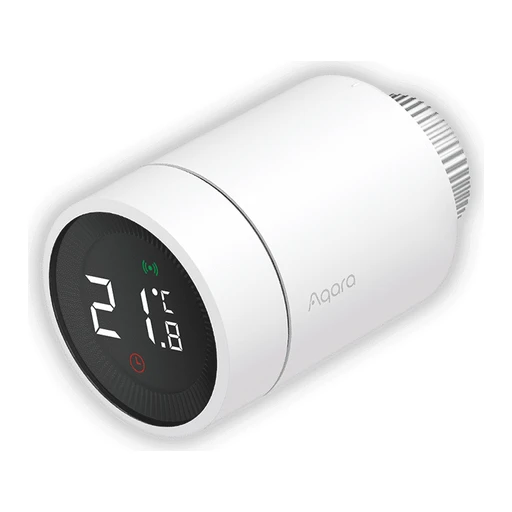
Aqara
Aqara Radiator Thermostat E1
Can use supported external Aqara temperature sensors. Backlit display and schedules.
- Measure room conditions
- Aqara Zigbee 3.0 hub required.
- Use the specific Aqara hub model and mode named for this function.
- Backlit display and schedules
Temperature controllers

Eve
Eve Thermo Control
Controls up to five grouped Eve Thermo valves. Other Matter platforms can read temperature/humidity.
- Control the heating or cooling system
- Apple home hub with Thread and compatible Eve Thermo (4th gen upgraded to Matter or 5th gen).
- Other Matter platforms can read temperature/humidity.

tado
tado Wireless Temperature Sensor X (1st gen)
Measures room temperature away from the radiator. Measures temperature/humidity and stores heating schedules locally.
- Measure room conditions
- Use the documented Thread border router.
- Heating schedules stored locally
- Configure the supported heating schedule.
- Measures room temperature away from the radiator.

tado
tado Wireless Temperature Sensor X (2nd gen)
Room temperature sensor and manual heating control. Measures temperature/humidity and stores heating schedules locally.
- Measure room conditions
- Use the documented Thread border router.
- Control the heating or cooling system
- Use the documented Thread border router.
- Compatible Thread border router required.
- Heating schedules stored locally
- Configure the supported heating schedule.
Climate controllers

ecobee
ecobee Smart Thermostat Premium
Includes a SmartSensor and built-in air quality sensing. Supports app-based scheduling and remote temperature control.
- Measure room conditions
- Climate control in the maker’s app
- Use a compatible phone for this app function.
- Add the exact device in the named app and enable this function.

ecobee
ecobee Smart Thermostat Enhanced
Uses occupancy sensing to adjust comfort automatically. Works with optional SmartSensor room sensors.
- Uses occupancy sensing to adjust comfort automatically.

ecobee
ecobee Smart Thermostat Essential
Provides touchscreen and app scheduling. Not compatible with first-generation ecobee Room Sensor.
- Climate control in the maker’s app
- Use a compatible phone for this app function.
- Add the exact device in the named app and enable this function.
- Model details

ecobee
ecobee3 lite
Official listing is certified refurbished, not a new current-generation thermostat. Supports remote app temperature control.
- Climate control in the maker’s app
- Use a compatible phone for this app function.
- Add the exact device in the named app and enable this function.
- Model details

Mysa
Mysa Smart Thermostat for Central Heating and Cooling
Designed for compatible low-voltage central HVAC systems, not a universal replacement. Supports scheduling and remote app control.
- Climate control in the maker’s app
- Match the installation to this model: Designed for compatible low-voltage central HVAC systems, not a universal replacement.
- Use a compatible phone for this app function.
- Add the exact device in the named app and enable this function.
- Power supply

Mysa
Mysa for Electric Baseboard Heaters Gen3
Gen3 is the Matter-certified baseboard model. Provides energy reports, schedules and geofencing.
- Model details
- Provides energy reports, schedules and geofencing.

Mysa
Mysa for Mini-Split Heat Pumps and AC
Controls supported AC units with display-equipped infrared remotes. Requires line of sight to the indoor AC unit.
- Controls supported AC units with display-equipped infrared remotes.
- Requires line of sight to the indoor AC unit.

Mysa
Mysa for Electric In-Floor Heating
For electric in-floor heat; not direct control of hydronic loops. Requires a floor sensor for operation.
- For electric in-floor heat
- Requires a floor sensor for operation

Sensibo
Sensibo Sky
App schedules and temperature/humidity-triggered AC control. Sky does not support Apple HomeKit.
- Climate control in the maker’s app
- Use a compatible phone for this app function.
- Add the exact device in the named app and enable this function.
- App schedules and temperature/humidity-triggered AC control.
- Sky does not support Apple HomeKit

Sensibo
Sensibo Air
Infrared control of compatible remote-controlled AC units. Can use optional wireless Room Sensors.
- Infrared control of compatible remote-controlled AC units.
- Can use optional wireless Room Sensors

Sensibo
Sensibo Air PRO
Combines AC control and TVOC-derived air quality sensing. Specifications describe CO2 equivalent derived from TVOC; do not present it as direct CO2 measurement.
- Measure room conditions
- Specifications describe CO2 equivalent derived from TVOC; do not present it as direct CO2 measurement.

Cielo
Cielo Breez Edge Pro
App-based scheduling and geofencing. Controls compatible infrared mini-split/room AC units.
- Climate control in the maker’s app
- Use a compatible phone for this app function.
- Add the exact device in the named app and enable this function.
- Controls compatible infrared mini-split/room AC units.

Cielo
Cielo Breez Max
App-based scheduling and geofencing. Controls compatible infrared mini-split/room AC units.
- Climate control in the maker’s app
- Use a compatible phone for this app function.
- Add the exact device in the named app and enable this function.
- Controls compatible infrared mini-split/room AC units.

Cielo
Cielo Breez Plus
App-based scheduling and geofencing. Controls compatible infrared mini-split/room AC units.
- Climate control in the maker’s app
- Use a compatible phone for this app function.
- Add the exact device in the named app and enable this function.
- Controls compatible infrared mini-split/room AC units.

Cielo
Cielo Breez Eco
App-based scheduling and geofencing. Controls compatible infrared mini-split/room AC units.
- Climate control in the maker’s app
- Use a compatible phone for this app function.
- Add the exact device in the named app and enable this function.
- Controls compatible infrared mini-split/room AC units.

Cielo
Cielo Breez Lite
App-based scheduling and geofencing. Controls compatible infrared mini-split/room AC units.
- Climate control in the maker’s app
- Use a compatible phone for this app function.
- Add the exact device in the named app and enable this function.
- Controls compatible infrared mini-split/room AC units.

Cielo
Cielo Smart Thermostat CT101WA
App-based scheduling and geofencing. For supported 24-V central HVAC systems.
- Climate control in the maker’s app
- Match the installation to this model: For supported 24-V central HVAC systems.
- Use a compatible phone for this app function.
- Add the exact device in the named app and enable this function.
- Power supply

Cielo
Cielo Smart Thermostat Eco
App-based scheduling and geofencing. For supported 24-V central HVAC systems.
- Climate control in the maker’s app
- Match the installation to this model: For supported 24-V central HVAC systems.
- Use a compatible phone for this app function.
- Add the exact device in the named app and enable this function.
- Power supply

tado
tado Heat Pump Optimizer X
Controls compatible heat pumps and stores schedules locally. Optional Balance service is a subscription; X does not mix with V3+.
- Heating schedules stored locally
- Configure the supported heating schedule.
- Optional Balance service is a subscription

tado
tado Smart Radiator Thermostat V3+
V3+ generation accessory, not part of the tado X radio network. Controls a compatible radiator valve.
- Model details
- Controls a compatible radiator valve

tado
tado Wireless Temperature Sensor V3+
V3+ generation accessory, not part of the tado X radio network. Provides room temperature sensing.
- Measure room conditions
- Requires tado Internet Bridge and appropriate V3+ heating devices. not Bridge X.
- Pair with the specified bridge: Requires tado Internet Bridge and appropriate V3+ heating devices. not Bridge X.
- Model details

tado
tado Extension Kit
V3+ generation accessory, not part of the tado X radio network. Heating/hot-water receiver requiring V3+ room control.
- Model details
- Heating/hot-water receiver requiring V3+ room control.

Honeywell Home
Honeywell Home X2S RTH2CWF/U
Offers schedules and auto-away control. Requires appropriate low-voltage HVAC wiring and continuous power.
- Climate control in the maker’s app
Requires appropriate low-voltage HVAC wiring and continuous power. The current companion app is Resideo Connect, formerly called First Alert; Matter certification remains documented for this thermostat.
- Match the installation to this model: Requires appropriate low-voltage HVAC wiring and continuous power.
- Use a compatible phone for this app function.
- Add the exact device in the named app and enable this function.
- Offers schedules and auto-away control
- Power supply
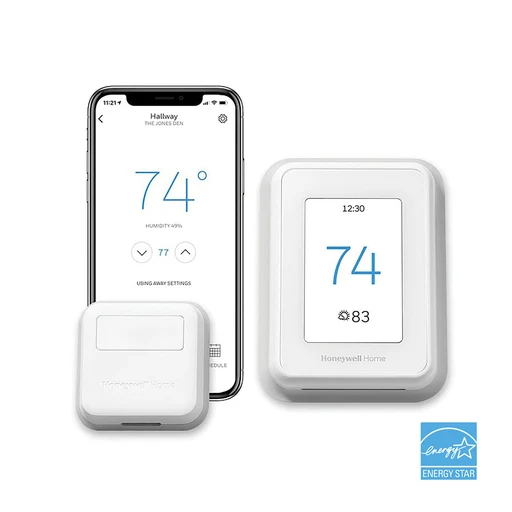
Honeywell Home
Honeywell Home T9 RCHT9610WFSW2003/U
Uses Smart Room Sensors for temperature and occupancy-based prioritization. Exact US SKU is labelled discontinued on the official product listing.
- Measure room conditions
- Model details

Honeywell Home
Honeywell Home T6R
UK wireless thermostat with scheduling and geofencing. Not the same model as the North American T6 Pro.
- UK wireless thermostat with scheduling and geofencing.
- Model details

Sinopé
Sinopé TH6500WF
Connected thermostat for central HVAC systems.

Sinopé
Sinopé TH1143WF
Connected thermostat for electric baseboard heating.

AirTouch
AirTouch Beam
Smart infrared controller for compatible split-system AC units. Supports schedules, geofencing and temperature/humidity history.
- Smart infrared controller for compatible split-system AC units.
- Supports schedules, geofencing and temperature/humidity history.

AirTouch
AirTouch 5
Australian ducted-AC zoning controller with wall console and phone app. Integration depends on the supported AC make/model and installation.
- Climate control in the maker’s app
- Use a compatible phone for this app function.
- Add the exact device in the named app and enable this function.
- Model details

AirTouch
AirTouch 2 Plus
Ducted-AC controller supporting app-based comfort and zoning control. Designed for Australian installations; not a universal HVAC thermostat.
- Climate control in the maker’s app
- Match the installation to this model: Designed for Australian installations; not a universal HVAC thermostat.
- Use a compatible phone for this app function.
- Add the exact device in the named app and enable this function.
- Designed for Australian installations

Hive
Hive Thermostat Mini SLT6
Compact thermostat for compatible UK heating systems. OpenTherm configuration currently has restrictions on multiple zones and Hive Radiator Valves.
- Compact thermostat for compatible UK heating systems.
- OpenTherm configuration currently has restrictions on multiple zones and Hive Radiator Valves.

Hive
Hive Thermostat SLT3
Provides on-device and app heating control. Check boiler compatibility and receiver variant before purchase.
- Climate control in the maker’s app
- Hive Hub and matching boiler receiver required for connected heating.
- Pair with the specified bridge: Hive Hub and matching boiler receiver required for connected heating.
- Use a compatible phone for this app function.
- Add the exact device in the named app and enable this function.
- Control the heating or cooling system
- Hive Hub and matching boiler receiver required for connected heating.
- Pair with the specified bridge: Hive Hub and matching boiler receiver required for connected heating.
- Hive Hub and matching boiler receiver required for connected heating.
- Check boiler compatibility and receiver variant before purchase.

Honeywell Home
Honeywell Home X8S X8VMC8B/U
Includes radar occupancy sensing and air-quality features. Offers supported video-doorbell integration.
- Includes radar occupancy sensing and air-quality features.
- Offers supported video-doorbell integration.

Sinopé
Sinopé TH6250WF
Connected thermostat for central HVAC systems.

Sinopé
Sinopé TH1123WF
Connected thermostat for electric baseboard heating.

Sinopé
Sinopé TH1400WF
Connected thermostat for low-voltage heating systems.
- Power supply

Sinopé
Sinopé TH1133WF
Connected thermostat for electric baseboard heating. Apple Home support is specifically stated for the 3000-W TH1133WF, not every LITE variant.
- Climate control in the maker’s app
- Use a compatible phone for this app function.
- Add the exact device in the named app and enable this function.
- Connected thermostat for electric baseboard heating.

Sinopé
Sinopé TH1310WF
Connected thermostat for electric floor heating.

Sinopé
Sinopé TH1123ZB
Connected thermostat for electric baseboard heating.
Air purifiers

Levoit
Levoit Vital 200S-P
Automatic fan-speed adjustment. App filter-life checks and air-quality notifications.
- Automatic fan adjustment
- Filter status in the maker’s app
- Use a compatible phone for this app function.
- Add the exact device in the named app and enable this function.

Levoit
Levoit Core 300S-P
App schedules, timers and voice control. Three-stage filtration.
- Climate control in the maker’s app
- Use a compatible phone for this app function.
- Add the exact device in the named app and enable this function.
- Three-stage filtration

Levoit
Levoit Core 200S-P
App schedules and 2/4/8-hour timers. Sleep mode.
- Climate control in the maker’s app
- Use a compatible phone for this app function.
- Add the exact device in the named app and enable this function.
- Sleep mode

Levoit
Levoit Core 400S-P
Air-quality indicator and automatic fan-speed adjustment. App schedules and filter-life monitoring.
- Automatic fan adjustment
- Filter status in the maker’s app
- Use a compatible phone for this app function.
- Add the exact device in the named app and enable this function.

Levoit
Levoit Core 600S-P
Air-quality history and filter-life monitoring. App scheduling and voice control.
- Filter status in the maker’s app
- Use a compatible phone for this app function.
- Add the exact device in the named app and enable this function.
- Climate control in the maker’s app
- Use a compatible phone for this app function.
- Add the exact device in the named app and enable this function.

Levoit
Levoit EverestAir-P
PM1.0, PM2.5 and PM10 readings. Adjustable vent angles.
- Measure room conditions
- Adjustable vent angles

Levoit
Levoit Vital 100S-P
Three-stage filtration. U-shaped air inlet for pet fur.
- Three-stage filtration
- U-shaped air inlet for pet fur

Sensibo
Sensibo Pure
PM2.5 sensing and automatic fan adjustment. Filter-life monitoring.
- Measure room conditions
- Automatic fan adjustment
- Filter status in the maker’s app
- Use a compatible phone for this app function.
- Add the exact device in the named app and enable this function.

IKEA
IKEA STARKVIND Air Purifier
A compact purifier that works manually by itself and adds remote controls and scenes through a DIRIGERA hub.
- Adjust cleaning automatically
Auto mode senses PM2.5 and adjusts fan speed.
- Control speed, timers and scenes
With DIRIGERA, adjust speed, check air quality, set timers and create scenes.
- Use DIRIGERA and IKEA Home smart.
- Switch off the LED in the app
App control can switch off the unit LED.
- Use DIRIGERA and IKEA Home smart.
Blueair
Blueair Blue Pure 211i Max
A large-room purifier with particle-size readings, usage-based filter tracking and app schedules.
- See fine and coarse particle readings
Monitors PM1, PM2.5 and PM10; the display shows one size reading at a time.
- Adjust fan speed automatically
Auto mode changes fan speed as particle levels change.
- Schedule cleaning in the app
The Blueair app controls modes, timers and custom schedules over Wi-Fi.
- Connect to 2.4 GHz Wi-Fi.
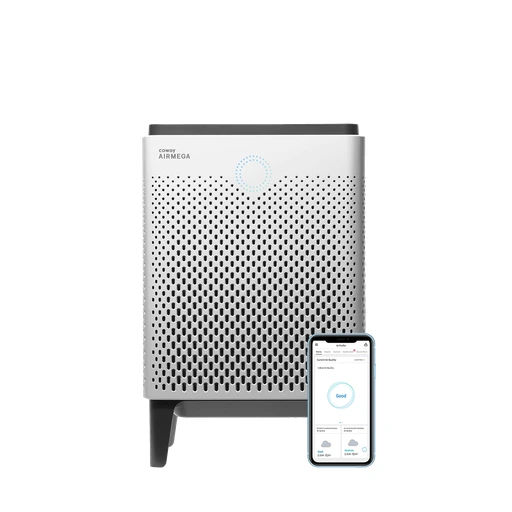
Coway
Coway Airmega 400S
A dual-filter purifier with remote air-quality monitoring and automatic, sleep and energy-saving modes.
- Monitor air quality and change modes
Wi-Fi app control includes real-time air quality and Auto, Sleep and Eco modes.
- Connect to 2.4 GHz Wi-Fi.
- Set schedules and timers
IoCare+ supports schedules and one-, two-, four- and eight-hour timers.
- Connect to 2.4 GHz Wi-Fi.
- See which filters need attention
Indicators distinguish cleaning the washable pre-filters from replacing the two Max2 filters.
 Manufacturer lifestyle photograph
Winix
Winix AM90
A Wi-Fi purifier with gas-responsive automatic mode and a sleep setting that dims the indicator and slows the fan.
- Control and monitor through Winix Smart
Wi-Fi allows remote control and monitoring in the Winix Smart app.
- Adjust speed with the gas sensor
The gas sensor changes fan speed in Auto mode; it is not a numerical PM2.5 sensor.
- Dim the light and slow down for sleep
The light sensor can trigger Sleep mode; the air-quality LED then turns off.
Philips
Philips PureProtect Water 3400 Series AC3420/10
A connected purifier and evaporative humidifier that can address particles and dry air in one unit.
- Purify and humidify the room
Combines HEPA, active carbon and a pre-filter with evaporative humidification.
- Schedule cleaning and use voice controls
The Air+ app supports remote control and scheduling; Google and Alexa voice control are listed.
- Connect to 2.4 GHz Wi-Fi.
- See particles, temperature and humidity
Sensors measure PM2.5, temperature and humidity.

Xiaomi
Xiaomi Smart Air Purifier 4 Pro
A connected purifier with fine- and coarse-particle sensing, automatic fan control and filter reminders.
- See particle readings and use Auto mode
PM2.5 and PM10 laser sensing drives the real-time display and Auto mode.
- Set schedules, modes and child lock
Xiaomi Home provides remote control, timed on/off, settings and a child lock.
- Get filter-replacement reminders
The app provides filter-replacement reminders; rated filter life is 6–12 months depending on use.

Dyson
Dyson Purifier Big+Quiet Formaldehyde BP04
A large-space connected purifier with formaldehyde treatment and CO₂ reporting, plus app schedules and voice shortcuts.
- See air reports and set schedules
MyDyson provides real-time reports, modes and scheduling.
- See CO₂ levels
BP04 reports CO₂ levels; this does not mean its filters remove CO₂.
- Use the documented voice services
Alexa uses the Dyson skill; Google Assistant and Siri Shortcuts are also documented.
Fans

Levoit
Levoit Windi Lift Smart Tower Fan
Height adjusts from 36 to 47 inches; detachable 24-inch configuration. Five fan speeds; VeSync schedules and oscillation controls.
- Adjust fan speed
- Size and dimensions

Levoit
Levoit Classic 42-Inch Smart Tower Fan
Twelve speeds and four modes. App scheduling and voice control.
- Adjust fan speed
- Climate control in the maker’s app
- Use a compatible phone for this app function.
- Add the exact device in the named app and enable this function.

Dreo
Dreo TurboPoly Fan 704S
A pedestal circulator with app-controlled airflow direction and a temperature-responsive automatic mode.
- Direct airflow horizontally and vertically
Oscillates through 150° horizontally and 120° vertically.
- Choose app, remote or touch controls
Supports Dreo app, voice, remote and touchpad control.
- Adjust speed with room temperature
Auto mode changes fan speed with ambient temperature.
Dreo
Dreo Nomad One S Smart Tower Fan
A compact connected tower fan with scheduled operation and app-only room-temperature display.
- Schedule the fan and see room temperature
Use the Dreo app to schedule the fan and view room temperature.
- Use the documented voice controls
The product page names Alexa, Google Home and Siri control.
- Set up the named voice service and its compatible voice device. Siri control does not establish Apple Home support.
- Choose speeds, oscillation and timers
Four speeds, 90° oscillation and an eight-hour on/off timer.

SwitchBot
SwitchBot Battery Circulator Fan 2 Pro
A rechargeable circulator with direct Wi-Fi app control and Matter support, without a separate SwitchBot hub.
- Connect through Matter over Wi-Fi
Supports Matter over Wi-Fi.
- Use a compatible Matter platform/controller.
- Control remotely without a SwitchBot hub
Remote app control is available without a SwitchBot hub.
- Choose battery or external power
Supports battery, AC, USB-C and power-bank power options.

Xiaomi
Xiaomi Mi Smart Standing Fan 2
A connected fan that converts between table and floor use and allows finer app speed control than its onboard buttons.
- Fine-tune speed and breeze in the app
Mi Home app offers speed levels 1–100 and natural-breeze or direct-blow modes.
- Set a 24-hour timer
Supports a 24-hour preset timer.
- Oscillate across the room
Horizontal ventilation reaches 140°.
Dyson
Dyson Cool CF1
A compact fan with app control, adjustable oscillation and a dimmed sleep mode rather than a purifier or air conditioner.
- Control the documented connected CF1
Current US, UK and CA CF1 pages explicitly document MyDyson app control.
- Reduce noise and display light for sleep
Sleep mode lowers airflow noise and dims the display.
- Set a sleep timer
Sleep timer ranges from 15 minutes to nine hours.
Fan controllers

Inovelli
Inovelli VZM35-SN Blue Series Smart Fan Switch
Controls AC fan motors only; DC motors are unsupported. Non-neutral mode does not provide the high-speed setting. Manufacturer identifies VZM35-SN with Zigbee 3.0 connectivity.
- Adjust fan speed
- Match the installation to this model: Controls AC fan motors only; DC motors are unsupported. Non-neutral mode does not provide the high-speed setting.
- Requires a compatible Zigbee hub and model-specific integration. advanced features vary by hub.
- Use the hub’s documented exact-model integration; individual functions can differ.
- Manufacturer identifies VZM35-SN with Zigbee 3.0 connectivity.
- Manufacturer explicitly lists SmartThings, Hubitat and Home Assistant; advanced feature support depends on the listed integration.

Inovelli
Inovelli VZM36 Blue Series Fan/Light Canopy Module
Controls fan speed and light dimming separately; for AC motors, not DC motors. Manufacturer identifies VZM36 with Zigbee 3.0 connectivity.
- Controls fan speed and light dimming separately; for AC motors, not DC motors.
- Manufacturer identifies VZM36 with Zigbee 3.0 connectivity.
- Manufacturer explicitly lists SmartThings, Hubitat and Home Assistant; advanced feature support depends on the listed integration.

Leviton
Leviton D24SF-1BW
Wi-Fi fan-speed controller supports scheduled operation. Matter support is available through a firmware update; update and platform pairing must be verified.
- Wi-Fi fan-speed controller supports scheduled operation.
- Matter support is available through a firmware update; update and platform pairing must be verified.

Lutron
Lutron Original Smart Fan Speed Control (PD-FSQN)
Neutral required; four speeds plus off for one ceiling fan, maximum 1.5 A. 120 V AC; do not substitute into 230/240 V installations.
- Climate control in the maker’s app
Apple Home, Alexa and Google Home via hub; not native Matter.
- Match the installation to this model: Neutral required; four speeds plus off for one ceiling fan, maximum 1.5 A. 120 V AC; do not substitute into 230/240 V installations.
- A neutral conductor is required at the installation.
- Local operation/Pico control does not require hub. Caséta Smart Hub or Smart Hub PRO required for app/integration/schedules.
- Use a compatible phone for this app function.
- Add the exact device in the named app and enable this function.
- Electrical limits
- Power supply
Fan and light switches

Meross
Meross MFC100HK
Combined fan and light wall control; neutral connection required.
- Electrical limits
Diffusers

Meross
Meross MOD150HK
400 ml reservoir and two misting levels. Scheduled operation and adjustable colour lighting.
- 400 ml reservoir and two misting levels
- Scheduled operation and adjustable colour lighting.

Pura
Pura Home Plus
A two-fragrance diffuser for larger rooms that combines app schedules with physical intensity buttons.
- Schedule fragrance and set intensity
Set intensity, schedules and timers in the Pura app.
- Connect to 2.4 GHz Wi-Fi.
- Use a Pura account and allow Bluetooth during setup.
- Use two fragrance vials
Holds two 10 mL fragrance vials and detects compatible Smart Scent vials.
- Adjust intensity with the buttons
Physical buttons control intensity directly on the diffuser.

Aera
Aera Smart Diffuser
A cartridge-based fragrance diffuser with adjustable scent strength and scheduled operation through AeraForHome.
- Control fragrance remotely
AeraForHome controls power and fragrance intensity remotely over Wi-Fi.
- Set up to 20 schedules
Supports up to 20 schedules per diffuser.
- Choose intensity in the app or on the unit
App scheduling offers levels 1–10; physical buttons also adjust intensity.
Humidifiers
Levoit
Levoit Classic 300S
6 L tank; ultrasonic cool mist. Four mist settings and optional night light.
- Mist and humidity control
- 6 L tank
- Four mist settings and optional night light.
Levoit
Levoit Dual 200S
3 L top-fill tank; cool mist. Device-side supply: 24 V DC, 1 A; 24 W. Adapter AC input and regional plug not established.
- 3 L top-fill tank
- Device-side supply

Levoit
Levoit OasisMist 600S
Warm and cool mist; humidity target adjustment. Manufacturer page advertises app and/or voice controls; named voice platforms remain unconfirmed here.
- Mist and humidity control
- Manufacturer page advertises app and/or voice controls; named voice platforms remain unconfirmed here.
- Use a compatible phone for this app.
- US product specification
US product specification: AC 120 V, 280 W. Frequency is printed as 60Hx on the captured product page; matching manual/nameplate frequency not independently resolved.
Levoit
Levoit Superior Studio Smart 450S
Evaporative design with 4.5 L tank and replaceable wick. App includes automatic dry mode and descaling mode controls.
- Mist and humidity control
- Use a compatible phone for this app.
- Evaporative design with 4.5 L tank and replaceable wick.

Levoit
Levoit LV600S
6 L tank; warm and cool mist. US product specification: AC 120 V, 60 Hz; 280 W.
- Mist and humidity control
- US product specification
Levoit
Levoit NeoClassic 450S
4.2 L tank; app scene settings include mist, light and music.
- 4.2 L tank

Levoit
Levoit NeoClassic 650S
6.2 L cool-mist tank; app scene settings include mist, light and music. Manufacturer page advertises app and/or voice controls; named voice platforms remain unconfirmed here.
- Manufacturer page advertises app and/or voice controls; named voice platforms remain unconfirmed here.
- Use a compatible phone for this app.
- 6.2 L cool-mist tank

Levoit
Levoit OasisMist 1000S
10 L tower-form cool-mist humidifier. US product specification: AC 120 V, 60 Hz; 27.5 W.
- 10 L tower-form cool-mist humidifier
- US product specification

Levoit
Levoit OasisMist 450S
Warm and cool mist; top-fill tank. Manufacturer page advertises app and/or voice controls; named voice platforms remain unconfirmed here.
- Mist and humidity control
- Manufacturer page advertises app and/or voice controls; named voice platforms remain unconfirmed here.
- Use a compatible phone for this app.
- US product specification
US product specification: AC 120 V, 60 Hz; 280 W.

Levoit
Levoit Superior 6000S
Evaporative humidification with wick filters. Manufacturer page advertises app and/or voice controls; named voice platforms remain unconfirmed here.
- Mist and humidity control
- Manufacturer page advertises app and/or voice controls; named voice platforms remain unconfirmed here.
- Use a compatible phone for this app.
- Device-side supply
Device-side supply: 24 V DC, 1.25 A; 30 W. Adapter AC input and regional plug not established; URL year is not proof of a distinct hardware generation.

Dreo
Dreo HM311S
4 L tank; cool mist. US page specifies 120 V 60 Hz input.
- 4 L tank
- US page specifies 120 V 60 Hz input

Dreo
Dreo HM512S
5 L tank; ultrasonic cool mist. US page specifies 120 V 60 Hz input.
- Mist and humidity control
- US page specifies 120 V 60 Hz input

Dreo
Dreo HM713S
6 L tank; warm and cool mist. US page specifies 120 V 60 Hz input.
- Mist and humidity control
- US page specifies 120 V 60 Hz input

Dreo
Dreo HM717S
8 L tank; warm and cool mist. Manufacturer page advertises app and/or voice controls; named voice platforms remain unconfirmed here.
- Mist and humidity control
- Manufacturer page advertises app and/or voice controls; named voice platforms remain unconfirmed here.
- Use a compatible phone for this app.

Dreo
Dreo 774S
10 L evaporative humidifier with automatic humidity mode. External adapter is specified as 100–240 VAC 50/60 Hz input, 12 VDC output; plug type remains regional.
- Mist and humidity control
- Manufacturer page advertises app and/or voice controls; named voice platforms remain unconfirmed here.
- Use a compatible phone for this app.
- External adapter is specified as 100–240 VAC 50/60 Hz input, 12 VDC output; plug type remains regional.

Dreo
Dreo HM735S
11 L tank; ultrasonic humidifier. US page specifies 120 V 60 Hz input.
- Manufacturer page advertises app and/or voice controls; named voice platforms remain unconfirmed here.
- Use a compatible phone for this app.
- 11 L tank
- US page specifies 120 V 60 Hz input

GoveeLife
GoveeLife Smart Humidifier 2 H7145
6 L cool-mist tank; built-in humidity sensor. Optional AutoReflect thermohygrometers include H5179, H5075 and H5100; these are not mandatory for the built-in sensor.
- Manufacturer page advertises app and/or voice controls; named voice platforms remain unconfirmed here.
- Use a compatible phone for this app.
- Mist and humidity control
Canadian manufacturer listing identifies H7145: 6 L cool-mist reservoir, built-in humidity sensing, app control and 120 V supply. Named voice platforms are not established by its generic voice-control text.
- Use a compatible phone for this app.
- 6 L cool-mist tank
GoveeLife
GoveeLife Smart Humidifier Max H7143
7 L tank; warm and cool mist. US version specifies 120 V.
- Mist and humidity control
- US version specifies 120 V

SwitchBot
SwitchBot Evaporative Humidifier (manual refill)
Evaporative design; 4.5 L tank. External adapter device-side output: 24 V DC, 1 A; rated consumption 15 W at level 4, 4 W at level 1. AC input and supplied plug remain unverified.
- Evaporative design
- External adapter device-side output

Breville
Breville Smart Mist Top Connect LAH508
Wi-Fi-connected ultrasonic humidifier with adjustable mist levels and top-fill reservoir. Australian product page states security-update support through 4 March 2031.
- Mist and humidity control
- Australian product page states security-update support through 4 March 2031.

Philips
Philips 1000 Series Humidifier HU1509/00
UK manufacturer page supports app humidity and lighting settings, timers and schedules. Automatic humidity targets of 40%, 50%, 60% or 70%; top-fill reservoir and adjustable nozzle.
- Mist and humidity control
- UK manufacturer page supports app humidity and lighting settings, timers and schedules.
- UK page specifies 220–240 V
Dehumidifiers
Meaco
Meaco MeacoDry Arete Two 25L
Dehumidifier with app humidity readings, laundry mode and timer control. UK product specification: 220–240 V AC, 50 Hz.
- Mist and humidity control
- Use a compatible phone for this app.
- UK product specification

Midea
Midea MAD50S1QWT
50-pint Cube dehumidifier with Wi-Fi and voice-control listing.
- Moisture removal
Frigidaire
Frigidaire FHDD5033Y1
50-pint dehumidifier with Wi-Fi connected Frigidaire app. Bucket-full automatic shutoff.
- Moisture removal
- Use a compatible phone for this app.
- Water valve control

Breville
Breville Smart Dry Connect LAD208WHT2IAN1
Australian dehumidifier with 2.5 L tank and laundry mode. Wi-Fi remote control and Bluetooth in-range app control are documented.
- Moisture removal
- Wi-Fi remote control and Bluetooth in-range app control are documented.
- Use a compatible phone for this app.

Xiaomi
Xiaomi Smart Dehumidifier Lite
A compact connected dehumidifier with app schedules, a clothes-drying mode and an included continuous-drain hose.
- Set modes and target humidity remotely
Xiaomi Home supports remote modes and target-humidity control.
- Connect to 2.4 GHz Wi-Fi.
- Schedule drying and sleep modes
Supports 24/7 scheduling with smart, clothes-drying and sleep modes.
- Connect to 2.4 GHz Wi-Fi.
- Choose the tank or gravity-drain hose
Three-litre tank or included one-metre hose for gravity drainage to a floor drain.

DeLonghi
DeLonghi Tasciugo AriaDry Pure DDSX220WF-WH
A connected dehumidifier with separate air-filtration mode and laundry settings, controlled through the DeLonghi Comfort app.
- Set, schedule and monitor in Comfort
DeLonghi Comfort for iOS and Android can set, schedule and monitor this exact AU model remotely.
- Adjust output with Laundry mode
Laundry mode automatically adjusts ventilation and dehumidifying output.
- Run fan-only air filtration
Fan-only air-filtration mode uses an EPA12/activated-carbon filter plus BioSilver and dust filtration.
Air conditioners

Dreo
Dreo AC318S
Portable air conditioner with cooling, drying and fan modes. US page specifies 115 V.
- Manufacturer page advertises app and/or voice controls; named voice platforms remain unconfirmed here.
- Use a compatible phone for this app.
- Portable air conditioner with cooling, drying and fan modes.
- US page specifies 115 V
Dreo
Dreo AC516S
Portable air conditioner with app and voice control. US page specifies 120 V.
- Portable air conditioner with app and voice control.
- Use a compatible phone for this app.
- US page specifies 120 V
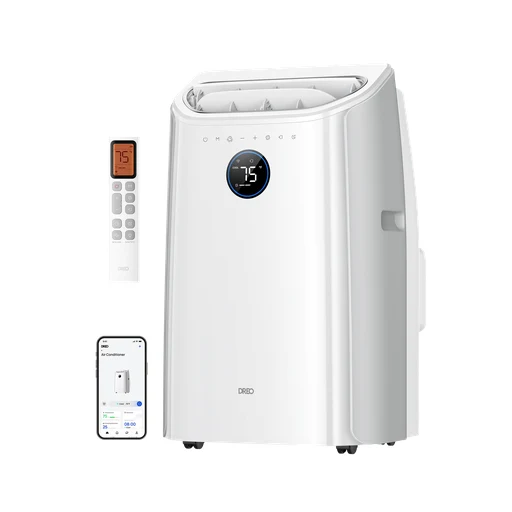
Dreo
Dreo 740S
Portable dual-hose inverter air conditioner. US page specifies 115 V.
- Portable dual-hose inverter air conditioner.
- US page specifies 115 V
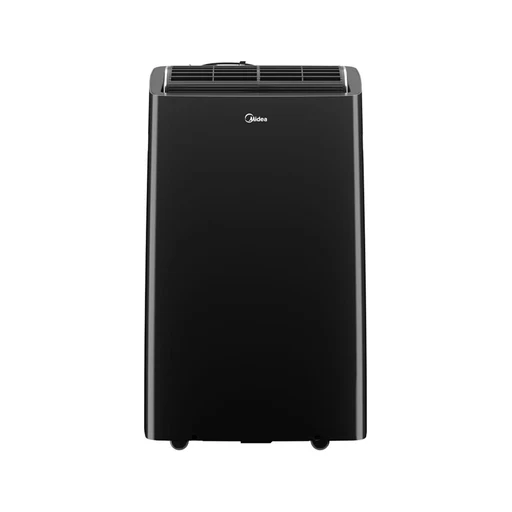
Midea
Midea MAP12S1TBL
Portable inverter air conditioner; Canadian listing specifies 12,000 BTU ASHRAE / 10,000 BTU SACC and 115 V. No heating mode on this exact Canadian model.
- Portable inverter air conditioner
Panasonic
Panasonic CS-Z25AKRW / CU-Z25AKR (CS/CU-Z25AKR)
Australian split-system pair with built-in Wi-Fi and Comfort Cloud app. Manufacturer lists 2.5 kW cooling and 3.0 kW heating.
- Heating or cooling
- Australian split-system pair with built-in Wi-Fi and Comfort Cloud app.
- Manufacturer states security-update support through 31 December 2029.
Blinds

Third Reality
Third Reality Smart Blind Gen2 (33 × 74 in)
Motorized honeycomb blind with bottom-height detection and an included IR remote; selected size is 33 × 74 inches. The product-specific setup section documents the requirement for a compatible Zigbee hub or coordinator.
- Move the blind or curtain
- Match the motor, rail or rod and supported load to this exact model.
- Requires a compatible Zigbee hub/coordinator. bridge-mediated Matter is not native Matter support.
- Use the hub’s documented exact-model integration; individual functions can differ.
- The product-specific setup section documents the requirement for a compatible Zigbee hub or coordinator.
- Product-specific text lists SmartThings, Home Assistant and Hubitat integrations.
 Product range photo
Lutron
Lutron Serena Smart Roller Shades
Custom roller shades; roller and open-roll styles consolidated. Made-to-order shade family; fabric, finish and dimensions are not separate smart models.
- Blind and curtain movement
- Made-to-order shade family
 Product range photo
Lutron
Lutron Serena Smart Honeycomb Shades
Cellular/honeycomb shades; standard and architectural styles consolidated. Made-to-order shade family; fabric, finish and dimensions are not separate smart models.
- Cellular/honeycomb shades
- Made-to-order shade family
 Product range photo
Lutron
Lutron Serena Smart Wood Blinds
Motorized wood-blind slat tilt; do not imply powered lift. Made-to-order shade family; fabric, finish and dimensions are not separate smart models.
- Blind slat tilt
- Made-to-order shade family
 Product range photo
IKEA
IKEA FYRTUR smart blackout roller blind
Battery-powered roller blind with rechargeable BRAUNIT battery. Remote control and app scheduling documented.
- Remote control and app scheduling documented.
- Use the gateway and signal repeater documented for this FYRTUR generation; TRADFRI and current DIRIGERA routes are separate.
- Use a compatible phone for this app.
- Battery-powered roller blind with rechargeable BRAUNIT battery.
Blind controllers

Eve
Eve Shutter Switch (Matter version)
Controls motorized shutters. Acts as Thread router node, not a Thread border router.
- Move the blind or curtain
- Match the motor, rail or rod and supported load to this exact model.
- Acts as Thread router node, not a Thread border router.

SwitchBot
SwitchBot Blind Tilt
Retrofits wand-operated horizontal blinds. USB-C rechargeable 2000 mAh battery.
- Move the blind or curtain
- Match the motor, rail or rod and supported load to this exact model.
- Battery and power

Aqara
Aqara Roller Shade Driver E1
Retrofits beaded shade cords. USB-C rechargeable or constant power.
- Move the blind or curtain
- Match the motor, rail or rod and supported load to this exact model.
- Compatible Aqara hub required.
- Use the specific Aqara hub model and mode named for this function.
- Battery and power
 Product range photo
Eve
Eve Motionblinds Upgrade Kit for Roller Blinds (Matter)
USB-C rechargeable retrofit roller-blind motor. Small-tube motor fits 25–30 mm outer tube diameter and minimum 570 mm blind width; large-tube option 38–51 mm and minimum 680 mm.
- USB-C rechargeable retrofit roller-blind motor.
- Small-tube motor fits 25–30 mm outer tube diameter and minimum 570 mm blind width; large-tube option 38–51 mm and minimum 680 mm.
Curtain controllers

Aqara
Aqara Curtain Driver E1 (Track Version)
For U/I rails; maximum stated load 12 kg. Rechargeable battery and USB-C power.
- Electrical limits
- Battery and power
Motor controllers
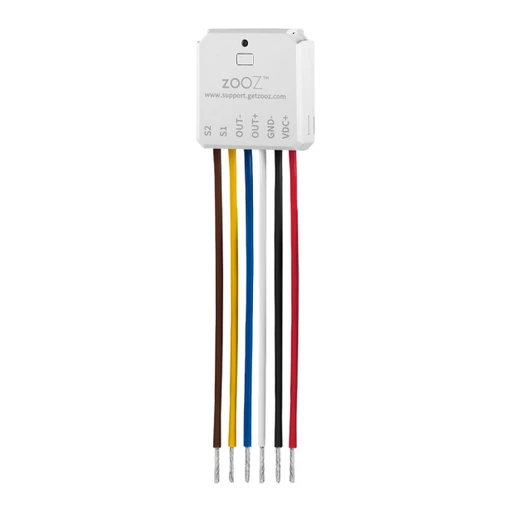
Zooz
Zooz ZEN53 LR DC Motor Controller
Controls DC-motor shades, blinds or awnings with shutter and Venetian modes. Uses Z-Wave; Long Range requires an LR-capable controller/software.
- Move the blind or curtain
- Match the installation to this model: Controls DC-motor shades, blinds or awnings with shutter and Venetian modes.
- Match the motor, rail or rod and supported load to this exact model.
- Requires a compatible same-region Z-Wave controller; Long Range needs explicit controller support.
- Match the regional radio frequency and the controller’s exact model integration; Long Range needs explicit controller and software support.
- Uses Z-Wave
- Model details
Model identifier in the linked manual: ZEN53 LR.
Window coverings

SwitchBot
SwitchBot Curtain 3
Motorizes compatible curtain tracks or rods. Center-opening curtains need two motors.
- Move the blind or curtain
- Match the motor, rail or rod and supported load to this exact model.
- Center-opening curtains need two matched motors.
- Match both motors and the rail or rod variant to the installation.
- Motorizes compatible curtain tracks or rods.
- Center-opening curtains need two motors

SwitchBot
SwitchBot Curtain 2
Second-generation curtain motor; rail/rod type must match. Supports app control and schedules.
- Move the blind or curtain
- Match the installation to this model: Second-generation curtain motor; rail/rod type must match.
- Match the motor, rail or rod and supported load to this exact model.
- SwitchBot hub required for internet/voice control.
- Pair with the specified bridge: SwitchBot hub required for internet/voice control.
- Supports app control and schedules

SwitchBot
SwitchBot Roller Shade
Motorized roller shade offered in size and fabric variants. Window dimensions and mounting clearance must be checked.
- Move the blind or curtain
- Match the motor, rail or rod and supported load to this exact model.
- Size and dimensions
Blind motors
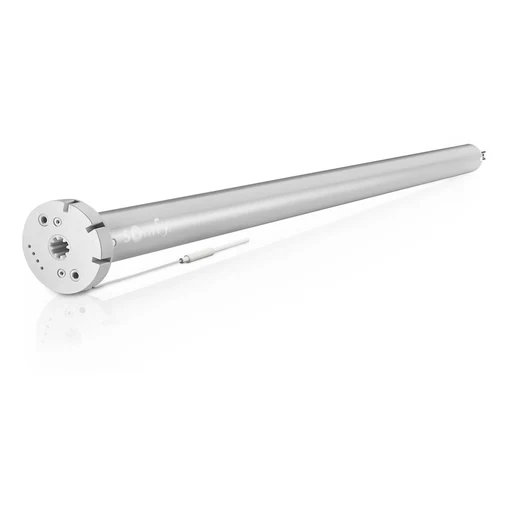
Somfy
Somfy Sonesse ULTRA 30 WireFree Zigbee (Li-ion) 1241752
2 Nm motor with built-in rechargeable lithium-ion battery. Two-way position and battery feedback in TaHoma.
- 2 Nm motor with built-in rechargeable lithium-ion battery.
- Two-way position and battery feedback in TaHoma.
Curtain motors
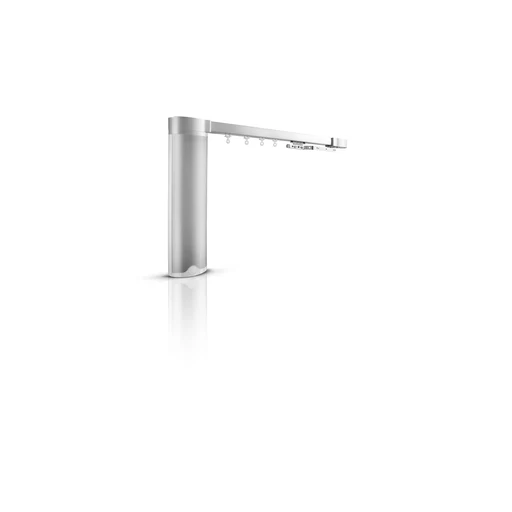
Somfy
Somfy Glydea Ultra 35E RTS with ILC 1241032
Exact Australian curtain motor product reference 1241032.
Blind and curtain modules

Somfy
Somfy Glydea Ultra Zigbee Module 9000043
Converts the specified motor to two-way Zigbee communication. Mains-powered motor/module functions as a Zigbee mesh router.
- Converts the specified motor to two-way Zigbee communication.
- Mains-powered motor/module functions as a Zigbee mesh router.
Robot vacuums

Narwal
Narwal Flow
Schedules and cleaning settings are adjustable in the Narwal app.
- Cleaning controls in the maker’s app
- Use a compatible phone for this app function.
- Add the exact device in the named app and enable this function.

Narwal
Narwal Flow 2
App offers cleaning-mode selection and home control.
- Cleaning controls in the maker’s app
- Use a compatible phone for this app function.
- Add the exact device in the named app and enable this function.

Narwal
Narwal Freo 20
App offers pet-finding and multi-level map controls.
- Cleaning controls in the maker’s app
- Use a compatible phone for this app function.
- Add the exact device in the named app and enable this function.

Narwal
Narwal Freo X10 Pro
App setup supports 2.4 GHz Wi-Fi; cleaning can prioritise heavily soiled rooms.
- Cleaning controls in the maker’s app
- Connect to the documented 2.4 GHz Wi-Fi network.
- Use a compatible phone for this app function.
- Add the exact device in the named app and enable this function.

Narwal
Narwal Freo X Plus
App supports furniture-focused cleaning schedules.
- Cleaning controls in the maker’s app
- Use a compatible phone for this app function.
- Add the exact device in the named app and enable this function.

eufy
eufy Omni C20 (T2280V11)
Manufacturer app support is documented.
- Cleaning controls in the maker’s app
- Use a compatible phone for this app function.
- Add the exact device in the named app and enable this function.

eufy
eufy Omni E25 (T2353V11)
Manufacturer app support is documented.
- Cleaning controls in the maker’s app
- Use a compatible phone for this app function.
- Add the exact device in the named app and enable this function.

eufy
eufy Omni E28 (T2352V11)
Manufacturer app support is documented.
- Cleaning controls in the maker’s app
- Use a compatible phone for this app function.
- Add the exact device in the named app and enable this function.
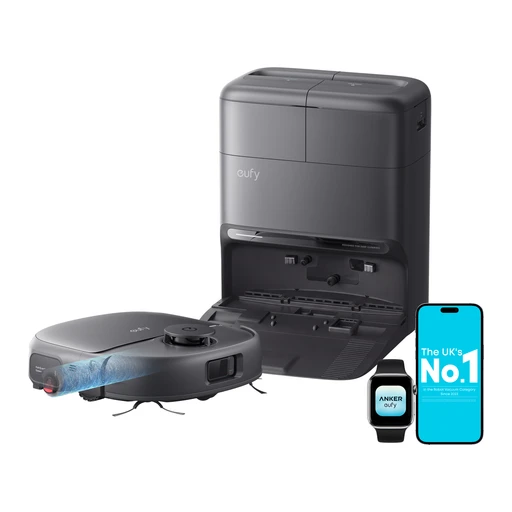
eufy
eufy Omni C28 (T211A210)
Manufacturer app support is documented.
- Cleaning controls in the maker’s app
- Use a compatible phone for this app function.
- Add the exact device in the named app and enable this function.

iRobot
iRobot Roomba Max 705 Vac (W155042)
Roomba Home app offers cleaning schedules and settings.
- Cleaning controls in the maker’s app
- Use a compatible phone for this app function.
- Add the exact device in the named app and enable this function.

iRobot
iRobot Roomba Plus 415 Combo (G285040)
Roomba Home app offers cleaning schedules and settings.
- Cleaning controls in the maker’s app
- Use a compatible phone for this app function.
- Add the exact device in the named app and enable this function.

iRobot
iRobot Roomba 115 Combo (Y454042)
Roomba Home app offers cleaning schedules and settings.
- Cleaning controls in the maker’s app
- Use a compatible phone for this app function.
- Add the exact device in the named app and enable this function.

ECOVACS
ECOVACS DEEBOT T50 OMNI
Manufacturer lists app-based cleaning control.
- Cleaning controls in the maker’s app
- Use a compatible phone for this app function.
- Add the exact device in the named app and enable this function.
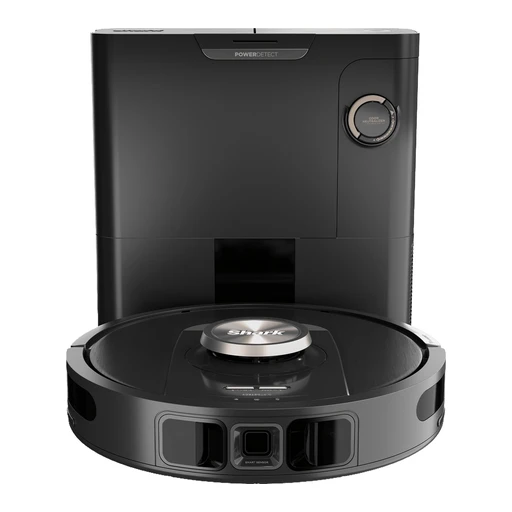
Shark
Shark PowerDetect RV2820VEUK
App offers scheduling, room selection and no-go zones.
- Cleaning controls in the maker’s app
- Use a compatible phone for this app function.
- Add the exact device in the named app and enable this function.
Samsung
Samsung VR7MD97714G/SA
Robot vacuum and mop with an auto-empty station.
- Vacuum and mop the floor
Combines vacuuming and mopping, with automatic dust emptying at its station.
- Recognise objects and stains
Uses AI object and stain detection to guide cleaning.
Robot vacuum and mops

Roborock
Roborock Qrevo CurvX
Adaptive lifting chassis. 22,200 Pa manufacturer-rated suction.
- Chassis and obstacle handling
- 22,200 Pa manufacturer-rated suction

Roborock
Roborock Q10 S5+
LiDAR navigation and VibraRise 2.0 mopping. 10,000 Pa manufacturer-rated suction.
- Navigation and obstacle sensing
- Mopping
- 10,000 Pa manufacturer-rated suction

Roborock
Roborock Q7 M5+
LiDAR navigation and three water-flow levels. 10,000 Pa manufacturer-rated suction.
- Navigation and obstacle sensing
- 10,000 Pa manufacturer-rated suction

Roborock
Roborock Qrevo S5V
No-go-zone suggestions. App cleaning routines and voice commands.
- Cleaning controls in the maker’s app
- Use a compatible phone for this app function.
- Add the exact device in the named app and enable this function.
- No-go-zone suggestions

Roborock
Roborock Saros Z70
Foldable five-axis mechanical arm for moving supported obstacles. 7.98 cm robot height.
- Chassis and obstacle handling
- Size and dimensions

Roborock
Roborock Saros 10R
StarSight Autonomous System 2.0 navigation. Liftable chassis and multifunction maintenance dock.
- Navigation and obstacle sensing
- Chassis and obstacle handling

Roborock
Roborock Saros 10
7.98 cm robot height. VibraRise 4.0 mopping and obstacle recognition.
- Navigation and obstacle sensing
- Mopping
- Size and dimensions

Roborock
Roborock Qrevo Edge
Multifunction maintenance dock. App cleaning controls and third-party voice commands.
- Cleaning controls in the maker’s app
- Use a compatible phone for this app function.
- Add the exact device in the named app and enable this function.
- Multifunction maintenance dock

Roborock
Roborock Qrevo Slim
8.2 cm robot height. 3D sensing and multifunction cleaning dock.
- Navigation and obstacle sensing
- Size and dimensions

Roborock
Roborock Qrevo Curv
Multifunction dock washes and dries mops. App custom routines and voice commands.
- Mopping and mop care
- Cleaning controls in the maker’s app
- Use a compatible phone for this app function.
- Add the exact device in the named app and enable this function.

Roborock
Roborock Qrevo S
Automatic mop washing and lifting. App routines and voice commands.
- Mopping and mop care
- Cleaning controls in the maker’s app
- Use a compatible phone for this app function.
- Add the exact device in the named app and enable this function.

Dreame
Dreame X60 Max Ultra Complete
Built-in voice cleaning commands. App smart-home controls.
- Built-in voice commands
- Use the languages and commands supported by this exact regional model.
- Cleaning controls in the maker’s app
- Use a compatible phone for this app function.
- Add the exact device in the named app and enable this function.

Dreame
Dreame L40 Ultra Gen 2
Third-party voice commands. App cleaning status and control.
- Cleaning status in the maker’s app
- Use a compatible phone for this app function.
- Add the exact device in the named app and enable this function.
- Third-party voice commands

ECOVACS
ECOVACS DEEBOT T30 OMNI
11,000 Pa manufacturer-rated suction. Automatic mop lift and multi-floor app maps.
- Mopping and mop care
- Cleaning controls in the maker’s app
- Use a compatible phone for this app function.
- Add the exact device in the named app and enable this function.
- 11,000 Pa manufacturer-rated suction

ECOVACS
ECOVACS DEEBOT T50 PRO OMNI
81 mm robot height. Hot-water mop washing and automatic maintenance station.
- Mopping and mop care
- Size and dimensions
Window-cleaning robots

ECOVACS
ECOVACS WINBOT mini 2
App offers cleaning-mode selection and remote control.
- Cleaning controls in the maker’s app
- Use a compatible phone for this app function.
- Add the exact device in the named app and enable this function.

ECOVACS
ECOVACS WINBOT W3 OMNI
App offers cleaning-mode selection and remote control.
- Cleaning controls in the maker’s app
- Use a compatible phone for this app function.
- Add the exact device in the named app and enable this function.

ECOVACS
ECOVACS WINBOT W2 PRO OMNI
App offers cleaning-mode selection and remote control.
- Cleaning controls in the maker’s app
- Use a compatible phone for this app function.
- Add the exact device in the named app and enable this function.
HOBOT
HOBOT S6 Pro
An app-controlled square window robot with two reciprocating mops and ultrasonic spray on both sides.
- Clean with reciprocating mops
Two mops reciprocate 600 times per minute through a 4 mm stroke.
- Spray from two ultrasonic nozzles
Uses two removable 26 mL tanks and dual ultrasonic spray.
- Steer with the app or remote
iOS/Android app and included remote control support movement; app orientation can be changed to match the side of the glass you face.
HOBOT
HOBOT 388
An app-controlled window robot that moves on two rotating cleaning rings and uses a single ultrasonic spray nozzle.
- Clean in a zigzag route
Inter-rotational cleaning runs at 70 rpm along a zigzag route.
- Use framed windows, secured external power and the supplied safety rope.
- Spray from the removable tank
Single ultrasonic nozzle draws from a removable 24 mL tank.
- Steer with a phone or remote
Supports iOS/Android smartphone control and an included remote.
ECOVACS
ECOVACS WINBOT W1 PRO
A tethered window-cleaning robot with cross-spray cleaning and nearby phone control, without the OMNI station used by newer models.
- Spray in two directions
Dual-direction cross-spray system uses a 60 mL reservoir.
- Choose fast, deep or spot cleaning
WIN-SLAM 3.0 offers fast, deep and spot-cleaning modes.
- Use frameless windows
Edge detection supports frameless windows.
Robot mowers

Dreame
Dreame A3 AWD Pro
App cutting-height adjustment from 3 to 10 cm. App mowing patterns and designated cleaning point.
- Cleaning controls in the maker’s app
- Use a compatible phone for this app function.
- Add the exact device in the named app and enable this function.
- Size and dimensions
- App mowing patterns and designated cleaning point.

Husqvarna
Husqvarna Automower 410XE NERA
App supports start, stop, parking and settings.
- Cleaning controls in the maker’s app
- Use a compatible phone for this app function.
- Add the exact device in the named app and enable this function.

Husqvarna
Husqvarna Automower 310E NERA
App supports start, stop, parking and settings.
- Cleaning controls in the maker’s app
- Use a compatible phone for this app function.
- Add the exact device in the named app and enable this function.

Husqvarna
Husqvarna Automower Aspire R4
App supports start, stop, parking and settings.
- Cleaning controls in the maker’s app
- Use a compatible phone for this app function.
- Add the exact device in the named app and enable this function.

Husqvarna
Husqvarna Automower 450X NERA
App supports start, stop, parking and settings.
- Cleaning controls in the maker’s app
- Use a compatible phone for this app function.
- Add the exact device in the named app and enable this function.

Husqvarna
Husqvarna Automower 305
App supports start, stop, parking and settings.
- Cleaning controls in the maker’s app
- Use a compatible phone for this app function.
- Add the exact device in the named app and enable this function.

Segway
Segway Navimow i105N
Navigation: EFLS 2.0 RTK/GNSS with camera-assisted positioning; no perimeter wire. Rated lawn size: 0.125 acre.
- Navigation
- Install the navigation equipment documented for this exact mower.
- Rated lawn size
- Maximum working slope
Maximum working slope: 30% (17°); boundary 10%

Segway
Segway Navimow i105A
Navigation: EFLS 2.0 RTK/GNSS with camera-assisted positioning; no perimeter wire. Rated lawn size: 500 m².
- Navigation
- Install the navigation equipment documented for this exact mower.
- Rated lawn size
- Maximum working slope
Maximum working slope: 30% (17°); boundary 10%

Segway
Segway Navimow i105E
Navigation: EFLS 2.0 RTK/GNSS with camera-assisted positioning; no perimeter wire. Rated lawn size: 500 m².
- Navigation
- Install the navigation equipment documented for this exact mower.
- Rated lawn size
- Maximum working slope
Maximum working slope: 30% (17°); boundary 10%
Segway
Segway Navimow X330 (US)
Navigation: EFLS 3.0 RTK/GNSS plus visual sensing; wire-free. Rated lawn size: 1.0 acre.
- Navigation
- RTK antenna installation depends on Network RTK coverage; page offers antenna-free setup in covered postcodes.
- Rated lawn size
- Maximum working slope
Maximum working slope: 50% (27°); boundary 25%
 Shared appearance
Mammotion
Mammotion LUBA 3 AWD 1500
Navigation: 360° LiDAR and AI vision; expressly excludes RTK/NetRTK. Rated lawn size: 1500 m².
- Navigation
- No boundary wire or RTK reference station required.
- Rated lawn size
- Maximum working slope
Maximum working slope: 80% (38.6°)
 Shared appearance
Mammotion
Mammotion LUBA 3 AWD 3000
Navigation: 360° LiDAR, AI vision and NetRTK. Rated lawn size: 3000 m².
- Navigation
- NetRTK avoids local antenna installation; verify iNavi coverage.
- Rated lawn size
- Maximum working slope
Maximum working slope: 80% (38.6°)
Mammotion
Mammotion LUBA mini 2 AWD 1500
Navigation: 360° LiDAR and dual-camera AI vision, no RTK/NetRTK. Rated lawn size: 1500 m².
- Navigation
- Install the navigation equipment documented for this exact mower.
- Rated lawn size
- Maximum working slope
Maximum working slope: 80% (38.6°)

Mammotion
Mammotion YUKA mini 2 1000
Navigation: 360° LiDAR and dual-camera AI vision. Rated lawn size: 1000 m².
- Navigation
- Install the navigation equipment documented for this exact mower.
- Rated lawn size
- Maximum working slope
Maximum working slope: 45%

Mammotion
Mammotion YUKA 2000 (current AU listing)
Navigation: NetRTK and UltraSense AI vision; wire-free. Rated lawn size: 2000 m².
- Navigation
- NetRTK advertised without local RTK installation. Built-in 4G includes one year of data.
- Rated lawn size
- Maximum working slope
Maximum working slope: 45% (24°)

Worx
Worx Landroid L WR155
Navigation: Boundary-wire navigation. Rated lawn size: 0.5 acre.
- Navigation
- Boundary wire and charging base installation; no general smart-home hub documented.
- Rated lawn size
- Maximum working slope
Maximum working slope: 35% (20°)

Worx
Worx Landroid Vision M600 WR206E
Navigation: Camera/vision-only; no RTK, LiDAR or boundary wire. Rated lawn size: 600 m².
- Navigation
- Charging station; supplied magnetic strips and RFID tags assist boundary/zone arrangements. No RTK antenna.
- Rated lawn size
- Maximum working slope
Maximum working slope: 30%

Worx
Worx Landroid M500 WR141E
Navigation: Boundary wire. Rated lawn size: 500 m² in UK range; EU current page title calls same SKU S400/400 m².
- Navigation
- Install the navigation equipment documented for this exact mower.
- Rated lawn size
- Maximum working slope
Maximum working slope: 35%
Kress
Kress RTKⁿ KR161
Navigation: Network RTK satellite navigation; no boundary wire. Rated lawn size: 0.25 acre.
- Navigation
- No property-specific stationary antenna; requires suitable Kress RTK network coverage.
- Rated lawn size
- Maximum working slope
Maximum working slope: 40%
Kress
Kress RTKⁿ KR174
Navigation: Network RTK plus obstacle avoidance; no boundary wire. Rated lawn size: 1.25 acres recommended over 48 h; 1.75 acres maximum over 72 h.
- Navigation
- No property-specific RTK antenna; requires Kress correction-network coverage.
- Rated lawn size
- Maximum working slope
Maximum working slope: 40% (22°)
GARDENA
GARDENA SILENO minimo 500 m² (15202-28)
Navigation: Physical boundary and guide wire. Rated lawn size: 500 m² (table labels capacity ±20).
- Navigation
- No smart Gateway for Bluetooth control; local app range up to 10 m. Boundary/guide wire installation required.
- Rated lawn size
- Maximum working slope
Maximum working slope: 25%; boundary 10%
GARDENA
GARDENA smart SILENO free 600 m² (19921-20)
Navigation: GNSS with RTK corrections via smart Gateway; virtual boundary. Rated lawn size: 600 m².
- Navigation
- Smart Gateway and Internet required; no outdoor RTK antenna. Product description lists gateway included.
- Rated lawn size
- Maximum working slope
Maximum working slope: 30%
STIGA
STIGA A 8v (2R7114028/UKS)
Navigation: Quad-band GPS-RTK with AI camera; virtual perimeter. Rated lawn size: 800 m².
- Navigation
- No garden GPS antenna required. Connectivity included for ten years, then purchase a connectivity pack.
- Rated lawn size
- Maximum working slope
Maximum working slope: 45% (24°)

ECOVACS
ECOVACS GOAT A2000 LiDAR PRO
Navigation: Dual-LiDAR positioning plus AI vision. Rated lawn size: 2000 m².
- Navigation
- No boundary wire; LiDAR positioning avoids installing an RTK antenna.
- Rated lawn size
- Maximum working slope
Maximum working slope: 50% (27°)

ECOVACS
ECOVACS GOAT O600 RTK
Navigation: TrueMapping 2.0 RTK plus camera. Rated lawn size: 600 m².
- Navigation
- RTK antenna and charging station setup; no perimeter wire. Separate RTK AC adapter is listed as an accessory.
- Rated lawn size
- Maximum working slope
Maximum working slope: 45% (24°)

ECOVACS
ECOVACS GOAT A2500 RTK
Navigation: LELS RTK enhanced by 3D-ToF LiDAR and AI vision. Rated lawn size: 27,000 sq ft (page title also says 1/2 acre).
- Navigation
- RTK system installation; no perimeter wire. Antenna/power package details need checking.
- Rated lawn size
- Maximum working slope
Maximum working slope: 50% (27°)
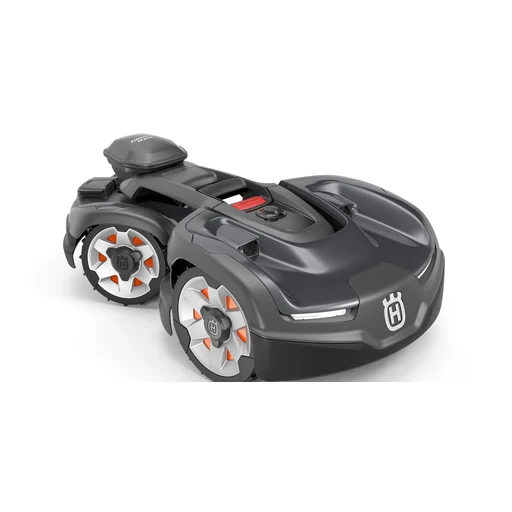
Husqvarna
Husqvarna Automower 435X AWD NERA (970745207)
Navigation: EPOS GNSS virtual boundary or physical wire. Rated lawn size: 5000 m² systematic; 3500 m² irregular.
- Navigation
- EPOS RS1 reference station (sold separately) or Husqvarna Cloud in selected covered locations; cloud mode needs stable Internet throughout lawn. Automower Connect required for mapping.
- Rated lawn size
- Maximum working slope
Maximum working slope: 70%; boundary 50%
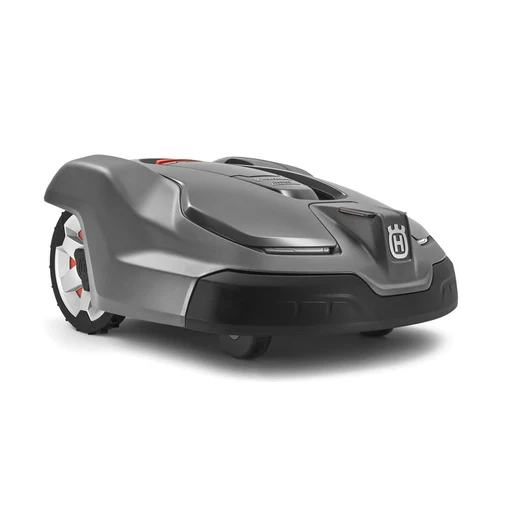
Husqvarna
Husqvarna Automower 430XH (967852905)
Navigation: Physical boundary/guide wire with GPS-assisted mowing. Rated lawn size: 0.8 acre.
- Navigation
- Physical wire and charging station. No RTK reference station for this wired model.
- Rated lawn size
- Maximum working slope
Maximum working slope: 45%; boundary 15%
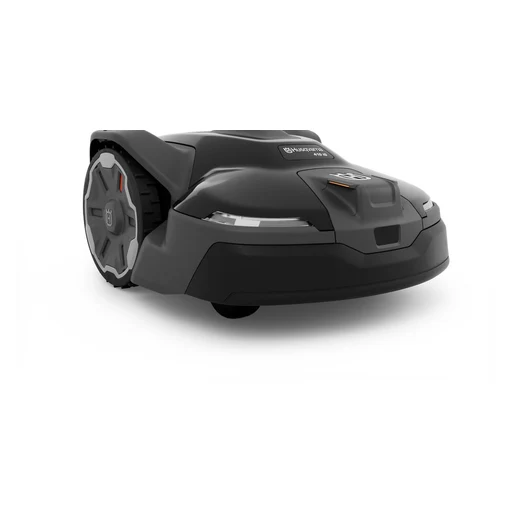
Husqvarna
Husqvarna Automower 410 iQ (970727401)
Navigation: EPOS satellite virtual boundary; physical wire also supported. Rated lawn size: 0.5 acre systematic; 0.25 acre irregular.
- Navigation
- EPOS plug-in and reference station are included. App required for virtual mapping; Wi-Fi not required for operation.
- Rated lawn size
- Maximum working slope
Maximum working slope: 45%; boundary 15%
Pool-cleaning robots

Dreame
Dreame Z1 Robotic Pool Cleaner
App cleaning-mode and parking settings. Pool-cleaning history.
- Cleaning controls in the maker’s app
- Use a compatible phone for this app function.
- Add the exact device in the named app and enable this function.
- Cleaning status in the maker’s app
- Use a compatible phone for this app function.
- Add the exact device in the named app and enable this function.

Aiper
Aiper Scuba S1 (2025 app-capable revision)
App cleaning-mode selection, cleaning history and OTA updates. Cleans floor, walls and waterline.
- App cleaning-mode selection, cleaning history and OTA updates.
- Use a compatible phone for this app.
- Cleans floor, walls and waterline
- Manufacturer support explicitly distinguishes nonconnected 2024 revision from connected 2025+ revision.

Beatbot
Beatbot AquaSense 2 Ultra
Cordless cleaning of floor, walls, waterline and water surface; AI camera-based mapping. App-triggered parking while at surface; clarifier dispensing.
- Navigation
- Additional hub requirements aren’t confirmed.
- App-triggered parking while at surface
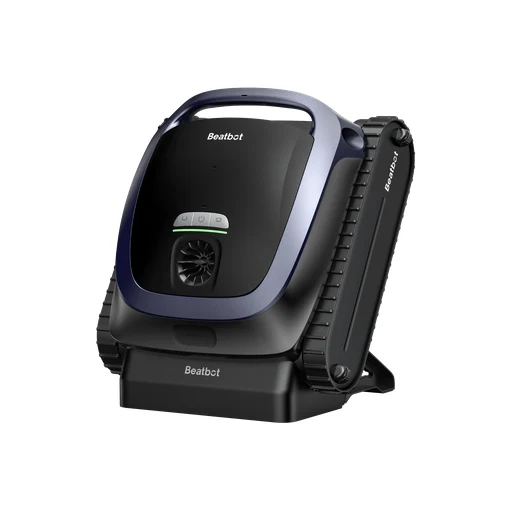
Beatbot
Beatbot AquaSense 2
Floor, wall and waterline cleaning; app one-click poolside parking.
- Floor, wall and waterline cleaning

Maytronics Dolphin
Maytronics Dolphin LIBERTY 400 99998140-US
Floor, wall and waterline cleaning for pools up to 10 m. Inductive charging and sound-activated Click-Up retrieval.
- Floor, wall and waterline cleaning for pools up to 10 m.
- Inductive charging and sound-activated Click-Up retrieval.
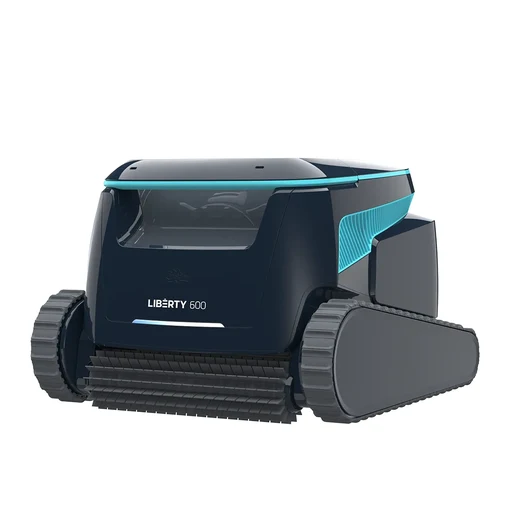
Maytronics Dolphin
Maytronics Dolphin LIBERTY 600 99998600-US
Floor, wall and waterline cleaning for pools up to 15 m. App filter status, custom programs and Eco Mode; Click-Up retrieval.
- Floor, wall and waterline cleaning for pools up to 15 m.
- App filter status, custom programs and Eco Mode; Click-Up retrieval.

Zodiac
Zodiac EvoluX EX6050 iQ WR000384
Floor, wall and waterline cleaning; 21 m cable for pools up to 15 x 7 m. App remote control and OTA updates; 200–240 V AC control-box supply.
- App remote control and OTA updates; 200–240 V AC control-box supply.
- Use a compatible phone for this app.
- Floor, wall and waterline cleaning
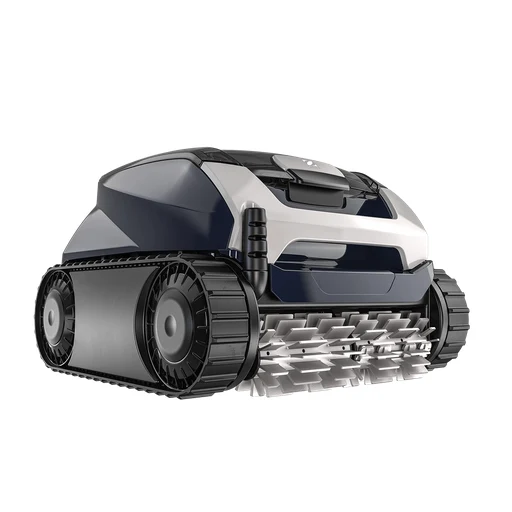
Zodiac
Zodiac DuoX DX4050 iQ WR000348
Floor, wall and waterline cleaning; 18 m cable for pools up to 12 x 6 m. Dual-stage filtration and app OTA updates; 200–240 V AC control box.
- Dual-stage filtration and app OTA updates; 200–240 V AC control box.
- Use a compatible phone for this app.
- Floor, wall and waterline cleaning
Irrigation controllers

Meross
Meross MST200HHK
Two independently scheduled watering zones. Weather-based watering skips and water-use tracking.
- Watering controls and schedules
- Use irrigation valves matched to the controller’s electrical rating.
- Match the valve type, supply and wiring to this exact controller.
- Meross Smart Hub required: MSH450 firmware 9.1.20+ or MSH400 firmware 4.5.35+.
- Pair with the specified bridge: Meross Smart Hub required: MSH450 firmware 9.1.20+ or MSH400 firmware 4.5.35+.
- Required bridge or device software: Meross Smart Hub required: MSH450 firmware 9.1.20+ or MSH400 firmware 4.5.35+. Two independently scheduled watering zones.
- Use a compatible phone for this app function.
- Add the exact device in the named app and enable this function.
- Water-use tracking
- Use irrigation valves matched to the controller’s electrical rating.
- Match the valve type, supply and wiring to this exact controller.
- Meross Smart Hub required: MSH450 firmware 9.1.20+ or MSH400 firmware 4.5.35+.
- Pair with the specified bridge: Meross Smart Hub required: MSH450 firmware 9.1.20+ or MSH400 firmware 4.5.35+.
- Required bridge or device software: Meross Smart Hub required: MSH450 firmware 9.1.20+ or MSH400 firmware 4.5.35+. Weather-based watering skips and water-use tracking.
- Use a compatible phone for this app function.
- Add the exact device in the named app and enable this function.

Meross
Meross MST100HHK
Watering schedules retained for offline operation. Water-use tracking and adjustable automatic shutoff.
- Watering schedules stored locally
- Meross MSH400 or MSH450 hub required. HomeKit voice/remote support with MSH400. HomeKit not supported with MSH450.
- Pair with the specified bridge: Meross MSH400 or MSH450 hub required. HomeKit voice/remote support with MSH400. HomeKit not supported with MSH450.
- Save the watering schedule.
- Water-use tracking
- Meross MSH400 or MSH450 hub required. HomeKit voice/remote support with MSH400. HomeKit not supported with MSH450.
- Pair with the specified bridge: Meross MSH400 or MSH450 hub required. HomeKit voice/remote support with MSH400. HomeKit not supported with MSH450.
- Use a compatible phone for this app function.
- Add the exact device in the named app and enable this function.

Hunter
Hunter HPC-400
Four-station base with expansion support. Weather-adjusted irrigation schedules.
- Watering controls and schedules
- Use irrigation valves matched to the controller’s electrical rating.
- Match the valve type, supply and wiring to this exact controller.
- Use a compatible phone for this app function.
- Add the exact device in the named app and enable this function.
- Fitting
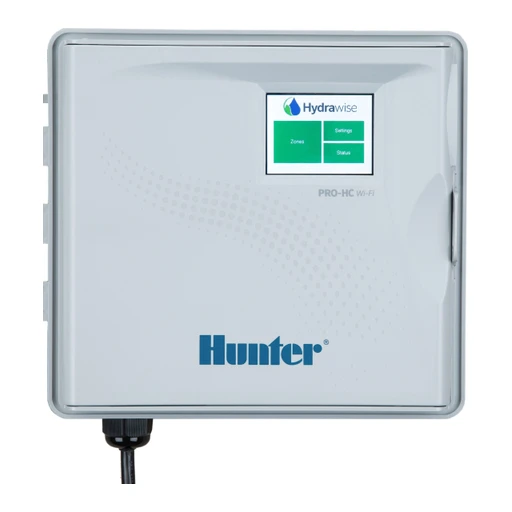
Hunter
Hunter Pro-HC PHC-1200
Twelve fixed irrigation stations. Touchscreen interface and weather-adjusted schedules.
- Watering controls and schedules
- Use irrigation valves matched to the controller’s electrical rating.
- Match the valve type, supply and wiring to this exact controller.
- Use a compatible phone for this app function.
- Add the exact device in the named app and enable this function.
- Twelve fixed irrigation stations

Rachio
Rachio 3 Smart Sprinkler Controller (16-zone)
Sixteen irrigation zones. Weather-adjusted schedules and watering history.
- Watering controls and schedules
- Use irrigation valves matched to the controller’s electrical rating.
- Match the valve type, supply and wiring to this exact controller.
- Use a compatible phone for this app function.
- Add the exact device in the named app and enable this function.
- Sixteen irrigation zones

Rachio
Rachio Smart Hose Timer
Remote watering schedules. Up to eight valves per Wi-Fi hub.
- Watering controls and schedules
- Use irrigation valves matched to the controller’s electrical rating.
- Match the valve type, supply and wiring to this exact controller.
- Rachio Wi-Fi hub required. indoor hub placement.
- Pair with the specified bridge: Rachio Wi-Fi hub required. indoor hub placement.
- Use a compatible phone for this app function.
- Add the exact device in the named app and enable this function.
- Up to eight valves per Wi-Fi hub

GARDENA
GARDENA smart Water Control 19031-28
App watering schedules adjusted using weather data. Manual watering button and status LEDs.
- Watering controls and schedules
- Use a compatible phone for this app function.
- Add the exact device in the named app and enable this function.
- Start watering locally

Orbit
Orbit B-hyve XR 57985
Eight zones; indoor/outdoor enclosure. Weather-based scheduling and manual zone control.
- Start watering locally
- Use irrigation valves matched to the controller’s electrical rating.
- Match the valve type, supply and wiring to this exact controller.
- Watering controls and schedules
- Use irrigation valves matched to the controller’s electrical rating.
- Match the valve type, supply and wiring to this exact controller.
- Use a compatible phone for this app function.
- Add the exact device in the named app and enable this function.
- Eight zones

Orbit
Orbit B-hyve Bluetooth Hose Faucet Timer 90205Z
One hose outlet. Bluetooth watering control within radio range.
- One hose outlet
- Bluetooth watering control within radio range.
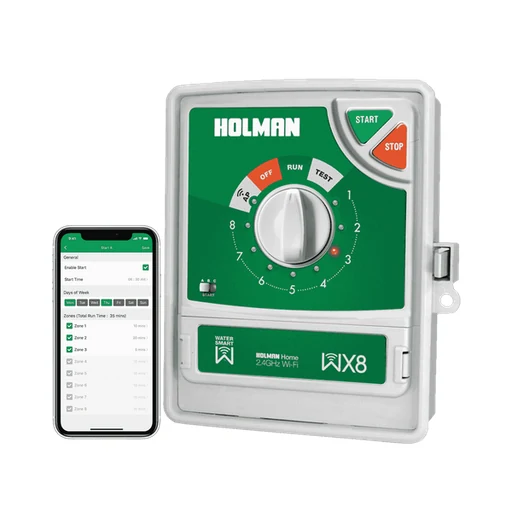 App shown
Holman
Holman WX8
Eight irrigation zones; onboard manual start/stop. 240 V AC input; 24 V AC solenoid outputs; EVIE rain sensor compatible.
- Eight irrigation zones
- 240 V AC input
 Archive photo
GARDENA
GARDENA smart Irrigation Control 19032-28
UK manufacturer product page marks this model Legacy Model. Controls six 24 V irrigation-valve zones through the smart App.
- Controls six 24 V irrigation-valve zones through the smart App.
- GARDENA smart Gateway
- Use a compatible phone for this app.
- UK manufacturer product page marks this model Legacy Model.
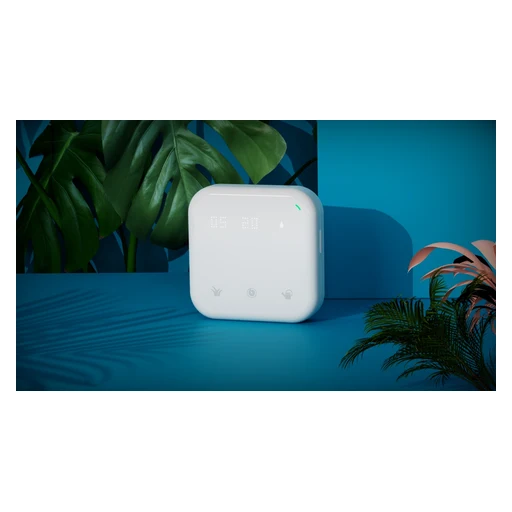
Netro
Netro Spark-8
Eight zones plus master-valve output; touch controls and LED display. Weather-adaptive scheduling, backup program and valve diagnosis.
- Water valve control
- Weather-adaptive scheduling, backup program and valve diagnosis.

Orbit
Orbit B-hyve Indoor 57915
Four-zone indoor irrigation controller; weather-adaptive schedules.
- Watering schedules
Water valve controllers

Zooz
Zooz ZAC36 700-series Titan Water Valve Actuator
Retrofits supported ball valves up to 1.25 inches and includes a wired leak probe; IP66 housing. Uses Z-Wave; Long Range requires an LR-capable controller/software.
- Turn the water valve
- Use irrigation valves matched to the controller’s electrical rating.
- Match the valve type, supply and wiring to this exact controller.
- Match the ball-valve size, handle and mounting clearance to the actuator.
- Uses Z-Wave
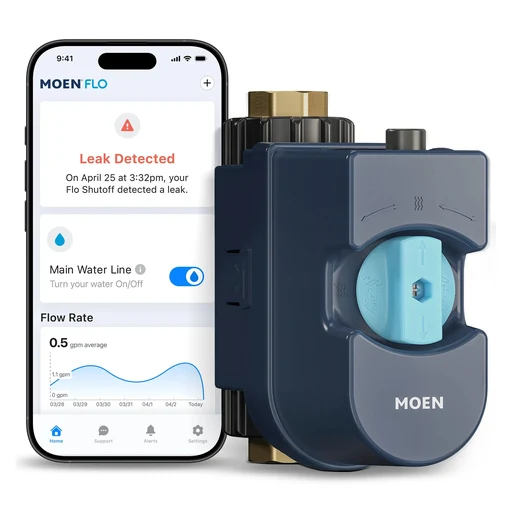
Moen
Moen Flo Smart Water Monitor & Shutoff 900-001 (3/4 inch)
Flow/pressure history, leak alerts, remote and automatic shutoff. Licensed plumber installation recommended.
- Water valve control
- Licensed plumber installation recommended
- Includes 3/4-inch NPT brass tailpieces

Phyn
Phyn Plus Smart Water Assistant + Shutoff (2nd Gen)
Pressure analysis and ultrasonic flow sensing; automatic/remote shutoff and leak alerts. Licensed plumber recommended; 1-inch NPSM male ends; adapters/unions not included.
- Water valve control
- Licensed plumber recommended
- Manufacturer recommends main supply pipe no larger than 1-1/4 inch.

StreamLabs
StreamLabs Control (3/4-inch FNPT variant)
Ultrasonic flow monitoring and automatic/remote shutoff. Professional installation recommended; selected variant uses 3/4-inch FNPT fittings.
- Water-use readings
- Auto-Shut can operate without Wi-Fi when enabled; remote app control cannot. Free Standard app plan includes push alerts. Optional StreamPlus adds email/SMS alerts and more locations; paid subscription is not mandatory for basic use.
- Use a compatible phone for this app.
- Professional installation recommended
Tap timers

Holman
Holman WX1 (WX1TT)
Single outlet with built-in flow measurement; up to four timers per hub. Three daily starts and misting option; 4 AA batteries.
- Water-use readings
- Watering schedules

Holman
Holman WX2 (WX2TH)
Two separately scheduled outlets; flow and water-use monitoring. Moisture sensors may be associated with each outlet; timer uses 4 AA batteries.
- Water-use readings
- Moisture sensors may be associated with each outlet; timer uses 4 AA batteries.
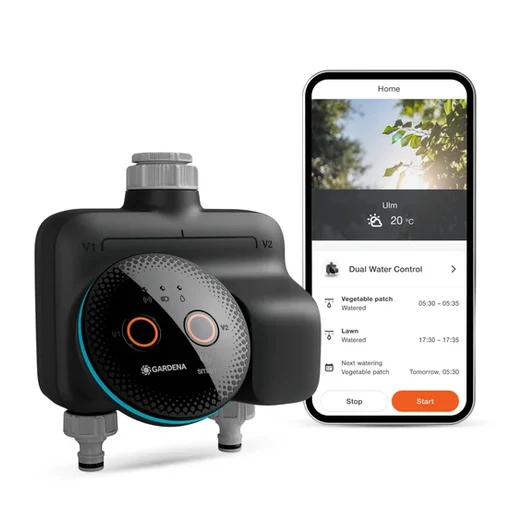
GARDENA
GARDENA smart Dual Water Control 19034-20
Two independent valves; Bluetooth mode supports three daily cycles, smart mode up to 36. Weather-informed scheduling and frost alerts require smart system.
- Two independent valves
- Weather-informed scheduling and frost alerts require smart system.

GARDENA
GARDENA Water Control Bluetooth 1889-20
App range stated up to 10 m; three schedules. Optional wired soil-moisture sensor can skip watering; 9 V battery.
- App range stated up to 10 m
- Optional wired soil-moisture sensor can skip watering; 9 V battery.

Netro
Netro Pixie Z1
Two AA batteries; US 3/4 inch GHT threads. Hub keeps timer remotely reachable; weather-aware watering.
- Two AA batteries
- Hub keeps timer remotely reachable

Netro
Netro Pixie-2 (2nd Gen)
Solar charging and plug-in power; integrated flow meter. Weather-aware smart zones; 3200 mAh battery.
- EV charging
- Weather-aware smart zones

Orbit
Orbit B-hyve XD 24632
Two-outlet hose faucet timer. Gen 2 hub supports XD timers, up to 16 devices.
- Two-outlet hose faucet timer
- Gen 2 hub supports XD timers, up to 16 devices.
 Product range photo · App shown
Eve
Eve Aqua (Thread/HomeKit version)
Scheduled watering stored on-device; automatic shut-off. Local operation without manufacturer cloud.
- Water valve control
- Local operation without manufacturer cloud
Pool skimmers

Aiper
Aiper Surfer S2 / EcoSurfer S2
Solar-recharging surface skimmer with app control. 150 micrometre filter, optical obstacle sensors and adjustable chlorine dispenser.
- Solar-recharging surface skimmer with app control.
- Use a compatible phone for this app.
- 150 micrometre filter, optical obstacle sensors and adjustable chlorine dispenser.

Beatbot
Beatbot iSkim (2026)
Surface-only solar skimmer; 9 L debris basket. App scheduling, logs, remote control and OTA updates.
- App scheduling, logs, remote control and OTA updates.
- Use a compatible phone for this app.
- Surface-only solar skimmer

Aiper
Aiper Surfer S1 (Australia)
Solar-assisted pool-surface skimmer with app steering and status monitoring.
- Pilot and monitor through Aiper
Aiper app supports manual piloting, battery monitoring and settings.
- Connect to 2.4 GHz Wi-Fi.
- Collect floating surface debris
Collects floating surface debris in a 5-litre basket.
- Choose solar or DC charging
Solar and DC charging options.
Pool controllers

Pentair
Pentair IntelliConnect 523317
Up to five pool products; two on/off relays. Supports compatible IntelliChlor/iChlor sanitizer adjustment; aimed at single-body pools.
- Up to five pool products
- Supports compatible IntelliChlor/iChlor sanitizer adjustment; aimed at single-body pools.
- 2025–2026 catalogue identifies external-antenna IntelliConnect as part 523317.
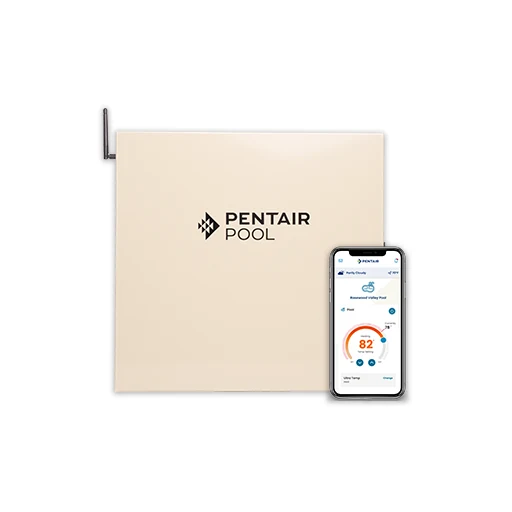 System illustration · App shown
Pentair
Pentair IntelliCenter Lite i5PS 523910
Five-relay pool/spa controller; two standard valve actuators included. Power center lacks breaker panel; compact retrofit automation.
- Five-relay pool/spa controller
- Power center lacks breaker panel
 System illustration · App shown
Hayward
Hayward OmniHub HLOMNIHUB
Controls compatible pumps, heating, lights, sanitization and water features. Local touchscreen operates without internet; app provides remote control.
- Local touchscreen operates without internet; app provides remote control.
- Use a compatible phone for this app.
- Controls compatible pumps, heating, lights, sanitization and water features.
 Enclosure illustration
Hayward
Hayward OmniLogic HLBASE
Four-relay base automation panel; system supports up to 16 variable-speed pumps without added relays.
- Four-relay base automation panel
Zodiac
Zodiac eXO iQ pH Mid WW000185PH
Salt chlorinator with automatic pH management; 25 g/h cell output. Controls supported single-speed or Zodiac variable-speed pump; light control requires WW000222 relay box.
- Salt chlorinator with automatic pH management; 25 g/h cell output.
- Controls supported single-speed or Zodiac variable-speed pump; light control requires WW000222 relay box.
 System illustration
Pentair
Pentair IntelliCenter i5PS-C 523126
Canadian model explicitly listed with salt-chlorine-generator transformer and two IntelliValve actuators. Chlorine cell not included; app controls and monitors pool equipment.
- Chlorine cell not included; app controls and monitors pool equipment.
- Use a compatible phone for this app.
- Canadian model explicitly listed with salt-chlorine-generator transformer and two IntelliValve actuators.
Speakers

Sonos
Sonos Era 100
Wi-Fi/Bluetooth audio; optional line-in adapter.
- Audio inputs and playback
- Use the documented audio source, network and any required input adapter; this does not grant a smart-home controller role.

Sonos
Sonos Era 100 SL
Microphone-free speaker; optional line-in adapter.
- Audio inputs and playback
- Use the documented audio source, network and any required input adapter; this does not grant a smart-home controller role.

Sonos
Sonos Era 300
Spatial audio; optional line-in adapter.
- Audio inputs and playback
- Use the documented audio source, network and any required input adapter; this does not grant a smart-home controller role.

Sonos
Sonos Five
3.5 mm line input for external audio.
- Audio inputs and playback
- Use the documented audio source, network and any required input adapter; this does not grant a smart-home controller role.

Sonos
Sonos Move 2
Portable IP56 speaker; up to 24-hour playback.
- Portable IP56 speaker

Sonos
Sonos Roam 2
Portable IP67 speaker; up to 10-hour playback.
- Portable IP67 speaker

Sonos
Sonos Play
IP67 portable speaker with replaceable battery.
- Battery and power
Amazon
Amazon Echo Dot (5th Gen)
Matter controller.
- Matter controller role
- Use the ecosystem’s supported Matter device types and current controller software.
- Set up this controller in its named ecosystem.
Amazon
Amazon Echo Dot Max (2025 release)
Matter controller. Thread border router.
- Matter controller role
- Use the ecosystem’s supported Matter device types and current controller software.
- Set up this controller in its named ecosystem.
- Thread border router
- Set up the router in its supported network and ecosystem.

Amazon
Amazon Echo Dot with Clock (5th Gen)
Matter controller.
- Matter controller role
- Use the ecosystem’s supported Matter device types and current controller software.
- Set up this controller in its named ecosystem.
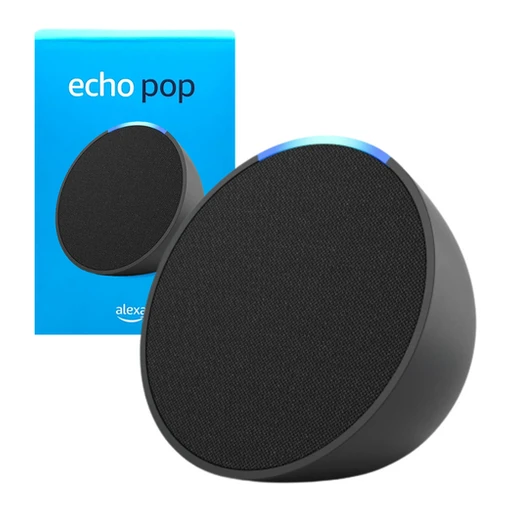
Amazon
Amazon Echo Pop
Matter controller.
- Matter controller role
- Use the ecosystem’s supported Matter device types and current controller software.
- Set up this controller in its named ecosystem.

Amazon
Amazon Echo Studio (2019 release)
Matter controller. Thread border router.
- Matter controller role
- Use the ecosystem’s supported Matter device types and current controller software.
- Set up this controller in its named ecosystem.
- Thread border router
- Set up the router in its supported network and ecosystem.

Amazon
Amazon Echo Studio (2025 release)
Matter controller. Thread border router.
- Matter controller role
- Use the ecosystem’s supported Matter device types and current controller software.
- Set up this controller in its named ecosystem.
- Thread border router
- Set up the router in its supported network and ecosystem.

Amazon
Amazon Echo Spot (2024 release)
Matter controller.
- Matter controller role
- Use the ecosystem’s supported Matter device types and current controller software.
- Set up this controller in its named ecosystem.

Google Nest Audio
Google Home Matter hub.

Google Nest Mini (2nd gen)
Google Home Matter hub.
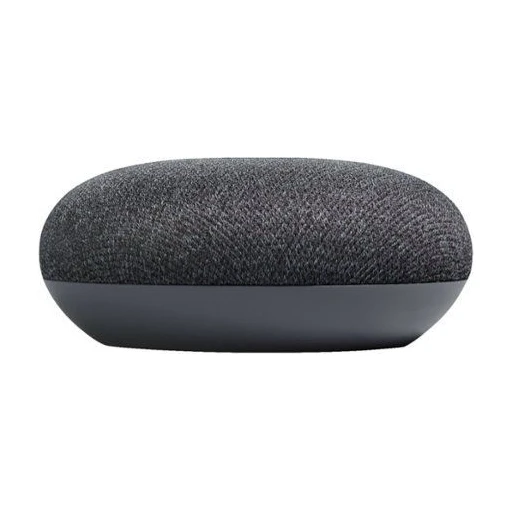
Google Home Mini (1st gen)
Google Home Matter hub.
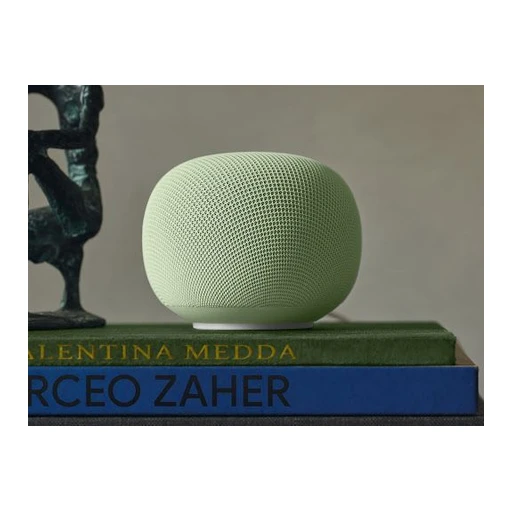
Google Home Speaker (2026)
Google Home Matter hub. Built-in Thread border router.
- Thread border router
- Set up the router in its supported network and ecosystem.
- Google Home Matter hub
Soundbars

Sonos
Sonos Arc Ultra
HDMI eARC soundbar with Dolby Atmos.

Sonos
Sonos Beam (Gen 2)
Compact Dolby Atmos soundbar; HDMI eARC.
- Compact Dolby Atmos soundbar

Sonos
Sonos Ray
Compact soundbar using optical TV audio.

Sonos
Sonos Beam Ultra
Upward-firing drivers; 7.1.2 Dolby Atmos soundbar.
- Upward-firing drivers

Roku
Roku Streambar (9102)
AirPlay 2 and HomeKit with Roku OS 9.4 or later.
- Audio inputs and playback
- Use the documented audio source, network and any required input adapter; this does not grant a smart-home controller role.

Bose
Bose Smart Ultra Soundbar (Canada)
Network soundbar with Dolby Atmos playback, room calibration and music casting.
- Play Dolby Atmos and TrueSpace audio
Dolby Atmos and Bose TrueSpace audio processing.
- Calibrate for the room with ADAPTiQ
ADAPTiQ calibration adjusts playback for the room.
- Stream with AirPlay, Spotify or Chromecast
Apple AirPlay 2, Spotify Connect and Chromecast streaming.
Sony
Sony BRAVIA Theatre Bar 9 HT-A9000 (Australia)
Wi-Fi soundbar with spatial-audio processing, music streaming and app setup.
- Stream with Spotify Connect or AirPlay
Spotify Connect and Apple AirPlay network playback.
- Set up and calibrate in BRAVIA Connect
BRAVIA Connect app support and sound calibration.
- Use the single-bar speaker layout
13 speaker units in a 7.0.2-channel layout.
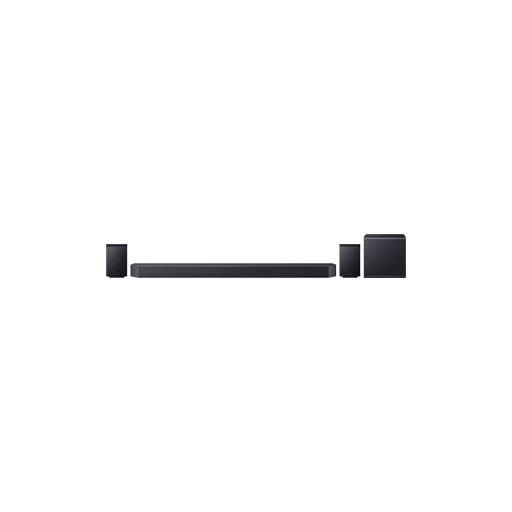 System illustration
Samsung
Samsung HW-Q990F/XY
11.1.4-channel soundbar package with wireless subwoofer/rear speakers and network music services.
- Use the full 11.1.4 speaker system
11.1.4-channel system with subwoofer and rear speakers.
- Control through SmartThings
SmartThings app control with Wi-Fi and Bluetooth networking.
- Stream through the listed services
Chromecast, Spotify Connect, AirPlay, Tidal Connect and Roon Ready listed.
Network audio

Sonos
Sonos Amp
Amplifies passive speakers; 125 watts per channel.
- Amplifies passive speakers

Sonos
Sonos Port
Adds network streaming to existing stereo equipment.

WiiM
WiiM Ultra
Network streamer that adds music, TV and turntable inputs to an existing audio system.
- Use the playback touchscreen
3.5-inch touchscreen for playback and settings.
- Connect a TV or turntable
HDMI ARC TV input and dedicated phono input for a turntable.
- Stream through the documented services
Google Cast, Spotify Connect, TIDAL Connect, DLNA and Roon Ready playback.
WiiM
WiiM Amp
Streaming stereo amplifier for existing passive speakers with TV input and multi-room playback.
- Drive passive speakers
Amplifier rated 60 W per channel into 8 ohms or 120 W into 4 ohms.
- Connect suitable passive speakers.
- Play TV audio through HDMI ARC
HDMI ARC connection accepts TV audio.
- Connect HDMI ARC and set TV digital audio to Stereo PCM.
- Use AirPlay, Cast and streaming services
AirPlay 2, Google Cast, Spotify Connect, TIDAL Connect and Roon Ready.

WiiM
WiiM Pro
Network audio adapter for an existing amplifier, receiver or powered speakers.
- Use AirPlay, Cast and streaming services
AirPlay 2, Google Cast, Spotify Connect, TIDAL Connect and Roon Ready.
- Play compatible high-resolution audio
Supports audio up to 24-bit/192 kHz from compatible sources.
- Choose digital or analog outputs
Optical and coaxial digital output plus RCA analog output.
- Connect an amplifier or powered speakers. This unit cannot drive passive speakers directly.
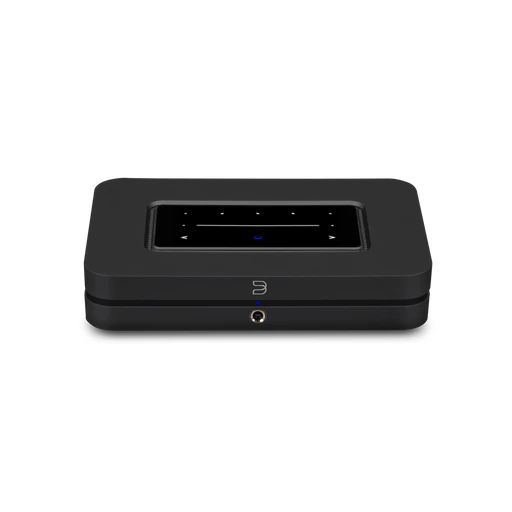
Bluesound
Bluesound NODE N132
BluOS music streamer with TV connectivity, multi-room playback and wired headphone output.
- Stream services and personal libraries
BluOS app streams music services and personal libraries; supports AirPlay 2.
- Play TV audio through HDMI eARC
HDMI eARC input and Dolby Digital decoding for TV audio.
- Listen through the headphone output
6.3 mm headphone output with THX AAA circuitry.
Network subwoofers

Sonos
Sonos Sub Mini
Wireless bass extension for compatible Sonos speakers.

Sonos
Sonos Sub 4
Wireless subwoofer for compatible Sonos systems.
Displays

Amazon
Amazon Echo Show 5 (3rd Gen)
Matter controller.
- Matter controller role
- Use the ecosystem’s supported Matter device types and current controller software.
- Set up this controller in its named ecosystem.

Amazon
Amazon Echo Show 8 (3rd Gen, 2023 release)
Matter controller. Thread border router.
- Matter controller role
- Use the ecosystem’s supported Matter device types and current controller software.
- Set up this controller in its named ecosystem.
- Thread border router
- Set up the router in its supported network and ecosystem.
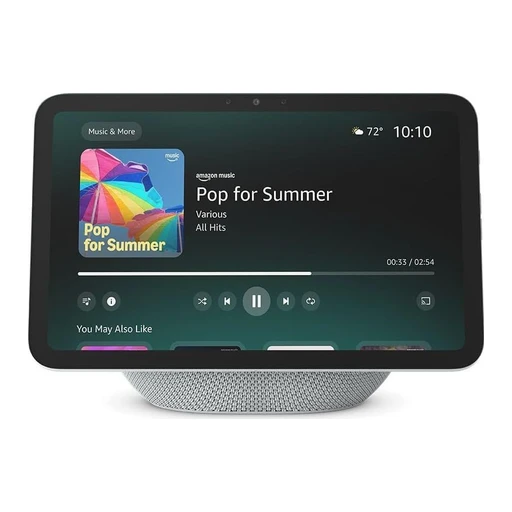
Amazon
Amazon Echo Show 8 (2025 release)
Matter controller. Thread border router.
- Matter controller role
- Use the ecosystem’s supported Matter device types and current controller software.
- Set up this controller in its named ecosystem.
- Thread border router
- Set up the router in its supported network and ecosystem.
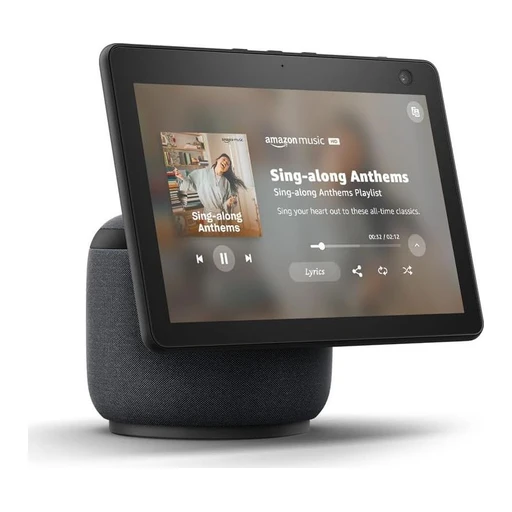
Amazon
Amazon Echo Show 10 (3rd Gen)
Matter controller. Thread border router.
- Matter controller role
- Use the ecosystem’s supported Matter device types and current controller software.
- Set up this controller in its named ecosystem.
- Thread border router
- Set up the router in its supported network and ecosystem.

Amazon
Amazon Echo Show 11 (2025 release)
Matter controller. Thread border router.
- Matter controller role
- Use the ecosystem’s supported Matter device types and current controller software.
- Set up this controller in its named ecosystem.
- Thread border router
- Set up the router in its supported network and ecosystem.

Amazon
Amazon Echo Show 15 (2nd Gen)
Matter controller. Thread border router.
- Matter controller role
- Use the ecosystem’s supported Matter device types and current controller software.
- Set up this controller in its named ecosystem.
- Thread border router
- Set up the router in its supported network and ecosystem.

Amazon
Amazon Echo Show 21
Matter controller. Thread border router.
- Matter controller role
- Use the ecosystem’s supported Matter device types and current controller software.
- Set up this controller in its named ecosystem.
- Thread border router
- Set up the router in its supported network and ecosystem.

Amazon
Amazon Echo Hub
Matter controller. Thread border router.
- Matter controller role
- Use the ecosystem’s supported Matter device types and current controller software.
- Set up this controller in its named ecosystem.
- Thread border router
- Set up the router in its supported network and ecosystem.
Streaming devices

Google Chromecast with Google TV (4K)
4K HDR up to 60 fps.
- Video quality

Google Chromecast with Google TV (HD)
1080p HDR up to 60 fps.

Amazon
Amazon Fire TV Cube (3rd Gen, 2022)
Hands-free Alexa control of compatible TV and audio equipment.

Roku
Roku Streaming Stick 4K (3820)
AirPlay 2 and HomeKit with Roku OS 9.4 or later.
- Audio inputs and playback
- Use the documented audio source, network and any required input adapter; this does not grant a smart-home controller role.

Roku
Roku Streaming Stick 4K+ (3821)
AirPlay 2 and HomeKit with Roku OS 9.4 or later.
- Audio inputs and playback
- Use the documented audio source, network and any required input adapter; this does not grant a smart-home controller role.
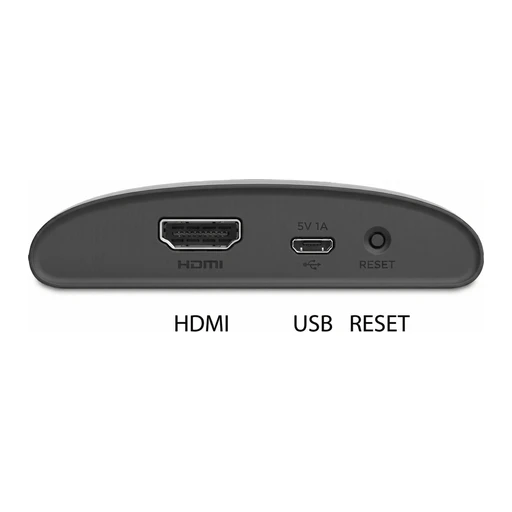
Roku
Roku Express 4K (3940)
AirPlay 2 and HomeKit with Roku OS 9.4 or later.
- Audio inputs and playback
- Use the documented audio source, network and any required input adapter; this does not grant a smart-home controller role.
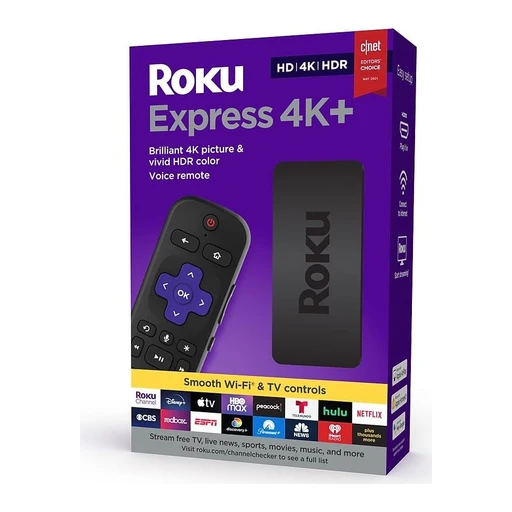
Roku
Roku Express 4K+ (3941)
AirPlay 2 and HomeKit with Roku OS 9.4 or later.
- Audio inputs and playback
- Use the documented audio source, network and any required input adapter; this does not grant a smart-home controller role.
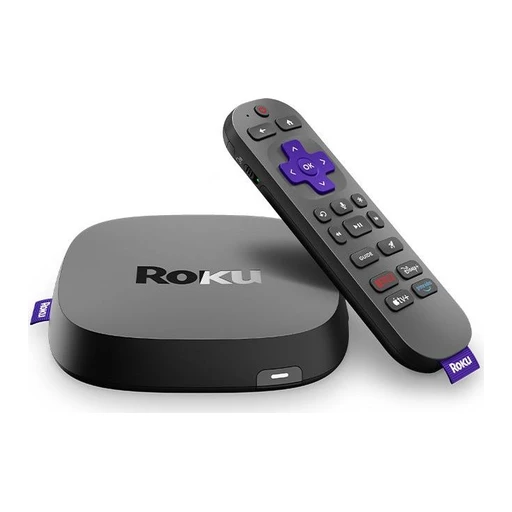
Roku
Roku Ultra (4850)
AirPlay 2 and HomeKit with Roku OS 9.4 or later.
- Audio inputs and playback
- Use the documented audio source, network and any required input adapter; this does not grant a smart-home controller role.
Streaming home hubs

Apple
Apple TV 4K (2nd generation)
Can operate as an Apple home hub when configured.

Apple
Apple TV 4K (3rd generation, Wi-Fi 64GB)
Can operate as an Apple home hub when configured.
Televisions

Samsung
Samsung S95D (representative QN77S95DAFXZA)
S95D appears in Samsung’s built-in SmartThings hub model list.
- Smart-home hub role
LG
LG C4 (representative OLED55C4PUA)
55-inch 4K OLED TV with webOS streaming, Dolby Vision and variable-refresh gaming support.
- Watch in 4K OLED
Self-lit pixels provide the picture without a separate backlight. Dolby Vision and FILMMAKER MODE are listed for compatible video.
- Stream through webOS
Open streaming apps on the TV, with LG Channels available in the US.
- Connect the TV to the internet. App availability, sign-in and any paid services depend on the provider and country.
- Use variable-refresh gaming
LG lists NVIDIA G-Sync and AMD FreeSync Premium support to match refresh timing with a compatible gaming source.
- Use a compatible gaming source and its supported video connection/settings.
 Shared appearance
Sony
Sony BRAVIA 8 II K-65XR8M2 (UK)
OLED Google TV with casting, Apple Home integration and high-refresh gaming inputs.
- Watch on the 65-inch OLED panel
65-inch 3840×2160 OLED panel with 120 Hz refresh.
- Use Google TV and its apps
Google TV interface and Google Play app store.
- Use Chromecast, AirPlay and HomeKit
Chromecast built-in, Apple AirPlay and Apple HomeKit.

Samsung
Samsung The Frame Pro LS03HW 65-inch (2026 AU)
Art-display Neo QLED television with smart-home controls and a separate wireless connection box.
- Watch on the 65-inch Neo QLED panel
65-inch 4K Neo QLED display with Tizen smart-TV platform.
- Use the listed smart-home and casting functions
SmartThings/Matter hub, Apple AirPlay 2 and Google Cast are listed.
- Place devices at Wireless One Connect
Wireless One Connect carries device signals to the TV, with a stated range up to 10 metres.
- Power the TV separately; walls, interference and metal cabinets can reduce the stated wireless range.
 Manufacturer dimensioned illustration
Panasonic
Panasonic Z95B TV-55Z95BEB (UK)
OLED Fire TV with voice control, Apple Home integration and high-refresh gaming support.
- Watch on the 55-inch tandem OLED panel
55-inch 4K Primary RGB Tandem OLED display with Fire TV.
- Use Alexa and Fire TV
Alexa voice control and Fire TV streaming/live-TV interface.
- Control volume and inputs with Apple Home
Apple Home integration allows Home app and Siri volume/input control.
- Use compatible Apple devices and complete Apple Home setup.
Hubs and controllers
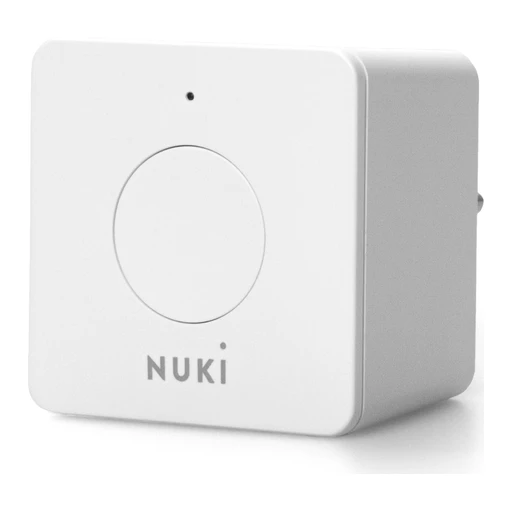
Nuki
Nuki Bridge
Remote control for Opener and Smart Lock generations 1–4. Not the bridge path for Ultra, Pro fifth generation or Go.
- Remote control for Opener and Smart Lock generations 1–4.
- Model details
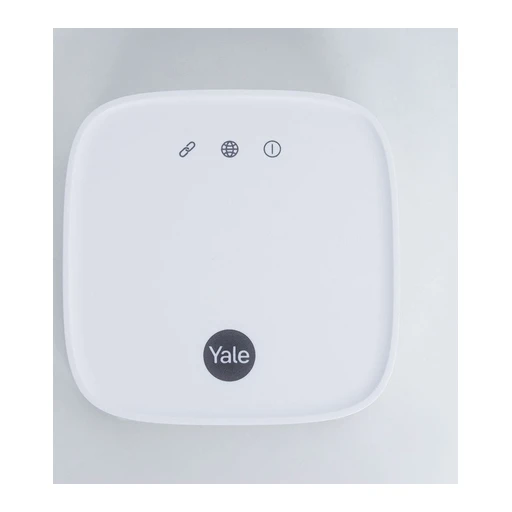
Yale
Yale Connect Plus Hub 2
Supports up to 16 Yale Bluetooth devices and 30 Zigbee Yale Aeron window actuators.
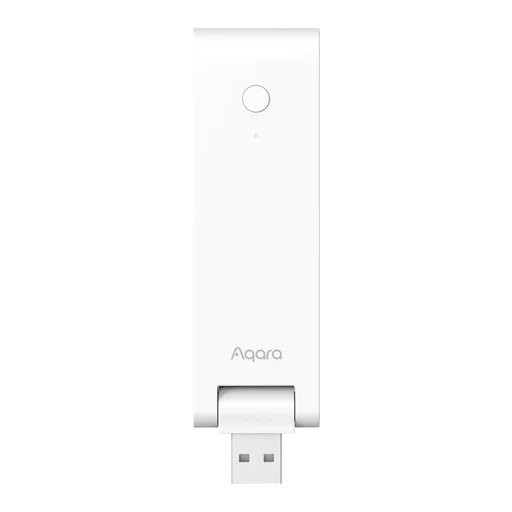
Aqara
Aqara Hub M100
USB-A powered; model HM-G02E.
- Model details

Aqara
Aqara Hub M2
IR remote control and built-in speaker. Supports up to 128 Zigbee child devices with repeaters.
- IR remote control and built-in speaker
- Supports up to 128 Zigbee child devices with repeaters.

Aqara
Aqara Hub E1
USB-A powered. Wi-Fi repeater supports two devices.
- USB-A powered
- Wi-Fi repeater supports two devices
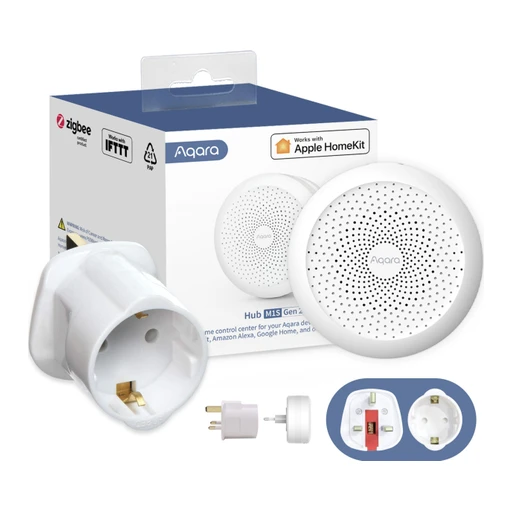
Aqara
Aqara Hub M1S Gen 2
Built-in speaker and RGB ring. Does not support Xiaomi Mi Home.
- Built-in speaker and RGB ring
- Does not support Xiaomi Mi Home

tado
tado Bridge X
Plugs into an electrical outlet.

Google Nest Hub Max
Supports Matter devices over both Wi-Fi and Thread.

Google Nest Wifi Pro (Wi-Fi 6E)
Supports Matter devices over both Wi-Fi and Thread.

Google TV Streamer (4K)
Supports Matter devices over both Wi-Fi and Thread.
Google Nest Hub (1st gen)
Listed as Matter-over-Wi-Fi hub.

Apple
Apple HomePod (2nd generation)
Listed by Apple as Thread-capable home infrastructure.

Apple
Apple TV 4K (3rd generation, Wi-Fi + Ethernet)
Listed by Apple as Thread-capable home infrastructure.
Amazon
Amazon Echo (4th Gen)
Amazon documents activation of Thread border router support.
- Thread border router
- Set up the router in its supported network and ecosystem.

Aeotec
Aeotec Smart Home Hub
Supports local automations for supported devices.
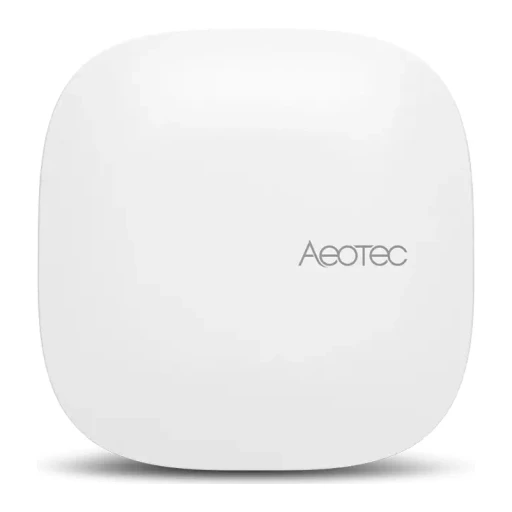
Aeotec
Aeotec Smart Home Hub 2
USB-C power. Manufacturer lists up to 150 Zigbee devices.
- USB-C power
- Manufacturer lists up to 150 Zigbee devices.

SwitchBot
SwitchBot Hub 3
IR control and physical dial/buttons. CO2 monitoring requires separate Meter Pro CO2.
- IR control and physical dial/buttons
- CO2 monitoring requires separate Meter Pro CO2.

SwitchBot
SwitchBot Hub 2
Temperature, humidity and light sensing. IR appliance control.
- Temperature, humidity and light sensing
- IR appliance control

SwitchBot
SwitchBot Hub Mini Matter Enabled
Bridges supported Bluetooth devices and IR appliances.

IKEA
IKEA DIRIGERA
Supports IKEA Home smart app.

Third Reality
Third Reality Smart Bridge MZ1
Bridges supported ThirdReality Zigbee child devices to Matter over a 2.4 GHz Wi-Fi network; USB-C powered. The product-specific setup section documents bridge/child-device setup requirements.
- Model details
- The product-specific setup section documents bridge/child-device setup requirements.

igloohome
igloohome Bridge (EB1)
Links up to five supported locks/accessories for remote operation. IoT Deadbolt is excluded from bridge compatibility.
- Links up to five supported locks/accessories for remote operation.
- IoT Deadbolt is excluded from bridge compatibility.

Lockly
Lockly Secure Link Wi-Fi Hub (Matter-support version)
Adds remote access for compatible Lockly locks. Matter bridging requires a compatible lock and updated firmware; one lock per hub.
- Adds remote access for compatible Lockly locks.
- Matter bridging requires a compatible lock and updated firmware; one lock per hub.

Lutron
Lutron Caséta Smart Hub / Smart Bridge 2 (L-BDG2)
Model supply: 5 V DC, 300 mA; Canadian packaged versions use -C suffix. Bridge enables app setup/control of Caséta devices.
- Power supply
- Bridge enables app setup/control of Caséta devices.
- Model details
Second-generation hubs include HomeKit; PRO adds pro-level integrations.

Lutron
Lutron Caséta Smart Hub PRO / Smart Bridge PRO 2 (L-BDGPRO2)
Model supply: 5 V DC, 300 mA; Canadian packaged versions use -C suffix. Bridge enables app setup/control of Caséta devices.
- Power supply
- Bridge enables app setup/control of Caséta devices.
- Model details
Second-generation hubs include HomeKit; PRO adds pro-level integrations.
 Shared appearance
Somfy
Somfy TaHoma switch 1871037 (US)
Controls up to 60 Zigbee products and 40 RTS channels. Optional Ethernet adaptor; remote app access.
- Blind and curtain movement
- Optional Ethernet adaptor; remote app access.
- Hub itself; compatible Somfy motor required. Apple Home limited to specifically approved Zigbee motors.
- Use a compatible phone for this app.

Somfy
Somfy TaHoma switch 1870600 (UK)
Two scene buttons; supports manual, scheduled and advanced scenes. Regional radio specifications include 868–870 MHz and 433.42 MHz.
- Two scene buttons
- Regional radio specifications include 868–870 MHz and 433.42 MHz.

Somfy
Somfy Connectivity kit 1870755
Supports up to 20 products and manual scenes. Scheduled and advanced scenes unavailable; TaHoma switch USB/Ethernet adaptors incompatible.
- Supports up to 20 products and manual scenes.
- Scheduled and advanced scenes unavailable

Hunter Douglas / Luxaflex
Hunter Douglas / Luxaflex PowerView Gen 3 Gateway
Adds RemoteConnect and smart-home integration to Gen 3 shades. Basic Gen 3 app/remote operation does not require this gateway.
- Basic Gen 3 app/remote operation does not require this gateway.
- PowerView Gen 3 shades
- Use a compatible phone for this app.
- Adds RemoteConnect and smart-home integration to Gen 3 shades.

Home Assistant
Home Assistant Green (NC-GREEN-1175)
A dedicated Home Assistant hub that connects to your router by Ethernet.
- Run Home Assistant
Home Assistant comes preinstalled with mobile and browser access.
- Connect power and Ethernet; initial setup needs internet.
- Run automations at home
Local integrations can keep working when the internet is down.
- Add supported local devices and create Home Assistant automations.
- Connect Matter devices on Wi-Fi or Ethernet
Hosts Matter Server for the device types supported by Home Assistant.
- Set up Matter Server and the Matter integration.

Aqara
Aqara Hub M3 (HM-G01E)
An Aqara hub with Matter control, Thread networking and support for selected Zigbee devices.
- Add supported Matter devices
M3 can commission third-party Matter devices into Aqara Home.
- Check the exact device type against current Aqara support; not every Matter feature is exposed.
- Thread border router
M3 provides a border-router role.
- Bridge supported Aqara children
Aqara documents Apple Home bridging.
- Check the child model and exposed features; a bridge does not forward every function.
- Pair the supported child devices and add the M3 bridge to the target platform.

Apple
Apple HomePod mini (original model)
A small speaker that also works as an Apple Home hub and Thread border router.
- Apple Home hub
HomePod mini becomes a home hub after setup.
- Set up using an eligible iPhone (or iPad outside this mobile catalogue); a watch alone cannot perform setup. Other household members may use different phones.
- Set up HomePod mini using the home owner's Apple Account and keep its software current.
- Thread border router
Apple lists HomePod mini for Thread-enabled Matter accessories.
- Apple Matter controller
Acts as an Apple Home Matter controller for the accessory types Apple supports.
- Add Matter accessories through Apple Home.
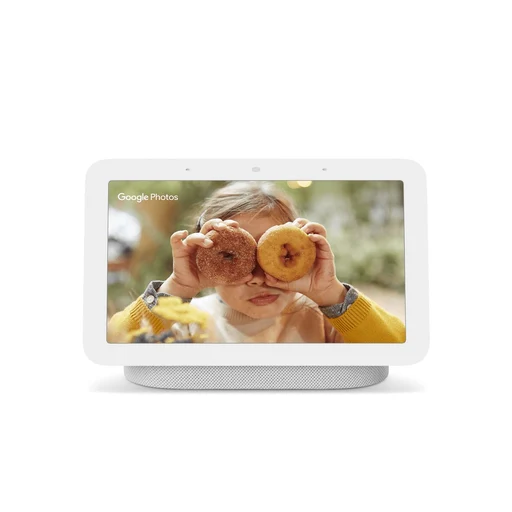
Google Nest Hub (2nd gen)
A Google Home display that can also connect Matter and Thread devices.
- Google Matter controller
Acts as a Google Home Matter controller for supported accessory types.
- Connect Nest Hub to Wi-Fi, add it to Google Home and enable IPv6 on the home network.
- Thread border router
Google lists this generation for Matter over Thread.
Home network routers

eero
eero 6
Thread border router.

eero
eero 6+
Thread border router.

eero
eero Pro 6E
Thread border router.

eero
eero Pro 6
Thread border router.

eero
eero Max 7
Thread border router.

eero
eero 7
Thread border router.

eero
eero Pro 7
Thread border router.

eero
eero Outdoor 7
Thread border router.

eero
eero PoE 6
Thread border router.

eero
eero Beacon
Thread border router.

eero
eero Pro
Thread border router.
Ovens

Siemens
Siemens HB578GBS7B
Home Connect remote-control capability is listed.
- Appliance control in the maker’s app
- Use a compatible phone for this app function.
- Add the exact device in the named app and enable this function.

Siemens
Siemens HB776G1B1B
Home Connect remote-control capability is listed.
- Appliance control in the maker’s app
- Use a compatible phone for this app function.
- Add the exact device in the named app and enable this function.
Samsung
Samsung NV7B6799AAK/SA
Oven with an internal camera for checking food from your phone.
- Look inside without opening the door
View the cooking process on a compatible phone, so you can check progress without opening the oven.
- Use Wi-Fi, a Samsung account and SmartThings on a compatible Android phone or iPhone.
- The internal camera works while the oven light is on.
Anova
Anova Precision Oven 2.0
Anova Oven app remote control; manual operation without Wi-Fi supported. Current app page offers free basic connectivity; premium adds selected advanced features.
- Anova Oven app remote control; manual operation without Wi-Fi supported.
- Use a compatible phone for this app.
- Current app page offers free basic connectivity; premium adds selected advanced features.
- CA official regional product listing verified; electrical SKU must match destination.

Breville
Breville Joule Oven Air Fryer Pro BOV950
Breville+ app monitoring/notifications and multi-stage Autopilot; three additional modes are app-exclusive. US and Canadian official product pages document this family.
- Mist and humidity control
- Use a compatible phone for this app.
- Manual documents app/account pairing and local STOP control to deactivate remote operation; installation clearances remain required.
- Use a compatible phone for this app.
- US and Canadian official product pages document this family.
 Shared appearance
Bosch
Bosch HBG7741B1/01
Home Connect remote monitoring/control and iService Remote; voice assistant needs separate compatible third-party account.
Combination microwaves

Siemens
Siemens CM778GNB1B
Home Connect remote-control capability is listed.
- Appliance control in the maker’s app
- Use a compatible phone for this app function.
- Add the exact device in the named app and enable this function.

Siemens
Siemens HM776G1B1B
Home Connect remote-control capability is listed.
- Appliance control in the maker’s app
- Use a compatible phone for this app function.
- Add the exact device in the named app and enable this function.
Steam ovens

Siemens
Siemens CS736G1B1
Home Connect remote-control capability is listed.
- Appliance control in the maker’s app
- Use a compatible phone for this app function.
- Add the exact device in the named app and enable this function.

Miele
Miele DGC 7860 HC Pro (UK)
Built-in combination steam oven with Wi-Fi networking, a wireless food probe and automatic cleaning.
- Connect through Miele@home
Miele@home Wi-Fi networking.
- Choose steam and combination cooking
Steam, conventional and combination cooking modes including sous-vide.
- Cook with the wireless food probe
Wireless food-temperature probe.
LG
LG InstaView Series 9 BO609B2BG4 Full Steam Oven
Full-steam electric oven with app monitoring, remote preheat and cooking notifications.
- Monitor and control cooking through ThinQ
ThinQ app monitors cooking, preheats, changes settings and turns the oven off remotely.
- Use Wi-Fi, a compatible phone and LG ThinQ.
- Get cooking alerts and diagnosis help
Phone alerts report preheat completion and the end of cooking; Smart Diagnosis supports troubleshooting.
- Use Wi-Fi, a compatible phone and LG ThinQ.
- Choose convection and steam cooking modes
76-litre cavity with convection, full steam, air-fry, steam sous-vide, drying and pizza modes.
Dishwashers

LG
LG XD3A15NS
App downloads wash cycles and provides notifications.
- Download appliance cycles
- Use a compatible phone for this app function.
- Add the exact device in the named app and enable this function.
- Appliance status and notifications
- Use a compatible phone for this app function.
- Add the exact device in the named app and enable this function.

Bosch
Bosch SHP78CM5N
Wi-Fi Home Connect is specified.
- Appliance control in the maker’s app
- Use a compatible phone for this app function.
- Add the exact device in the named app and enable this function.

Samsung
Samsung DW60BG750FSLSA
Freestanding 15-place dishwasher with an automatic opening door.
- Open the door automatically
Samsung identifies this exact model as the 15-place Auto Open Door dishwasher.

Bosch
Bosch SHP65CM5N
Wi-Fi Home Connect support; app settings and remote functions. Official model-specific manual includes Home Connect setup and remote-operation prerequisites.
- Wi-Fi Home Connect support; app settings and remote functions. Remote Start requires pairing and a selected program; factory setting uses appliance button and opening door disables it. App can instead configure permanent activation.
- Use a compatible phone for this app.
- Wi-Fi Home Connect support
- Official model-specific manual includes Home Connect setup and remote-operation prerequisites.

Bosch
Bosch SMS6HCI01A
Home Connect Wi-Fi explicitly listed in technical overview.
Refrigerators

LG
LG GF-LN700MBL
ThinQ app monitors the refrigerator.
- Appliance status and notifications
- Use a compatible phone for this app function.
- Add the exact device in the named app and enable this function.
Samsung
Samsung RF59A7F10B1/SA
640 L French-door fridge with Family Hub and a plumbed autofill jug.
- Look inside while shopping
View Inside shows the fridge contents on its screen or a compatible smartphone.
- Connect Family Hub to the internet and use the compatible phone app for remote viewing.
- Keep a jug filled automatically
The Autofill Infuser Water Jug refills when returned to its station.
- The jug dispenser is plumbed; install the required water connection.
Samsung
Samsung RF70H30HERAA
Embedded Wi-Fi and SmartThings app support are specified.
- Appliance control in the maker’s app
- Use a compatible phone for this app function.
- Add the exact device in the named app and enable this function.

Bosch
Bosch B36CT80SNS (US)
Counter-depth French-door refrigerator with app temperature control and separate cooling systems.
- Monitor and set temperatures remotely
Home Connect temperature control and remote monitoring.
- Cool fridge and freezer separately
Separate compressors for refrigerator and freezer.
- Use the filtered water dispenser
Filtered internal water dispenser.
- Provide the water supply and install the correct filtration.
LG
LG GF-V700MBLC (Australia)
Plumbed French-door fridge with a knock-to-view window, round ice maker and ThinQ connectivity.
- Connect through ThinQ and Smart Diagnosis
ThinQ Wi-Fi connectivity and Smart Diagnosis.
- Use the 642-litre capacity
642-litre net capacity.
- Light the window with two knocks
InstaView window lights when knocked twice.
Washing machines
LG
LG WV10-1410B
ThinQ Wi-Fi and downloadable cycles are listed.
- Download appliance cycles
- Use a compatible phone for this app function.
- Add the exact device in the named app and enable this function.
Samsung
Samsung WW12TP04DSB/SA
12 kg front-load washer with cycle suggestions and SmartThings laundry advice.
- Choose and plan a wash
SmartThings provides cycle recommendations and troubleshooting, while AI Control remembers washing habits.
- Use Wi-Fi, a Samsung account and SmartThings on a compatible Android phone or iPhone.
- Pass the wash cycle to a dryer
Auto Cycle Link selects a drying course to suit the wash.
- Use Wi-Fi, a Samsung account and SmartThings on a compatible Android phone or iPhone.
- Both washer and matching dryer must have AI Control and be connected to Wi-Fi.

Samsung
Samsung WW25FG6B34BBAC
SmartThings offers cycle advice, planning and troubleshooting.

Bosch
Bosch WGB256A1GB
Home Connect remote monitoring/control; additional app-selectable programs. Official model-specific manual includes Home Connect setup and remote-operation prerequisites.
- Home Connect remote monitoring/control; additional app-selectable programs. Remote Start requires paired Wi-Fi/app, selected program, shut door and inserted detergent drawer; opening door, pressing Remote Start or power cut disables it.
- Use a compatible phone for this app.
- Home Connect remote monitoring/control
- Official model-specific manual includes Home Connect setup and remote-operation prerequisites.

LG
LG WM6700HBA (Canada)
Front-load washer with automatic detergent dispensing and ThinQ remote functions.
- Monitor energy and use Smart Diagnosis
ThinQ Wi-Fi connectivity with energy monitoring and Smart Diagnosis.
- Start remotely and download wash cycles
Remote start option and downloadable wash cycles.
- Prepare and enable remote operation at the machine in ThinQ as instructed.
- Dispense detergent and softener automatically
ezDispense automatic detergent and softener dispensing.
Washer-dryers
LG
LG WM6998HBA
ThinQ offers remote start, cycle monitoring and energy monitoring.
- Start the appliance remotely
- Enable remote start on the appliance as the manufacturer directs.
- Use a compatible phone for this app function.
- Add the exact device in the named app and enable this function.
- Appliance status and notifications
- Use a compatible phone for this app function.
- Add the exact device in the named app and enable this function.
- Energy readings in the maker’s app
- Use a compatible phone for this app function.
- Add the exact device in the named app and enable this function.
Samsung
Samsung WD85T504DBE/SA
Washer-dryer with an 8.5 kg wash capacity and 6 kg drying capacity.
- Wash and dry in one appliance
Wash up to 8.5 kg or dry up to 6 kg. A full wash load exceeds the drying capacity, so some items need removing before drying.
Samsung
Samsung WD18DB8995BZSA
18.5 kg washer and 10 kg heat-pump dryer combined in one appliance.
- Wash and dry without moving machines
One drum handles washing and heat-pump drying. A full 18.5 kg wash exceeds the 10 kg drying capacity.

Miele
Miele WTR860WPM PWash & TDos (UK)
Connected washer-dryer with automatic detergent dispensing and separate wash/dry load limits.
- Use MobileStart, notifications and RemoteUpdate
Miele@home networking with MobileStart, push notifications and RemoteUpdate listed.
- Use the home network, Miele app and account; enable remote start as instructed.
- Wash 8 kg or dry 5 kg
Wash capacity 8 kg; drying capacity 5 kg; maximum spin 1600 rpm.
- Reduce a full 8 kg wash to 5 kg or less before drying.
- Dispense detergent with TwinDos
TwinDos automatically dispenses detergent.

AEG
AEG 8000 PowerCare LWR8516O5UD Washer Dryer (UK)
App-connected condenser washer-dryer with custom cycle transfer, steam refresh and separate wash/dry capacities.
- Send custom cycles from the AEG app
AEG app sends customised laundry cycles and settings to the appliance.
- Use a compatible phone/tablet and AEG app. Unrestricted remote start is not established by the captured page.
- Wash 10 kg or dry 6 kg
10 kg washing and 6 kg drying capacities; condenser drying drains collected moisture.
- Reduce a full 10 kg wash to 6 kg or less before drying.
- Dissolve capsules with UniversalDose
UniversalDose drawer uses water jets to dissolve detergent capsules.
Induction cooktops

Samsung
Samsung NZ64B5067YY/SA
60 cm induction cooktop with flexible zones and phone monitoring.
- See whether a cooking zone is on
SmartThings shows cooktop status and timer alerts. Phone control cannot turn the cooktop on or off.
- Use Wi-Fi, a Samsung account and SmartThings on a compatible Android phone or iPhone.
- Fit larger or longer cookware
Two rectangular Flex Zones on each side provide flexible cooking areas.

Bosch
Bosch Series 6 PXV831HC1E FlexInduction Hob (UK)
Connected induction hob with flexible cookware placement, app status checking and automatic compatible-hood control.
- Check hob status through Home Connect
Home Connect can show whether the hob is off and provide recipes/additional functions.
- Use internet, Home Connect and SingleKey ID accounts.
- Coordinate a matching automatic hood
Smart Hood Automatic adjusts a matching hood using cooking data from the hob.
- Use a matching Wi-Fi hood and connected account.
- Configure favourites and extra functions
Favourite button supports configurable functions; Pan Boost and keep-warm functions are available through Home Connect.
- Use internet, Home Connect and SingleKey ID accounts.
Range hoods

Samsung
Samsung NK36CB665WBGSA
90 cm rangehood with four extraction speeds and SmartThings routines.
- Run the hood with a routine
Create timed routines or trigger actions from other compatible appliances in SmartThings.
- Use Wi-Fi, a Samsung account and SmartThings on a compatible Android phone or iPhone.
- Other appliances used by the routine must be compatible, registered in SmartThings and connected to Wi-Fi.
- Adjust kitchen extraction
Choose from four extraction speeds. The specification lists no air-quality sensor.

Bosch
Bosch DWB98JR50A (Australia)
Connected wall-mounted rangehood that can be controlled through Home Connect or a compatible hob.
- Connect and update through Home Connect
Home Connect app connection and software updates.
- Link a compatible hob to the hood
Compatible hob can control hood functions after both appliances are linked through Home Connect.
- Use a compatible Home Connect hob and link both appliances in the app.
- Use authorized Remote Diagnostics
Remote Diagnostics supported when available in the country and authorized to customer service.
- Remote Diagnostics needs local service availability and your authorization to customer service.
Clothes dryers

Samsung
Samsung DV80T5420AW/SA
8 kg heat-pump dryer with cycle advice and optional washer-to-dryer linking.
- Plan and troubleshoot drying
SmartThings provides cycle advice, planning and troubleshooting.
- Use Wi-Fi, a Samsung account and SmartThings on a compatible Android phone or iPhone.
- Match drying to the wash
Auto Cycle Link selects a drying course from the wash cycle.
- Use Wi-Fi, a Samsung account and SmartThings on a compatible Android phone or iPhone.
- Both washer and dryer must have AI Control and be connected to Wi-Fi.

Samsung
Samsung DV25FG60BVBBAC
SmartThings offers cycle advice, planning and troubleshooting.

LG
LG DLHC6702B (Canada)
Heat-pump clothes dryer with remote cycle monitoring and downloadable programs.
- Use the 7.8 cu. ft. heat-pump dryer
7.8 cu. ft. heat-pump electric dryer.
- Start remotely and monitor cycles
ThinQ remote start and cycle monitoring.
- Enable remote start at the machine in ThinQ as instructed.
- Download cycles and monitor energy
Downloadable cycles, energy monitoring and Smart Diagnosis.
Bosch
Bosch Series 8 WQH235B8AU Heat Pump Dryer
Wi-Fi heat-pump dryer that can use information from a connected washer to suggest a drying programme.
- Monitor and control through Home Connect
Home Connect Wi-Fi with remote monitoring/control and remote service functions.
- Set up Home Connect and enable remote start at the appliance as instructed.
- Get Smart Dry programme suggestions
Smart Dry uses a compatible connected washer and dryer to recommend a drying programme.
- Use a compatible connected washer for Smart Dry. Basic drying does not require one.
- Dry up to 8 kg with AutoDry
8 kg capacity with AutoDry and heat-pump condensing operation.
Coffee machines

JURA
JURA E8 (INTD, 15841)
J.O.E. app support and Coffee Timer are documented. Coffee Timer permits advance preparation; manufacturer requires properly assembled/filled machine and cup under correct spout, with people/pets clear of hot outlets.
- Cooking controls
- J.O.E. and Coffee Timer need the optional Wi-Fi Connect V2, sold separately.
- Use a compatible phone for this app.
- J.O.E
- Coffee Timer permits advance preparation
JURA
JURA ENA 8 (AUC, 15526)
Smartphone operation through J.O.E. over Wi-Fi.
- Smartphone operation through J.O.E

JURA
JURA J8 (NAA, 15555)
Wi-Fi home-network connection; J.O.E. compatibility documented.
- Wi-Fi home-network connection

JURA
JURA J8 twin (INTA, 15659)
Two grinders; Wi-Fi home-network connection and J.O.E. onboarding.
- Two grinders

JURA
JURA GIGA 10 (15527)
J.O.E. app operation using included Wi-Fi Connect.
- J.O.E

De’Longhi
De’Longhi Dinamica Plus Connected ECAM37095TI
Coffee Link supports remote customization, saved recipes and maintenance help; Bluetooth connection is local-range.
- Cooking controls
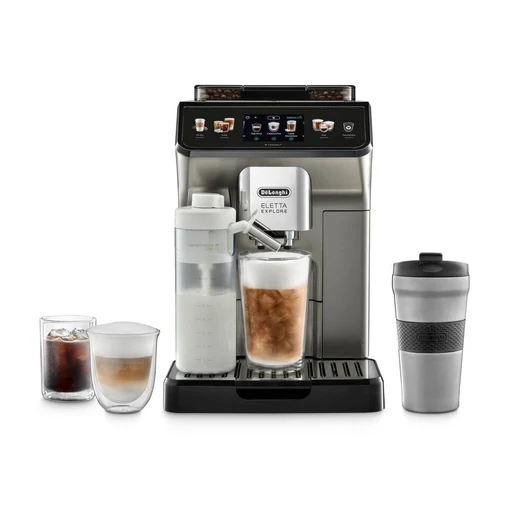
De’Longhi
De’Longhi Eletta Explore ECAM450.86.T EX:4
Coffee Link provides remote control and Bean Adapt settings. Connectivity and remote control must be enabled on machine; pairing uses machine PIN.
- Cooking controls
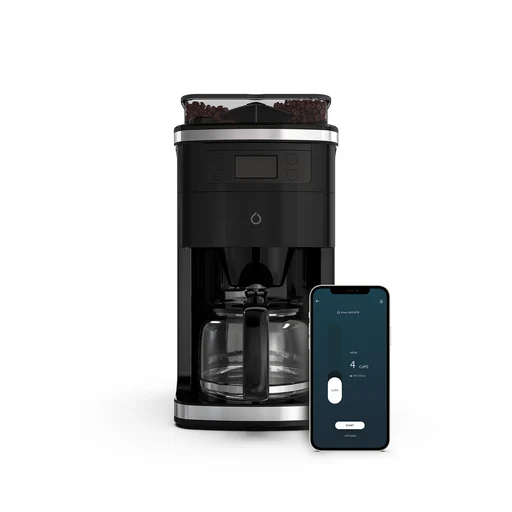
Smarter
Smarter Coffee (2nd Generation)
Smarter app remote brewing; strength and cup-count adjustment advertised. Official listing marked sold out at check time.
- Cooking controls
- Use a compatible phone for this app.
- Official listing marked sold out at check time.
Sous vide cookers

Anova
Anova Precision Cooker 3.0
Remote app monitoring/control; physical time and temperature controls. Current app page offers free basic connectivity; premium adds selected advanced features.
- Heating or cooling
- Use a compatible phone for this app.
- Current app page offers free basic connectivity; premium adds selected advanced features.
- AU official regional product listing verified; electrical SKU must match destination.

Anova
Anova Precision Cooker Pro
App can start, stop and monitor remotely via home Wi-Fi. Current app page offers free basic connectivity; premium adds selected advanced features.
- App can start, stop and monitor remotely via home Wi-Fi.
- Use a compatible phone for this app.
- Current app page offers free basic connectivity; premium adds selected advanced features.
- UK official regional product listing verified; electrical SKU must match destination.
Anova
Anova Precision Cooker Nano (Bluetooth generation)
Short-range app control and monitoring; not a Wi-Fi Nano 3.0 claim. Current app page offers free basic connectivity; premium adds selected advanced features.
- Short-range app control and monitoring; not a Wi-Fi Nano 3.0 claim.
- Use a compatible phone for this app.
- Current app page offers free basic connectivity; premium adds selected advanced features.

Anova
Anova Precision Cooker Mini
App-based time/temperature control; dual-band Wi-Fi hardware documented. Current app page offers free basic connectivity; premium adds selected advanced features.
- Heating or cooling
- Use a compatible phone for this app.
- Current app page offers free basic connectivity; premium adds selected advanced features.

Breville
Breville Joule Turbo Sous Vide BSV600
Breville+ app control, monitoring and notifications; manufacturer advertises Alexa and Google Assistant. US and Canadian official product pages document this family.
- Breville+ app control, monitoring and notifications; manufacturer advertises Alexa and Google Assistant.
- Use a compatible phone for this app.
- US and Canadian official product pages document this family.
- Manual requires correct setup
Manual requires correct setup; unplugging cancels remote operation.
Kettles

Smarter
Smarter iKettle Original (3rd Generation)
Smarter app remote control; wake-up/home scheduling advertised. Official listing marked sold out at check time.
- Smarter app remote control; wake-up/home scheduling advertised.
- Use a compatible phone for this app.
- Official listing marked sold out at check time.

GoveeLife
GoveeLife Smart Electric Kettle Pro H717A
App-controlled tea kettle with removable infuser, timed heating and adjustable temperature.
- Schedule heating and set temperature
Schedule heating and adjust target temperature in the app.
- Connect to 2.4 GHz Wi-Fi.
- Use Alexa or Google Assistant
Alexa and Google Assistant voice control.
- Connect to 2.4 GHz Wi-Fi.
- Use the documented US kettle capacity
1.7-litre capacity; 120 V, 1500 W.
Shower controllers

Moen
Moen Smart Shower two-outlet controller TS3302 series
Two outlet controls and temperature presets; Wi-Fi app connectivity. Manufacturer approves use in US/Canada only.
- Water temperature presets
- Use the S3102 digital thermostatic valve, sold separately.
- Moen approves this system for use and companion-app access in the US and Canada.
- Use a compatible phone for this app.
- Manufacturer approves use in US/Canada only.
 Shared appearance
Kohler
Kohler Anthem Digital Control K-28214
Controls temperature, flow and up to six outlets; nine presets. KOHLER Konnect app unlocks additional functions and updates.
- Controls temperature, flow and up to six outlets; nine presets.
- KOHLER Konnect app unlocks additional functions and updates.
 Shared appearance
Kohler
Kohler Anthem+ Digital Control K-28214-ASC
Controls steam and temperature/flow for up to twelve outlets; nine presets. KOHLER Konnect app unlocks additional functions and updates.
- Controls steam and temperature/flow for up to twelve outlets; nine presets.
- KOHLER Konnect app unlocks additional functions and updates.
 System illustration
Mira
Mira Activate with ColdBoost 1.1903.087
App- and voice-controlled digital shower with temperature/flow display and usage tracking.
- Control through app, voice or controller
Control through app, voice or digital shower controller.
- Use the specified high-pressure/combi system and follow the exact installation instructions.
- See live temperature and flow
Display shows live temperature and flow rate.
- Track duration and water use
Tracks shower duration and water use.
- Use Wi-Fi and Mira Showers for usage logging.
Shower modules

Kohler
Kohler DTV+ KOHLER Konnect Module K-97999-NA
Adds app and voice connectivity to compatible DTV+ systems. App shower operation requires phone and DTV+ on the same Wi-Fi network.
- Adds app and voice connectivity to compatible DTV+ systems.
- App shower operation requires phone and DTV+ on the same Wi-Fi network.
Taps
Moen
Moen Arbor Smart Faucet 7594EV series
Exact 7594EV smart family is distinct from mechanical 7594 and MotionSense 7594E/7594EW. Manufacturer documents app and voice control via Alexa/Google, with sensor/manual operation without connected smart features.
- Manufacturer documents app and voice control via Alexa/Google, with sensor/manual operation without connected smart features.
- Use a compatible phone for this app.
- Exact 7594EV smart family is distinct from mechanical 7594 and MotionSense 7594E/7594EW.

Delta
Delta Trinsic VoiceIQ 9159TV-DST
Kitchen faucet with touch activation and voice-controlled measured water dispensing.
- Dispense water with VoiceIQ
VoiceIQ works with Alexa or Google Assistant to start/stop water and dispense specified amounts.
- Use a compatible Alexa/Google Assistant device, configured network service and an unswitched outlet below the sink.
- Use container commands and warm-up
Custom container commands and water warm-up.
- VoiceIQ requires mains power and its configured voice service. The handle sets water temperature.
- Start or stop flow by touch
Touch2O starts or stops flow by touching spout or handle.
Litter boxes

PETKIT
PETKIT Purobot Max 3
Tracks separate cats and sends litter-box status alerts.
- Pet-care controls in the maker’s app
- Use a compatible phone for this app function.
- Add the exact device in the named app and enable this function.
PETKIT
PETKIT Purobot Max Pro 2 (P9904)
App controls camera operation and shows individual cat records.
- Pet-care controls in the maker’s app
- Use a compatible phone for this app function.
- Add the exact device in the named app and enable this function.
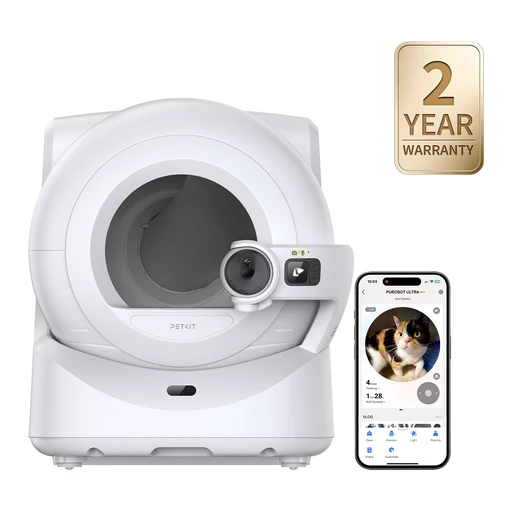
PETKIT
PETKIT Purobot Ultra (P9903)
Camera monitoring and activity records are available in the app.
- Pet-care controls in the maker’s app
- Use a compatible phone for this app function.
- Add the exact device in the named app and enable this function.

PETKIT
PETKIT Purobot Crystal Duo (P9905)
App provides litter-box activity notifications.
- Pet-care controls in the maker’s app
- Use a compatible phone for this app function.
- Add the exact device in the named app and enable this function.

Whisker
Whisker Litter-Robot 4
An automatic sifting litter box with remote maintenance alerts and weight-based cat-usage records.
- Sift waste after each visit
Sifts waste into an enclosed drawer after use.
- Every visiting cat must weigh at least 3 lb / 1.3 kg for automatic cleaning.
- Check waste and litter levels
Whisker app reports waste-drawer fullness and litter levels.
- Connect to 2.4 GHz Wi-Fi.
- Review weight and litter-box activity
Records cat weight and litter-box activity for reviewing changes in routine.
- Connect to 2.4 GHz Wi-Fi.

Neakasa
Neakasa M1 Plus
An open-top automatic litter box with remote cleaning controls and a large waste drawer, suited to cats that dislike enclosed globes.
- Use an open-top entrance
Open-top design provides an unobstructed entrance and space to turn.
- Choose cleaning modes in the app
App offers Auto, Manual, Timer and Empty modes, plus remote cleaning starts.
- Below 2.2 lb / 1 kg, disable automatic cleaning in Kitten Mode and clean only while the kitten is outside.
- Connect to 2.4 GHz Wi-Fi.
- See litter levels and usage
App shows litter and waste-bin status and records usage.
- Connect to 2.4 GHz Wi-Fi.

PetSafe
PetSafe ScoopFree SmartSpin
A rotating litter box that sifts clumps into a sealed drawer and sends weight and usage records to your phone.
- Sift waste into the drawer
Detects the cat leaving, then sifts waste into the drawer.
- Follow the exact regional manual’s kitten and minimum-weight rules; the UK page rates cats up to 11 kg.
- Review weight and litter-box visits
PetSafe Pet Companion app provides weight updates and litter-tray usage records.
- Connect to 2.4 GHz Wi-Fi.
- Use the six-litre waste drawer
Uses a six-litre waste drawer; emptying interval depends on the number of cats.
 Retailer photo with a cat.
PetSnowy
PetSnowy SNOW+
An enclosed automatic litter box with a tracking-reduction walkway and app-adjustable cleaning delay.
- Adjust the cleaning delay
Default cleaning delay is four minutes and can be adjusted to suit the litter.
- Cats under 3.3 lb must not use automatic cleaning. Follow the semi-automatic procedure with the cat outside.
- Get cycle and fragrance reminders
PetSnowy app reports interrupted cycles and fragrance replacement reminders.
- Associate weight readings with pet IDs
Pet IDs associate weight readings with cats in multi-cat homes.

PetSafe
PetSafe ScoopFree OpenSky
An open-top, app-connected litter box that cleans after each visit while letting cats avoid an enclosed globe.
- Use an open-top litter box
Open-top design, rather than SmartSpin’s enclosed spherical design.
- Monitor through the Wi-Fi app
Wi-Fi app monitoring is explicitly listed.
- Connect plug-in power and Wi-Fi for app monitoring; the Wi-Fi band is not established by this evidence.
- Use clumping litter
Uses clumping litter rather than proprietary crystal trays.
Pet feeders

PETKIT
PETKIT YumShare Dual-hopper (P591)
App provides feeding schedules and food-jam notifications.
- Pet-care controls in the maker’s app
- Use a compatible phone for this app function.
- Add the exact device in the named app and enable this function.

PETKIT
PETKIT YumShare Dual-hopper 2
App provides independent feeding plans and low-food alerts.
- Pet-care controls in the maker’s app
- Use a compatible phone for this app function.
- Add the exact device in the named app and enable this function.
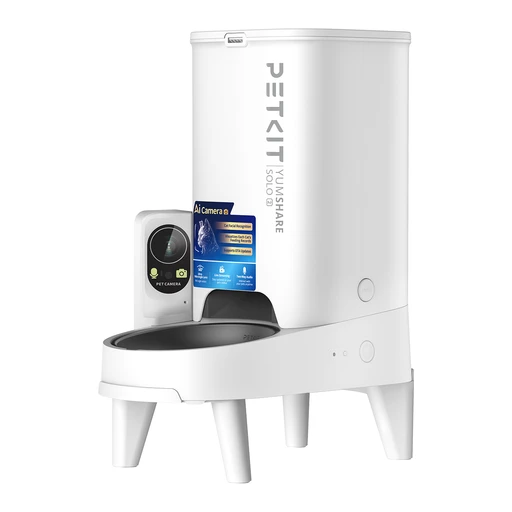
PETKIT
PETKIT YumShare Solo 2
App-connected feeding with camera monitoring.
- Pet-care controls in the maker’s app
- Use a compatible phone for this app function.
- Add the exact device in the named app and enable this function.
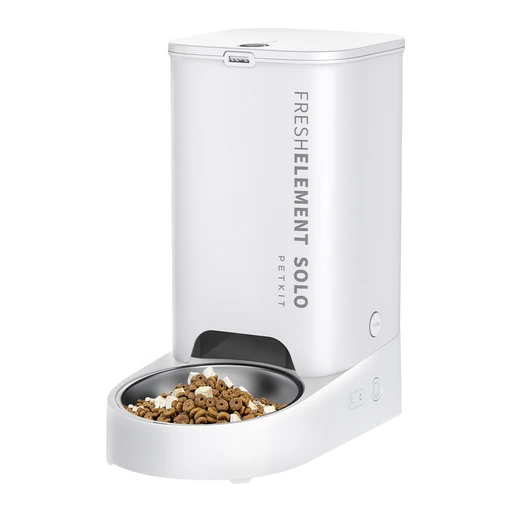
PETKIT
PETKIT Fresh Element Solo
App supports meal scheduling and feeder-status alerts.
- Pet-care controls in the maker’s app
- Use a compatible phone for this app function.
- Add the exact device in the named app and enable this function.

Sure Petcare
Sure Petcare SureFeed Microchip Pet Feeder Connect
Selective access using registered microchip or Sure Petcare RFID collar tag. Integrated scales and feeding-history app; accepts wet/dry food.
- Feeding functions
- Sure Petcare Hub
- Use a compatible phone for this app.
- Selective access using registered microchip or Sure Petcare RFID collar tag.

PETLIBRO
PETLIBRO One RFID Smart Feeder PLAF301
One feeder binds to one RFID collar for personalized access. App feeding controls and lid settings.
- Feeding functions
- Use a compatible phone for this app.
- One feeder binds to one RFID collar for personalized access.
- App feeding controls and lid settings

PETLIBRO
PETLIBRO Polar Smart Wet Food Feeder PLAF109
App-connected refrigerated wet-food feeder with three meal compartments.
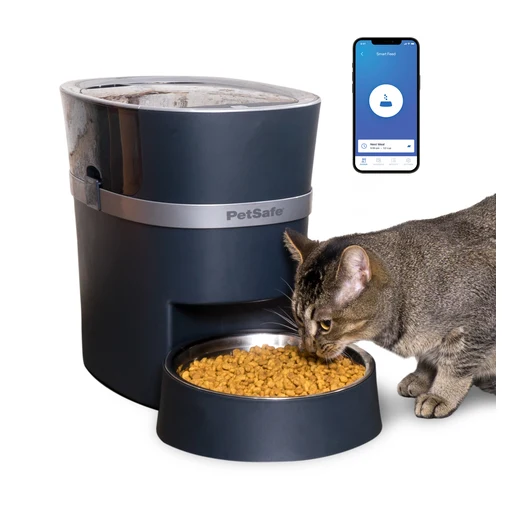
PetSafe
PetSafe Smart Feed 2nd Generation PFD00-16828
24-cup capacity and up to twelve scheduled meals daily. App feed-now and low/empty food notifications.
- App feed-now and low/empty food notifications.
- Use a compatible phone for this app.
- 24-cup capacity and up to twelve scheduled meals daily.
Pet fountains

PETKIT
PETKIT EverSweet Ultra
App supports individual pet profiles and waste-tank alerts.
- Pet-care controls in the maker’s app
- Use a compatible phone for this app function.
- Add the exact device in the named app and enable this function.
PETKIT
PETKIT EverSweet Max 2 (UVC)
App tracks drinking duration and device status.
- Pet-care controls in the maker’s app
- Use a compatible phone for this app function.
- Add the exact device in the named app and enable this function.

PETKIT
PETKIT EverSweet Max (Cordless)
App offers drinking history and selectable operating modes.
- Pet-care controls in the maker’s app
- Use a compatible phone for this app function.
- Add the exact device in the named app and enable this function.

PETKIT
PETKIT EverSweet 3 Pro (UVC)
App controls water-flow modes and maintenance alerts.
- Pet-care controls in the maker’s app
- Use a compatible phone for this app function.
- Add the exact device in the named app and enable this function.
PETKIT
PETKIT EverSweet Solo 2
App provides low-water reminders.
- Pet-care controls in the maker’s app
- Use a compatible phone for this app function.
- Add the exact device in the named app and enable this function.

PETLIBRO
PETLIBRO Dockstream RFID Smart Fountain
A connected fountain that distinguishes individual cats using PETLIBRO collar tags rather than estimating which pet drank from weight alone.
- Track drinking for up to five tagged cats
Supports RFID hydration tracking for up to five cats.
- Use compatible PETLIBRO RFID collar tags; two are included, and additional cats need additional tags.
- Connect to 2.4 GHz Wi-Fi.
- Get refill and filter alerts
App provides refill, filter-life and irregular-hydration alerts.
- Connect to 2.4 GHz Wi-Fi.
- Remove the three-litre tank
Three-litre detachable tank and stainless-steel basin.
PETLIBRO
PETLIBRO Dockstream 2 Smart Cordless Fountain
A battery-powered connected fountain that can sit away from a socket while recording one pet’s drinking habits.
- Run from the rechargeable battery
Built-in rechargeable battery supports cordless operation.
- Dispense when motion is detected
Motion-triggered dispensing has adjustable sensing range and flow duration.
- Connect on 2.4 or 5 GHz Wi-Fi
Supports 2.4 GHz and 5 GHz Wi-Fi with the Petlibro app.
Pet dryers
PETKIT
PETKIT AirSalon Max Pro
App controls drying settings and provides timer alerts.
- Pet-care controls in the maker’s app
- Use a compatible phone for this app function.
- Add the exact device in the named app and enable this function.
Pet hubs

Sure Petcare
Sure Petcare Hub
Supports up to ten connected products. Internet connection links app with Connect products.
- Supports up to ten connected products
- Internet connection links app with Connect products.
Pet doors

Sure Petcare
Sure Petcare SureFlap Microchip Cat Flap / Cat Door Connect
App lock/curfew and entry/exit notifications. DualScan permits individual pet exit permissions.
- App lock/curfew and entry/exit notifications.
- Sure Petcare Hub
- Use a compatible phone for this app.
- DualScan permits individual pet exit permissions.
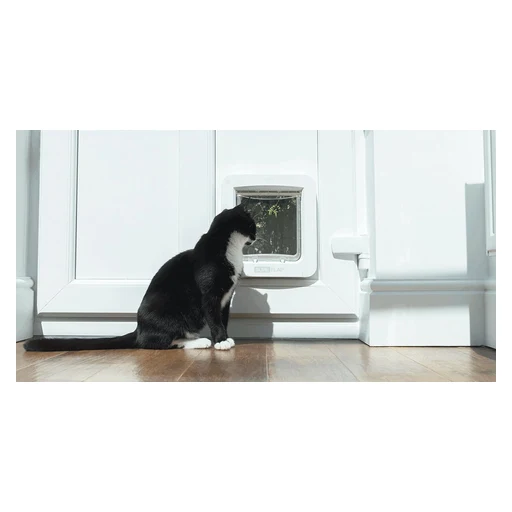
Sure Petcare
Sure Petcare SureFlap Microchip Pet Door Connect
App-controlled lock/curfew and entry/exit notifications.

PetSafe
PetSafe SmartDoor Connected
An app-controlled pet door with individual access schedules, remote locking and selective entry; implanted-microchip support is limited to Medium.
- Schedule and lock through My PetSafe
My PetSafe supports individual schedules, remote lock/unlock and activity notifications.
- Connect to 2.4 GHz Wi-Fi.
- Open for paired collar keys
Uses paired collar keys for selective entry.
- Use implanted microchips on Medium only
Only Medium supports the listed FDX-B, FDX-A and AVID microchip formats; Large does not.
- Implanted-microchip access is Medium-only and needs a supported chip format. Large uses the correct collar key.
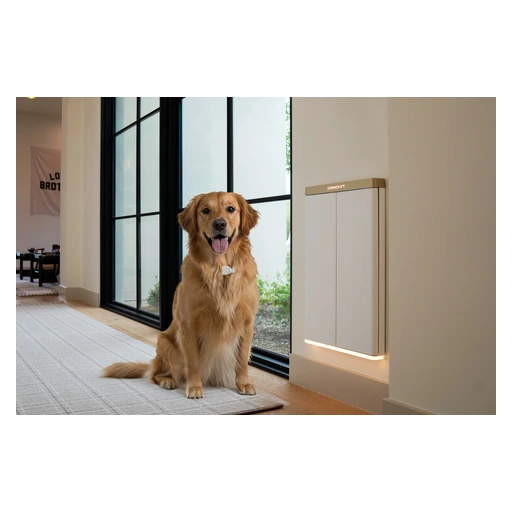 Product range photo
Pawport
Pawport Smart Pet Door
A motorized retrofit door that opens for its collar tag and adds app schedules and activity tracking to an existing pet opening.
- Retrofit a matching pet-door frame
Fits over compatible existing pet-door frames; complete systems are available for new openings.
- Use the opening-size guide and matching-size system components.
- Open for a moving Smart Pet Tag
The Smart Pet Tag triggers opening when the pet is nearby and moving.
- Each pet needs a paired Pawport Smart Pet Tag.
- Set access schedules and notifications
Pawport app supports per-pet access schedules and arrival/departure alerts.
- Use a Wi-Fi connection for remote management.

High Tech Pet
High Tech Pet Power Pet WiFi PX-2
A motorized collar-activated door with phone-controlled access, schedules and an activity log.
- Open for the ultrasonic collar
An included MS-5 ultrasonic collar triggers the door; this is not implanted-microchip access.
- Control the door through the app
The Wi-Fi app can open or close the door, enable sensors and hold it open.
- Connect to 2.4 GHz Wi-Fi.
- Set weekly access timers
Supports up to 20 access timers over the week.
- Connect to 2.4 GHz Wi-Fi.
Pet water monitors
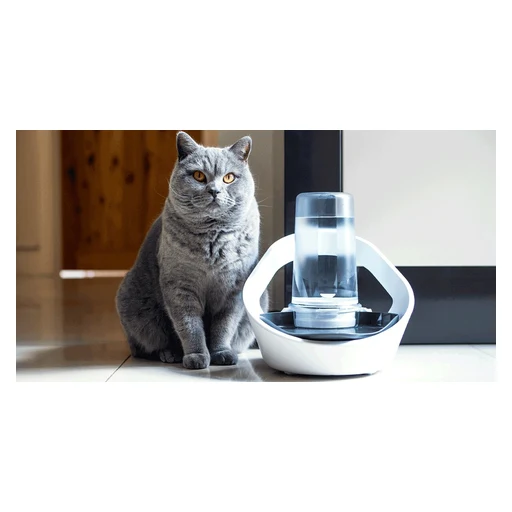
Sure Petcare
Sure Petcare Felaqua Connect
Battery-powered one-litre reservoir refills drinking bowl without recirculating pump. Open-access bowl; individual drinking records in app.
- Pet drinking readings
- Sure Petcare Hub
- Use a compatible phone for this app.
- Battery-powered one-litre reservoir refills drinking bowl without recirculating pump.
- Open-access bowl
Bird feeders
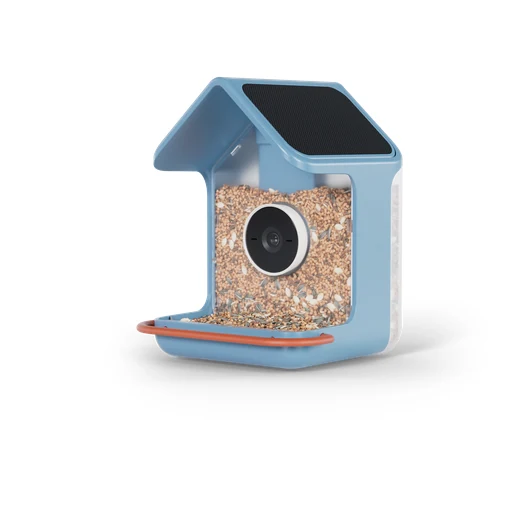
Birdbuddy
Birdbuddy Home
2K video and 5 MP HDR photos; integrated dual solar roof panels. Portrait/landscape capture modes and bird-visit app notifications.
- Portrait/landscape capture modes and bird-visit app notifications.
- Use a compatible phone for this app.
- 2K video and 5 MP HDR photos
- Product-page tier comparison lists photos/video/livestream in basic tier; automatic visitor identification and named-bird tracking require Premium.
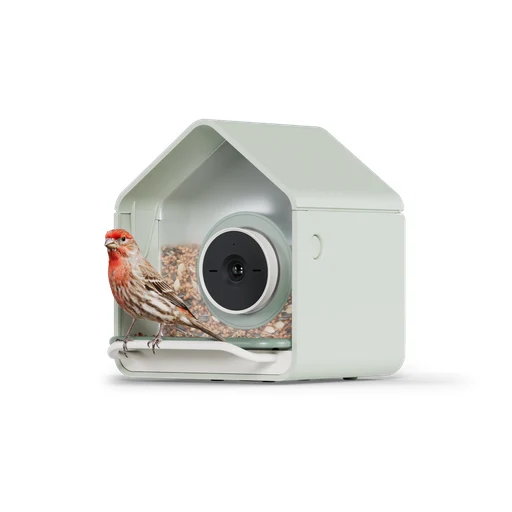
Birdbuddy
Birdbuddy Nook
Full HD HDR video and 5 MP photos; solar-roof option consolidated. Portrait/landscape capture modes and bird-visit app notifications.
- Portrait/landscape capture modes and bird-visit app notifications.
- Use a compatible phone for this app.
- Full HD HDR video and 5 MP photos
- Product-page tier comparison lists photos/video/livestream in basic tier; automatic visitor identification and named-bird tracking require Premium.